.png)
 简体中文

Most people starting out with content creation tend to use a microphone without giving much thought to its placement. While this might seem like a trivial issue, it negatively affects their audio, resulting in them losing their biggest tool for audience engagement.
Viewers can look past cheap sets, subpar camera work, and even minimal editing, as these things usually provide a certain charm. However, bad audio quality is incredibly hard to ignore, as it’s the first thing viewers interact with. For this reason, proper mic placement is essential in ensuring better audio quality.
Why Mic Distance Matters
The Proximity Effect
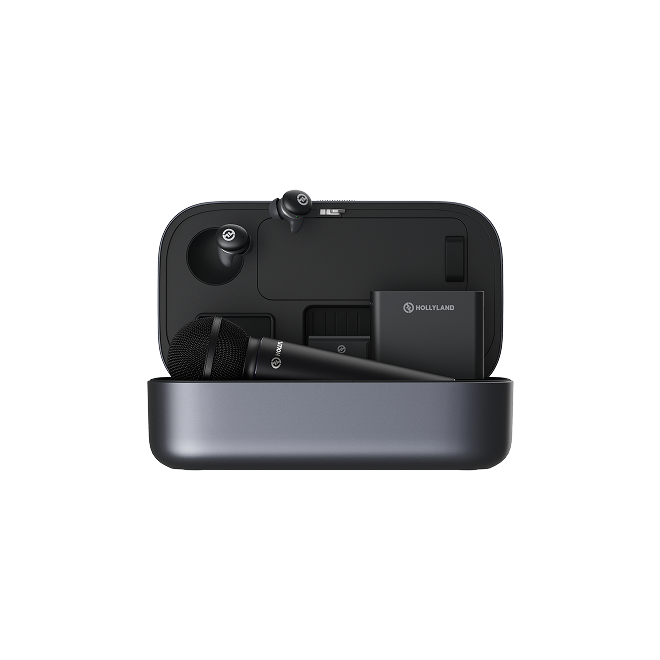
Directional mics, like the one pictured above, pick up audio from one direction while reducing audio from other directions. When these microphones are put too close to a sound source, the audio becomes heavy or bassy, resulting in something called the proximity effect.
While this effect is useful for putting emphasis on a specific topic, it usually results in popping noises in the audio.
Signal-to-Noise Ratio
Signal-to-noise ratio refers to the volume of background noise your audio has to compete with. The further away you place your mic, the more noise it picks up. This can result in your audio becoming muffled or overpowered by useless background audio.
The ideal signal-to-noise ratio depends on how you use your mic. If you plan on using it for general recording, anything above 74db is good. But if you plan on recording quieter sounds, then an SNR of 79db or higher is best.
Recommended Distance By Use Case
Unfortunately, there’s not really one optimal distance that can be used for all mics. Different use cases require varying distances to get the best possible audio, whether it’s a quiet environment or a louder live performance.
Podcasters And Desk Creators
The ideal distance for podcasters depends on the type of microphone they use. Here are the ideal distances for three of the most common ones:
Dynamic Microphones
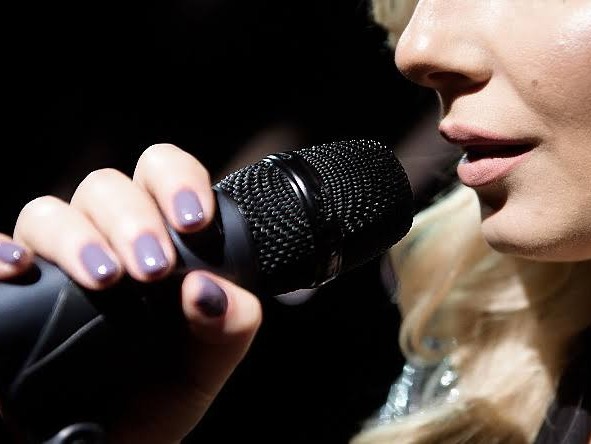
Dynamic microphones block out background noise, so they work best when they’re closer to your mouth. Since they don’t pick up any unwanted audio, they’re perfect for use in noisy areas and crowded, public spaces.
If you’re using dynamic microphones, make sure you place them around 2-3 inches away from your mouth.
Condenser Microphones
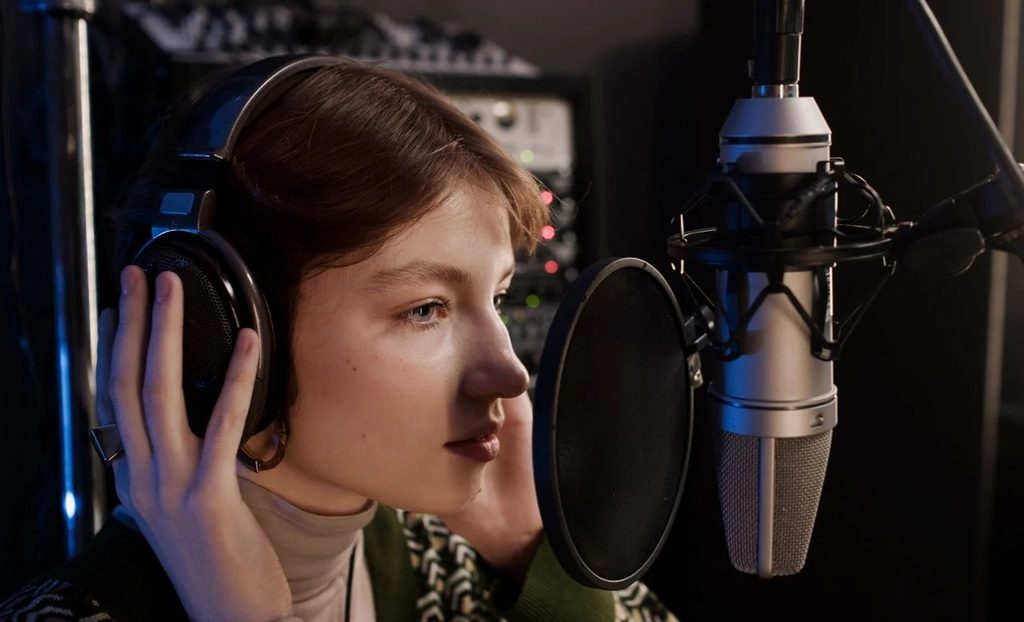
Condenser microphones are higher-quality mics used for picking up vocals, making them much more sensitive than dynamic microphones. Since they’re incredibly sensitive, it’s best to use them in quieter rooms while maintaining a distance of 4-6 inches to avoid any echoes.
Shotgun or Boom Mics
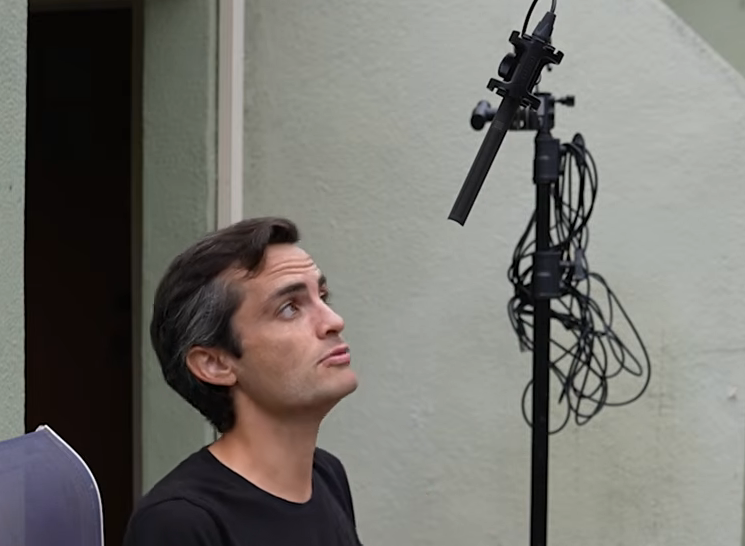
Shotgun mics and boom mics (shotgun microphones connected to a boom arm) are directional mics that only pick up audio from one direction and block out audio from all other directions.
It’s best to keep these microphones a little further away than usual. A distance of 10-18 inches works best, but do keep in mind that they’re mostly used in professional settings.
Points To Remember
Regardless of the type of microphone you use, it’s best to:
- Use a pop filter to avoid popping noises in the audio.
- Keep the mic slightly off-axis, so any harsher sounds are not emphasized.
On-Camera Creators and Interviewers

For creators who have a more fluid set with movement here and there, keeping a set distance from the microphone becomes a bit more challenging. In these cases, lavalier mics perform better than other types of mics. Since lavalier mics clip onto clothing, they completely remove the hassle of keeping the right distance from the mic.
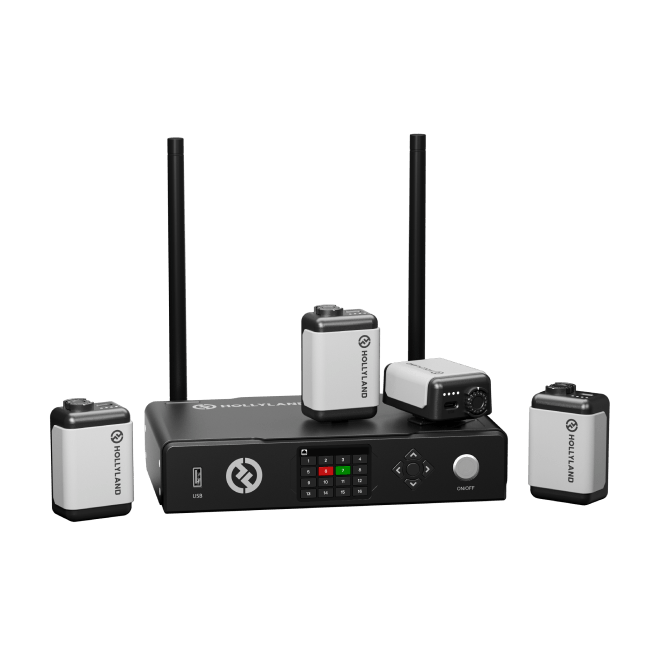
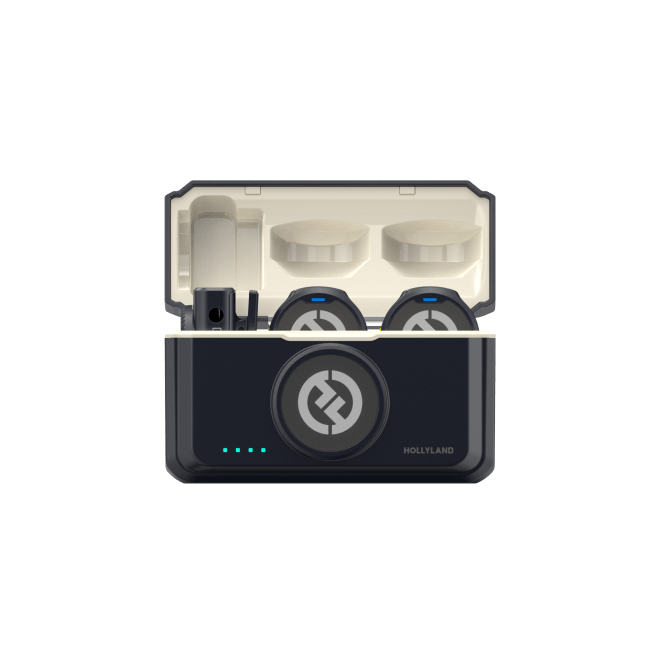
There are a number of lav mics for different purposes, but if you’re looking for something that covers three or more people, the LARK M3 is the perfect option. The mic supports flexible multi-unit configurations and boasts up to four transmitters and four receivers. It can meet diverse production needs, further making it ideal for multi-camera shoots and panel discussions.
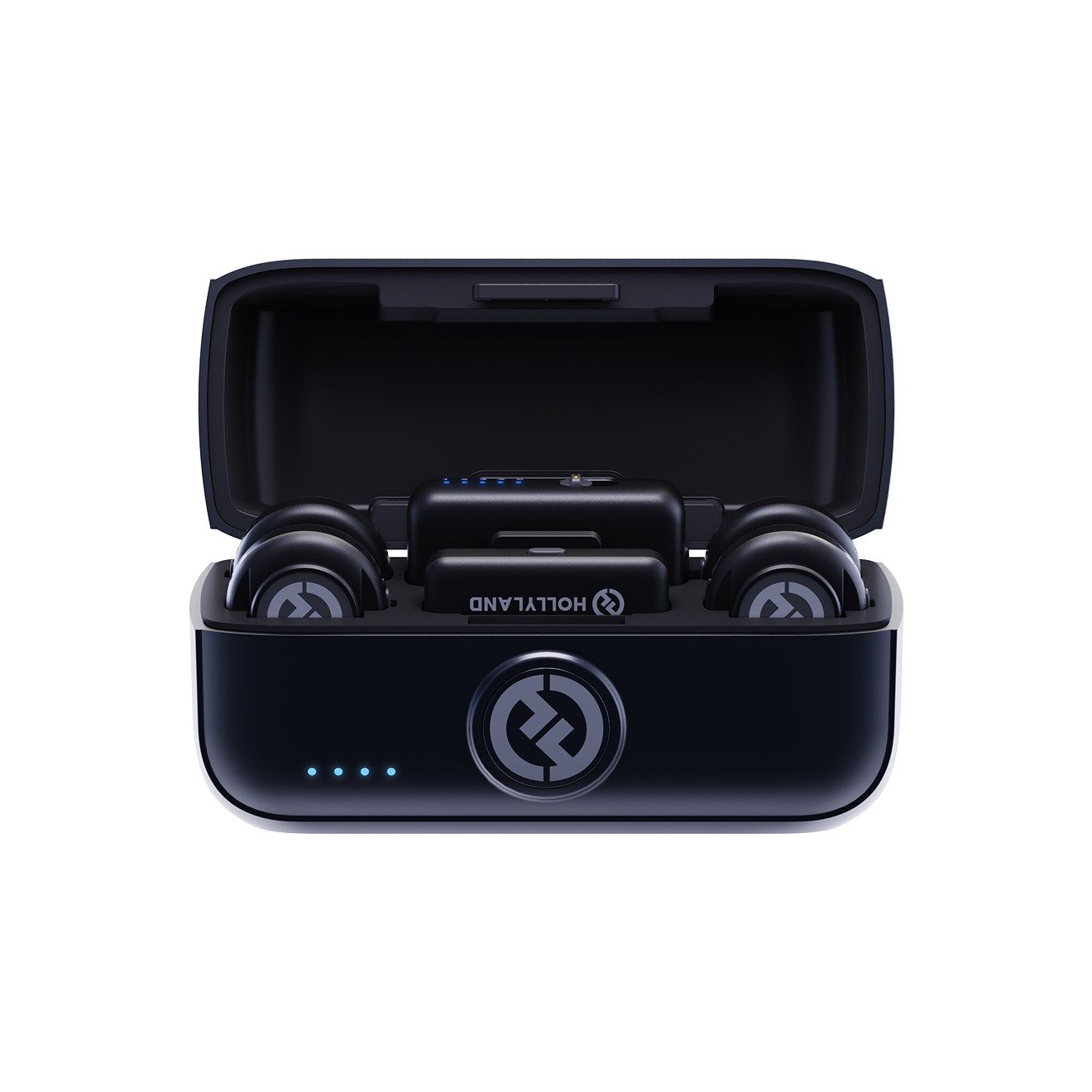
Hollyland LARK M3 - 32-Bit Float Mini Microphone
An ultra-compact 9g wireless microphone system featuring 32-bit float recording and 4-channel scalability for professional, zero-distortion sound.
Key Features: 32-Bit Float Recording | Up to 4 TX & 4 RX | 300m Range
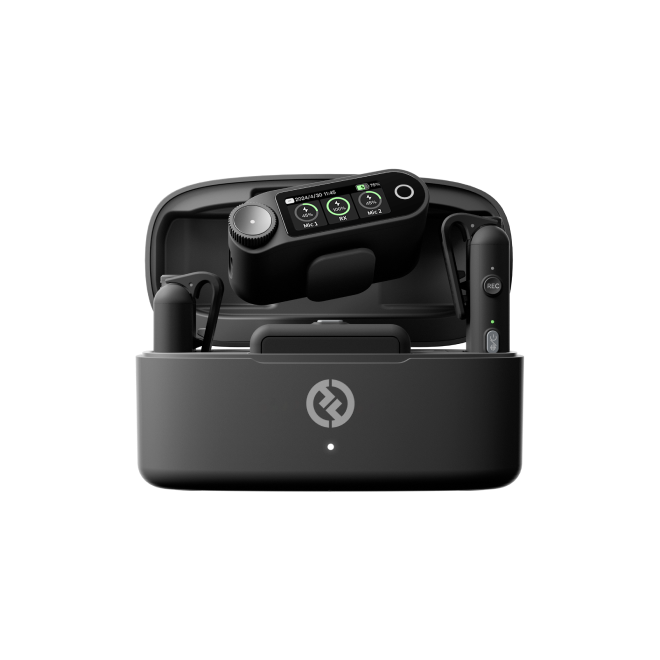
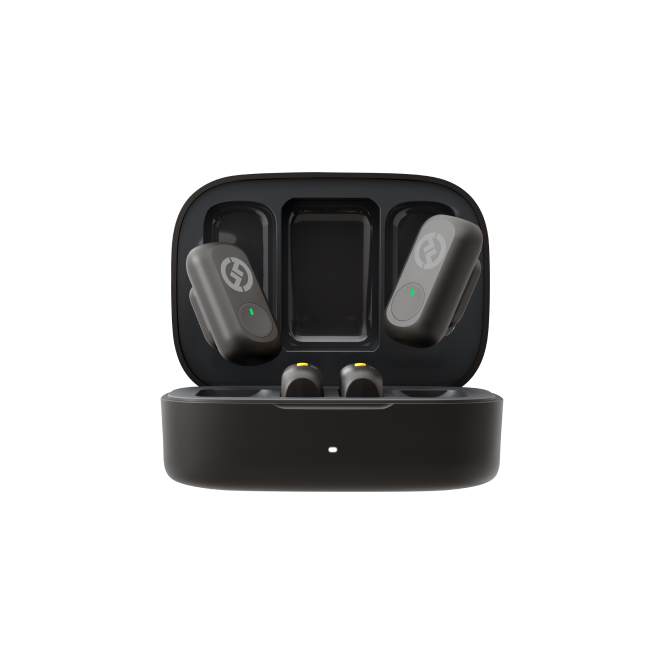
On the other hand, if you plan on going for one-on-one content, then the LARK A2 is more suitable. It comes with two transmitters and a long battery life, allowing you to record in-depth interviews with crisp audio quality.
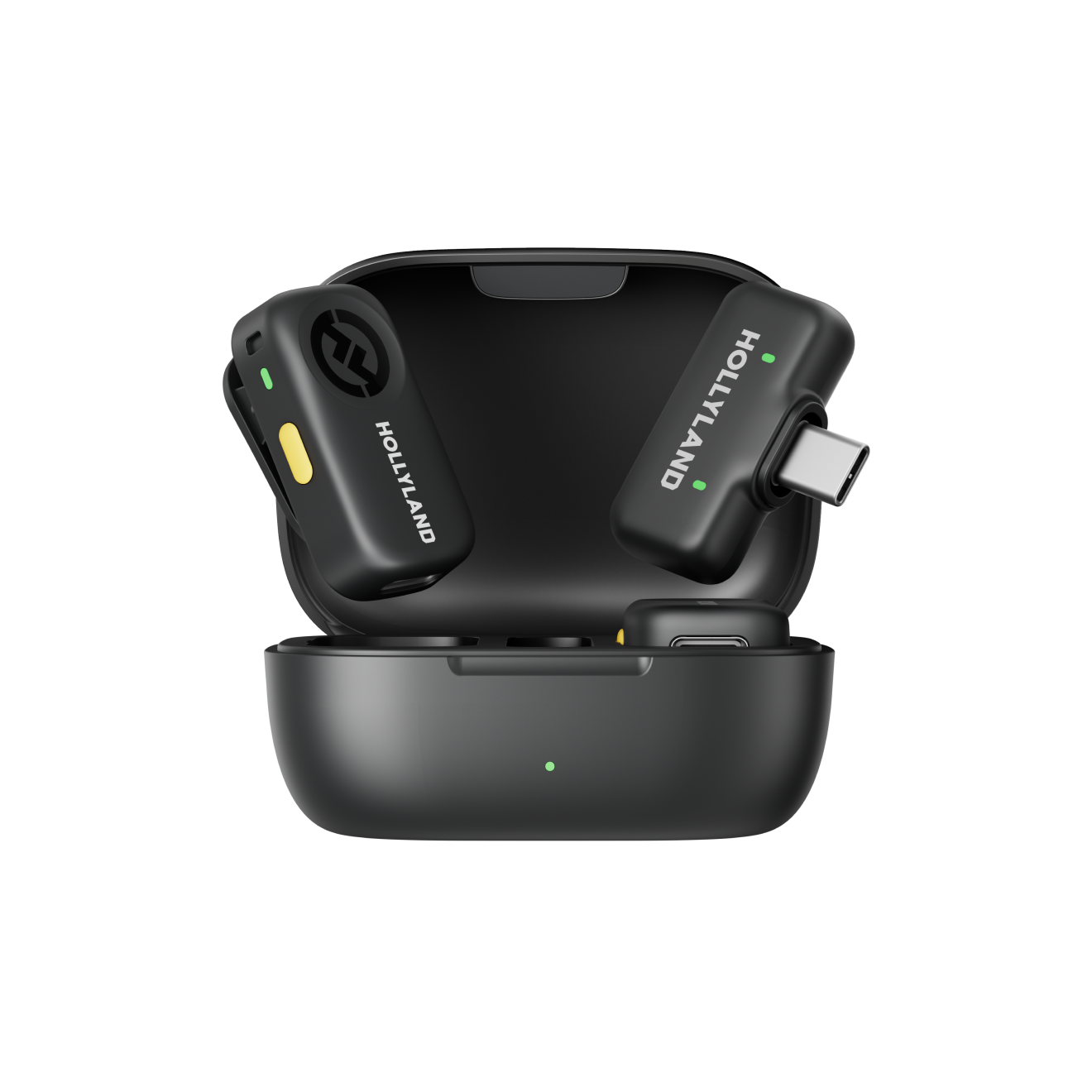
Hollyland LARK A2 - Clip-on Microphone
An ultra-light 8.5g wireless microphone engineered for effortless mobile recording, featuring smart AI noise cancellation and studio-grade sound.
Key Features: 8.5g Clip & Go | AI Noise Cancellation | 42 Hours Battery
Live Performers
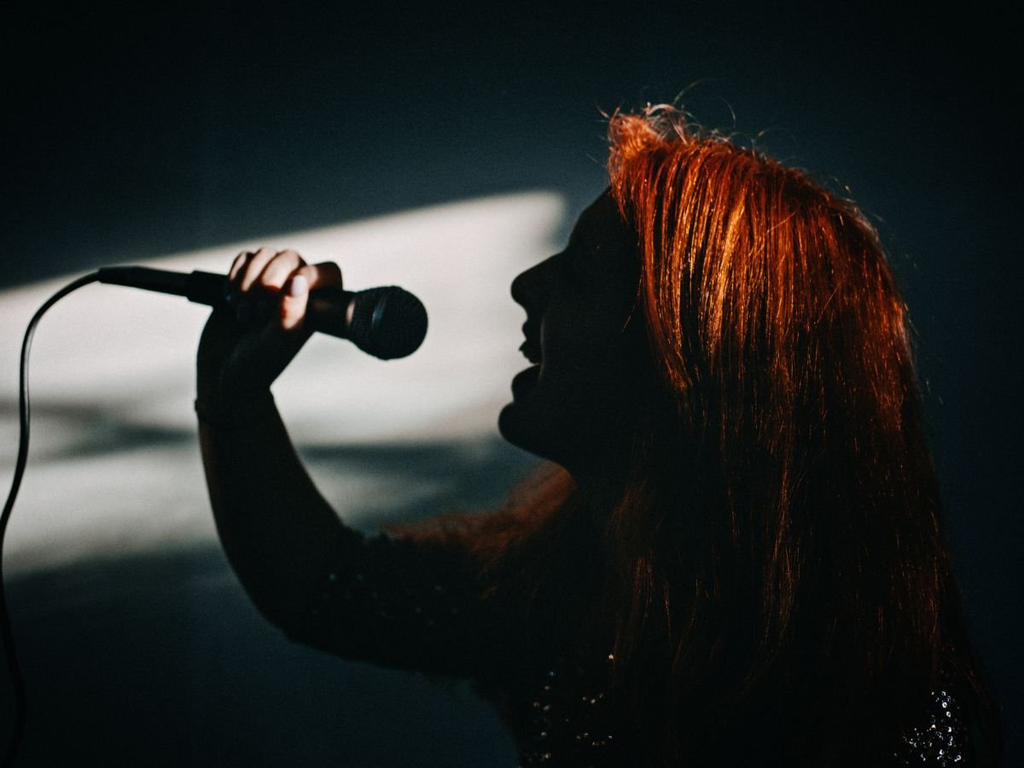
Live performers should stay closer to the mic, ideally one to four inches away. This distance allows their voice to be loud enough to be heard clearly while avoiding mic feedback from coming through at the same time. It’s also advisable to keep the mic slightly off-axis to reduce popping sounds.
How To Place A Lavalier Mic
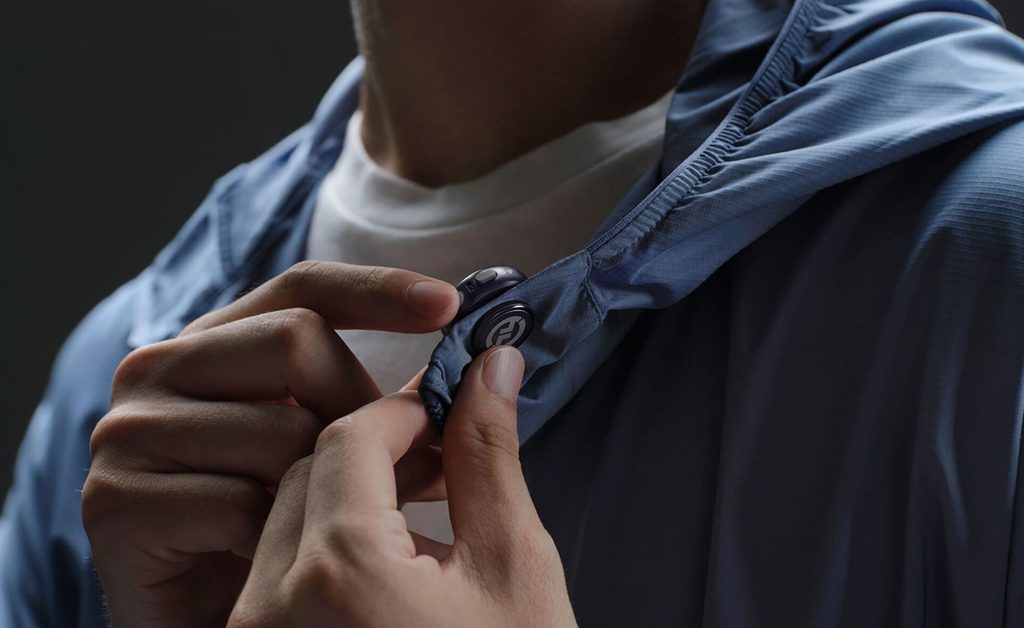
Instead of having an ideal distance, lavalier microphones have clip positions. It’s best to clip them on the chest near the ribs, keeping a distance of six to eight inches from the mouth. Since the distance between your voice and the mic will always be the same, lav mics are perfect for situations where you have to move a lot.
However, there are a few things to keep in mind when using these types of microphones. Firstly, don’t keep them too close to your throat, or your voice will sound muffled. Secondly, if you’re in a windy area, it’s best to use a windscreen to eliminate any background noise.
Lastly, make sure you’re careful when routing the wire, so it doesn’t get stuck or pulled anywhere on your clothes. Luckily, you can save yourself from this hassle entirely by using a wireless lav mic like the LARK M3.
| Mistake | Problem | Fix |
| Standing too far | Causes your voice to be overshadowed by background noise. | Move the mic closer to your mouth. The ideal distance is one to six inches for most mics. |
| Standing too close | Causes your voice to be overly bassy or boomy. | Don’t be so close that you breathe into your mic. Stay ideally one to six inches away. |
| Moving too much | Constant movement can cause your audio to become inconsistent and make you too quiet sometimes. | Try to talk only when you’re at a set distance so you can keep a consistent tone. |
| Bad mic placement | Not having the right angle of the mic can cause your audio to sound further away. | Do a test run with your mic and place an indicator if needed for the right direction. |
Common Mistakes And Fixes: How To Find Your Sweet Spot
There are a few ways that can help you find the ideal distance and ensure clear, high-quality audio:
The Fist Test

If you can’t remember the ideal distance, you can use the width of your fist as an indicator for how far you should be from your mic. Just keep in mind that this only works for handheld or smaller mics, as boom mics require more distance.
Quick Recording Test
Before you start a stream, it’s best to run a small test recording to ensure you’re keeping an ideal distance from your mic and that your mic isn’t peaking unnecessarily. This test will help give you a feel for whatever you’re missing from your audio.
DAW
While testing, make sure you also check your DAW (Digital Audio Workstation) levels. This includes monitoring, evaluating, and keeping track of volume at different parts of your recording to prevent clipping and ensure there’s enough headroom.
FAQs
Which mic should I use?
The best microphone for you depends on the activity you’re going to use it for. As a general rule, use dynamic mics in noisy areas, condenser mics in quieter rooms, and boom mics in more professional settings.
If you need to move around, lav mics are the go-to option to avoid distance issues and the hassle of carrying a mic. Lastly, dynamic mics work best for live performances as they block out most of the background noise.
How far should my mic be?
Each mic has its own optimal distance. Dynamic mics work best at a distance of 2-3 inches, condenser mics work best at a distance of 4-6 inches, and shotgun and boom mics should be around 10-18 inches away.
Where should I clip my lav mic?
You should clip your lav mic around eight inches underneath your mouth. Try to avoid putting it too close to your throat, or the audio will end up muddy and hard to make out.
Why does my audio sound far away?
If you’re using a dynamic mic, make sure you’re talking into the side that picks up audio. Dynamic mics only pick up audio from one direction, so if you speak into any other side, your audio might end up sounding far away.
Why are my audio levels inconsistent?
If you’re moving around while using a stationary mic, it can result in your voice being picked up at different distances, making your audio levels inconsistent. To ensure smooth audio, you can either use a lav mic so you can move around easily, or you can use a pop filter as an indicator for where you need to be before talking.
Conclusion
The right mic and the distance for it depend on the activity you use it for. If you’re planning on recording podcasts, a dynamic, condenser, or boom mic is best. Just remember that all of these require different distances from your mouth.
On the other hand, if you plan on recording on-camera content and interviews, then it’s best to opt for lav mics. They’re perfect for when you have to move around, since you won’t have to worry about the optimal distance from the mic. And if you have content that requires more than one mic, the LARK M3 and LARK A2 are some of the best options for creators.


