

.png)
.png) English
English .png) Français
Français .png) Deutsch
Deutsch .png) Italiano
Italiano .png) 日本語
日本語  Español
 -
Varredura de canais para seleção livre de canal ou seleção automática de canal
-
Instalação correta.
-
Verifique se a alimentação está estável.

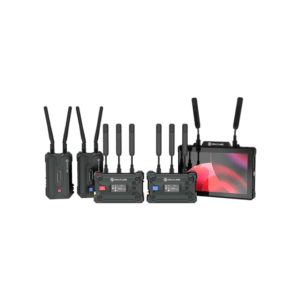
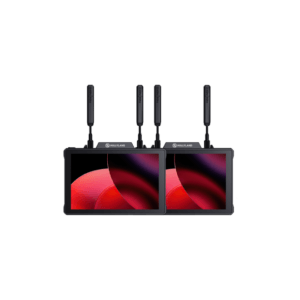
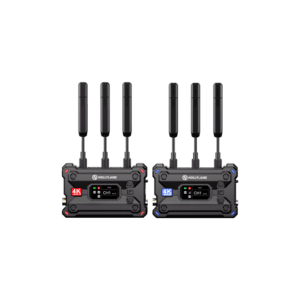
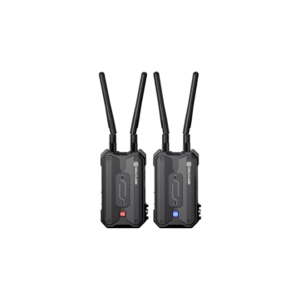
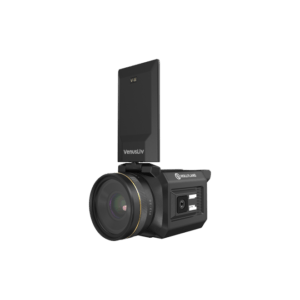
Pyro S Suporte
-
Verifique se o cabo HDMI está funcionando corretamente: conecte a câmera diretamente a um monitor para verificar se a saída de vídeo está normal.
-
Use uma saída HDMI de um laptop para conectar ao transmissor de vídeo. Observe se a tela do transmissor exibe o formato do vídeo corretamente.
-
Mude o formato de saída do HDMI para 1080p/i (não em formato de gravação)
-
Defina a Exibição de informações do HDMI como DESLIGADA
-
Defina o controle do HDMI como DESLIGADO
