

.png) English
English .png) Français
Français .png) Deutsch
Deutsch .png) Italiano
Italiano .png) 日本語
日本語 .png) Português
Português  简体中文
简体中文 
Syscom 421S Soporte
This issue usually is caused by the difference of the firmware version.
Please check the firmware version of the TX and RX.
If one of the deivces is 1.0.xx and another device is 2.0.xx, they can not work together.
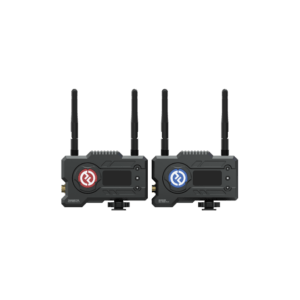
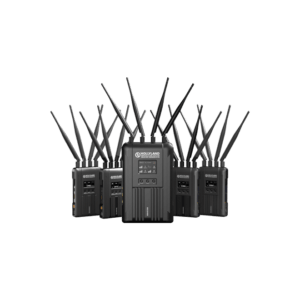
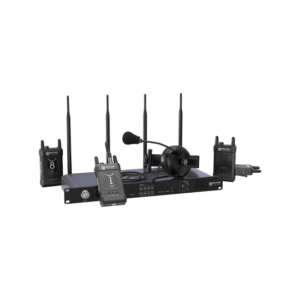
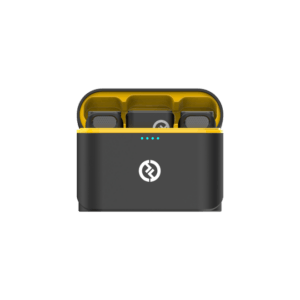
The firmware version of deivce is 1.0.xx indicates that the device is Syscom 421S.
The firmware version of device is 2.0.xx indicates that the device is Syscom 421.
Syscom 421S is not compatible with Syscom 421. If you have this issue, please contact Hollyland Support team via email.
Email Address: support@hollyland.com