.png)
 简体中文
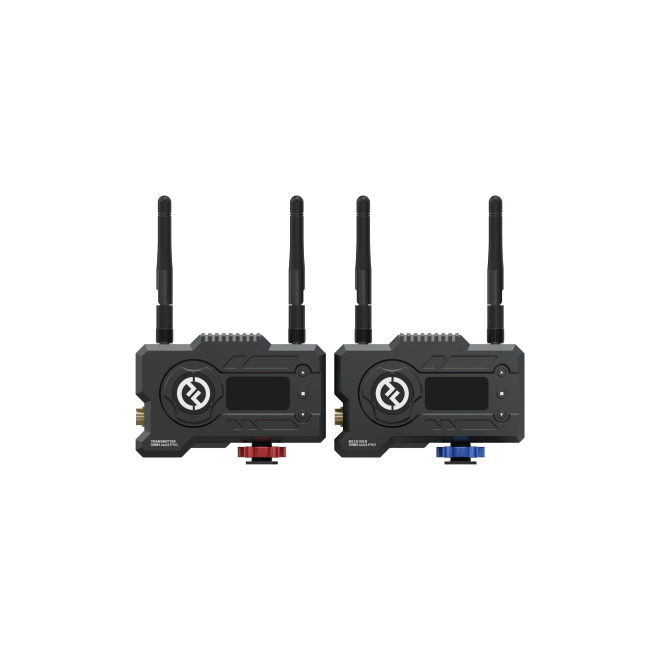
Mars 400S Pro
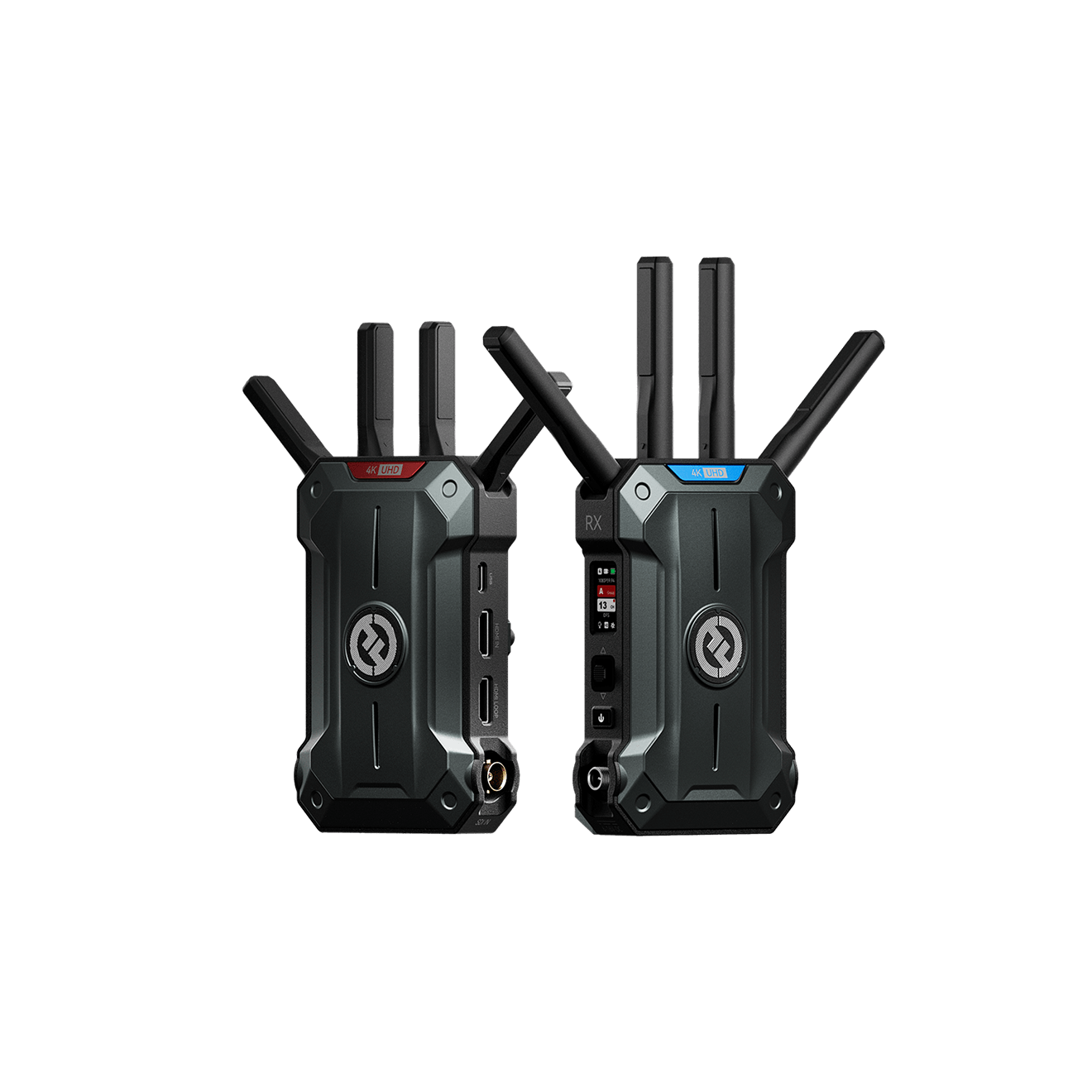
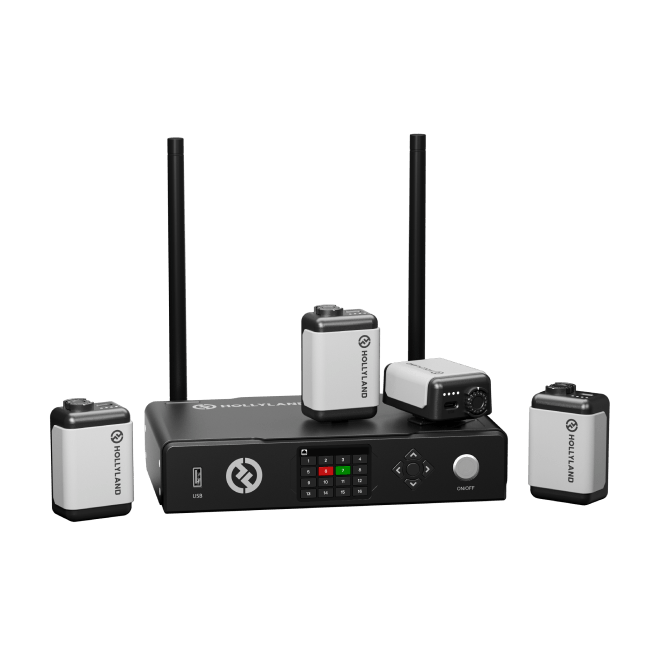
Reliable entry-level SDI & HDMI kit for indie filmmakers and run-and-gun setups
- HDMI & SDI
- 120m / 400ft Range
- 1080p60

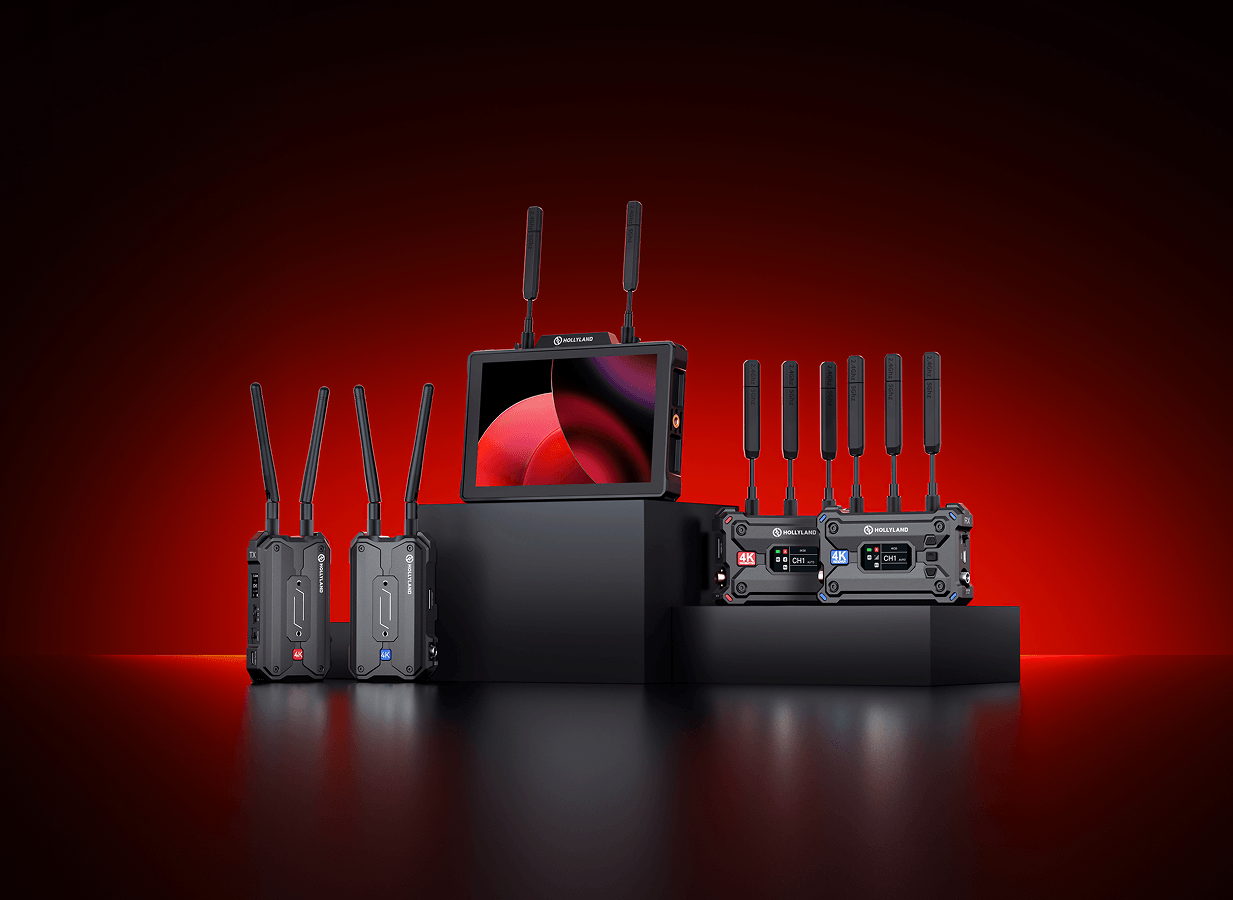
From solo creators to full broadcast crews, Hollyland's wireless video transmitter lineup delivers 20ms–80ms latency, HDMI & SDI dual interfaces, and ranges up to 1.5km — across 15 models purpose-built for every camera, production scale, and shooting environment.
Compatible with HDMI & SDI cameras · 15 models · From run-and-gun to full broadcast workflows
Reliable entry-level SDI & HDMI kit for indie filmmakers and run-and-gun setups
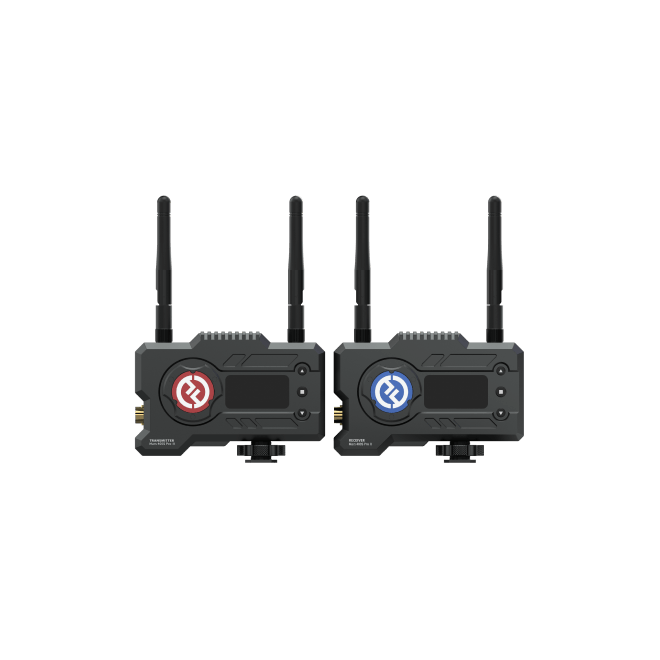
Lower latency and extended range — the natural step-up for growing productions
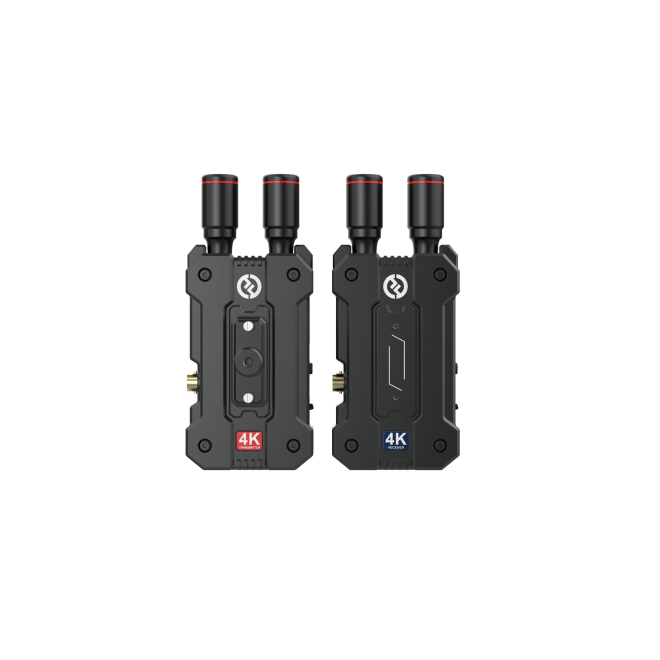
4K UHD wireless kit for operators shooting on mirrorless and cinema cameras
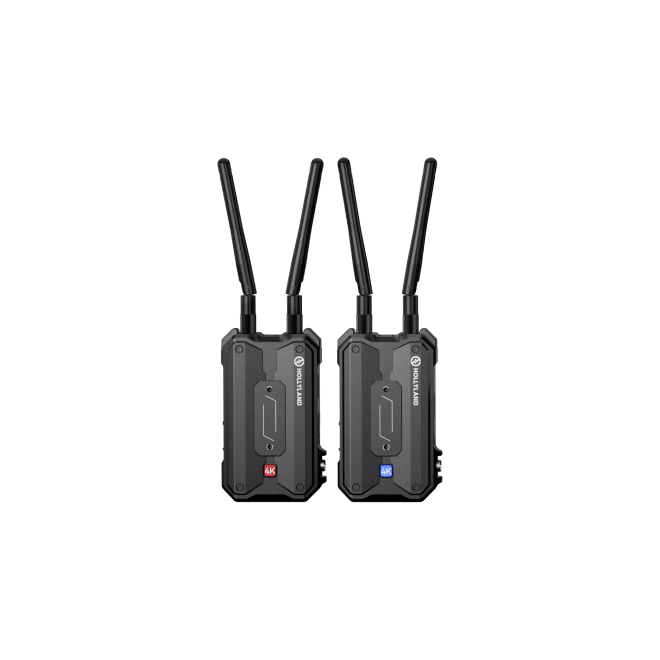
Long-range dual-band HDMI link built for mirrorless and hybrid camera rigs
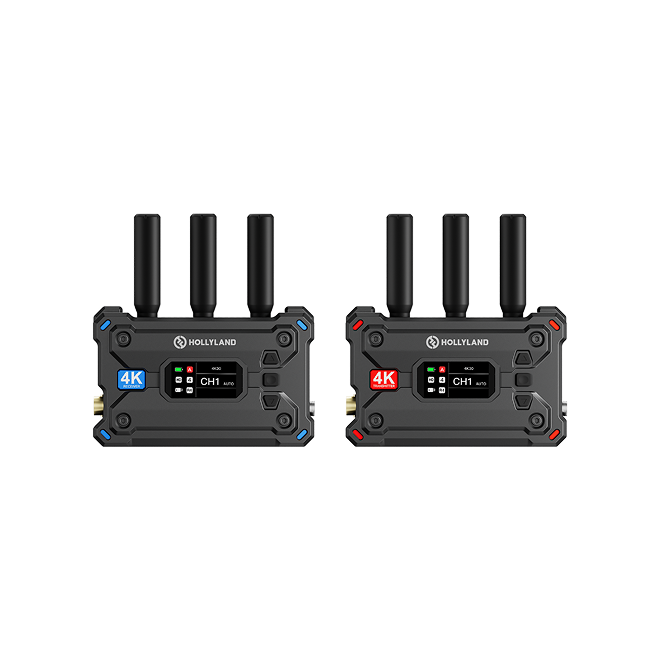
Dual-band HDMI & SDI professional workhorse with UVC and RTMP live streaming
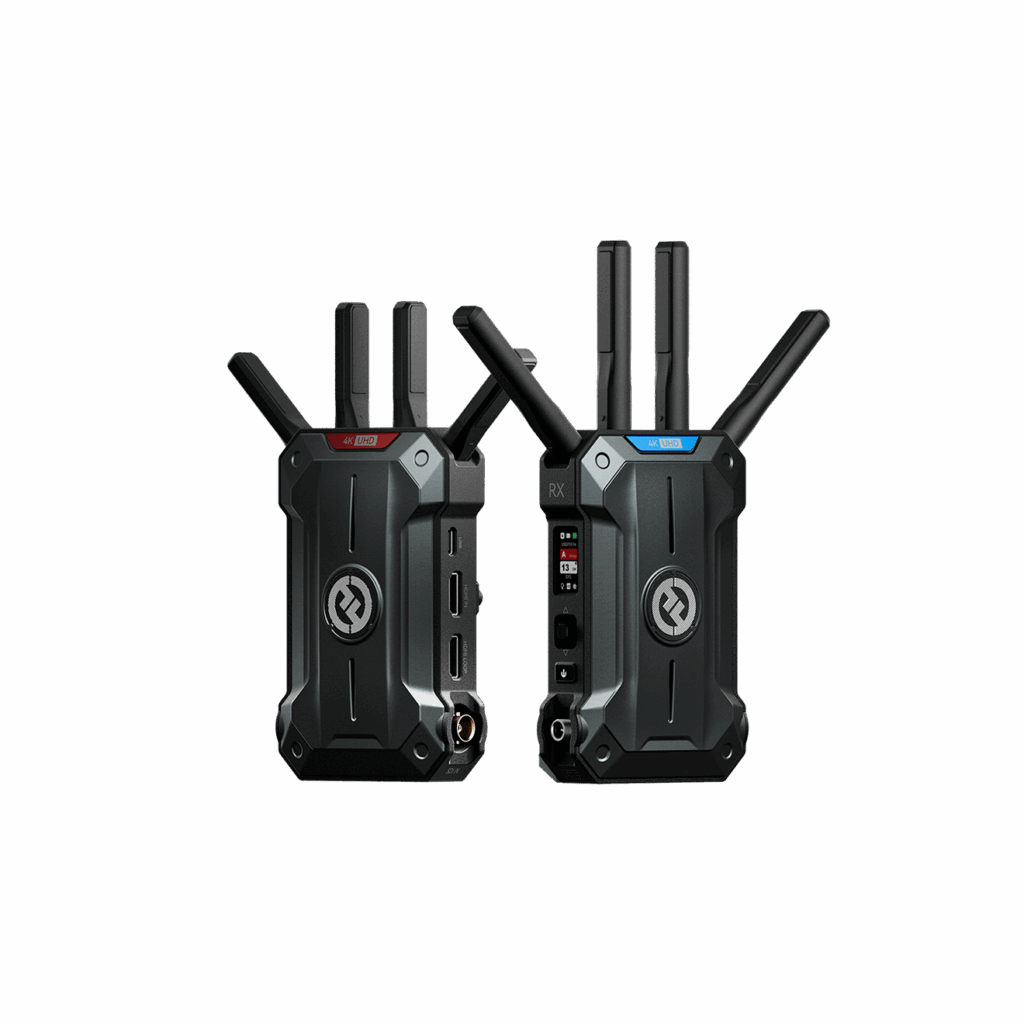
Flagship 4K60 TX/RX for cinema sets and broadcast productions demanding maximum range
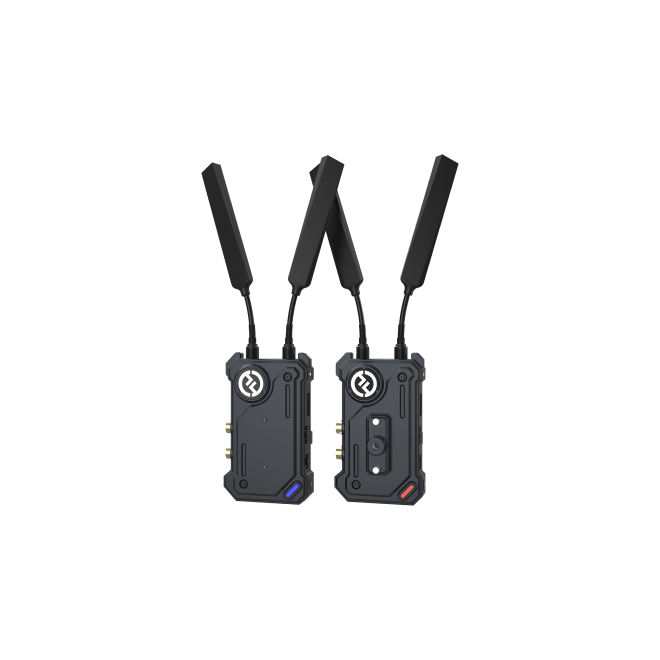
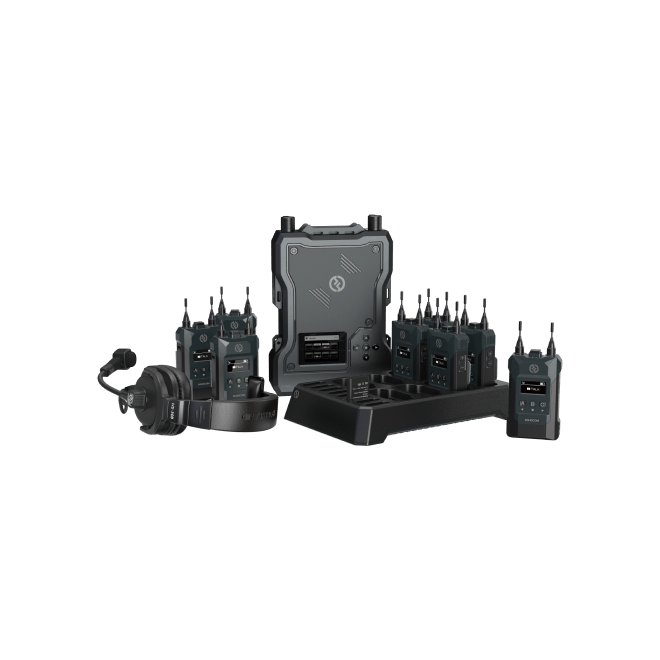
Broadcast-reliable HEVO wireless link for corporate video and live production crews
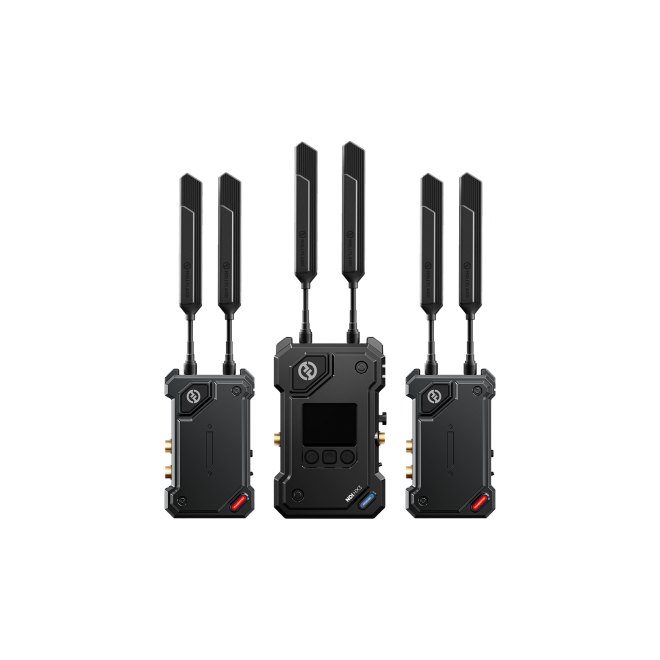
Dual-camera NDI|HX3 wireless system for multi-camera live production and switcher feeds
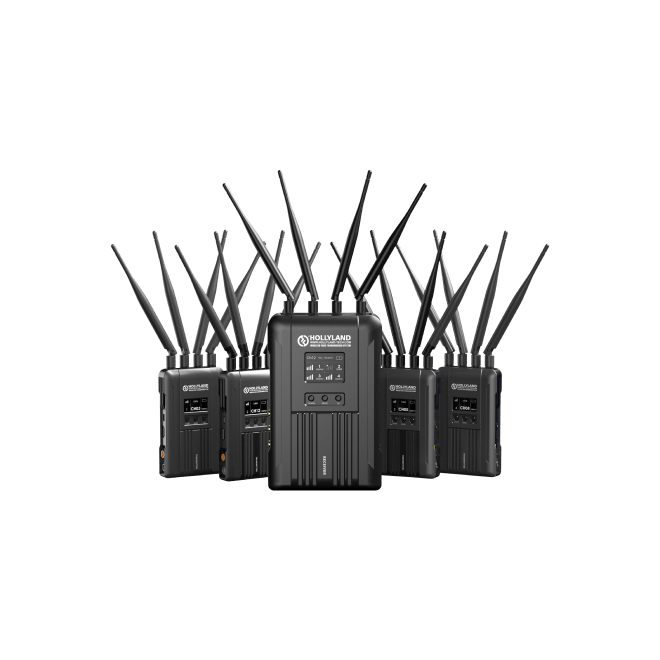
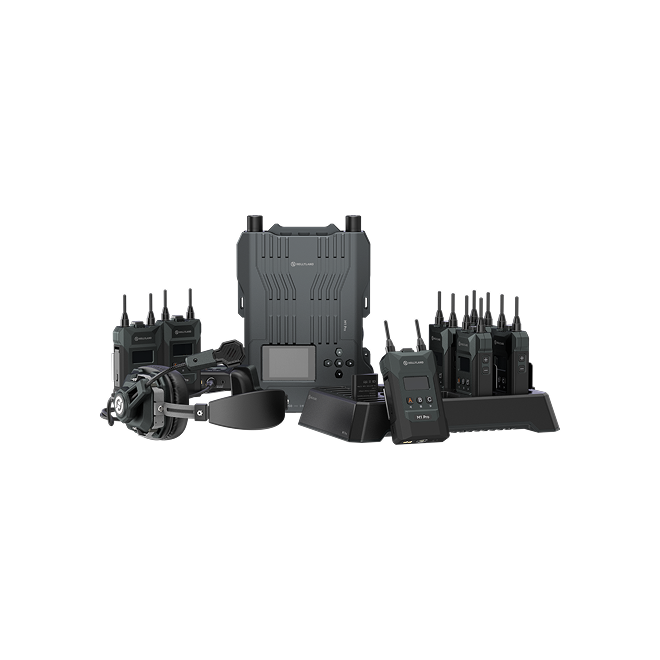
4-camera centralized wireless system with PTZ control and tally for large-scale live events
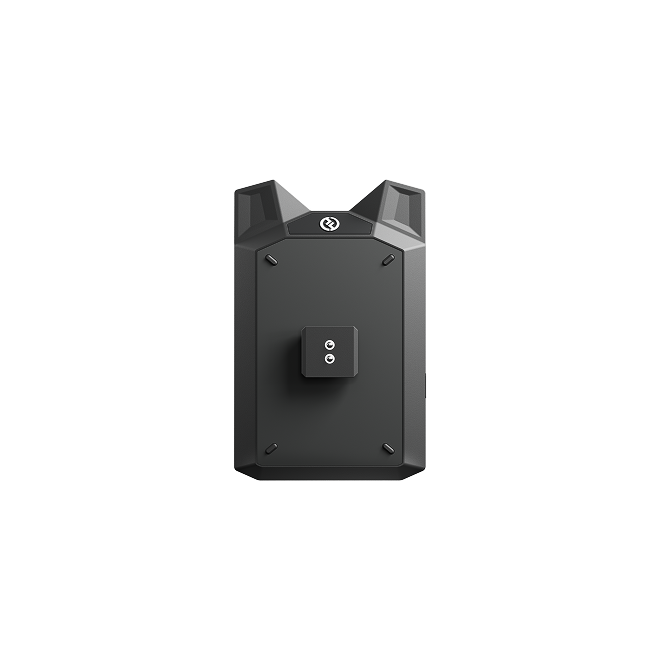
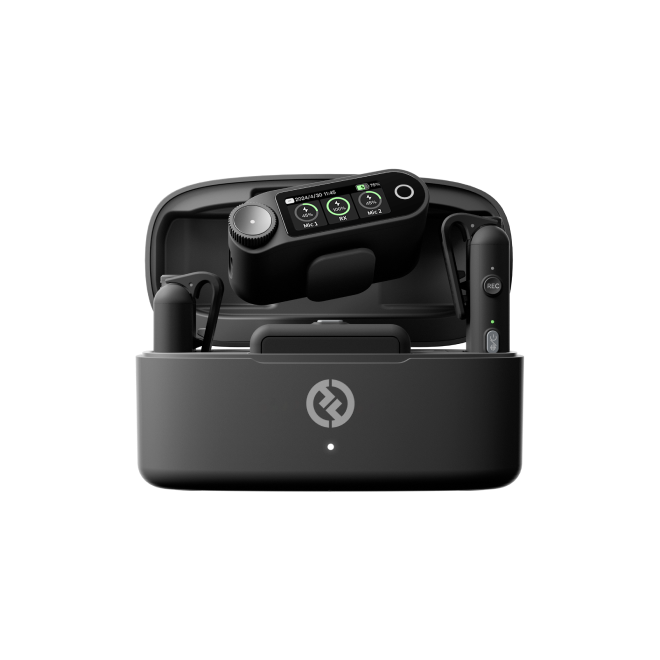
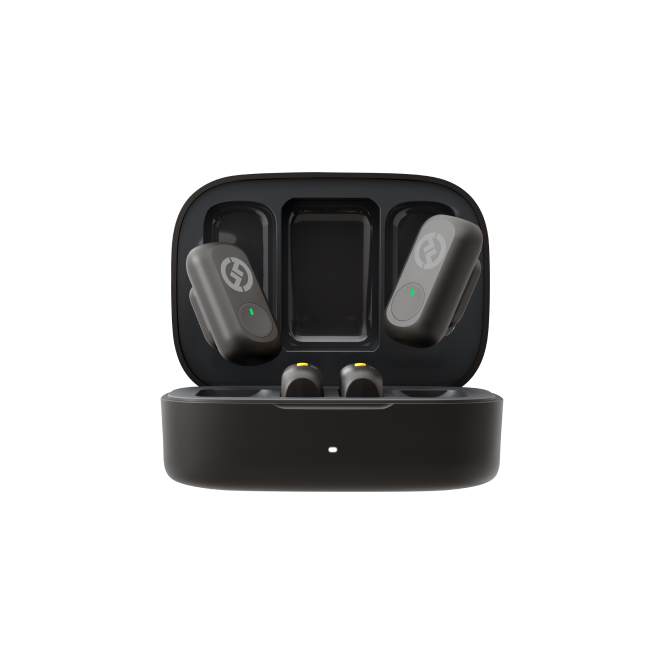
Smartphone wireless transmitter and recording hub for solo creators and mobile workflows
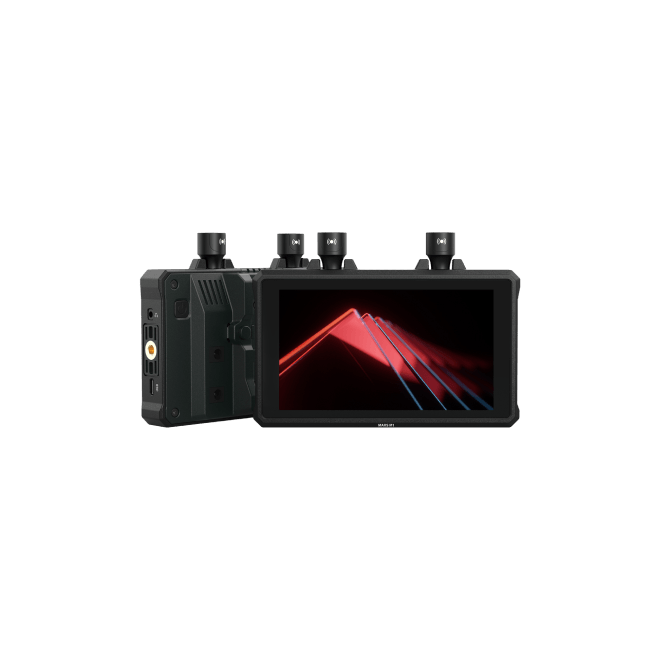
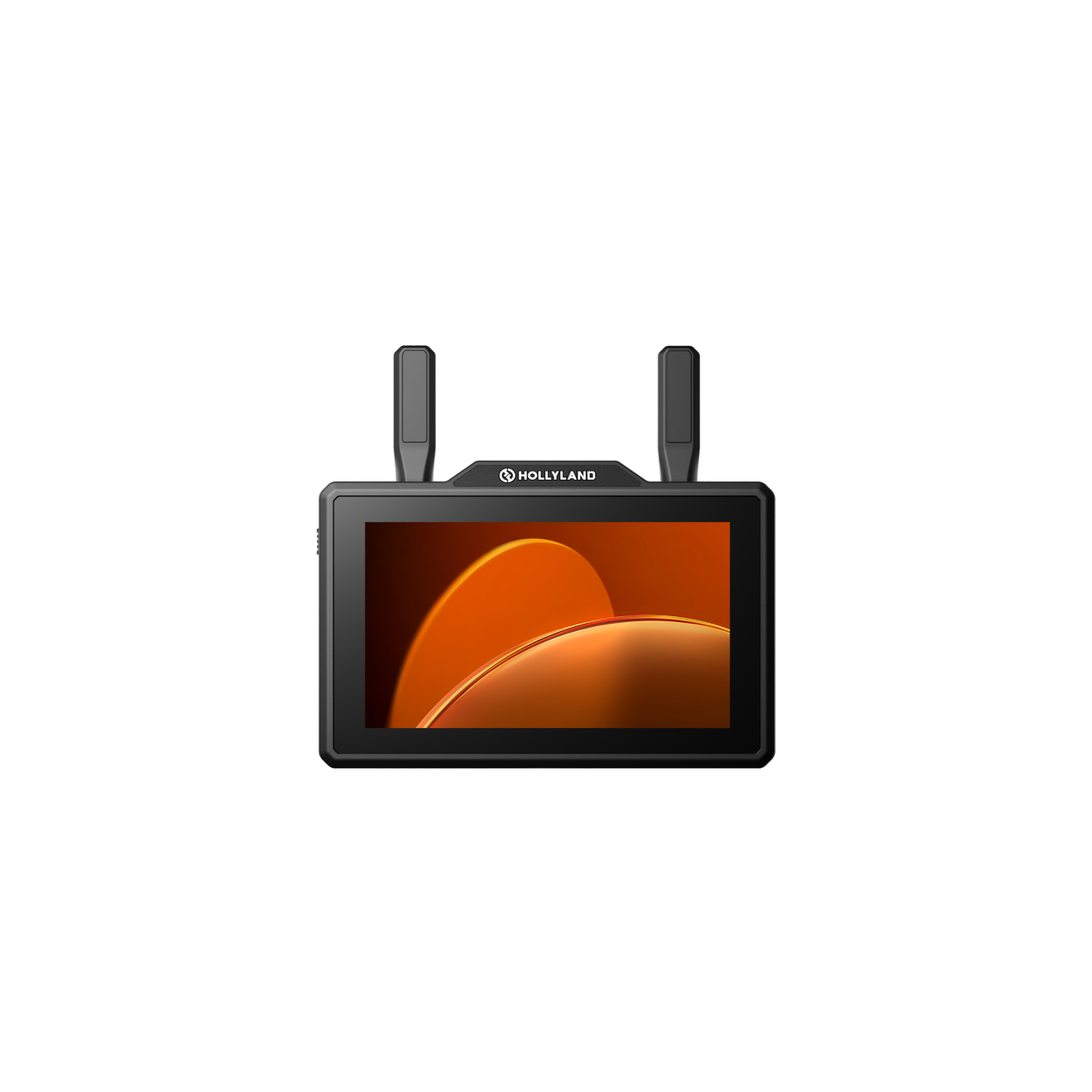
All-in-one 5.5" monitor and TX/RX for streamlined on-camera wireless monitoring
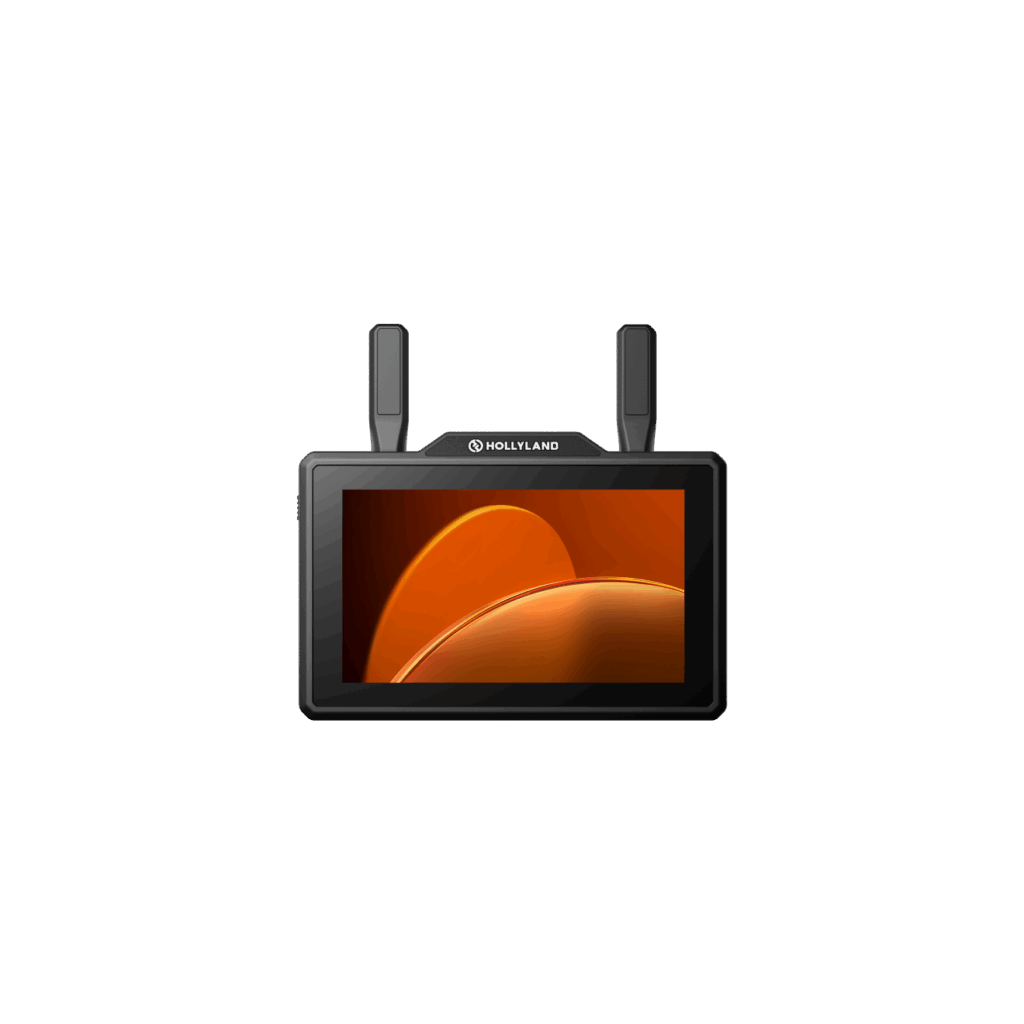
Dual-band all-in-one 5.5" wireless monitor for directors and camera operators
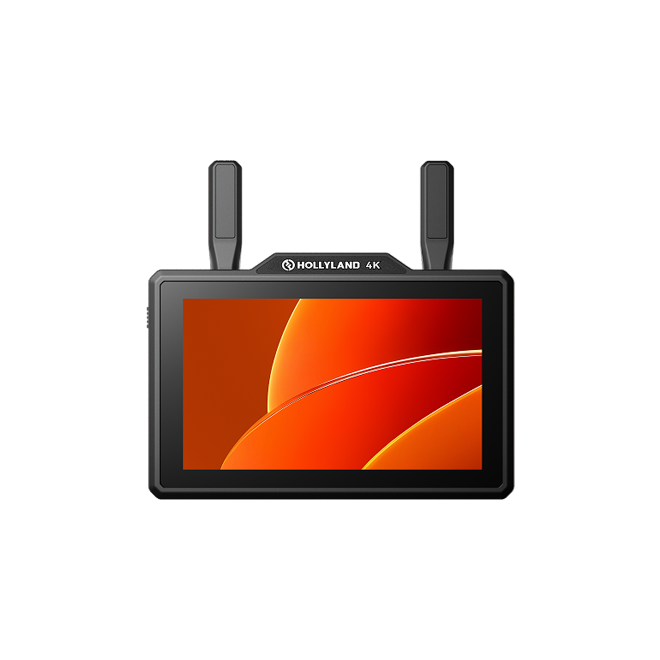
4K-capable all-in-one 5.5" wireless monitor for operators shooting 4K on set
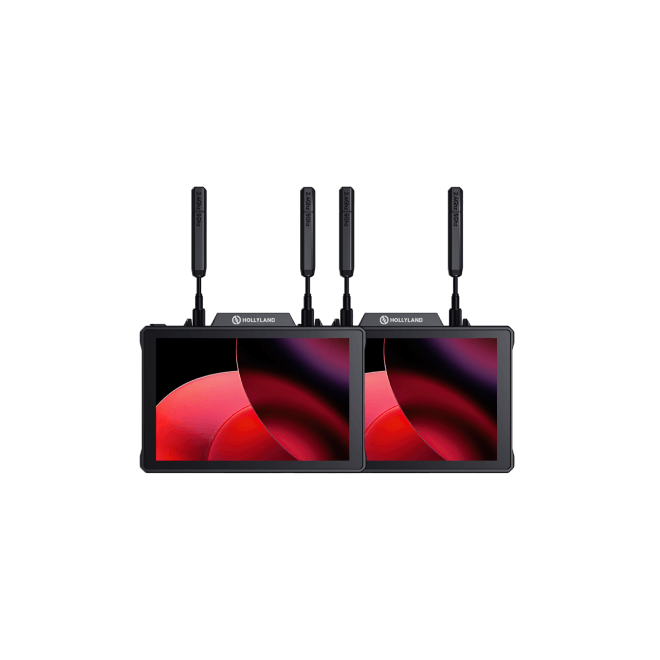
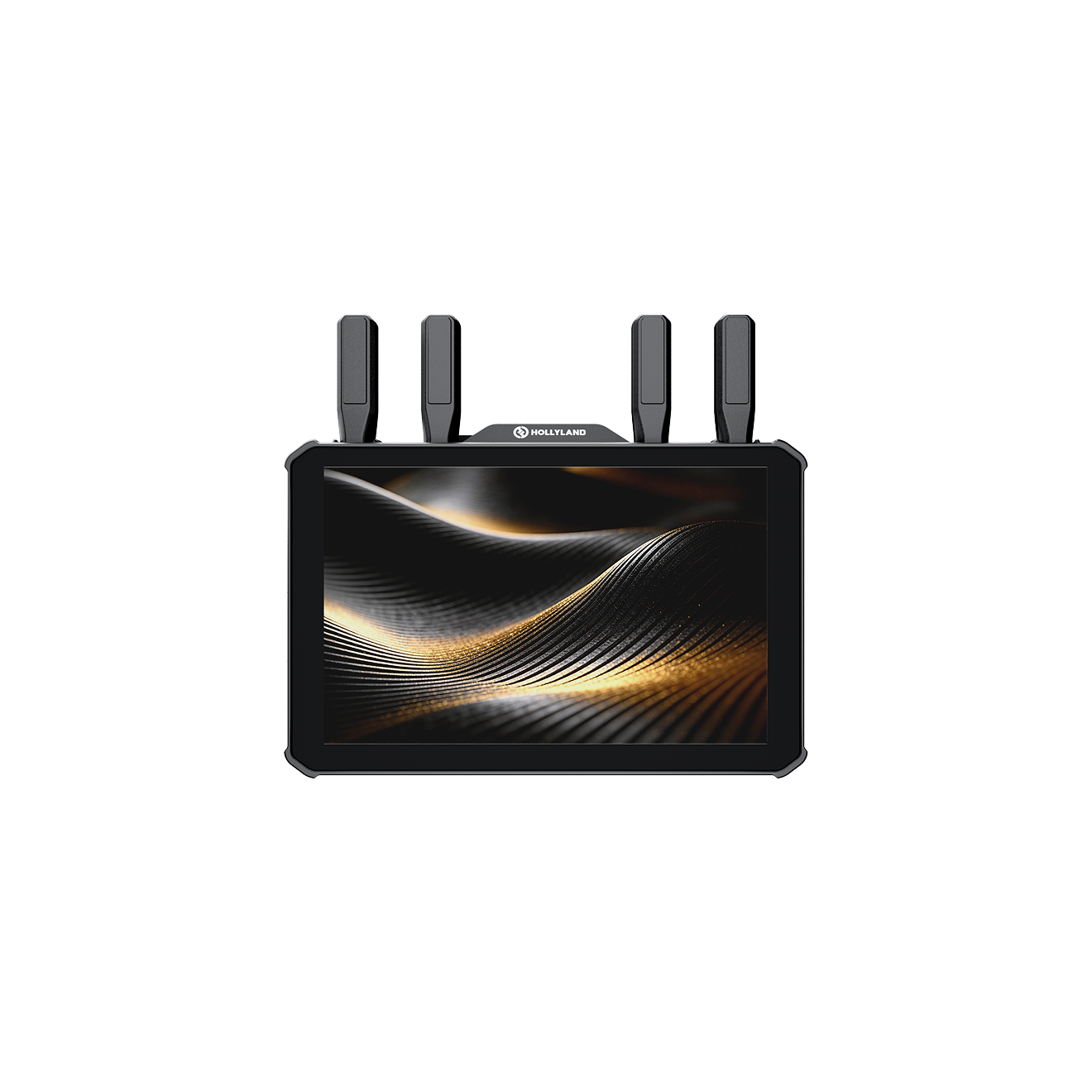
7" director's wireless monitor with dual SDI & HDMI loopout and dual NP-F battery
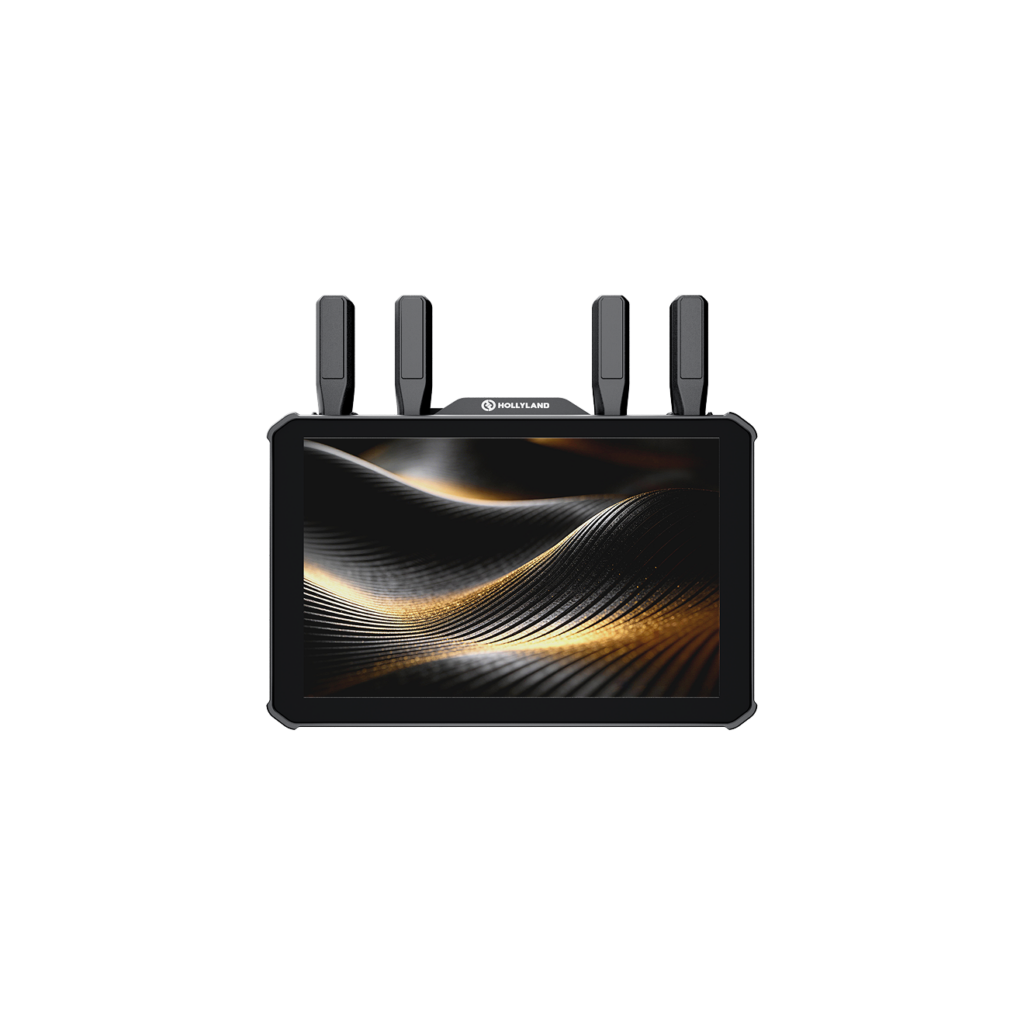
Flagship 7" QD-LCD director's monitor with 1km range and 20ms precision focus latency
| Model |
Mars 400S Pro
|
Mars 400S Pro II
|
Mars 4K
|
Pyro H
|
Pyro S
|
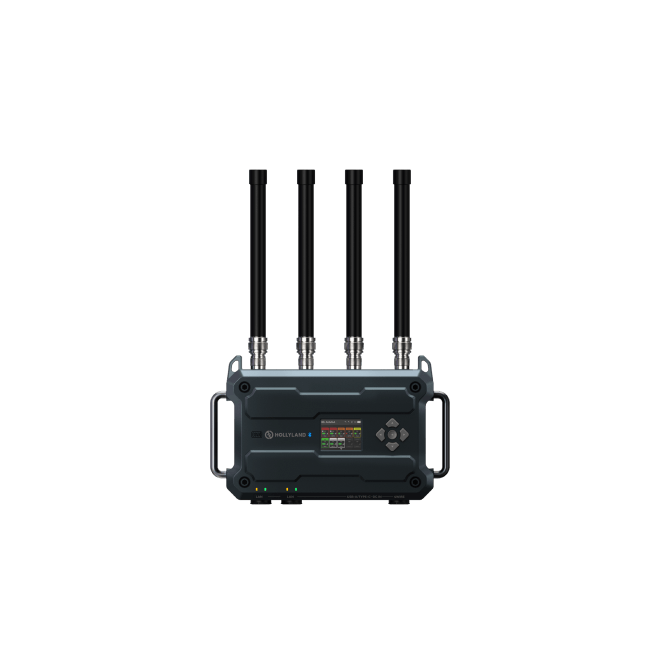
Pyro Ultra
|
Cosmo C1
|
Cosmo C2
|
Syscom 421S
|
Vcore
|
Mars M1 Enhanced
|
Pyro 5
|
Pyro 5 4k
|
Pyro 7
|
Pyro 7 Ultra
|
|---|---|---|---|---|---|---|---|---|---|---|---|---|---|---|---|
| Range (LOS) | 120m / 400ft | 150m / 450ft | 150m / 450ft | 400m / 1,300ft | 400m / 1,300ft | 1,500m / 4,900ft | 300m / 1,000ft | 1,000m / 3,000ft | 550m / 1,800ft | 100m / 350ft | 150m / 450ft | 400m / 1,300ft | 400m / 1,300ft | 400m / 1,300ft | 1,000m / 3,300ft |
| Min. Latency | 100ms | 70ms | 60ms | 60ms | 50ms | 20ms | 40ms | 33ms | 70ms | ≤80ms | 80ms | 60ms | 60ms | 60ms | 20ms |
| Max Resolution | 1080p60 | 1080p60 | 4K30 / 1080p60 | 4K30 / 1080p60 | 4K30 / 1080p60 | 4K60 / 1080p60 | 1080p60 | 1080p60 | 1080p60 | 4K30 / 1080p60 | 4K30 / 1080p60 | 1080p60 | 4K30 / 1080p60 | 4K30 / 1080p60 | 4K60 / 1080p60 |
| Video Interfaces | HDMI + SDI | HDMI + SDI | HDMI + SDI | HDMI + HDMI Loopout | HDMI + SDI | HDMI 2.0 + SDI + HDMI Loopout | HDMI + SDI + SDI Loopout | HDMI + SDI + SDI Loopout | HDMI + SDI (4× each on RX) | HDMI In / USB-C Out | HDMI + SDI + HDMI Loopout | HDMI + SDI + HDMI Loopout | HDMI + SDI + HDMI Loopout | HDMI + SDI + Dual Loopout | HDMI 2.0 + SDI |
| System Config | 1 TX → up to 2 RX | 1 TX → up to 2 RX | 1 TX → up to 2 RX | 1 TX → up to 4 RX | 1 TX → up to 4 RX | 1 TX → Unlimited RX | 1 TX → 1 RX | 2 TX → 1 RX | 4 TX → 1 RX | 1 TX → up to 2 RX or 4 Mobile | 1 TX → up to 2 RX | 1 TX → up to 4 RX | 1 TX → up to 4 RX | 1 TX → up to 4 RX | 1 TX → Unlimited RX |
| Form Factor | TX/RX Kit | TX/RX Kit | TX/RX Kit | TX/RX Kit | TX/RX Kit | TX/RX Kit | TX/RX Kit | TX/RX Kit (2TX + 1RX) | Multi-Camera System | Compact TX Hub | All-in-One TX/RX + 5.5" Monitor | All-in-One TX/RX + 5.5" Monitor | All-in-One TX/RX + 5.5" Monitor | All-in-One TX/RX + 7" Monitor | All-in-One TX/RX + 7" Monitor |
| Streaming | RTSP | RTSP | — | UVC | UVC, RTMP | UVC, RTMP | UVC | NDI|HX3, UVC, RTMP | RTSP | RTMP | — | RTMP | RTMP | RTMP | RTMP |
| Power Options | DC / USB-C / NP-F | DC / USB-C / NP-F | DC / USB-C / NP-F | DC / USB-C / NP-F | DC / USB-C / NP-F | DC / NP-F | DC / USB-C / NP-F | DC / NP-F (TX) / V-Mount (RX) | DC / NP-F (TX) / V-Mount (RX) | Built-in Battery / USB-C | DC / NP-F | DC / NP-F | DC / NP-F | DC / Dual NP-F | DC (10–28V) / V-Mount |
| Shop | Shop | Shop | Shop | Shop | Shop | Shop | Shop | Shop | Shop | Shop | Shop | Shop | Shop | Shop |
Transmission range is the first spec to narrow down, because it immediately filters out units that simply won't cover your shooting environment. All range figures are measured line-of-sight (LOS) in open conditions — real-world performance in cluttered stages, urban locations, or interference-heavy venues will always be lower. Build in headroom.
Use this as a practical starting framework:
A note on interference: Raw range figures don't tell the whole story in busy RF environments. Dual-band frequency hopping — automatic switching between 2.4GHz and 5GHz bands — delivers meaningfully better real-world reliability in congested venues than single-band systems with similar range specs. If you're shooting in crowded urban environments, concert halls, or multi-production facilities, prioritize this feature.
Not all productions have the same tolerance for signal delay. The latency tier you need is determined by what your operators are doing with the feed.
~70–80ms — Acceptable for general wireless monitoring: video village setups, script supervision, and clients watching the feed. Operators are observing, not making real-time control decisions based on what they see.
~40–60ms — The practical sweet spot for most professional productions. This range covers live event camera operators, on-set directors needing responsive feedback, and wedding or event videographers who need reliable, near-real-time image delivery.
20–33ms — Required for precision follow focus workflows, live broadcast switching, and any scenario where an operator is making real-time adjustments based on the video feed. At this tier, delay is effectively imperceptible in use.
1st ACs and focus pullers should treat latency as a primary filter, not a secondary consideration. Look for units that offer a dedicated Focus Mode — a transmission setting that prioritizes minimum latency over maximum bitrate. This is the standard you need for wireless follow focus in demanding production environments.
Your camera and monitor outputs determine which interface you need. Getting this wrong means adapters at best — or an incompatible system at worst.
HDMI-only suits mirrorless, hybrid, and consumer cinema cameras where HDMI is the primary video output. Most field monitors also accept HDMI, making this a practical default for single-camera indie, documentary, and run-and-gun workflows.
SDI-only or SDI-priority is the standard in broadcast, ENG, and OB van environments. SDI uses a locking connector, supports longer cable runs without signal degradation, and is the universal interface on broadcast cameras, production switchers, and routing infrastructure.
Dual HDMI + SDI is the professional standard for productions that need to bridge both worlds — connecting a mirrorless or cinema camera via HDMI while routing the output to an SDI switcher, broadcast monitor, or router. Look for dual-interface units that carry both inputs on the transmitter and both outputs on the receiver if your monitoring chain is mixed.
What to look for beyond basic connectivity:
These are three distinct things. Understand the difference before evaluating specs.
4K input acceptance is the most practically important requirement for users with modern cameras. If your camera outputs 4K and doesn't offer a 1080p output mode, you need a transmitter that can accept a 4K signal at the input — even if it compresses and transmits at 1080p. A unit limited to 1080p input will not function with a 4K-only source.
1080p wireless transmission is sufficient for the vast majority of on-set monitoring workflows. A clean, stable, low-latency 1080p image over wireless serves directors, focus pullers, script supervisors, and camera operators effectively. Higher resolution transmission adds bandwidth demand without a meaningful improvement in practical monitoring quality on most production monitors.
True 4K wireless transmission (end-to-end 4K from camera to monitor) is relevant when the receiving display is 4K-capable and you want to preserve the full resolution image — for example, in high-end DIT review workflows or director's monitor setups using a 4K reference display. This capability is found at the upper end of the range.
A standard TX/RX kit is a point-to-point system — one transmitter feeding one receiver. This covers most single-camera and simple dual-camera setups with a single monitoring position.
Broadcast mode allows a single transmitter to simultaneously feed multiple receivers — essential for director's village setups, multi-monitor rigs, and any production where the camera feed needs to reach several people at once.
Planning your receiver count:
Important note: Broadcast mode typically reduces effective wireless range compared to standard point-to-point mode on the same unit. Factor this into your venue and distance planning — particularly for large stages or wide outdoor environments.
This is a workflow and rig design decision as much as a spec decision.
Standalone TX/RX kits are the right choice when:
- You already own monitors and want to add wireless capability to an existing setup.
- You need to feed multiple external monitors from a single transmitter.
- Your monitoring chain involves broadcast displays, video switchers, or routers.
- Keeping the on-camera rig as compact and lightweight as possible is a priority.
All-in-one TX/RX + monitor units are the right choice when:
- You want a single device that handles both transmission and monitoring without a separate receiver connected to a separate display.
- You need the flexibility to switch the same device between transmitter and receiver roles on different shoots.
- You're building a director's monitor, focus puller's rig, or camera operator's setup and want to consolidate components.
- On-set proxy recording and direct camera control from the monitor display are part of your workflow.
Screen size within the all-in-one category:
If any part of your workflow involves live streaming or IP video distribution, check which streaming protocols are supported — this varies considerably across the range and can eliminate the need for additional hardware.
UVC (USB Video Class) — Plug the receiver into a computer via USB-C and it registers as a webcam with no drivers or capture card required. This is the lowest-friction path into OBS, Zoom, Ecamm, or any streaming software. Ideal for hybrid studio setups and live streaming productions that use a computer as the streaming engine.
RTMP — Enables the unit to push a live video stream directly to YouTube, Twitch, Facebook Live, or any RTMP-compatible endpoint without a PC in the signal chain. Useful for live event productions and creators who want a minimal-hardware streaming rig with no laptop required.
NDI|HX3 — A professional IP video protocol that routes high-quality video over a standard Ethernet network. Relevant for broadcast environments and IP-based production infrastructure where video is distributed and switched over a LAN. Requires an RJ45 network connection on the receiver.
RTSP — A network video streaming protocol used in IP infrastructure for pull-based video distribution, relevant in broadcast control rooms and corporate AV environments.
If live streaming is a core workflow requirement — not an occasional extra — choose a unit with native support for your target protocol to avoid adding a capture card, hardware encoder, or additional device to the signal chain.
Long production days, remote locations, and multi-camera setups make power flexibility a practical necessity, not a secondary concern.
NP-F battery compatibility is the most common standard across the range. NP-F batteries are widely available, affordable, interchangeable across many camera accessories, and familiar to most crews — making them the default for run-and-gun, location, and documentary workflows.
Dual NP-F battery mounting extends runtime significantly without requiring battery swaps between takes. This is especially relevant on all-in-one monitor units where the display adds to total power draw during long shooting days.
V-Mount battery compatibility is available on select receiver and monitor units designed for broadcast and live event use. V-mount batteries offer substantially higher capacity and are the industry standard for larger-format broadcast rigs, OB van setups, and productions using Anton Bauer or Gold Mount battery systems.
USB-C power input on many compact transmitters allows powering from a standard USB power bank — a practical backup option for on-camera rigs or when DC power sources are temporarily unavailable.
Wide-voltage DC input (10–28V on flagship units) provides compatibility with a broader range of external power supplies and battery systems, useful in broadcast environments with custom power distribution.
Integrated battery is a distinct category: purpose-built pocket transmitters with a built-in rechargeable cell offer all-day runtime with no battery plate, cable, or external power source — the right form factor for solo creators and mobile tethered workflows where weight and simplicity matter most.
Before comparing individual models side by side, identifying which production tier your work falls into helps you focus on the right part of the range. Overspending on specs you won't use adds cost without benefit; underpowering a demanding workflow creates problems on set.
Solo creators and mobile shooters — Prioritize compact form factor, simple setup, and smartphone-based monitoring compatibility. Moderate range with HDMI input and a built-in or NP-F battery typically covers all requirements.
Indie filmmakers and small crews — A mid-range TX/RX kit with HDMI and SDI interfaces, 50–60ms latency, and support for 2–4 receivers covers most narrative, documentary, and commercial set workflows.
Live event and wedding videographers — Range reliability, dual-band interference resistance, and signal stability under RF pressure matter more than peak resolution. A unit covering 300–400m with clean 50–60ms latency handles most live event environments comfortably.
Broadcast engineers and multi-camera teams — SDI compatibility, multi-TX architecture, V-mount powering, and network streaming protocol support (NDI|HX3, RTSP) are the key functional requirements. System architecture — how many cameras feed into how many receivers, and how those outputs connect to downstream infrastructure — is the primary design consideration.
Cinematographers on high-end narrative or commercial productions — Latency precision, 4K60 capability, DFS certification for clean operation in interference-heavy environments, and the ability to scale the monitoring setup across a full director's village without adding transmitters are the differentiating factors at this level.
But l was really confident because we had a very reliable wireless video transmission system for this production we've been using the Hollyland Pyro Series now.
Armando Ferreira Filmmaker · 507K YouTube subscribers
Pyro 7 just came out which is freaking good, I think it's actually really awesome l like how it's all built into one and can be both a transmitter or receiver which is pretty clutch.
Cam Mackey Photographer · 81.8K YouTube subscribers
We're using the Hollyland Pyro S, they've been great because they're able to actually have four running at the same time.
Chris Brockhurst Video Creator · 234.4K Instagram subscribers
The best model depends on your production scale, required range, camera interfaces, and workflow:
Use the comparison filters on this page to sort by range, latency, interface type, and form factor.
Latency across the Hollyland lineup spans 20ms to 100ms depending on the model and selected mode:
| Latency | Model(s) | Ideal Use |
|---|---|---|
| 20ms | Pyro Ultra (Focus Mode), Pyro 7 Ultra (Focus Mode) | Follow focus, 1st AC precision work, live broadcast |
| 33ms | Cosmo C2 | Multi-camera live production |
| 40ms | Cosmo C1 | Broadcast and corporate video |
| 50ms | Pyro S (Smooth Mode) | Professional on-set monitoring |
| 60ms | Mars 4K, Pyro H, Pyro 5, Pyro 5 4K, Pyro 7 | Camera-to-monitor, director's village |
| 70ms | Mars 400S Pro II, Syscom 421S | General monitoring, multi-camera events |
| ≤80ms | Mars M1 Enhanced, Vcore | Framing and exposure monitoring |
| 100ms | Mars 400S Pro | Entry-level on-set monitoring |
For precision follow focus, the Pyro Ultra and Pyro 7 Ultra in Focus Mode — both reaching 20ms — are the clear choice for 1st ACs. For live broadcast feedback and director monitoring, any model at 60ms or below delivers reliable real-time performance.
All published ranges are line-of-sight (LOS) figures measured in open, interference-free environments. Walls, crowds, and competing RF sources will reduce effective range. As a guide across the lineup:
For large outdoor stages, wide venue floors, or multi-building productions, the Pyro Ultra, Pyro 7 Ultra, and Cosmo C2 provide the greatest range headroom. Dual-band models (Pyro series) and HEVO-equipped models (Cosmo series) include automatic frequency hopping to sustain signal integrity when RF conditions change on the fly.
Most Hollyland wireless transmitters support both HDMI and SDI inputs and outputs. The exceptions are:
All SDI-capable models also output SDI on the receiver side, allowing direct connection to professional field monitors, video switchers, and routers. For SDI-heavy broadcast infrastructure, the Cosmo C1 (dual SDI out on RX), Cosmo C2 (dual SDI out on RX), and Syscom 421S (4× SDI out on RX) are purpose-built options.
Receiver scalability varies by model and operating mode:
Yes — several Hollyland models support direct live streaming across multiple protocols:
For the most complete live streaming feature set in a single device, the Pyro S (UVC + RTMP), Cosmo C2 (UVC + RTMP + NDI|HX3), and Pyro 5 / Pyro 7 (RTMP) are standout choices depending on your production scale.
Hollyland's lineup is organized into two primary cross-compatible ecosystems:
Pyro Ecosystem: All Pyro devices — Pyro H, Pyro S, Pyro Ultra, Pyro 5, Pyro 5 4K, Pyro 7, and Pyro 7 Ultra — are designed to pair and work together. For example, a single Pyro Ultra TX can broadcast simultaneously to Pyro 5 monitor-receivers at camera positions and a Pyro 7 Ultra monitor-receiver in the director's village.
Mars Ecosystem: Mars M1 Enhanced cross-pairs with Mars 4K, Mars 400S Pro, and Mars 400S Pro II. All Mars models also connect to mobile monitoring devices via the HollyView app.
Vcore → Pyro: The Vcore transmitter pairs directly with Pyro series receivers for wireless 4K30 feeds from smartphone-based camera setups.
Cross-ecosystem pairing (e.g., a Mars TX with a Pyro RX) is not supported. Always confirm compatibility within the same ecosystem when building out or expanding your rig.
RF interference is one of the most common risks in live event, concert, and urban production environments. Hollyland addresses it through several purpose-built technologies:
For mission-critical productions in high-RF environments — arenas, broadcast facilities, dense urban shoots — the Pyro Ultra, Pyro 7 Ultra, and Cosmo C2 offer the strongest interference resilience in the lineup.
Hollyland transmitters support a wide range of power inputs to suit different rigging styles and shooting durations:
TX/RX kits include a standalone transmitter and a standalone receiver that connect to your existing cameras and field monitors. They are the right choice if you already own monitors, need maximum modularity, or require direct SDI integration with video switchers, routers, and broadcast infrastructure. TX/RX kits in the lineup: Mars 400S Pro, Mars 400S Pro II, Mars 4K, Pyro H, Pyro S, Pyro Ultra, Cosmo C1, Cosmo C2, and Syscom 421S.
All-in-one TX/RX + monitor units integrate a wireless transmitter, receiver, and built-in touchscreen display in a single device that switches roles with one tap — eliminating a separate monitor, reducing cable runs, and streamlining on-camera and director rigs.
| Model | Screen | Brightness | Standout Feature |
|---|---|---|---|
| Mars M1 Enhanced | 5.5" LCD | 1,000 nits | 3D LUT support, Mars ecosystem, DC output for camera power |
| Pyro 5 | 5.5" LCD | 1,500 nits | Dual-band, 400m range, RTMP streaming, proxy recording |
| Pyro 5 4K | 5.5" LCD | 1,500 nits | 4K30 HDMI input and 4K HDMI loopout |
| Pyro 7 | 7" LCD | 1,500 nits | Larger screen, dual SDI & HDMI loopout, dual NP-F hot-swap |
| Pyro 7 Ultra | 7" QD-LCD | 1,500 nits | 1km range, 20ms latency, 4K60, V-Mount, cinema-grade color |