.png)
.png) English
English .png) Deutsch
Deutsch .png) Italiano
Italiano .png) 日本語
日本語 .png) Português
Português  Español
  简体中文
简体中文 
Phone Connection
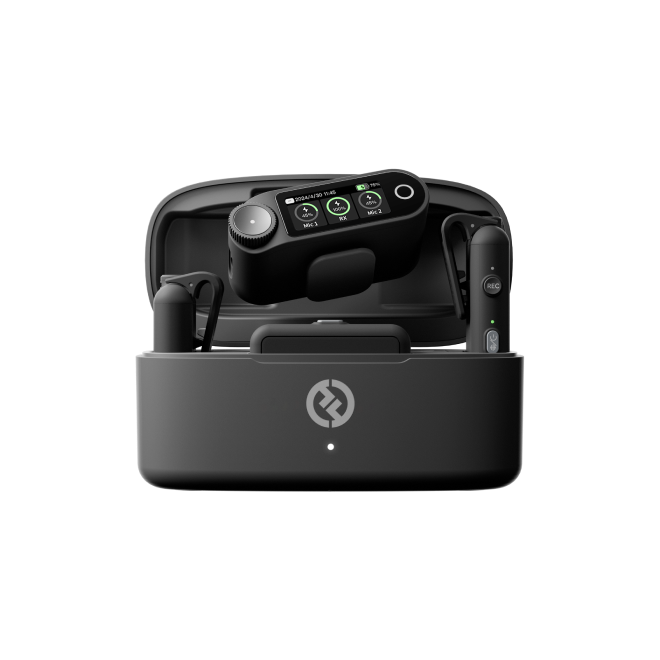
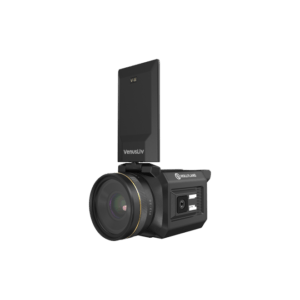
Camera RX
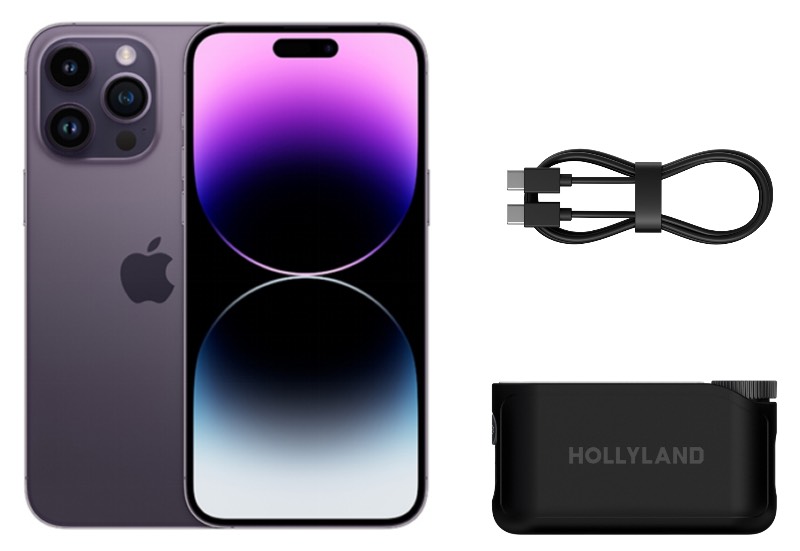
1. Use a USB-C to USB-C cable to connect RX to your phone
2. Download LarkSound APP from APP Store to set the parameter
Note: For iPhone 14 and previous model, need use the Lightning to USB-C cable
Phone USB-C RX
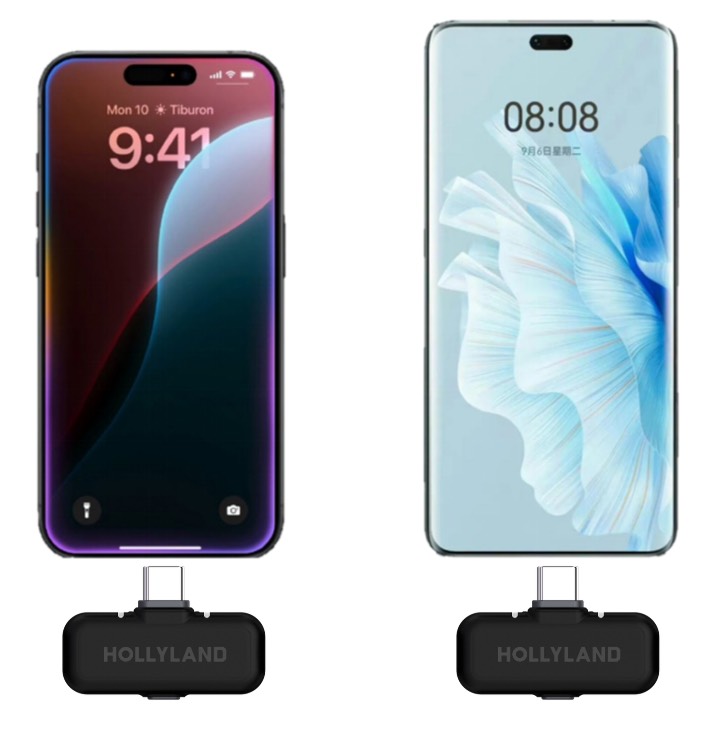
1. Plug the Phone RX to your phone
2. Download LarkSound APP from APP Store to set the parameter


