.png)
 简体中文
简体中文 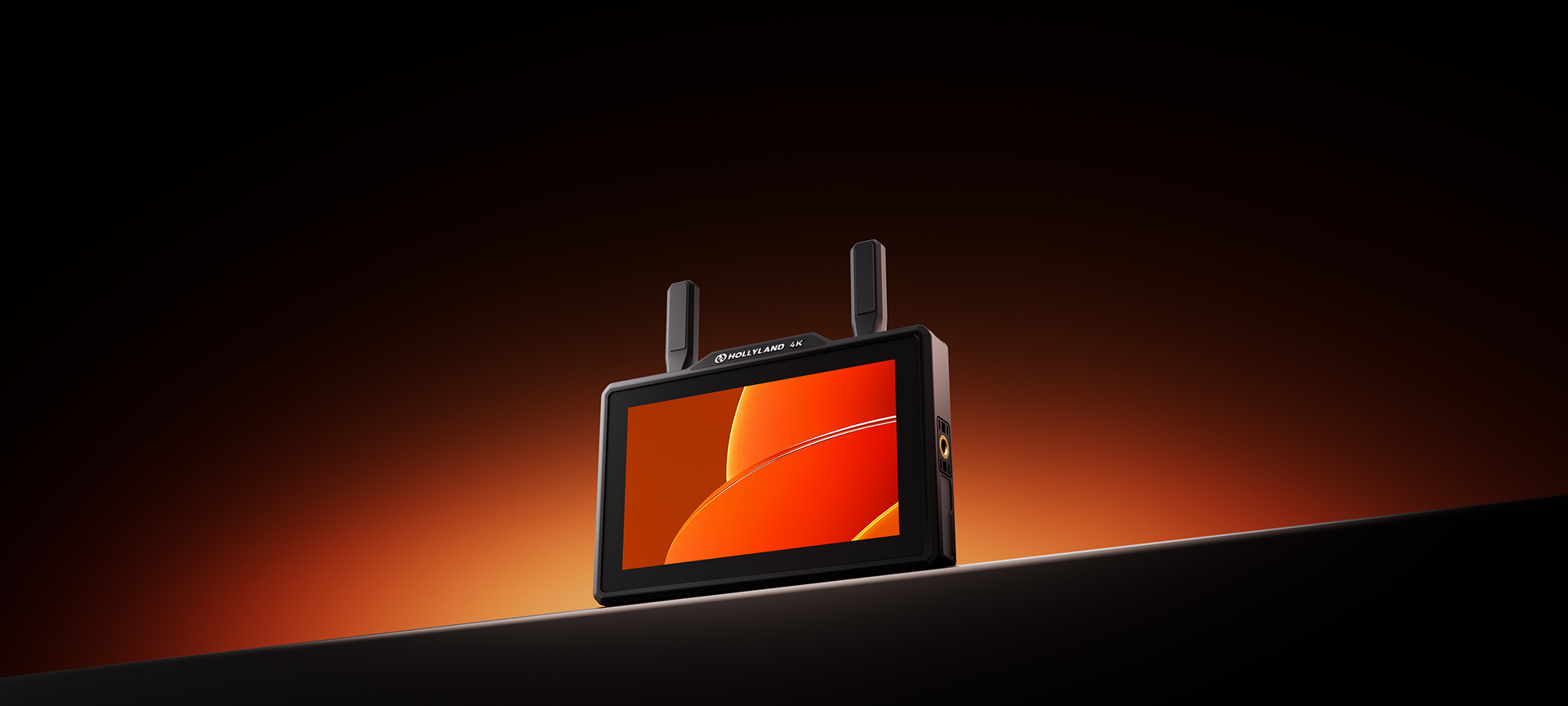

Give Me Five
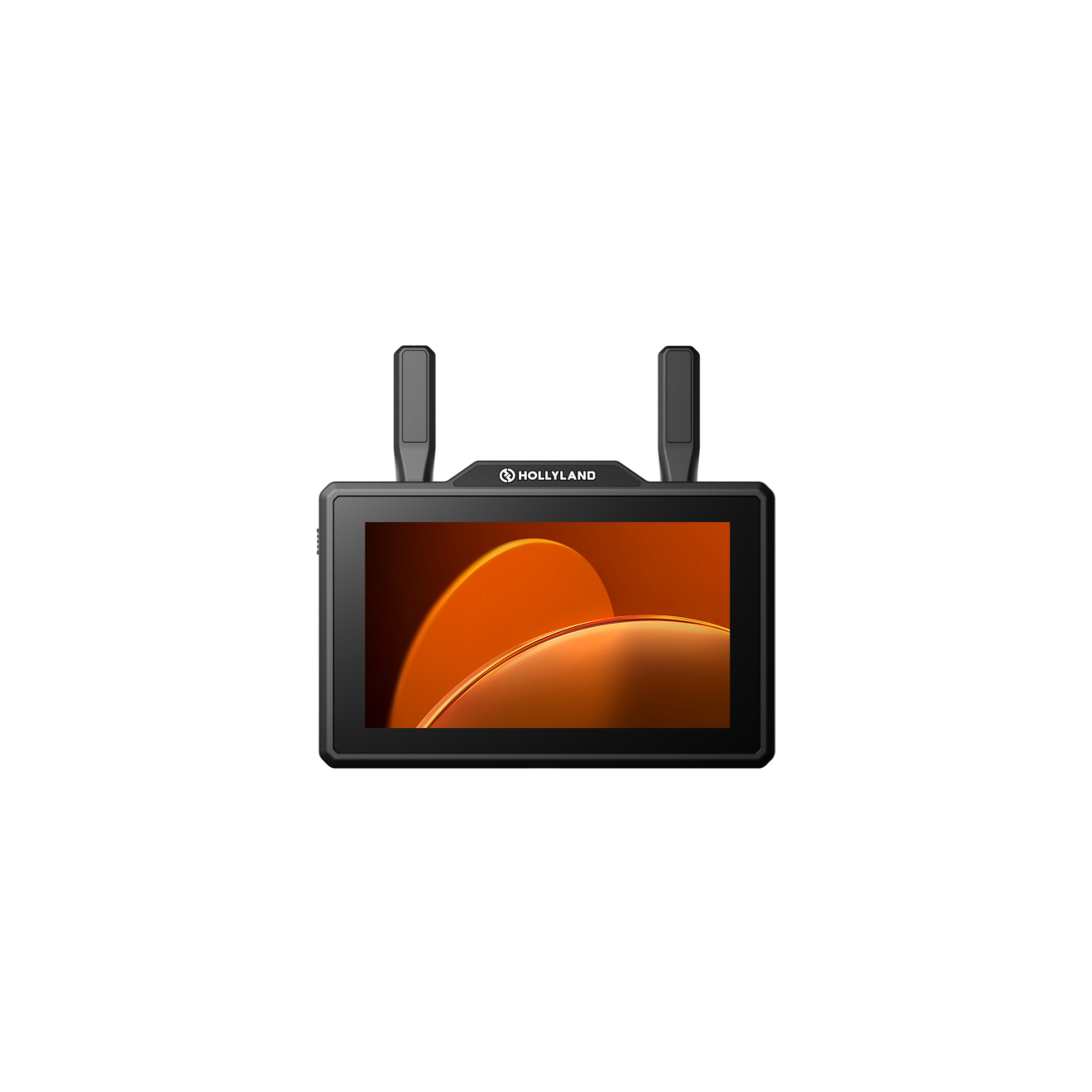
Pyro 5 4K
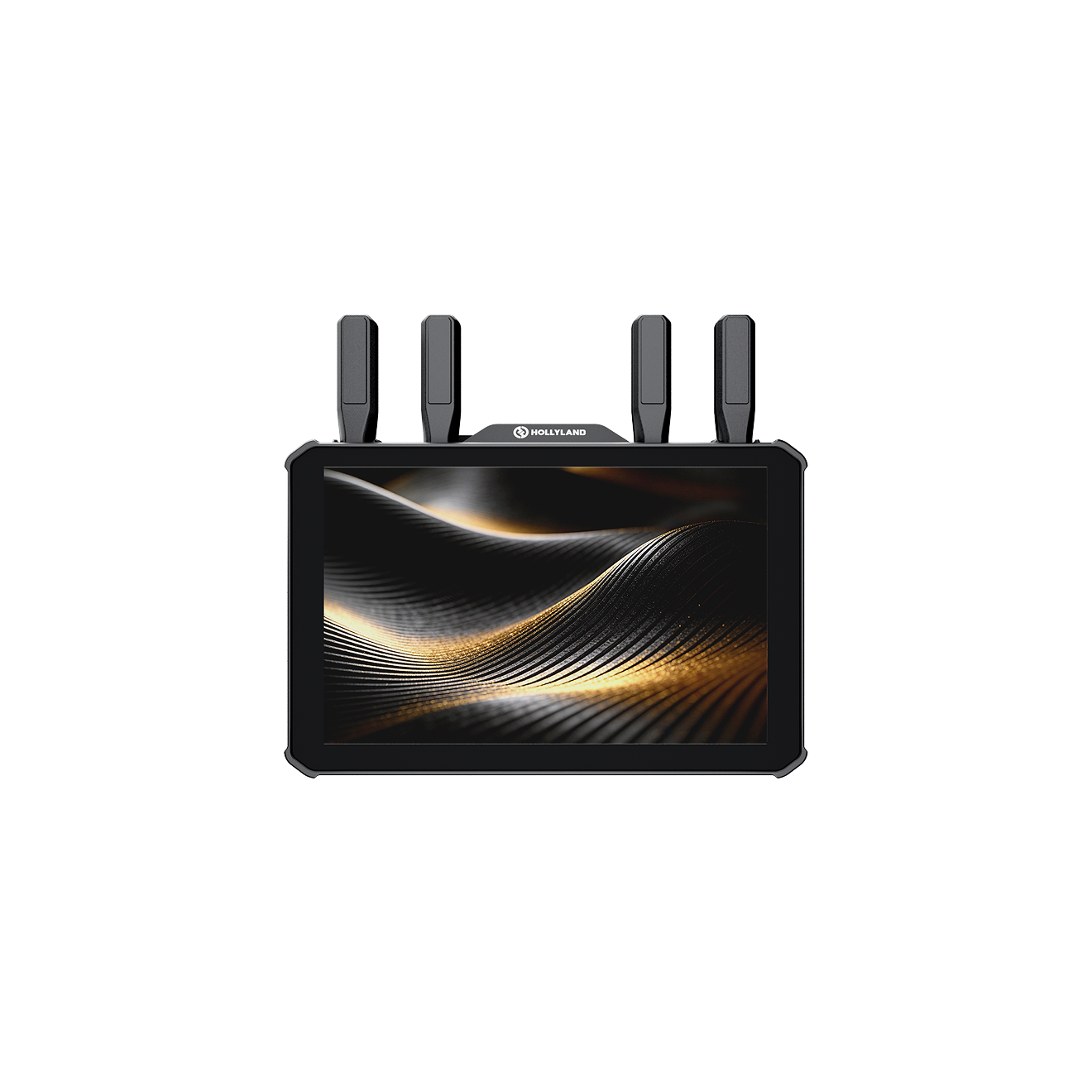
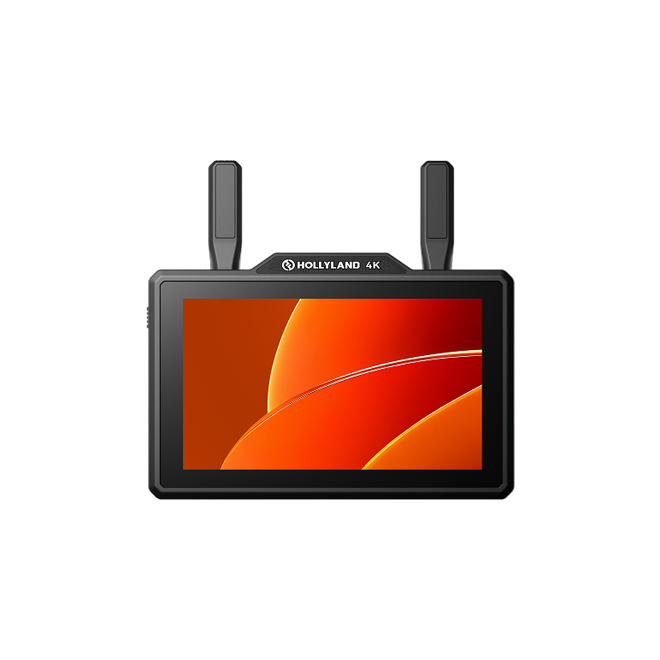
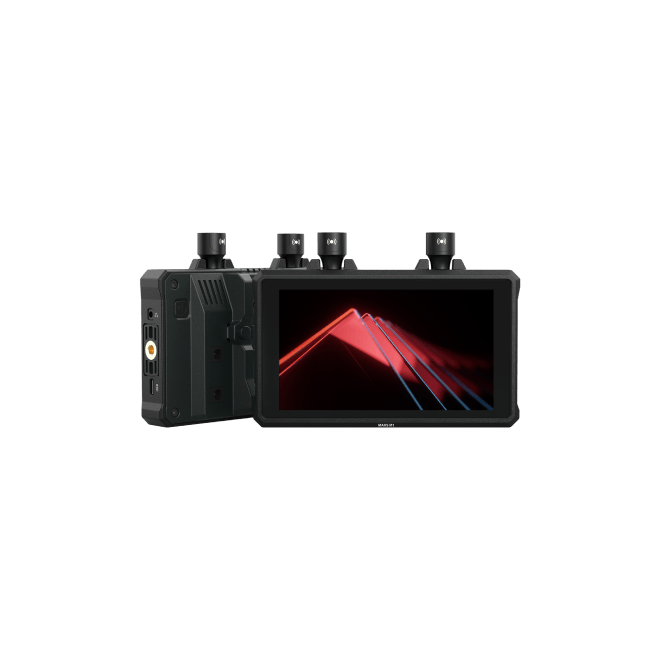
The Pyro 5 4K features a 5.5-inch
wireless monitor with
do-it-all performance. With dual-band transmission, 4-way monitoring via Broadcast
Mode, direct camera control, smart channel selection, and a 1500-nit
daylight-viewable screen, it combines multiple functions into
one compact tool. Proxy recording and RTMP live streaming make
the Pyro 5 4K more than just
a monitor — it’s your multi-tasking hub on set, built to simplify
and speed up every step of production.
5.5 Inches & 1500 Nits

More Than a Screen

Camera Control

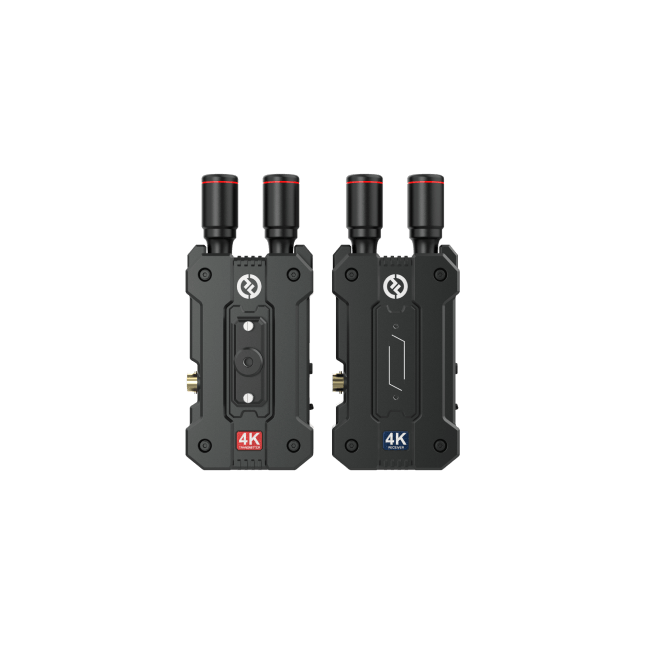
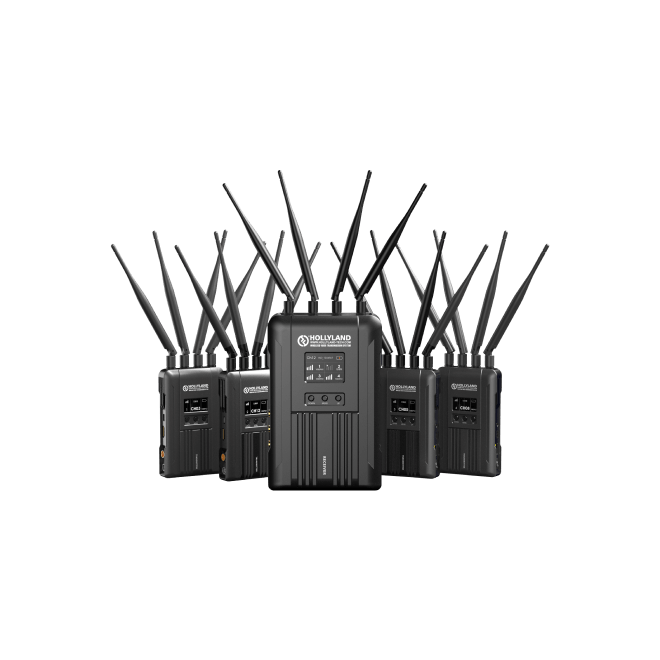
1 TX & 4 RX
400m LOS Range
400m LOS Range

Pyro Ecosystem

4K30

SDI & HDMI Ports

Dual-Band & Low Latency

Proxy Recording


Pyro Series
With Pyro, you can enhance collaboration
and productivity on every shoot to new
heights.
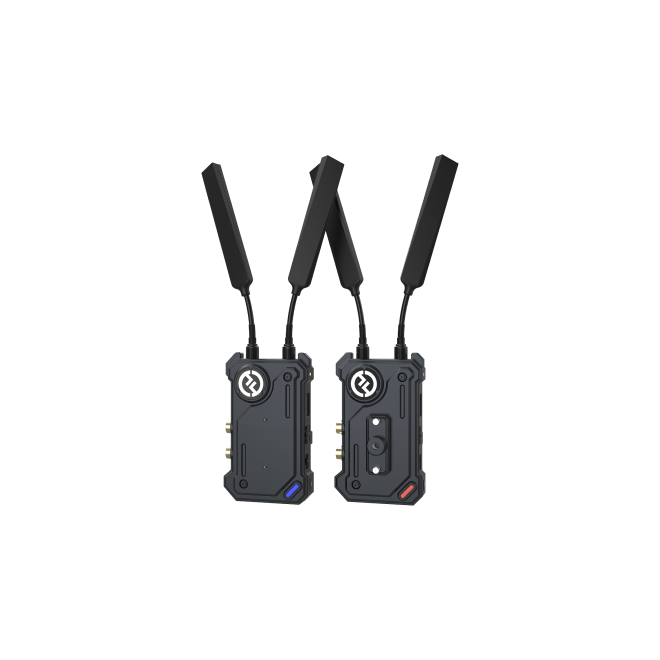
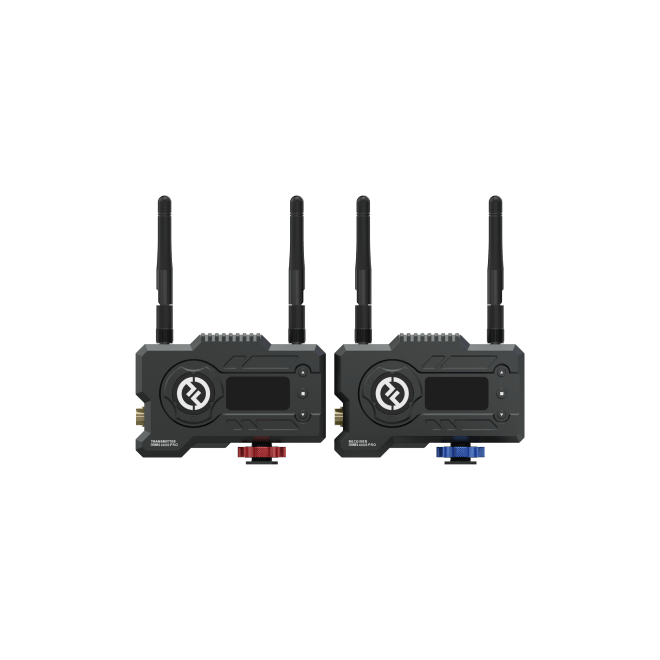
4K30 Wireless Transmission
Compatible with the Pyro Ecosystem
Compatible with the Pyro Ecosystem
Pyro 5 4K delivers end-to-end 4K30 performance across
the entire Pyro ecosystem for seamless, ultra-clear
image workflows.

WifiBroadcast Technology
Shoot. Sync. Share.
The Pyro 5 4K features a 5.5-inch wireless
monitor designed for flexible on-set
collaboration. Powered by cutting-edge
Wi‑Fi‑Broadcast technology, it
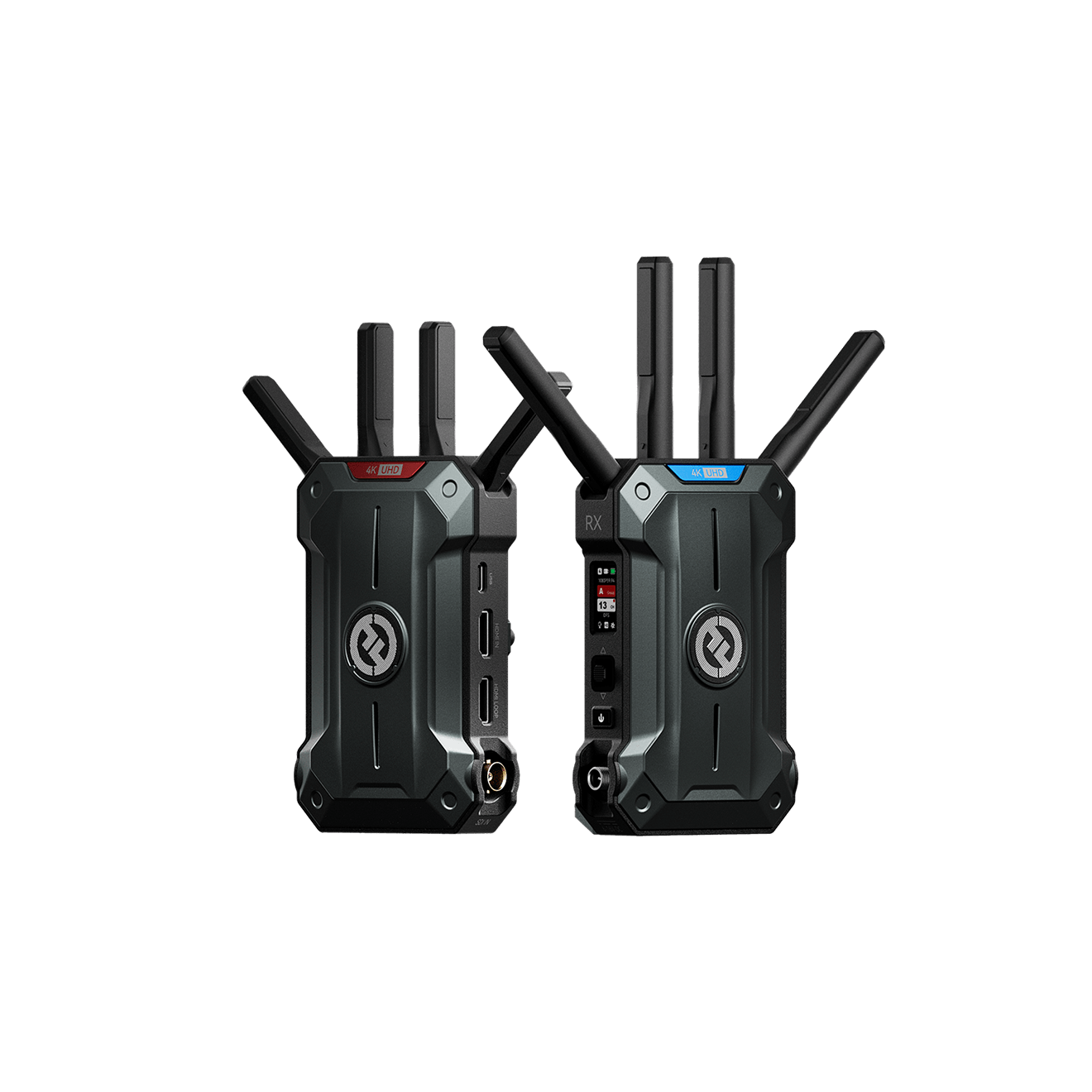
allows one transmitter to connect with up to
four receivers while maintaining stable,
real-time video transmission.
Broadcast Mode
In Broadcast Mode, one transmitter connects to up to
four receivers with intelligent camera views switching
and auto frequency hopping. Ideal for multi-cam setups,
it delivers stable performance at up to 200m
line-of-sight or 100m back-to-back.
The Pyro 5 4K supports one-to-four transmission even
when Broadcast Mode is off. At the same time, it offers
a more extended range, up to 400m line-of-sight and 150m
back-to-back.


Dual-Band.
Stronger Signal. Smoother Feeds.
Stronger Signal. Smoother Feeds.
Built with a dual-band 2.4 GHz / 5 GHz transmission system,
the Pyro 5 4K automatically adapts to changing environments
— delivering robust, interference-resistant video even in
signal-heavy locations.

Built with a dual-band 2.4 GHz / 5 GHz transmission
system, the Pyro 5 4K automatically adapts to changing
environments — delivering robust, interference-resistant
video even in signal-heavy locations.
Direct Camera Control.
Just a Tap Away.
Just a Tap Away.
Adjust ISO, aperture, shutter speed, white balance, and
focus mode directly from the 5.5″ touchscreen monitor — and
even trigger camera focus with a simple tap. Experience
fast, intuitive camera control that keeps you fully in the
creative flow.
Compatibility List
View supported cameras
ISO
IRIS
SHUTTER
WB
Focus Mode
More Than a Monitor.
Efficient Proxy
Recording.
Efficient Proxy
Recording.
Proxy files can be recorded directly to an SD
card while monitoring in real-time.
Automatically organized into folders, proxy
files are ready to review or cut.
The proxy files now include timecode, perfectly synced with your camera for easier, more accurate editing.
The proxy files now include timecode, perfectly synced with your camera for easier, more accurate editing.


Multi-Cam Switching.
The Pyro 5 4K supports switching between camera groups,
keeping up with fast-paced live productions.
Note: The function is currently only compatible with the Pyro 7.
Note: The function is currently only compatible with the Pyro 7.
Lock Pairing.
When multiple Pyro systems are in use, Lock Pairing ensures
each receiver stays securely connected to its original
transmitter — no signal mix-ups.

1,500
nits
Shoot Bright.
See Brighter.
See Brighter.
The 1500-nit screen stays bright and readable, even in the
most challenging outdoor lighting.

Auto Frequency Hopping

The Pyro 5 4K is equipped with Auto Frequency
Hopping technology, which constantly scans and
monitors the strength of the signal and
interference across various frequency ranges to
find the best wireless channel to use, resulting
in a more reliable connection.
Smart Channel
Selection
Selection
At startup, the system automatically scans and locks onto
the optimal frequency channel. Channels can also be manually
scanned and switched via the receiver, with visual signal
strength indicators for each frequency.
Take Control of Your
Image Flow.
Image Flow.
Choose between high-fidelity visuals or ultra-low latency —
whichever suits your shoot best.
HD Mode
Delivers stunning clarity with a 12 Mbps bitrate and
a minimum latency of 75ms. Ideal for critical image
monitoring.

Smooth Mode
The bitrate dynamically adjusts in this mode to
achieve the lowest 60ms latency for
ultra-long-distance transmission.
Note: All performance figures are from Hollyland laboratory
tests and may vary with real-world conditions.
Precision Meets Ease Image Analysis.
Precision Meets Ease
Image Analysis.
Image Analysis.
Advanced image analysis tools — now more accurate, more
user-friendly, and made for fast decision-making on set.
Waveform
Vectorscope
Histogram
Focus Assist
Zebra Pattern
False Color
3D LUTs
Aspect Mark
Crosshatch
Anamorphic
Flip
Zoom In
Image Overlay
Displays the horizontal representation of exposure
levels in an image, clearly showing overexposed and
underexposed areas.
Displays color hues and their saturation levels in
an image.
Displays the proportional information of exposure
levels in an image, clearly showing the overall
exposure balance of the image.
Paints a highlight around in-focus edges with
colored lines (red, green, blue, white or yellow),
enabling fast and accurate focusing.
Displays a stripe pattern over a specific brightness
range (IRE) on an image. You can adjust the upper
IRE value and lower IRE value as needed.
Assigns different colors to areas of different
brightness in an image to get quick exposure
readings.
Allows you to preview the color processing result by
importing LUTs via a USB flash drive.
Defines the aspect ratio of an image by cropping
certain parts on the corners of an image. The
transparency ranges from 0 to 100. Supports the
following aspect ratios: 16:9, 16:10, 4:3, 1:1,
1.85:1, and 2.35:1. You can also customize the
aspect ratio.
Overlays a geometric grid pattern over an image with
customizable rows and columns to display the image
in nine grids, sixteen grids, or twenty-five grids.
Restores image to its original aspect ratio,
allowing you to correctly view images when using
anamorphic lenses.
Flips an image.
Supports 1-4x zoom-in. You can swipe across the
screen to change the area to be zoomed in.
Captures the current image or chooses a file in the
SD card to overlay the screen image.
Note: Pyro 5 is currently not supported for image overlay.
Note: Pyro 5 is currently not supported for image overlay.
HDMI & SDI Ports.
Connect to What You Need.
Connect to What You Need.
With HDMI input and loopout, along with SDI input, the Pyro
5 4K fits seamlessly into a wide range of production setups.


Built to Feel Good.
Made to Last.
Made to Last.
A dual-injection shell keeps the device light in hand and
strong enough to handle the roughest shoots. The
easy-install antennas make setup, transport, and storage
faster and easier than ever. Every detail is designed for
the field — from the rugged build to the streamlined setup.

Go Live, Anywhere.
RTMP Streaming
RTMP Streaming
Stream directly to Zoom, YouTube Live, TikTok, and more with
the HollyView App and RTMP support. Just connect a 4G LTE
Wi‑Fi modem, enter your stream key, and you’re
live — no extra setup needed.
Give Me Five
Pyro 5 4K

What’s in the Box
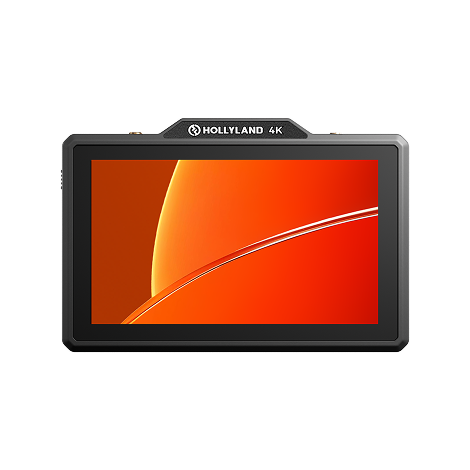
Pyro 5 4K x1
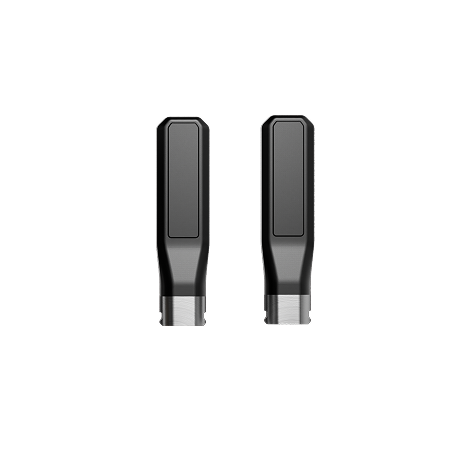
Easy-Install Short Antenna x2
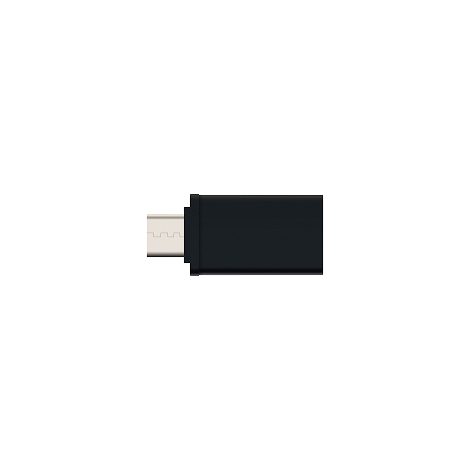
USB-C OTG Adapter x1

Pyro 5 4K Tempered Glass Screen Protector x1
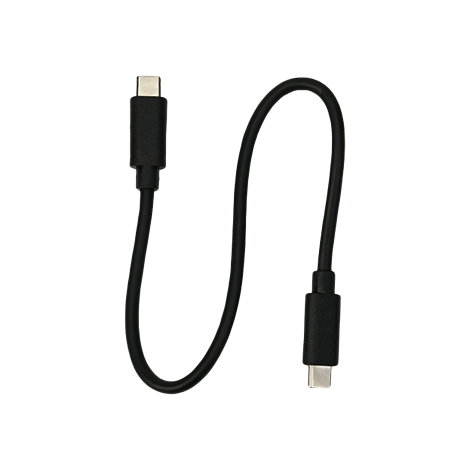
USB-C to USB-C Cable x1
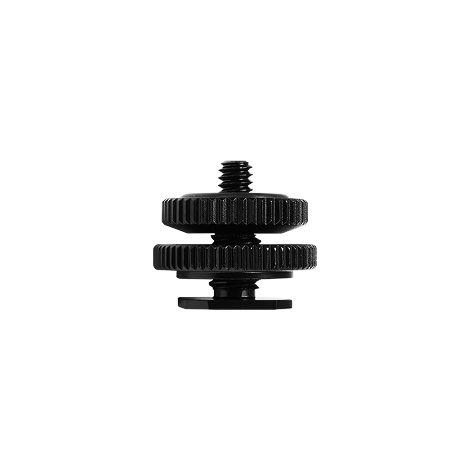
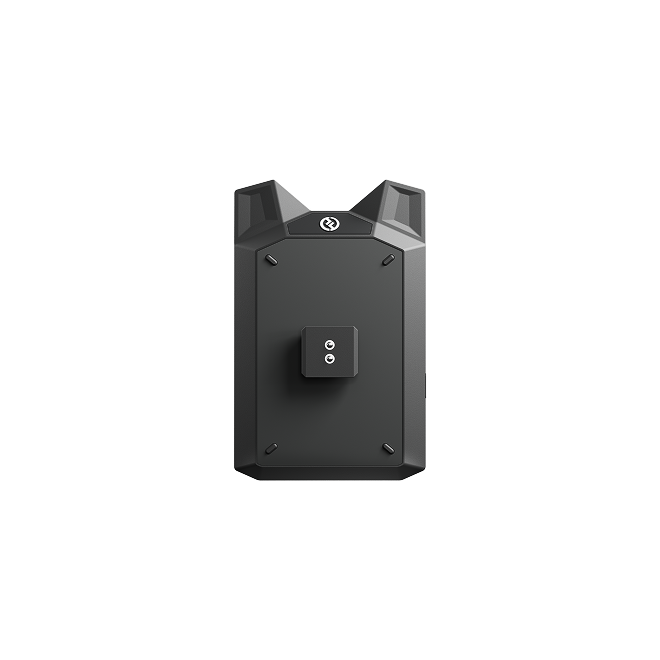
1/4″ Cold Shoe x 1
Upgrade Your Setup.

Pyro 5 4K

Easy-Install Short Antenna

Pyro 5 Tempered Glass Screen Protector

USB-C OTG Adapter

Shoulder Strap 01

Monitor Hood
Specifications
Input Port
Transmitter Mode: HDMI 1.4b + 3G SDI
Receiver Mode: /
Receiver Mode: /
Output Port
Transmitter Mode: Loop-Out HDMI 1.4b
Receiver Mode: HDMI 1.4b
Receiver Mode: HDMI 1.4b
Color Depth Capability
Transmitter Mode: HDMI Input: YUV 422 / YUV 444
8-bit
Receiver Mode: HDMI Output: RGB 888
Receiver Mode: HDMI Output: RGB 888
Audio Format
Transmitter Mode: HDMI 1.4b 2-Channel
Receiver Mode: HDMI 1.4b 2-Channel
Receiver Mode: HDMI 1.4b 2-Channel
Antenna
SMA Male
Power Input
DC Input (2.0mm core socket)
Headphone Jack
3.5mm
Upgrade Port
USB-C (USB 2.0 OTG) / SD Card Slot
Screen Size
5.5″ Touchscreen
Screen Resolution
1920*1080 Pixels
Color Gamut
Rec.709
Aspect Ratio
16 : 9
Screen Brightness
1,500 nits
Contrast Ratio
1000 : 1
Power Input Voltage
NPF: 6V – 16V
DC In: 10V – 18V DC
DC In: 10V – 18V DC
Video Bitrate
Maximum 12 Mbps
Video Encoding Format
H.264
Power Consumption
Transmitter Mode: < 18.9W
Receiver Mode: < 16W
Receiver Mode: < 16W
Net Weight
Approx. 410g (14.5oz)
Dimensions
(L×W×H): 151.6×102.3×40.5mm (5.97″ × 4.03″ ×
1.59″)
Operating Frequency
• 2.412 – 2.484 GHz
• 5.150 – 5.250 GHz
• 5.250 – 5.350 GHz
• 5.725 – 5.850 GHz
• 5.150 – 5.250 GHz
• 5.250 – 5.350 GHz
• 5.725 – 5.850 GHz
Transmit Power
Transmitter Mode: < 23 dBm
Receiver Sensitivity
Receiver Mode: Non-Broadcast: -85 dBm;
Broadcast: -80 dBm
Transmission Latency
Approx. 60ms (Tested in a laboratory environment
with 1080p60)
Bandwidth
Non-Broadcast: 20 MHz; Broadcast: 40 MHz
Operating Temperature
– 10℃ to 45℃
Storage Temperature
– 40℃ to 60℃
HDMI Input
•720p50/59.94/60
•1080i50/59.94/60
•1080p23.98/24/25/29.97/30
•1080p50/59.94/60
•3840*2160p23.98/24/25/29.97/30 Hz
•1080i50/59.94/60
•1080p23.98/24/25/29.97/30
•1080p50/59.94/60
•3840*2160p23.98/24/25/29.97/30 Hz
HDMI Loopout
•720p50/59.94/60
•1080i50/59.94/60
•1080p23.98/24/25/29.97/30
•1080p50/59.94/60
•3840*2160p23.98/24/25/29.97/30 Hz
•1080i50/59.94/60
•1080p23.98/24/25/29.97/30
•1080p50/59.94/60
•3840*2160p23.98/24/25/29.97/30 Hz
HDMI Output
•720p50/59.94/60
•1080i50/59.94/60
•1080p23.98/24/25/29.97/30
•1080p50/59.94/60
•1080i50/59.94/60
•1080p23.98/24/25/29.97/30
•1080p50/59.94/60
SDI Input
•1080p50/59.94/60 (Level A)
•1080p50/59.94/60 (Level B)
•1080i50/59.94/60
•1080p23.98/24/25/29.97/30
•1080psf23.98/24
•1080psf25/29.97/30
•720p50/59.94/60
•1080p50/59.94/60 (Level B)
•1080i50/59.94/60
•1080p23.98/24/25/29.97/30
•1080psf23.98/24
•1080psf25/29.97/30
•720p50/59.94/60
HDMI Loopout
•1080p50/59.94/60 (Level A)
•1080i50/59.94/60
•1080p23.98/24/25/29.97/30
•1080psf23.98/24
•1080i50/59.94/60
•720p50/59.94/60
•1080i50/59.94/60
•1080p23.98/24/25/29.97/30
•1080psf23.98/24
•1080i50/59.94/60
•720p50/59.94/60
HDMI Output
•1080p50/59.94/60 (Level A)
•1080i50/59.94/60
•1080p23.98/24/25/29.97/30
•1080psf23.98/24
•1080i50/59.94/60
•720p50/59.94/60
•1080i50/59.94/60
•1080p23.98/24/25/29.97/30
•1080psf23.98/24
•1080i50/59.94/60
•720p50/59.94/60
* Note: Due to differences in various countries and
regions, there may be variations in the operating
frequency band and wireless transmit power of the
product. For details, please refer to local laws and
regulations.