.png)
 简体中文

A dusty keyboard, a soft brush moving between keycaps, and a microfiber cloth wiping a surface can create a satisfying ASMR cleaning video. The appeal comes from clear sounds, controlled movements, and visible cleaning progress.
You don’t need a professional studio to get started. A smartphone, stable camera stand, cleaning tools, and a quiet room are enough. The key is planning your shots, capturing natural sounds, and protecting your recording equipment from liquids.
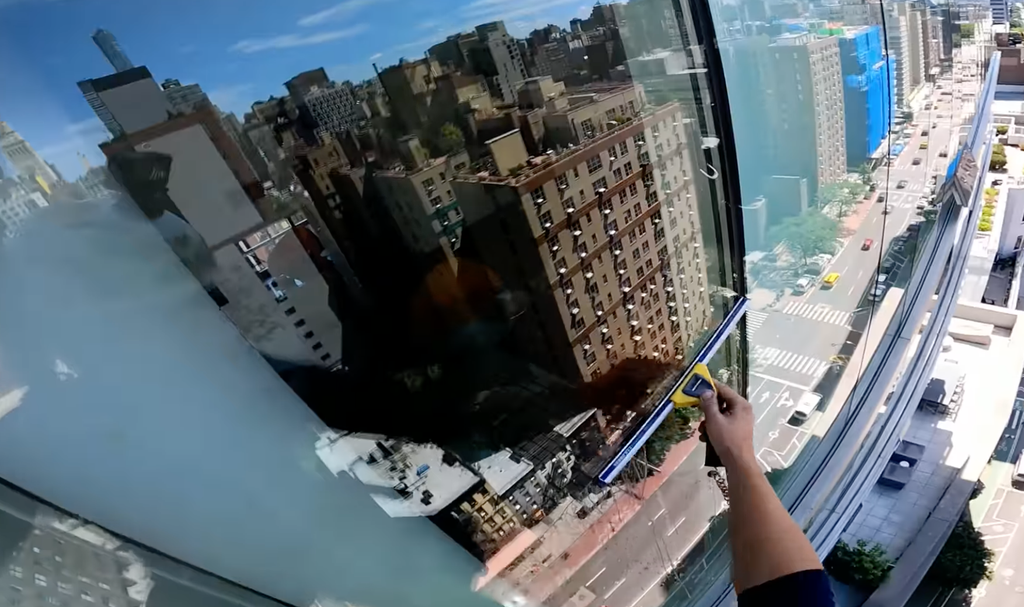
This guide explains how to make ASMR cleaning videos, position your microphone, record satisfying cleaning sounds, and create a five-minute keyboard-cleaning sequence.
What Makes a Good ASMR Cleaning Video?
A good ASMR cleaning video combines clear sounds, deliberate movements, and visible progress.
Three elements are essential:
- Distinct cleaning sounds: keycap tapping, soft brushing, spray-bottle mist, and microfiber-cloth wipes.
- Steady close-up shots: Show dust removal, fingerprints disappearing, and surfaces becoming clean.
- A satisfying sequence: Introduce the item, show the cleaning process, and finish with a before-and-after reveal.
Avoid exaggerated scraping, aggressive brushing, or unnecessary background noise. Gentle, controlled audio usually creates a better listening experience.
Start with one subject, such as a keyboard, glass desk, phone stand, or headphones. A single item gives your video a clear beginning, middle, and end.
Which Cleaning Sounds Work Best for ASMR?
Choose recognizable sounds that create different textures without overwhelming the recording.
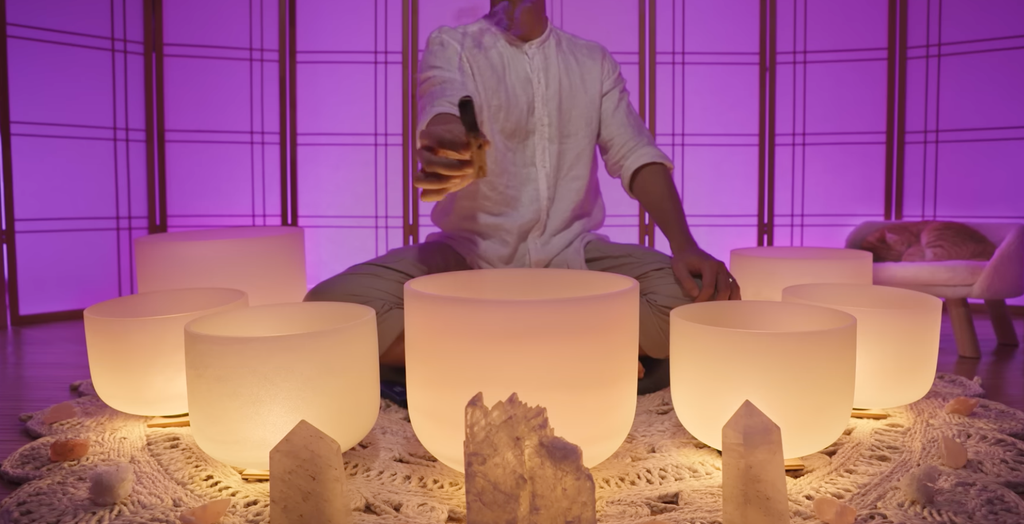
Record Keycap Tapping and Soft-Brushing Sounds
A computer keyboard is a useful subject because it offers several distinct sounds.
Start by gently tapping individual keycaps with your fingertip or fingernail. Use a steady rhythm and pause between groups of keys.
Next, use a clean, soft-bristled detailing brush to remove dust between the keys.
Try this sequence:
- Tap five individual keys.
- Brush between two rows.
- Pause briefly.
- Repeat on the opposite side.
- Finish with gentle taps on the keyboard frame.
Keep electronics powered off and follow the manufacturer’s cleaning instructions.
Capture Microfiber Cloth Wipes and Spray-Bottle Mist
A microfiber cloth moving across glass creates a soft swishing sound. Record it on a separate glass panel or mirror rather than spraying liquid near your equipment.
Spray-bottle mist adds a short hissing sound that contrasts with slower wiping movements.
Start with the microphone around 15–30 cm from the spray or pouring source. Increase the distance if the sound becomes harsh or distorted.
Never spray liquid directly onto electronic devices or recording equipment. A foam windscreen does not make a microphone waterproof.
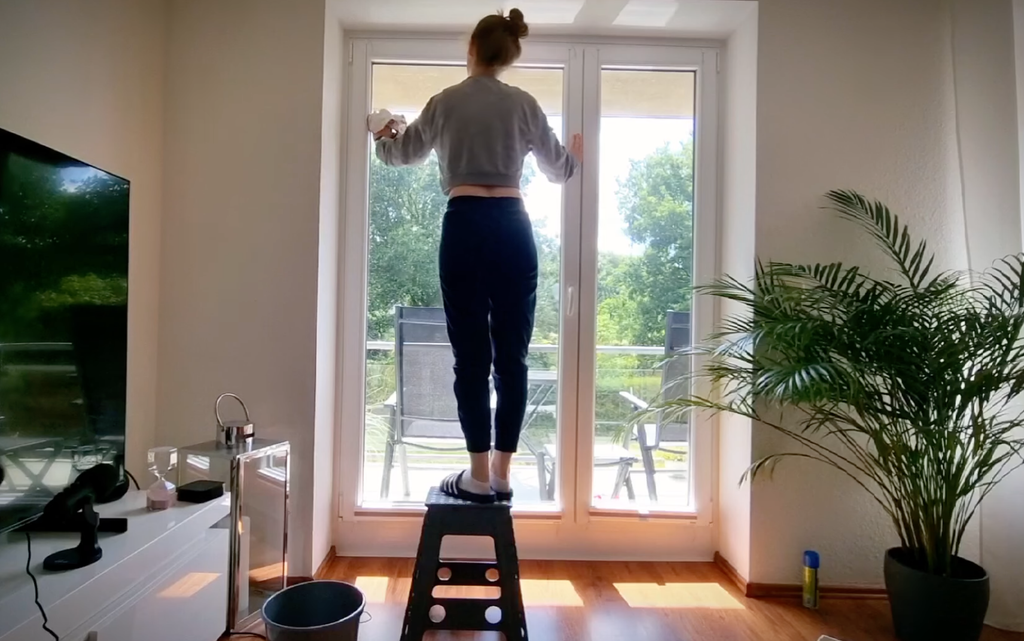
Choose a Cleaning Subject With Visible Progress
The visual result matters as much as the audio. Choose objects that show a noticeable difference after cleaning.
Suitable subjects include:
- Dusty computer keyboards.
- Fingerprinted glass panels.
- Headphones cleaned according to manufacturer instructions.
- Dusty desk accessories.
- Makeup organizers with removable compartments.
Avoid using harsh chemicals or creating unnecessary dirt for dramatic effects.
How to Set Up Your Camera, Lighting, and Cleaning Space
A simple desk setup can produce professional-looking cleaning ASMR videos. Focus on clear framing, stable positioning, and suitable lighting.
Frame the Cleaning Area From Above
Use a stable overhead phone mount or position your camera at a high angle facing the desk.
Keep the entire keyboard visible, with enough room for your hands, brush, and cleaning tools.
Begin with a wider shot, then use close-ups to capture dust removal and surface details.
Before recording, check that:
- Your hands do not block the cleaning area.
- The phone stand remains stable.
- Lighting reveals dust without strong glare.
- Cleaning products and cables stay outside the working area.
Use a soft desk lamp or diffused lighting. For glass surfaces, adjust the light to reduce reflections.
Keep the Workspace Quiet and Organized
Reduce background noise from fans, televisions, and nearby appliances where practical.
Arrange your tools in the order you plan to use them. For keyboard cleaning, keep a soft detailing brush, microfiber cloth, and suitable cleaning product nearby.
Use products appropriate for the item and never mix cleaning chemicals.
Position the Microphone for Each Sound
For close-up ASMR, 5–15 cm is a practical starting distance. It can work for gentle keycap tapping and soft brushing, depending on the microphone and recording environment.
A wearable microphone captures sound near your body, not automatically near the keyboard. It may pick up breathing and clothing movements more clearly than small cleaning sounds.
For spray-bottle mist or pouring sounds, start around 15–30 cm away and move farther back if necessary.
How can you protect your microphone when recording cleaning ASMR?
Keep your microphone, wireless transmitter, receiver, phone, and charging case away from liquids and cleaning sprays. Record spray sounds on a separate surface, and never apply cleaning solutions directly to recording equipment. A foam windscreen can reduce airflow noise but does not provide water protection.
Also, secure phone mounts and route charging cables away from liquids. Keep wearable microphones away from wet surfaces and loose clothing that could create unwanted rustling. If a spill occurs, stop recording and follow the manufacturer’s safety instructions. Never mix cleaning chemicals.
Should You Use a Wireless Microphone for Cleaning ASMR?
A wireless microphone can be useful when you move around the desk, speak during recording, or want a compact setup. It also helps reduce cable clutter and gives you more flexibility when positioning your recording equipment.

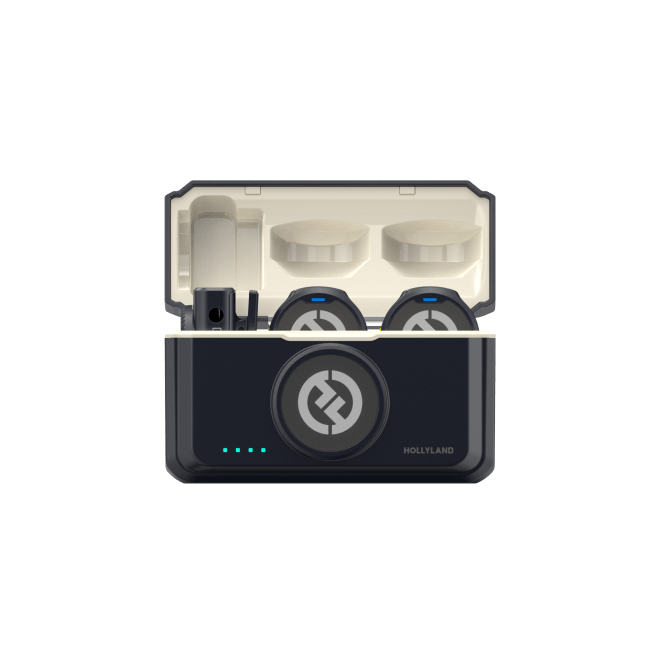
For creators who want a compact wireless recording solution, the Hollyland LARK A2 is an option to consider. Its small transmitter and wireless design make it convenient for recording spoken explanations, cleaning demonstrations, and hands-on content.
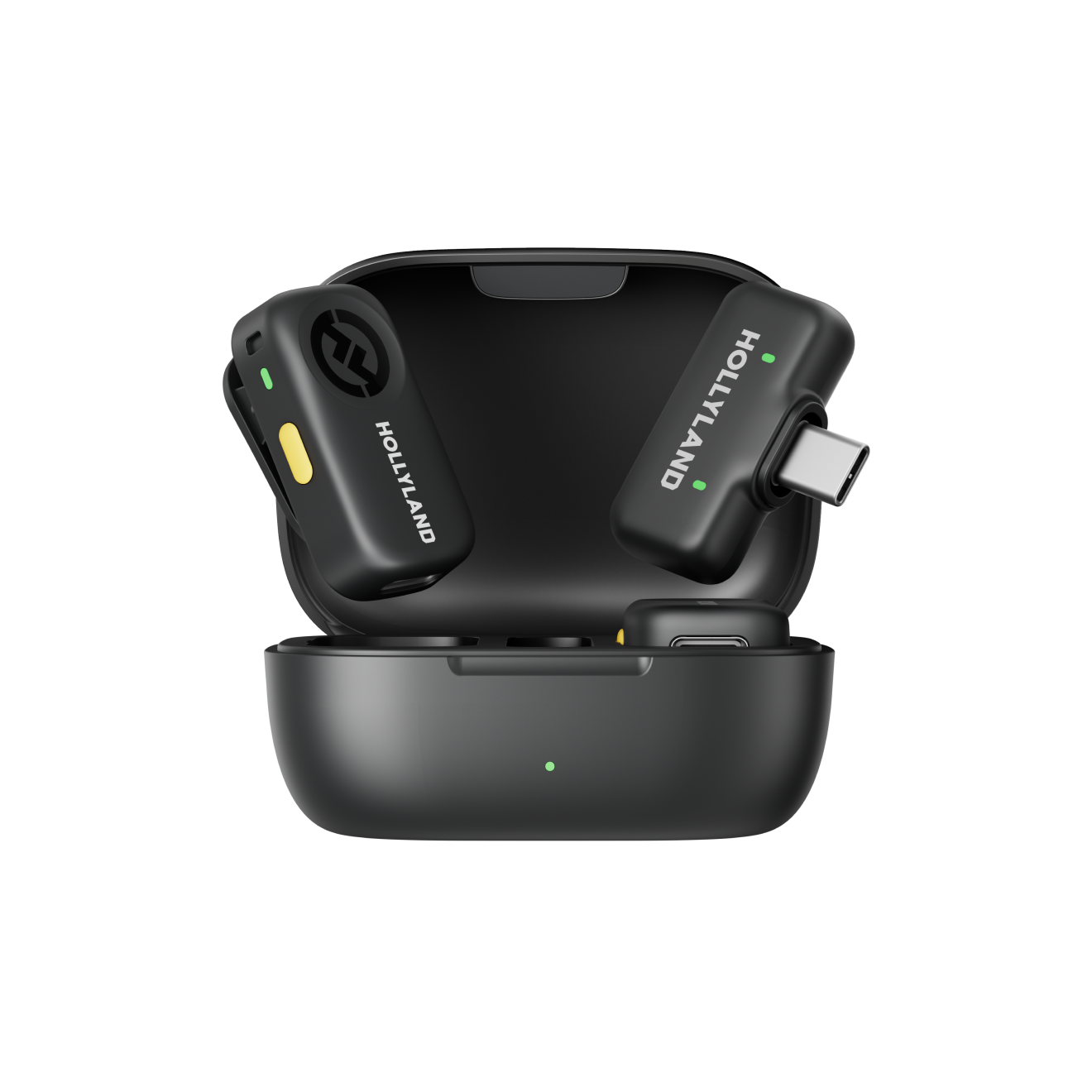
Hollyland LARK A2 - Clip-on Microphone
An ultra-light 8.5g wireless microphone engineered for effortless mobile recording, featuring smart AI noise cancellation and studio-grade sound.
Key Features: 8.5g Clip & Go | AI Noise Cancellation | 42 Hours Battery
You can connect the LARK A2 to a compatible recording device and position the microphone according to your recording needs. Before filming, test the audio levels and microphone placement to ensure your voice and cleaning sounds are captured clearly.
Connect the LARK A2 Directly to Your Smartphone
The Hollyland LARK A2 comes with USB-C and Lightning receiver options. Choose the version that matches your smartphone and connect the receiver directly.
It supports plug-and-play recording, so you do not need the Hollyland app simply to start recording.
Clip the 8.5g Transmitter to Your Sleeve or Apron Strap
The LARK A2 transmitter weighs approximately 8.5 g, making it convenient to wear during cleaning demonstrations.
Clip it to a stable sleeve or apron strap, away from your hands and cleaning surfaces.
However, a wearable transmitter is not a substitute for a microphone positioned beside every trigger. For detailed keycap tapping and brushing, test whether the wearable position captures enough sound. A dedicated close microphone may be more suitable.
Keep the transmitter away from water, spray mist, cleaning chemicals, and loose fabric that may cause rustling.
Know When to Turn AI Noise Cancellation On or Off
The LARK A2 includes adjustable AI noise cancellation through the Hollyland app.
Use these settings as a starting point:
- Talking, whispering, and soft-spoken explanations: Turn noise cancellation on when background noise interferes with your voice.
- Keycap tapping, brushing, scratching, and cloth wiping: Turn it off or use a lower setting to preserve natural textures.
Noise cancellation may suppress subtle brushing and rubbing sounds. For cleaning-focused ASMR, preserving these details is often more important than removing every trace of room noise.

Who Should Buy the LARK A2
The LARK A2 is worth considering for smartphone-first creators who primarily produce voice-led ASMR, whispering, soft-spoken videos, and indoor cleaning demonstrations. Its compact wireless design makes it convenient for everyday mobile recording.
Its features include 48 kHz/24-bit audio, omnidirectional pickup, AI noise cancellation, voice tuning, AI Auto-Limit Clip, and Safety Track. The transmitter offers approximately seven hours of battery life and a stated wireless range of up to 200 m/656 ft under suitable line-of-sight conditions.
At $44.99, the LARK A2 can be an accessible first wireless microphone, although it is not designed to replace specialized stereo microphones for detailed ASMR triggers.
Explore the Hollyland LARK A2 for available versions and current pricing.
How to Make Cleaning ASMR Videos More Satisfying to Watch
Good cleaning ASMR does not require exaggerated dirt or loud scraping. Small details create a more enjoyable experience.
Use Consistent Movements and Natural Pauses
Move the brush steadily, tap keys in small groups, and pause between actions.
For keyboard cleaning, work from one side to the other. A consistent sequence makes the video easier to follow.
Show the Before-and-After Difference
Capture the same angle before and after cleaning. If you begin with dust between the keys, return to that area after brushing.
Maintain consistent lighting and framing so viewers can see the improvement.
Keep the Audio Natural
Avoid increasing every tap’s volume or adding artificial scraping sounds.
Use moderate editing to remove accidental bumps and unnecessary pauses while preserving the natural rhythm. If a sound is too quiet, improve microphone placement rather than boosting background noise.
Frequently Asked Questions
1. Can I Make ASMR Cleaning Videos Without Showing My Face?
Yes. Cleaning ASMR works well with hands-only footage. Position your camera above the workspace or use a close-up angle that focuses on the object, cleaning tools, and movements.
2. Should I Record Cleaning Sounds Separately From the Video?
Recording audio separately can give you more control over individual sounds during editing. It is especially useful when you want to emphasize quiet brushing, tapping, or wiping without changing the original video footage.
3. Can I Use Time-Lapse in an ASMR Cleaning Video?
Yes. Time-lapse can show longer cleaning stages, such as organizing a desk or cleaning a large surface. Keep detailed sounds in real-time sections so viewers can still enjoy the natural ASMR experience.
4. Should I Add Background Music to Cleaning ASMR Videos?
Usually, avoid background music when the goal is to highlight natural cleaning sounds. If you choose to add music, keep it subtle so it does not overpower brushing, tapping, wiping, or other recorded details.
5. Can I Make ASMR Cleaning Videos With Just a Smartphone?
Yes. A smartphone can capture good-quality cleaning ASMR videos when paired with a stable tripod, proper lighting, and a quiet recording space. Keep the phone close enough to capture subtle sounds, and test the audio before recording. For clearer sound, you can also use an external microphone such as the Hollyland LARK A2.
Conclusion
Making ASMR cleaning videos involves combining satisfying visuals with clear, controlled sounds. Start with a simple subject such as a computer keyboard and capture triggers like keycap tapping, soft brushing, and microfiber cloth wipes.
Use a practical microphone distance of 5–15 cm for close-up sounds and move farther away for louder spray or pouring sounds. Protect your equipment from liquids and chemicals, and remember that noise cancellation may remove the delicate textures that make cleaning ASMR enjoyable.
You can start with your smartphone’s built-in microphone and add a wireless option if your recording style requires it. The best setup captures natural cleaning sounds while keeping your equipment safe.