






.png)
 简体中文
简体中文 
Most Shorts die within the first 24 hours — not because the content is bad, but because one or two critical factors are working against them. The YouTube Shorts algorithm rewards specific viewer behaviors, and once you understand which ones, every creative decision becomes clearer. These nine strategies target the exact signals that push Shorts past your subscriber base and into the recommended feed at scale.

How the YouTube Shorts Algorithm Decides What Goes Viral?
The Shorts feed doesn’t operate like traditional YouTube. Subscribers matter far less here — the algorithm is built around viewer behavior signals, not channel authority. When you upload a Short, YouTube serves it to a small test batch of viewers. If those viewers watch through to the end or re-watch, the algorithm interprets that as a positive signal and expands distribution to a larger audience. This cycle repeats until retention drops off.

The two metrics that drive this cycle most directly are watch-through rate (the percentage of viewers who watch all the way to the end) and re-watches (viewers who loop back to the start). Everything else — hashtags, titles, formatting — is secondary to these two numbers.
That’s why every strategy in this article exists to serve one goal: keep viewers watching all the way through, again and again.
Create Your Hook in the First 3 Seconds
If the algorithm is powered by watch-through rate, the hook is the engine that makes it possible. Viewers decide whether to swipe within the first one to two seconds. A slow intro, a blank “hey guys,” or a delayed payoff sends swipe rate up and signals YouTube to stop distributing your video — regardless of how strong the content is after that point.

The first frame needs to create an immediate reason to stay. There are three repeatable hook formulas that consistently outperform generic openings.
The Bold Claim
Lead with a strong, slightly provocative statement that challenges a common assumption. The tension this creates forces viewers to keep watching to see if you prove it.
Examples: – “Most creators are wasting their first 10 seconds and don’t even know it.” – “This one habit is why your Shorts won’t grow — no matter how good your content is.” – “Every productivity tip you’ve heard is backwards. Here’s why.”
The bold claim works because the strong statement makes people think twice and feel a bit unsure at first. Viewers think, “that can’t be right” — and they stay to find out.
The Open Loop
State a promise or question at the very start that can only be resolved by watching to the end. The psychological tension of an unfinished story keeps viewers from swiping away.
Examples: – “I posted every day for 30 days — here’s what nobody tells you about what happens after.” – “There’s a setting in YouTube Studio that almost no one knows about. I’ll show you in 20 seconds.” – “Stay to the end — the last step here is the one that actually matters.”
Note: Keep the open-loop promise honest. If you tease something and underdeliver at the end, viewers feel cheated — and the comment section will reflect it.
The Visual Shock
Skip the setup entirely and start mid-action. Cut into the most visually compelling or unexpected moment of your video and let it speak for itself in the first frame.
Examples:
- Open on the most dramatic moment — not the buildup to it.
- Lead with a striking visual contrast that makes the payoff worth watching for.
- Begin with movement, a close-up prop, or on-screen text that interrupts the scrolling pattern.
Talking-head creators often underestimate this formula. Even small changes — cutting to a different angle, opening on an object, or flashing a striking text card — can buy you a critical extra second of attention before the viewer decides to stay or swipe.
Maximize Watch-Through Rate and Build a Loop
A strong hook gets viewers to start watching. Watch-through rate determines whether the algorithm decides to keep promoting your content. The target is 85% completion or higher — meaning most viewers who start your Short reach the final second.

Four specific techniques move that number in the right direction.
- Cut every pause and filler word. Dead air is where viewers swipe. Remove every “um,” “uh,” and unnecessary breath pause in post-production. The pace should feel slightly faster than natural speech — this keeps attention locked and reduces the impulse to scroll.
- Deliver value by the 5-to-7-second mark. If the viewer hasn’t received something useful, surprising, or entertaining by the seventh second, you’ve likely already lost them. Structure content so the core payoff begins early, not as a reward for watching to the end.
- Build a seamless loop. If your ending frame transitions naturally — visually or narratively — back to your opening frame, viewers will re-watch without fully realizing it. Those re-watches register as additional watch time and send a strong positive signal to the algorithm. End on a phrase, image, or visual that directly mirrors where you started.
- Keep it to 15–35 seconds when the content allows. Shorter Shorts are mechanically easier to watch to completion, which improves watch-through rate by default. A 20-second Short with 95% completion will outperform a 58-second Short with 60% completion every time. Use exactly as much time as the content requires — never pad to fill the clock.
Use Trending Audio to Borrow Algorithmic Momentum
Audio selection is one of the most overlooked levers in Shorts’ growth. The YouTube Shorts algorithm favors videos with popular or trending audio, giving them a boost over clips with unknown or unlicensed sounds.
- Find trending audio inside the Shorts creation tab. When you open the camera in the native creator tool and tap “Add sound,” YouTube surfaces tracks that are currently gaining traction on the platform. These are your highest-leverage options.

- Layer trending audio under your voiceover. You don’t have to let the trending track drive your content. Drop the music volume to 10–20% and record your narration on top. You still collect the algorithmic benefit of the trending sound without it competing with your message.
- Consider building your own original audio. If a sound you create — a catchphrase, a recurring intro line, or a distinct audio signature — gets picked up by other creators, YouTube credits your channel every time it’s used. This is a long-term compounding play that turns your audio into its own distribution channel.
- Act fast on trends. Trending audio has a short shelf life. A sound that’s climbing today may already be saturated 72 hours from now. When you spot a rising track in your niche, publish that Short within the first 48 hours to catch the wave before it peaks.
Post Consistently in a Defined Niche
Inconsistency is one of the quietest growth killers on Shorts. When you post sporadically or across unrelated topics, the algorithm has no stable signal to use when deciding who to show your content to. Channel-level patterns matter — YouTube studies your viewer history to predict who else might enjoy your next upload.

Niche consistency builds a concentrated audience that engages reliably, which strengthens your early-hour engagement rate — the window the algorithm uses to determine whether a Short deserves wider distribution.
A realistic baseline is three to five Shorts per week. Posting at this pace keeps the algorithm engaged with your content while still allowing you to maintain good quality. Batching — filming five to ten Shorts in a single session — makes this achievable without creative burnout.
One important clarification: Focusing on a specific topic doesn’t mean being boring. Mix up your approach with new hooks, visuals, and angles to stay consistent while keeping things fresh. Stick to your area, but change how you present it.
Write Titles, Use Hashtags, and Optimize Descriptions
While retention drives algorithmic distribution, discoverability still matters for new viewers finding your content through search and browse. Getting these three metadata elements right creates a secondary layer of exposure that compounds over time.
| Element | Best Practice | Example |
|---|---|---|
| Title | Front-load the main keyword; signal a clear benefit or create curiosity | “How to Film Shorts With a Phone (Looks Professional)” |
| Hashtags | Use 3–5 maximum; prioritize niche-specific tags; #Shorts is optional but useful in some categories | #ContentCreator #YouTubeShorts #VideoTips |
| Description | First two lines appear in the feed; reinforce the hook and include 1–2 natural keywords | “Most creators skip this step — and it costs them views. Here’s the 3-second fix.” |
Avoid keyword stuffing in titles or descriptions. YouTube’s system reads over-optimized copy as a low-quality signal, and it makes your content feel untrustworthy to human viewers before they even press play.
Invest in Visual Clarity and Clean Audio
Poor production quality triggers swipes faster than almost anything else. Viewers are conditioned to high-quality content, and a muffled voice or a dark, shaky frame reads as low-effort within milliseconds. The good news: a few deliberate choices eliminate most production problems without expensive equipment.

- Lighting: A ring light or a window-facing setup — facing the light, not your back to it — solves 90% of bad-lighting problems. Avoid overhead-only lighting and filming in dim rooms.
- Framing: Center your subject, leave a small amount of headroom, and fill the vertical 9:16 frame. Dead space above or to the side reduces visual impact and looks unintentional.
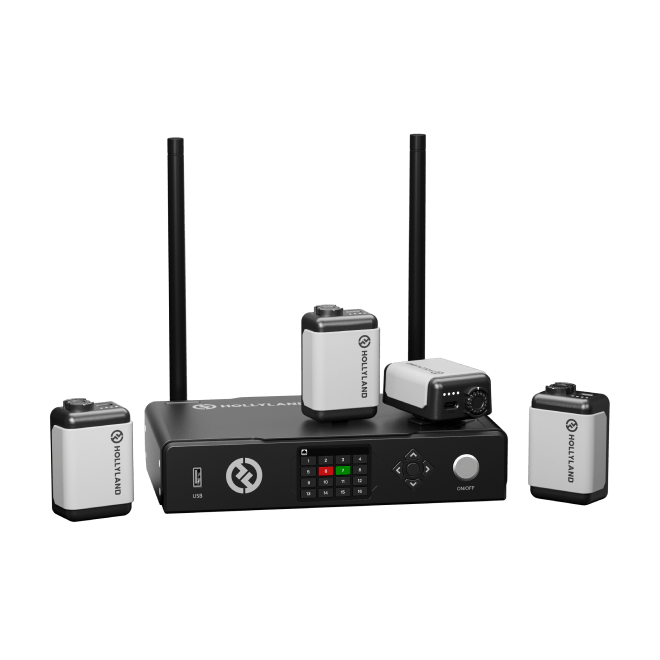
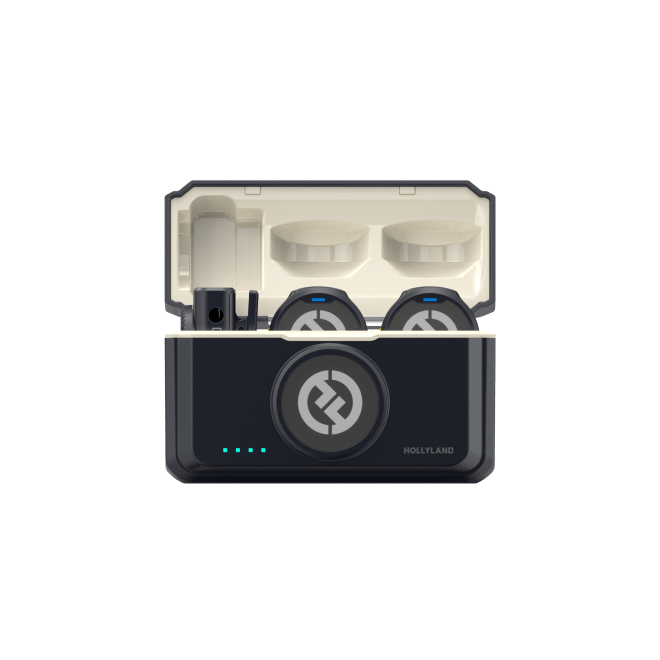
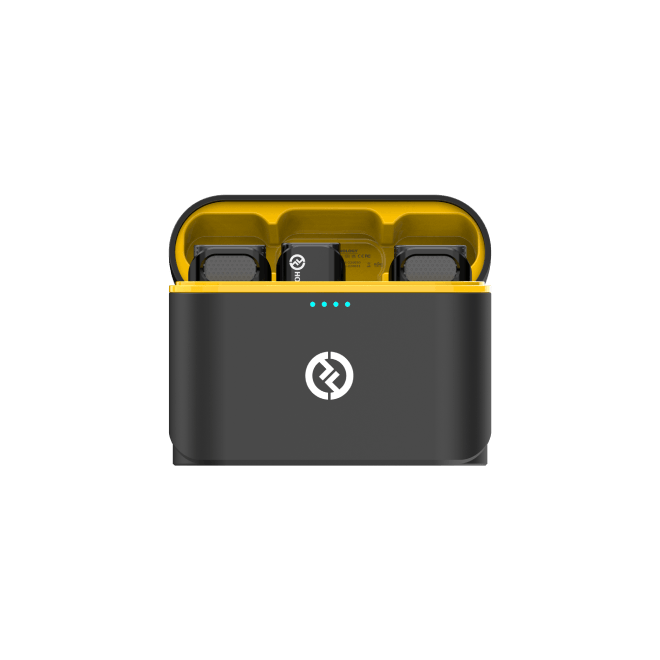
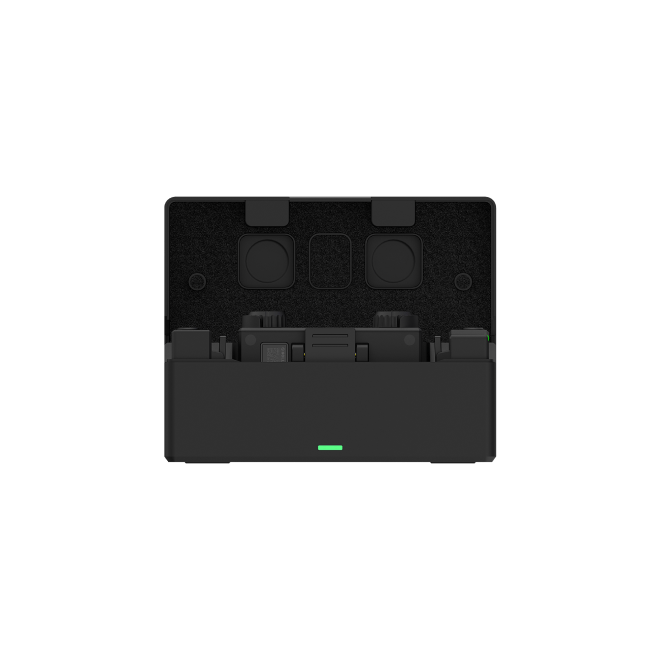
- Audio: Bad audio does more damage to the watch-through rate than imperfect video. Viewers will tolerate slightly grainy footage — they will not tolerate muffled or echo-heavy sound. For talking-head or on-location Shorts, a wireless clip-on mic is the single biggest quality upgrade available. The Hollyland LARK M2 is designed for this purpose. Weighing only 9 grams, it clips discreetly to clothing without affecting your appearance. Its 40-hour battery ensures it’s ready whenever you need it. The clear, close-range audio keeps viewers interested from start to finish.
- Captions and text overlays: A significant portion of mobile viewers watch on mute. On-screen text that mirrors or reinforces your spoken content keeps those viewers from swiping away — and consistently extends total watch time.
Place a Specific CTA to Drive Engagement Signals
- Ask a specific, low-friction question. “Comment YES if this has ever happened to you” generates far more responses than “let me know your thoughts.” Binary or one-word answers lower the barrier enough that viewers actually follow through.
- Place the CTA in the final 3–5 seconds, after the value has already been delivered. Viewers who make it that far are already engaged and far more likely to act.
- Reinforce the CTA with on-screen text so both sound-on and sound-off viewers receive the prompt.
- Never open with “like and subscribe.” Leading with a CTA before delivering value trains viewers to swipe — which is the exact signal you’re trying to avoid.
Increase Early Views by Sharing on Other Platforms
The algorithm’s first distribution test is small. A modest push of organic external traffic in the first hour can generate enough early engagement signals to trigger broader expansion.

- Share to Instagram Stories, TikTok, or X (Twitter) immediately after posting — even a small additional audience improves the first-hour signal.
- Post in relevant, public Reddit communities or Facebook Groups where sharing is explicitly permitted. Public engagement signals carry weight; closed or private circles do not.
- Pin the Short in your YouTube Community tab to expose it to your existing subscriber base at the right moment.
- Repurpose as a TikTok or Reel with a native caption to build cross-platform curiosity that drives traffic back to the source.
FAQs
Q: How many views does a YouTube Short need to go viral?
There’s no fixed threshold. On Shorts, “viral” typically means the algorithm pushes a video well beyond your existing subscriber base. For a small channel, 50K–1M+ views would qualify. What triggers that expansion is a sustained high watch-through rate across the algorithm’s distribution tests — not hitting a specific view count number.
Q: Does posting time matter for YouTube Shorts?
Less than it does for long-form content. The Shorts feed isn’t heavily indexed by publish time. That said, posting when your core audience is most active — typically evenings in their timezone — can improve first-hour engagement density, which does influence how aggressively the algorithm continues to test your content.
Q: How long should a YouTube Short be to go viral?
Creator data consistently points to 15–35 seconds as the sweet spot for watch-through rate. Shorter videos are simply easier to watch to completion. Use exactly the length the content requires — never pad. A tight 22-second Short will outperform a bloated 58-second one nearly every time.
Q: Can I repost a Short that didn’t perform well?
Generally no. YouTube tracks the video ID, and poor performance signals carry over to re-uploads of the same file. Instead, re-edit the content — particularly the hook — export it as a new file, and upload as a fresh video. A meaningfully different opening frame and first line are usually sufficient.
Q: Do hashtags really affect YouTube Shorts performance?
Hashtags have a limited but real discoverability effect — they help categorize content for search and browse traffic. They do not directly boost algorithmic distribution. A Short with a weak hook and perfect hashtags will still fail. Strong retention will outperform a hashtag strategy every single time.
Conclusion
The Shorts algorithm rewards one thing above everything else: viewers who keep watching. That makes the hook, the loop structure, and clean audio the non-negotiables that everything else is built on.
Open YouTube Studio Analytics and review your last five Shorts. Find the exact second where watch-through rate drops most sharply — that’s your next optimization target. Fix the hook, tighten the pacing, or add a loop, then post again and compare. Making small, trackable changes in these areas is what sets growing channels apart from ones that don’t.