.png)
 简体中文
简体中文 
Mono vs Stereo Recording: Key Differences and When to Use Each
When you first open a recording app or set up an audio interface, one of the first choices you face is whether to record in mono or stereo. It seems like a small setting, but getting it wrong can create editing headaches, compatibility problems, and audio that sounds hollow on certain devices. This guide breaks down what each format means, how they compare, and which one fits your workflow.

What Is Mono Recording?
Mono recording uses a single audio channel. All captured sound exists on one track, and that single signal plays at equal volume through both the left and right speakers or earbuds. The listener does not perceive any left-to-right spatial positioning in the audio itself; the sound appears centered regardless of playback device.

In a DAW (digital audio workstation), a mono track displays as one waveform. When exported, the same signal is sent to both output channels, which is why mono content sounds balanced whether you are wearing headphones with both ears or playing audio through a single phone speaker.
But here’s a thing! Mono does not mean low quality. Channel architecture and audio fidelity are separate things. A mono recording made with a high-quality condenser microphone at 32-bit Float and 48kHz will sound significantly better than a stereo recording made in a noisy room on a cheap device. The “mono” designation refers to how many channels carry the audio signal, not how clean, detailed, or professional it sounds.
Key characteristics of mono recording:
- One audio channel; one waveform in your DAW
- Equal playback through all speakers and earbuds
- No left-to-right spatial information
- Smaller file size compared to stereo
- No phase cancellation risk when summed to a single speaker
- Standard format for voice, podcast, broadcast, and telephony
What Is Stereo Recording?
Stereo recording captures sound through two separate channels. One channel is left, while the other is right. Since both channels can carry different audio information, things feel wider. You can also perceive more depth within the overall sound. Instruments and sounds can seem positioned across different areas.

Stereo audio usually gets recorded in one of two common ways. You can arrange two separate microphones in specific configurations. Common setups include X/Y, spaced pair, or mid-side recording. Another option is one stereo microphone with two capsules. Both capsules are housed together inside one microphone body. In a DAW, a stereo track appears as two linked waveforms, one representing the left channel and one representing the right.
This is where a persistent misconception needs addressing. Stereo is not automatically better than mono. Stereo is more appropriate for certain sources and listening contexts. Recording a solo podcast voice in stereo does not make it sound more professional; it creates a larger file with no benefit to the listener and can introduce phase problems that thin out the audio on mono playback devices. Stereo adds real value only when the source and playback environment can genuinely reward spatial information.
Key characteristics of stereo recording:
- Two audio channels (left and right); two linked waveforms in your DAW
- Spatial width and directional placement of sound
- Larger file size (roughly double the equivalent mono file)
- Phase cancellation risk if the two channels are not properly aligned during capture
- Ideal for music, ambient sound, and immersive audio formats
Mono vs Stereo Recording: Key Differences at a Glance
| Criteria | Mono | Stereo |
|---|---|---|
| Number of channels | 1 | 2 (left + right) |
| Spatial perception | Centered; no width | Directional; perceived width and depth |
| File size | Smaller (1 channel of data) | Roughly double (2 channels of data) |
| Phase cancellation risk | None | Present if channels are out of phase |
| DAW track display | Single waveform | Two linked waveforms (L/R) |
| Mono fold-down behavior | No change; already mono | L+R channels are summed; phase issues may cause frequency cancellation |
| Platform compatibility | Consistent on all devices and platforms | Spatial detail may be lost on mono speakers |
| Typical use cases | Voice, podcast, interview, broadcast, telephony | Music, ambient audio, ASMR, film b-roll, live performance |
When to Use Mono Recording
Mono is the correct default for the majority of spoken-word, interview, and broadcast recording situations. Here is a breakdown of the key scenarios.

Podcasting and Voiceover
When you record a single voice on a single microphone, stereo captures nothing that mono cannot. A voice does not radiate inherent left-to-right spatial information, so a second channel carries no additional data. Recording in mono keeps the file lean, ensures consistent playback across all earbuds and speaker types, and eliminates the risk of phase issues introduced by stereo mic bleed or imperfect channel matching.
Interview and Documentary Recording
In a two-person or multi-person interview, the standard workflow is to give each speaker a dedicated mono microphone, typically a lavalier mic. Each microphone feeds its own independent mono channel. This approach gives you complete level control over every voice in post-production. You can ride levels, cut room noise, and isolate one speaker without affecting the other.
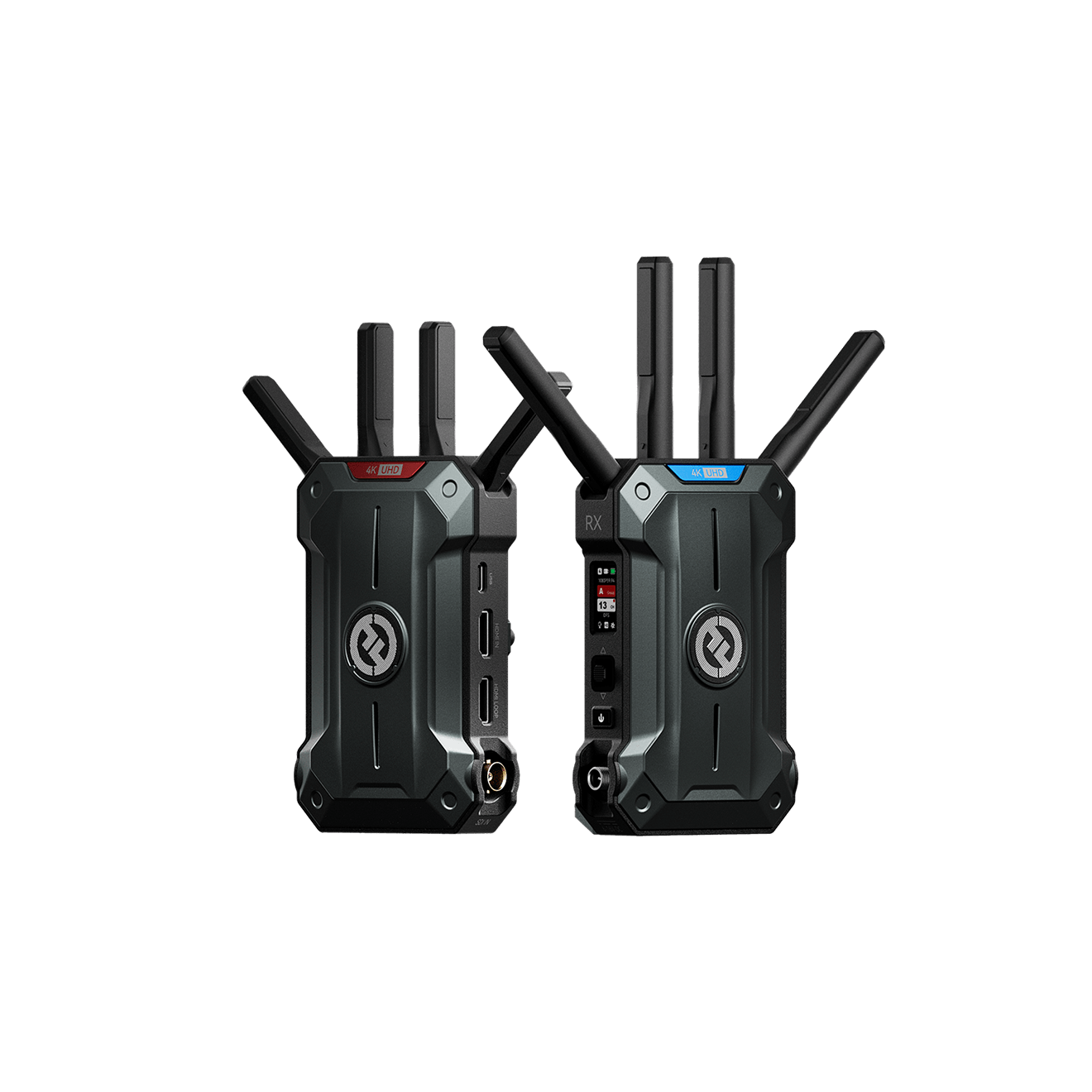
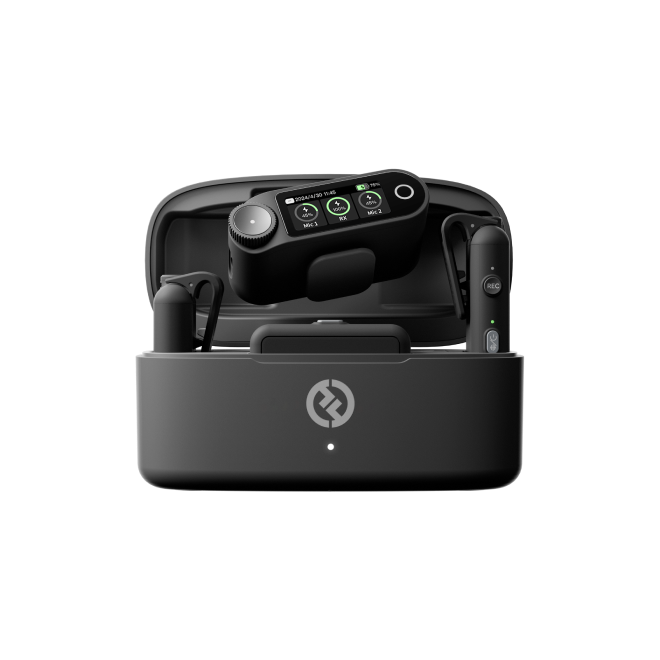
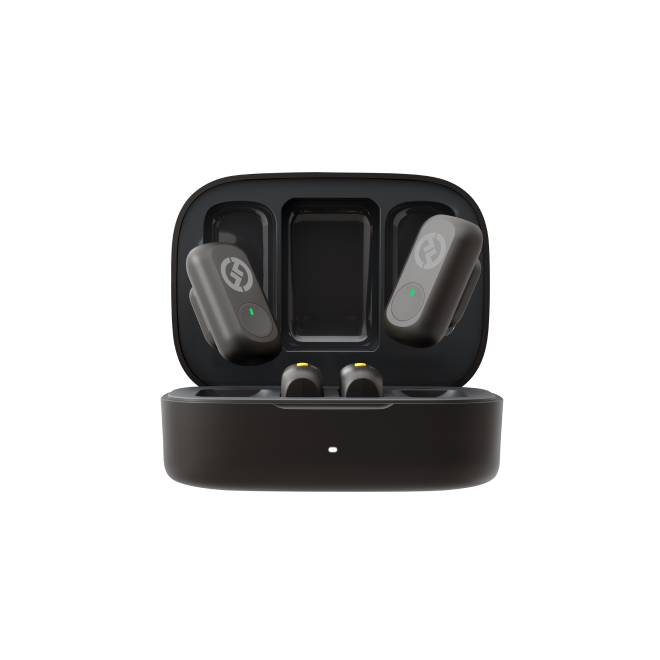
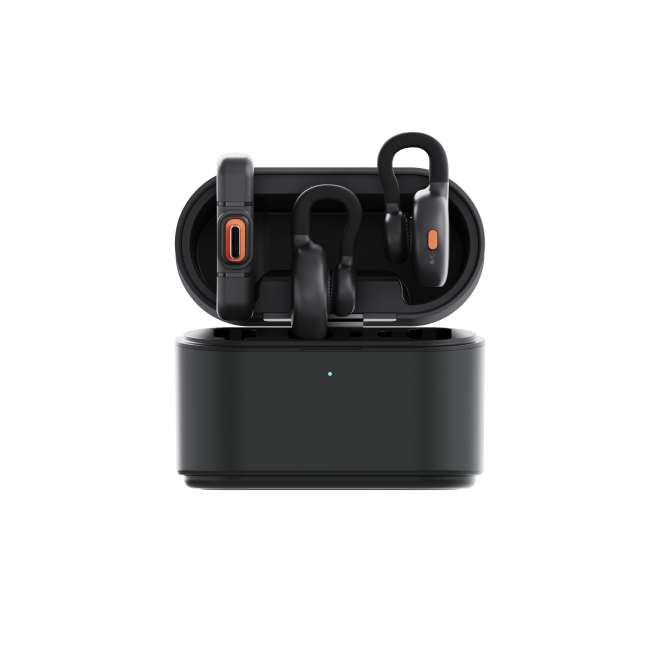
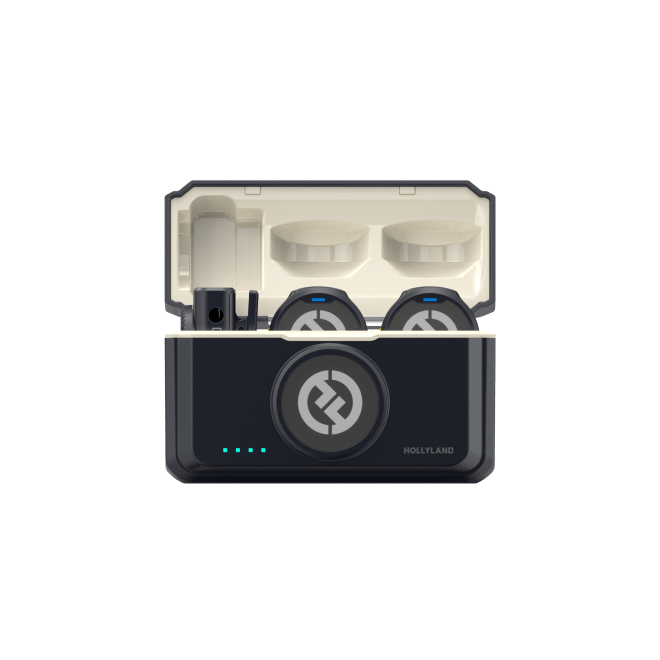
That’s why dual wireless transmitters, like the Hollyland LARK MAX 2, separate their channels. Each transmitter captures an independent 32-bit Float mono signal. Editors then get two separate tracks without phase problems. This makes balancing both speakers much easier during editing. That separation isn’t a limitation at all. It actually keeps dual-speaker recordings clean and flexible during post-production
Live Streaming and Social Video
Most live streaming platforms and social video apps either compress audio heavily or fold stereo audio to mono for mobile playback. Recording in stereo introduces complexity with no guaranteed payoff. A well-recorded mono signal is predictable, compatible, and easier to monitor in real time.
Broadcast and Telephony
Broadcast radio, telephony, and many professional delivery specifications require mono audio. If your final destination is broadcast, recording and delivering in mono saves a post-production conversion step and avoids any fold-down artifacts introduced along the way.
When to Use Stereo Recording
Stereo earns its place when the source genuinely produces spatial information, and the listener has a way to experience it. These are the scenarios where it adds real value.

Music Recording
Music is the strongest use case for stereo. A piano naturally spans a wide frequency range across its physical width. A drum kit occupies space: kick centered, hi-hat right, overheads spread. String sections spread across an orchestra stage. Recording these instruments in stereo and panning elements across the stereo field creates a listening experience with depth and width that mono cannot replicate.
Ambient and Environmental Audio
Filmmakers and documentary producers recording b-roll use stereo to capture the sense of being in a place. A busy street, a crowded market, or a forest at dawn carries spatial information that gives a scene its sense of environment. Mono captures the sound; stereo captures the spatial envelope around it.
Music Live Streaming and Performance
When the goal is to convey a live performance environment, stereo helps communicate instrument separation, audience spread, and stage ambiance. Listeners watching a concert stream on a quality pair of headphones will perceive genuine directional information that enhances the experience.
ASMR and Binaural Audio
ASMR and binaural recordings are built specifically around stereo imaging. The entire listening experience depends on precise left-right positioning and the perception of three-dimensional sound. These formats have no functional equivalent in mono.
The main idea across these situations is easy to understand. Go stereo when the source has real spatial information. Just make sure the output can deliver it properly. That way, listeners can actually hear those spatial details.
File Size, Storage, and Platform Compatibility
Stereo files contain two channels of audio data, which means a stereo WAV file is roughly double the size of an equivalent mono file. For most creators, this is manageable, but it adds up on field recording devices with limited SD card capacity or when uploading long-form content to platforms with file size limits.

More practically, every time a stereo recording plays on a mono speaker (a Bluetooth speaker, a phone lying flat, a smart display), the device sums the left and right channels into a single output. If the stereo recording has phase inconsistencies between its two channels, that summing causes certain frequencies to cancel out. The result is audio that sounds hollow, thin, or strangely distant. This is called phase cancellation, and it is one of the primary reasons professional audio engineers default to mono for voice and spoken-word content distributed across varied devices.
Key takeaways:
- Stereo files are approximately twice the size of equivalent mono files
- Mono is safer and more predictable across all playback environments
- Phase cancellation during mono fold-down is a real and common risk with improperly captured stereo
Working with Mono and Stereo in Post-Production
Understanding what happens to these signals inside your editing software prevents a common set of avoidable mistakes.
Converting mono to dual mono: If you record a single mono mic signal and import it into a stereo editing timeline, it may appear only on the left channel, leaving the right side silent. The fix is to convert the track to “dual mono,” routing the same signal equally to both left and right channels. This fills both ears on playback without adding any spatial information.
Summing stereo to mono: Most DAWs and video editors let you collapse a stereo track to mono. If the original stereo recording has phase inconsistencies, the summed result may sound colored or thin compared to the stereo original.
Camera audio routing: Consumer cameras and DSLRs often route a mono mic signal to the left channel only by default. Before your next shoot, check your camera’s audio channel routing settings and confirm the signal appears on both channels, or plan to correct it during editing.
Bit depth is separate from channel count: Recording mono at 32-bit Float still gives you maximum dynamic range and full clipping protection. A higher bit depth on a mono track is a better choice than a lower bit depth on a stereo track for voice and interview recording work.
Frequently Asked Questions
Is mono or stereo better for podcasting?
Mono is the standard for podcasting and the correct choice for nearly all voice-focused content. It ensures consistent playback across earbuds, Bluetooth speakers, and phone speakers without any risk of phase cancellation. Most major podcast platforms handle mono audio natively. Stereo offers no perceptible benefit when recording a single voice on a single microphone.
Can I convert mono to stereo after recording?
You can copy a mono signal across both stereo channels. But that does not create actual spatial width in recording. You are simply putting one identical signal into both channels. Real stereo needs two separate source signals from different positions. Those signals can also come from different recording perspectives. Turning mono into stereo later creates dual mono instead. It does not suddenly become true stereo audio.
Does stereo sound better than mono?
Not always. Stereo makes more sense for music and ambient recordings. It also suits spatial formats that need directional details. For voices, interviews, podcasts, and broadcasts, mono stays common. It keeps dialogue clear and centered for listeners. Nevertheless, modern productions often go with stereo formats. Some also add immersive formats to create realistic space. At the end, audio quality depends on several recording factors. Your microphone and room acoustics both make a difference. Gain structure matters too, not just mono or stereo.
What is dual mono?
Dual mono means the same audio signal is placed identically on both the left and right output channels. It is compatible with stereo timelines and fills both ears evenly on playback, but it carries no spatial information. The two channels are identical copies of each other. It is the standard way to handle a mono microphone signal inside a stereo editing timeline.
Will stereo audio play back correctly on a mono speaker?
The speaker combines both channels into one output. If both microphones stayed properly aligned, playback should sound fine. This also assumes there are no phase problems between channels. But phase problems can cause certain frequencies to cancel out. That can make the audio sound hollow or noticeably thinner. It may also sound different from the original stereo recording.
Conclusion
For most creators, choosing between mono and stereo feels pretty simple. Go mono for voice-focused content and single-source recordings. It also makes sense when several speakers need separate levels. That way, you can adjust each person during editing. Choose stereo when the source has real spatial information. The playback system also needs to support that spatial detail.
If you’re setting up wireless mics for interviews, check each transmitter. Make sure every transmitter sends its own mono channel. Your recording device should route channels onto separate tracks. Avoid letting both channels collapse into one stereo pair. Checking that setting early can save loads of editing time.


Subscribe us
to get the latest news!


