.png)
.png) Français
Français .png) Deutsch
Deutsch .png) Italiano
Italiano .png) 日本語
日本語 .png) Português
Português  Español
  简体中文
简体中文 -
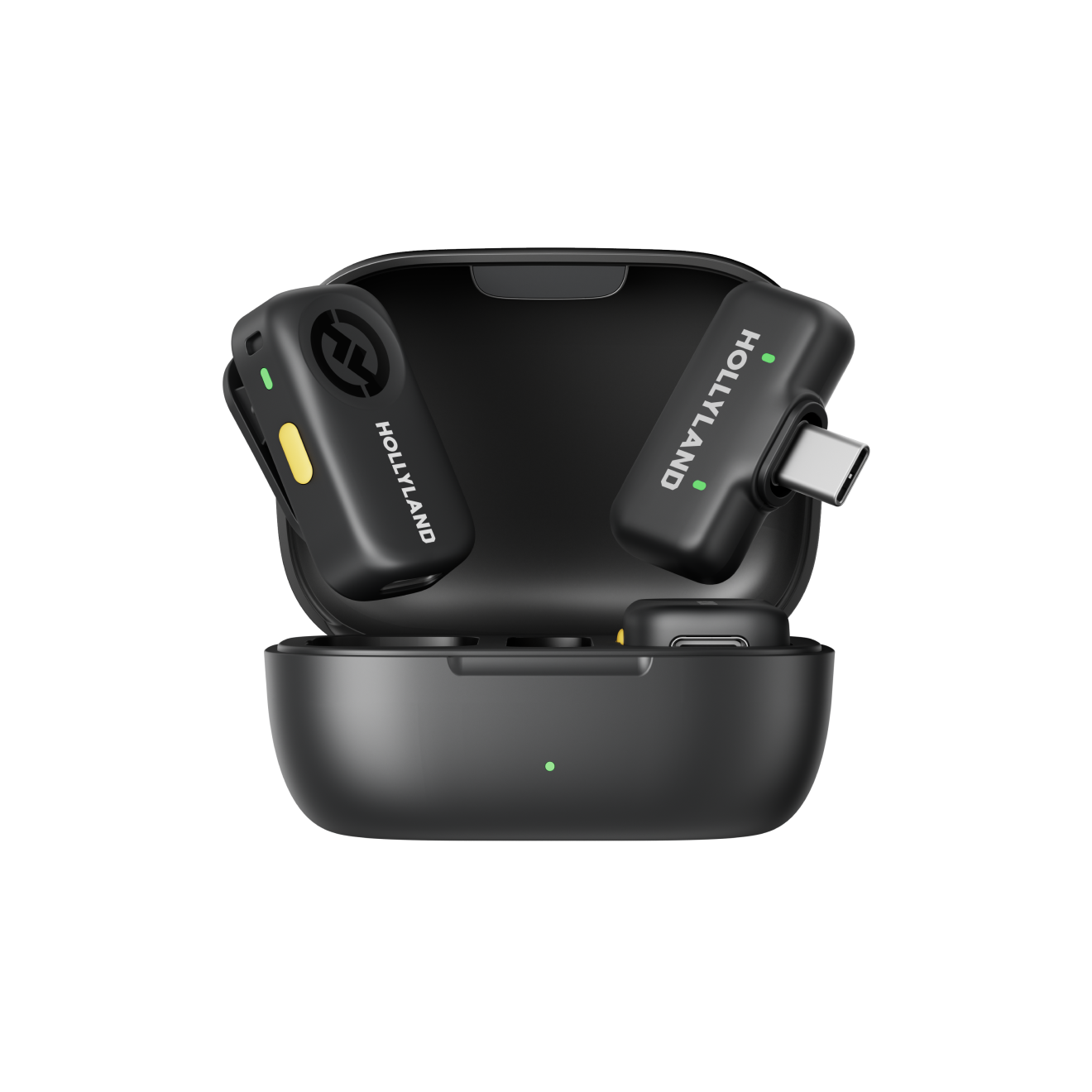
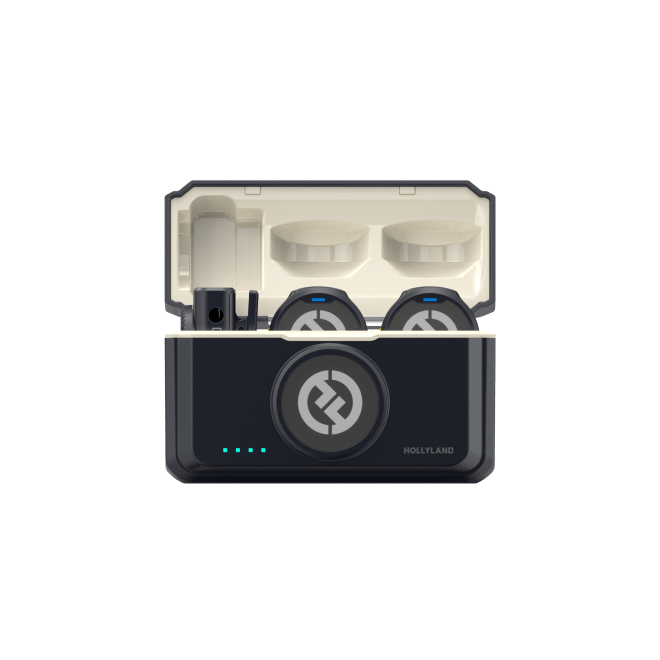
Press and hold the power button on the Lark A1’s transmitter for 3 seconds to turn it off.
-
Press and hold the power button on the Lark A1’s transmitter for about 5 seconds until the indicator light flashes quickly (pairing mode).
-
Open HollyStudio software to access the settings interface
-
Within the audio settings interface, enable Bluetooth and tap ‘Start Pairing’ to pair with the Lark A1 transmitter. Then the transmitter of Lark A1 could pair with Lyra automatically.

Lyra Support
