.png)

TestPop
By Hollyland |
September 19, 2025
Method 1: Recording Live Voiceover Directly in WeVideo
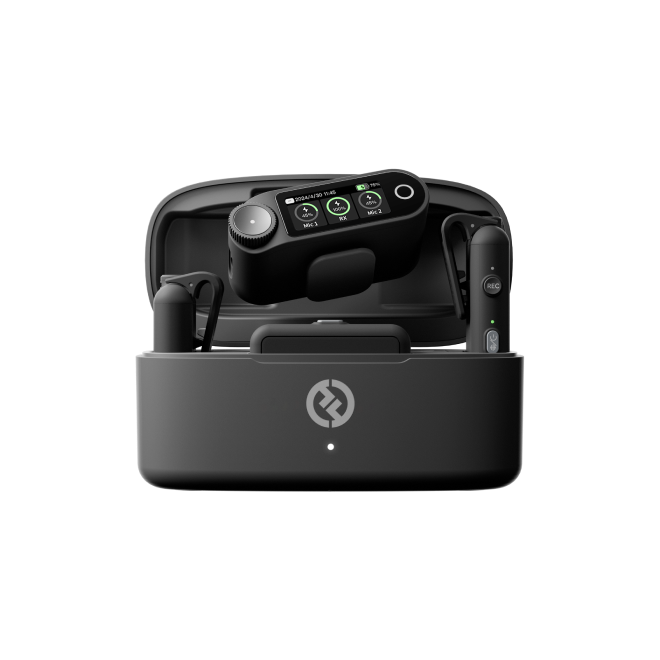
Sometimes the fastest way to add great audio to your project is to record it directly in WeVideo. This works well for narration, commentary, or quick explanations. However, if you want to take your voiceover to the next level, pair it with a quality microphone to make your voice sound richer and more natural. Here’s what you need to do:
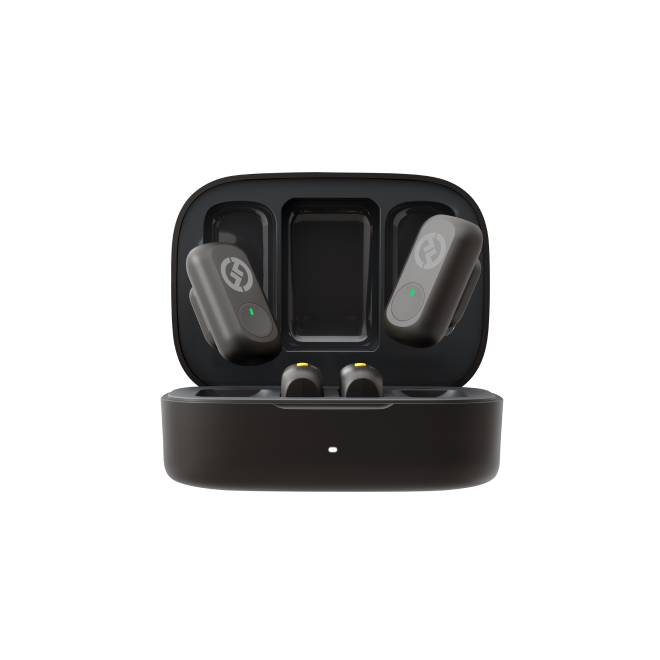
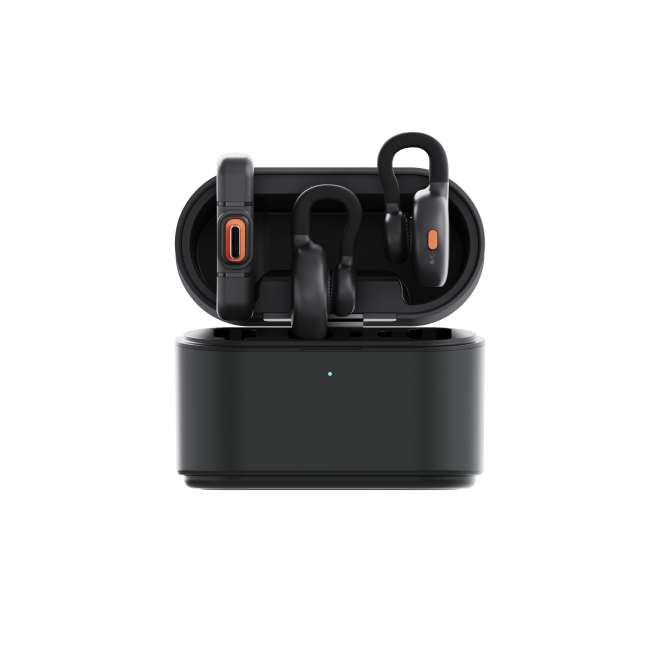
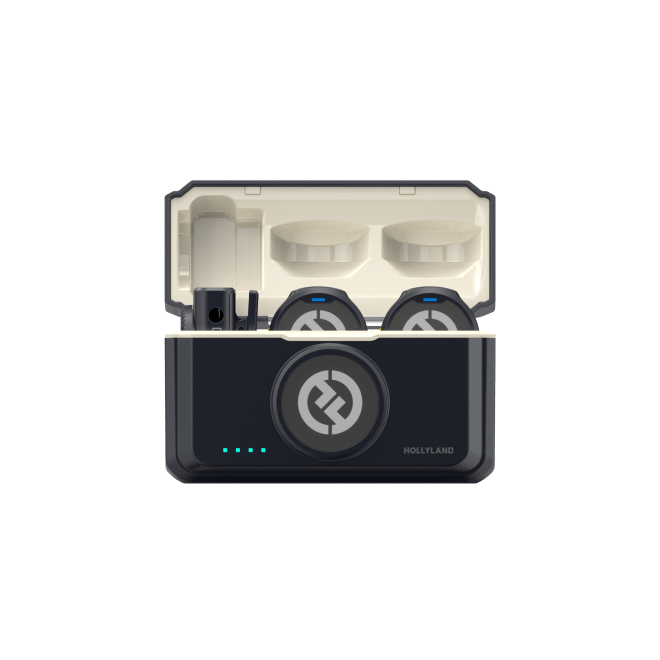
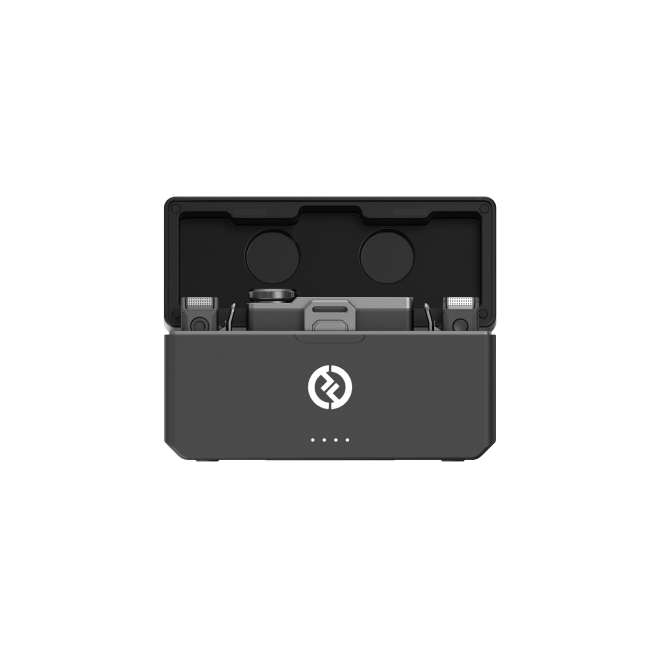
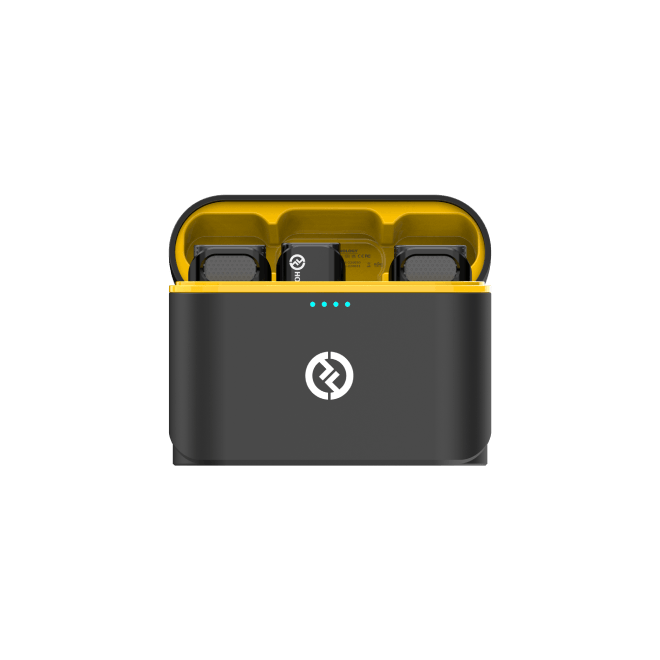
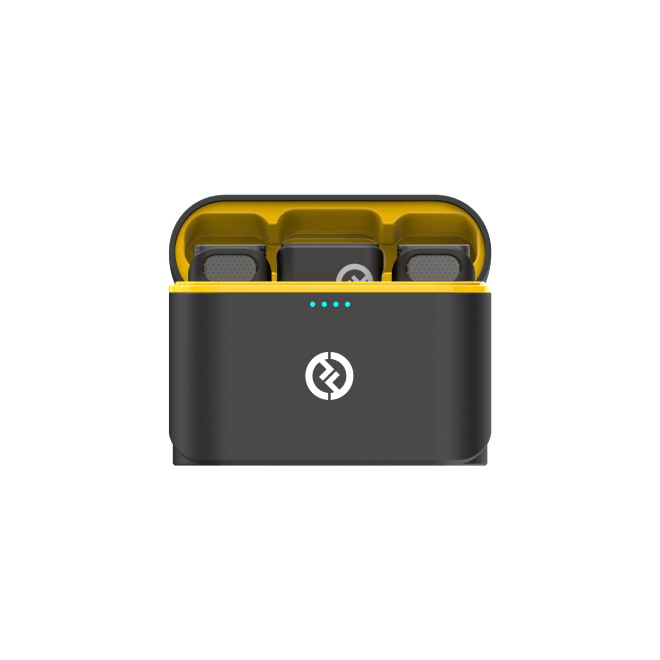
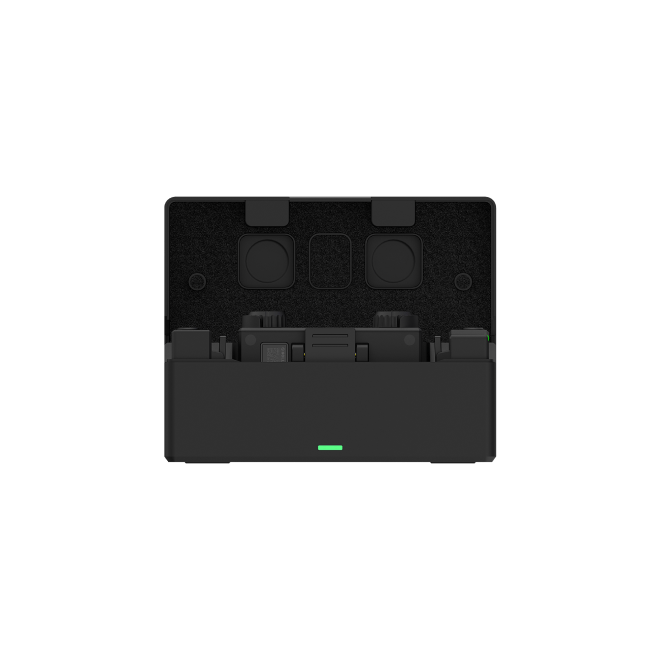
- Use the included USB-C to USB-A or USB-C to USB-C cable to connect the Hollyland LARK MAX 2 receiver to your computer or phone, then wear the transmitters. This ensures you get clear, high-quality audio from the start.


Subscribe us
to get the latest news!