.png)
 简体中文
简体中文 
How to Set Up Portable Live Streaming Equipment
Most people assume a professional-looking live stream requires a fixed studio, a rack of gear, and a dedicated room. But the creators pulling the biggest audiences today are often streaming from hotel rooms, park benches, living room corners, and pop-up performance spaces.
The technology has caught up with the ambition. You can now build a portable live streaming setup that delivers broadcast-quality audio — and pack it all into a single bag.
This guide is for singers, performers, chatting creators, and entertainers who want to stream professionally without being tied to one location. We’ll cover every component of a portable rig, show you how to set it up step by step, and explain why the Hollyland MELO P1 is the audio centerpiece that makes it all work.
What Makes Portable Live Streaming Different
Portable streaming isn’t just studio streaming done smaller. The constraints are fundamentally different.
In a fixed studio, you can bolt your camera to a mount, run permanent cables, rely on mains power, and acoustically treat the walls. On location, none of those options exist. You’re working with limited surface area, unknown acoustics, unreliable power sources, and the constant risk that your carefully configured setup gets knocked out of position the moment you move.
The four core challenges of portable streaming are:
- Limited space — no room for bulky gear or complex cable runs
- No fixed infrastructure — no permanent mounts, no treated walls, no dedicated power circuits
- Power dependency — everything needs to run on battery or from a single outlet
- Cable management — in a portable context, cables are a liability

Given these constraints, audio quality becomes your most important variable. Viewers will forgive a slightly imperfect camera angle or background. They will not tolerate muffled, echo-heavy, or inconsistent audio. They simply click away.
This is why the first — and most important — component to get right in any portable streaming setup is the microphone and audio system.
The Core Equipment You Need
A. Microphone & Audio System
The traditional approach to streaming audio involves a microphone, a separate audio interface, a set of in-ear monitors, and some way to route backing tracks — four separate devices, multiple cables, and a configuration process that takes significant time to replicate each session.
For portable streaming, this approach breaks down fast. It’s too many components, too much setup, and too many points of failure in an environment you don’t fully control.
The better approach is a wireless mic and smart mixer system — one unit that handles everything the traditional chain does, wirelessly, in a format you can carry in one hand.
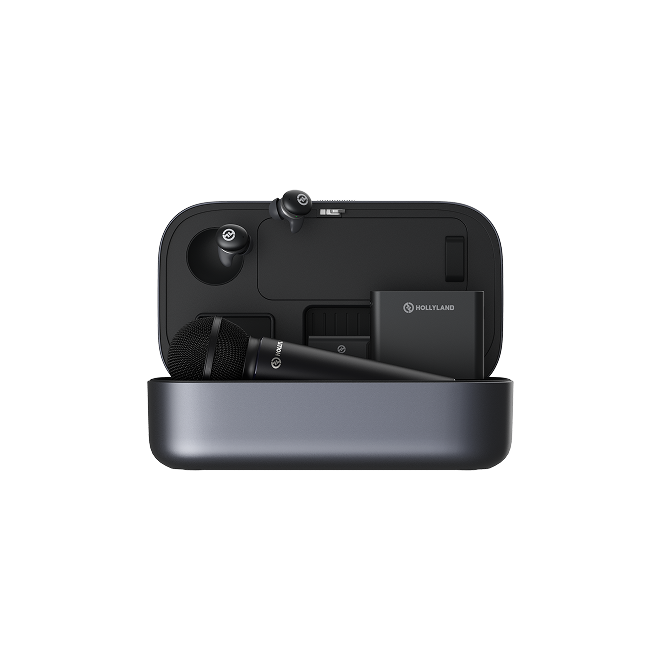
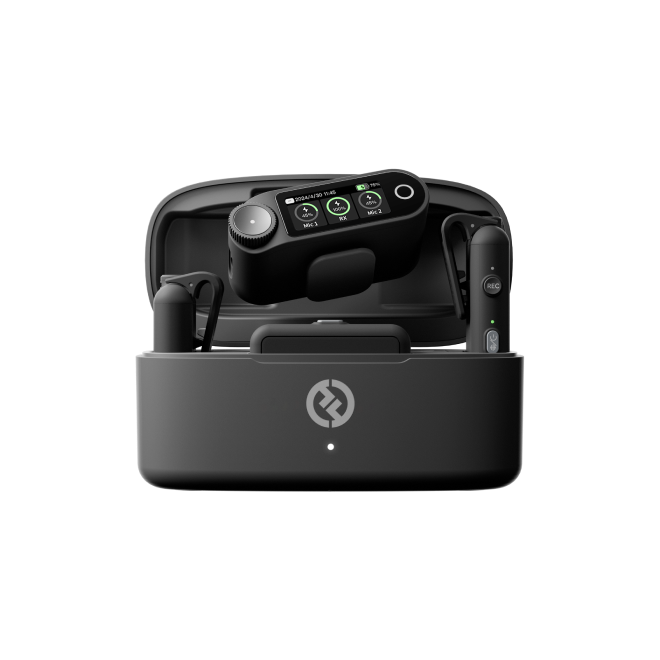
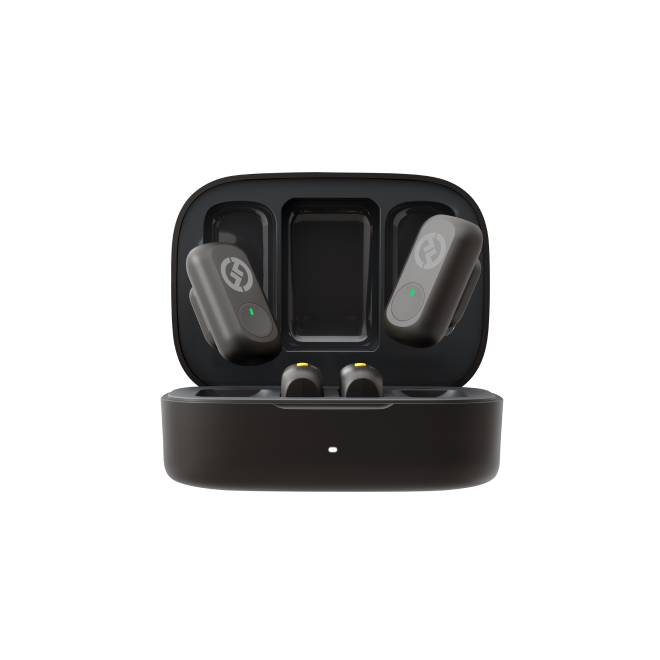
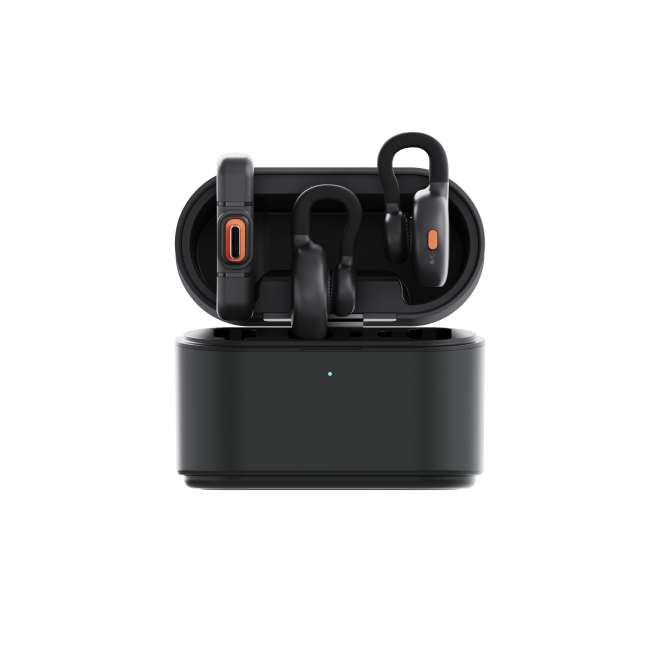
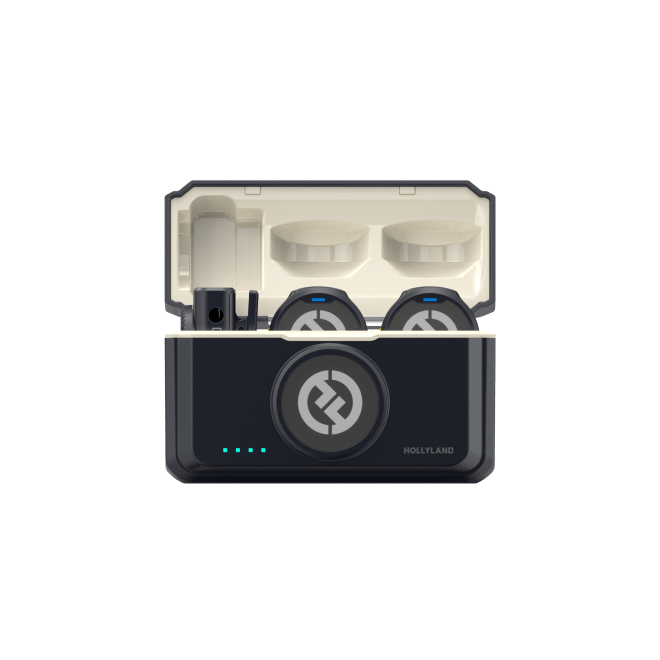
The Hollyland MELO P1 is exactly that. It’s a complete wireless music creation system that replaces your microphone, audio interface, in-ear monitors, remote control, and backing track mixer with a single pre-paired kit that fits inside a case smaller than a lunchbox.

What’s in the kit:
- Wireless Handheld Microphone with swappable condenser and dynamic capsules
- Smart Audio Mixer (the central hub — 72.5 x 56 x 13.6mm, 55g)
- 2.4G Wireless Monitoring Earphones
- Bluetooth Remote Control (70m range)
- 5000mAh Charging Case — charges all components, plus your phone
Everything is pre-paired at the factory. Open the case, take out the components, power on — they connect to each other automatically. Connect the Smart Audio Mixer to your streaming phone or laptop via USB-C, and your streaming app recognizes it as a standard “Audio Interface” with no drivers or configuration required.
Capsule choice for portable environments:
The MELO P1’s microphone accepts interchangeable capsules, marked “C” (condenser) and “D” (dynamic):
- Condenser capsule — best for quiet indoor environments where you have reasonable acoustic control. Higher sensitivity captures vocal detail and air beautifully.
- Dynamic capsule — best for outdoor streaming, noisy venues, or untreated spaces. Lower sensitivity rejects background noise naturally.
If the environment is louder than expected, a single press of the microphone button activates the MELO P1’s 25dB AI noise cancellation — a powerful fallback for unpredictable spaces.
The charging case as a portable infrastructure:
The 5000mAh charging case is what makes the entire system genuinely portable. It stores every component, charges the microphone, mixer, and earphones simultaneously, and can even provide emergency power to your streaming smartphone via its USB-C port. You travel with one case; you arrive with a fully charged, pre-configured audio system.

B. Camera
Your camera choice in a portable setup is primarily a trade-off between image quality and setup friction.
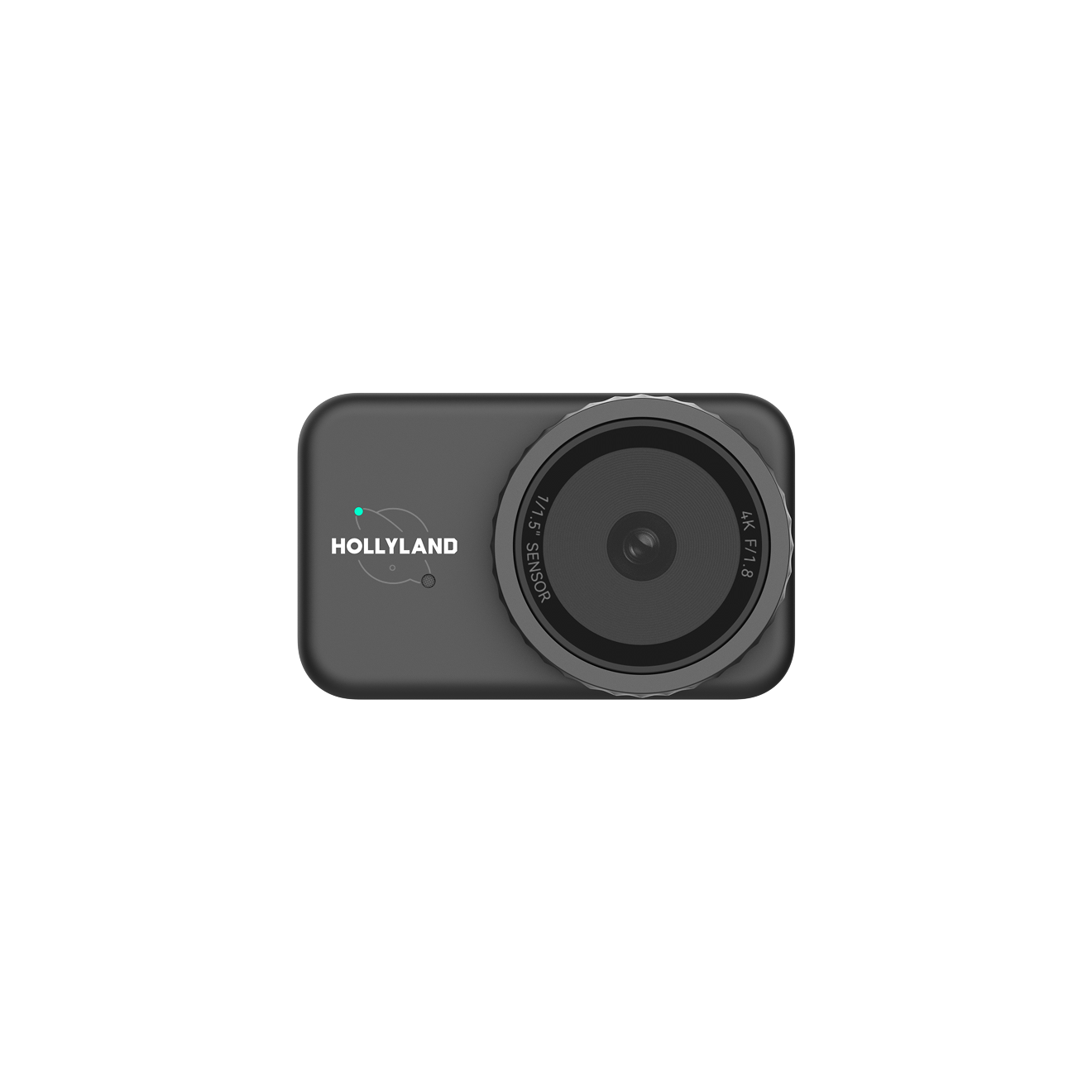
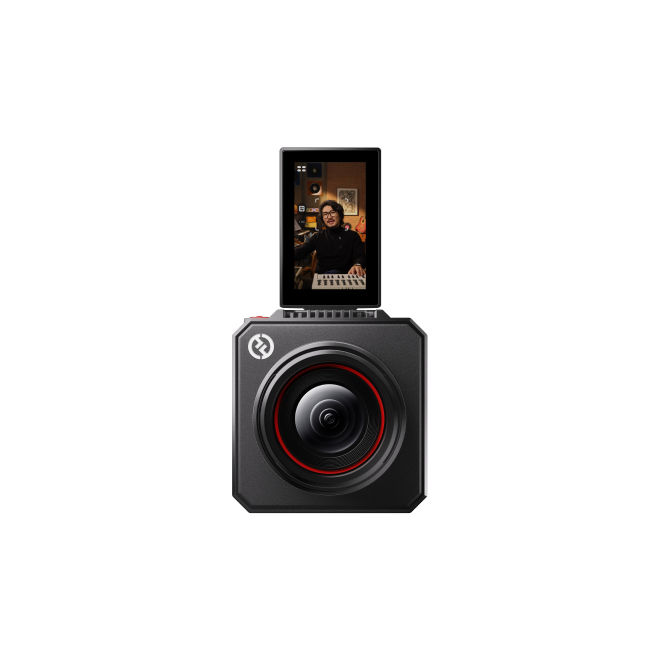
Smartphone: The most portable option by far. Modern flagship phones shoot excellent 1080p and 4K video with capable auto-exposure. If you’re streaming via mobile app, the phone is already in your hand. The limitation is mounting — you’ll need a phone holder and a light stand or small tripod.
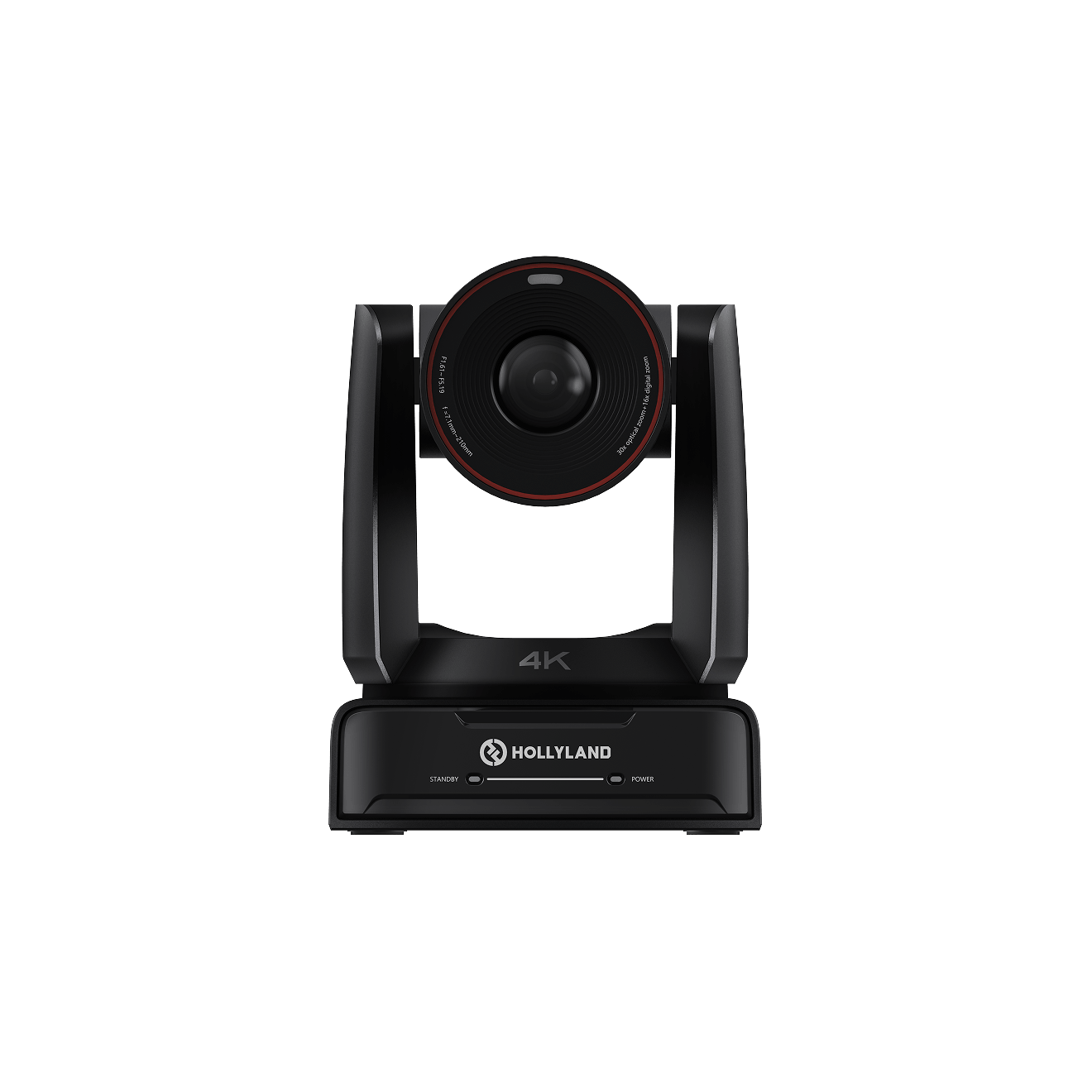
Webcam: A mid-range webcam (1080p/60fps with autofocus) gives you reliable image quality and connects directly to a laptop via USB. Models with built-in auto-framing track your movement, which is useful for performers who move around.
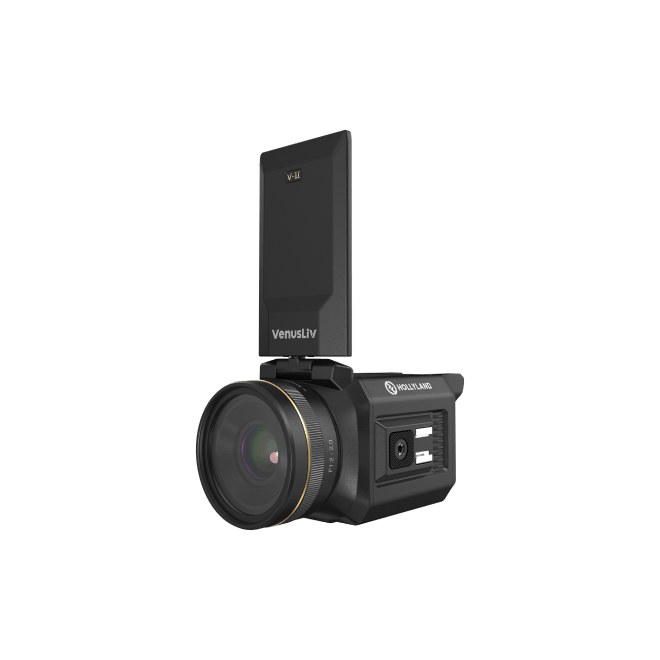
Mirrorless camera: The highest image quality, but also the heaviest, most expensive, and most complex option. Requires a capture card, dedicated power solution, and more setup time. For a truly portable rig, this is usually overkill unless video quality is a core part of your brand.
What to look for in any camera for streaming:

- At least 1080p/30fps output
- Autofocus with face/eye tracking
- Low-light performance — streaming environments are rarely perfectly lit
- Simple mounting — the less hardware required to position it, the better
C. Lighting
Lighting is the highest-impact visual upgrade you can make in a portable setup — and it’s the most underestimated. A well-lit face on a smartphone camera looks more professional than a poorly lit face on a mirrorless.
Ring light: The classic portable streaming light. Compact, affordable, and easy to set up. A 10–12 inch ring light on an adjustable stand covers most streaming scenarios. Position it at eye level, directly in front of you, for even, flattering illumination.

Foldable LED panel: More versatile than a ring light. Adjustable color temperature (typically 3200K–5600K), dimmable, and most fold flat for easy transport. Better for setups where you need to light a wider area or match ambient lighting conditions.

Key principle: Always light from the front, never from behind. A window behind you creates silhouette — you become a dark shape against a bright background. If you’re streaming near a window, face toward it, not away from it.

Color temperature: Aim for 5000–5500K (daylight) for a clean, neutral look on camera. Warmer tones (3200K) create a cozy aesthetic but can make skin tones look yellow on screen. Stay consistent — mixing color temperatures (a warm room light plus a cool LED panel) creates unflattering, uneven light.

D. Internet Connection
Your stream quality is ultimately limited by your internet connection. Camera and audio upgrades mean nothing if the stream is buffering.
Wired Ethernet: The most stable option when available. If you’re streaming from a fixed indoor location, run an Ethernet cable directly from the router to your laptop. Eliminates Wi-Fi interference entirely.
Wi-Fi: Reliable for most indoor portable setups when you have access to a strong network. Position yourself as close to the router as possible. Avoid 2.4GHz networks in crowded spaces — 5GHz is faster and less congested.
Mobile hotspot: The true portable option. A 4G/5G hotspot lets you stream from anywhere with mobile coverage. Speeds vary by location and network congestion. Carry a dedicated hotspot device rather than using your phone’s hotspot — it preserves your phone’s battery for streaming.
Minimum upload speed recommendations:
| Stream Quality | Minimum Upload Speed |
| 720p/30fps | 3 Mbps |
| 1080p/30fps | 5 Mbps |
| 1080p/60fps | 8 Mbps |
Backup strategy: Always have a secondary connection available. If your Wi-Fi drops, your phone’s mobile data should be ready to take over. Some streaming setups support network bonding — combining multiple connections for increased stability.
E. Streaming Software and Device
Streaming from a smartphone: The simplest portable workflow. Apps like TikTok Live, Instagram Live, and YouTube Live run natively and recognize the MELO P1 as the audio input automatically when connected via USB-C. No configuration required. Best for single-platform streaming with a straightforward setup.
Streaming from a laptop: More control, more flexibility. OBS Studio and Streamlabs are the industry-standard options — both free, both highly capable. A laptop-based setup lets you manage multiple scenes, add overlays, monitor chat on a second display, and stream to multiple platforms simultaneously.
The MELO P1 connects to both identically: plug the Smart Audio Mixer into your phone or laptop via USB-C, and the device recognizes it as “Audio Interface” — both the input and output. In your streaming software’s audio settings, select “Audio Interface” as the microphone input. On a laptop using OBS, set the same device as your monitor output so you can hear your mix through the MELO P1’s wireless earphones during the stream.
The Smart Audio Mixer also has dual USB-C output ports — which means you can simultaneously output audio to two devices. For streamers running dual-platform setups (streaming to TikTok on a phone while recording to a laptop, for example), this eliminates the need for any additional hardware.
How to Set Up a Portable Live Streaming Rig: Step by Step
Step 1 — Choose and prepare your space
Scan the environment for background noise, backlit windows, and reflective surfaces. Position yourself facing any available natural light. If the space is acoustically live (hard floors, bare walls), find softer furnishings to record near.

Step 2 — Position your camera and lighting
Place your camera at eye level — slightly above is acceptable, but never below. Position your light source in front of you, not behind. If using a ring light, center it directly in your camera’s line of sight.

Step 3 — Connect the MELO P1 to your streaming device
Use the included USB-C cable to connect the Smart Audio Mixer’s top port to your streaming phone or laptop. Confirm your streaming app or OS recognizes “Audio Interface” as the active input device.

Step 4 — Set up the HollyAudio App
Open the HollyAudio App on your tuning phone (can be the same device or a second phone connected wirelessly).
Set starting volumes:
- Microphone: 10–13 depending on capsule and distance
- Backing track: 13
- USB Output: 15–20 (keep below 20 to prevent platform-side quality degradation)
- Noise cancellation: 10dB indoor, up to 15dB outdoor
Step 5 — Choose and preview your voice preset
Use the Record for Preview feature: record a short vocal clip, loop it through your wireless monitoring earphones, and audition presets from the library in real time. Save your preferred preset to “My Presets.”

Step 6 — Configure the Bluetooth remote
Power on the remote control. In the HollyAudio App’s Remote section, assign your preferred presets to the Music and Vocal buttons, set your ducking volume level, and map sound effects to the six effect buttons. The remote gives you a 70m operating range — useful for stage setups where you’re moving away from your streaming device.
Step 7 — Run a test stream
Run a private test stream for 2–3 minutes. Watch the playback. Check that audio levels are consistent, your face is well-lit with no harsh shadows, the background is clean, and there are no connectivity interruptions.
Step 8 — Go live
MELO P1 Deep Dive: Why It’s Built for Portable Streaming
Traditional audio chains weren’t designed with portability in mind. A standalone condenser microphone requires a boom arm. An audio interface requires a power source and USB connection. In-ear monitors require a separate transmitter/receiver unit. A backing track mixer adds yet another device.

In a fixed studio, this complexity is manageable. On location, it’s a genuine problem. Every additional component is another cable to manage, another battery to charge, another point of failure to troubleshoot mid-stream.

The MELO P1 replaces all of it:
| Traditional Component | MELO P1 Equivalent |
| Wired microphone + stand | Wireless handheld mic, 60m range |
| Audio interface | Smart Audio Mixer (USB-C, plug and play) |
| In-ear monitor system | 2.4G wireless monitoring earphones |
| Physical mixer for backing tracks | Bluetooth backing track input (phone or computer) |
| Hardware remote | Bluetooth remote, 70m range |
Key features mapped to portable streaming needs:
- Auto-connect from the charging case — no setup process on location, every time
- 60m wireless mic range — perform anywhere in the venue without a cable
- Dual USB-C output — stream to phone and laptop simultaneously
- HollyAudio App wireless tuning mid-stream — adjust EQ, reverb, and presets without touching the mixer
- Bluetooth remote — control ducking, preset switching, and reverb from 70m away
- 25dB AI noise cancellation — handles unpredictable outdoor and venue noise
- 12-hour microphone battery life — outlasts virtually any streaming session
The charging case means you arrive at any location with everything charged, paired, and ready. No checklist, no setup anxiety, no missing cables.
Portable Streaming on a Budget: What to Prioritize First
You don’t need to buy everything at once. Here’s the recommended gear progression:
Starter (Phone + audio system): The single highest-impact upgrade from a default phone stream is your audio. Viewers notice bad audio immediately. Start with the MELO P1 Solo (wireless mic + Smart Audio Mixer) and use your existing smartphone as the camera. This alone transforms stream quality.

Mid-tier (Add lighting): Once your audio is sorted, add a ring light or foldable LED panel. A $30–60 LED ring light makes a dramatic visual difference and travels easily.
Full kit (Add a dedicated camera and internet backup): Upgrade to a webcam with autofocus or a mirrorless with a capture card for maximum video quality. Add a dedicated mobile hotspot for internet redundancy.

Where the MELO P1 fits: It’s not a starter purchase to eventually replace — it’s the foundation you build everything else around. The wireless mic, monitoring, and mixing functionality it provides would cost significantly more assembled from separate components, and none of those components would be as portable.
Common Mistakes to Avoid
Relying on your phone or laptop’s built-in microphone. Built-in mics pick up keyboard noise, room echo, and handling vibration. They are not streaming microphones. This is the single most common mistake among new streamers — and the most noticeable to viewers.
Sitting in front of a window. A bright window behind you turns you into a silhouette. Always face your light source. If the window is behind you, close the blinds or move your position.
No audio monitoring during the stream. If you can’t hear what your audience hears, you won’t know when levels are off, when background noise spikes, or when your mic has been muted. The MELO P1’s wireless monitoring earphones give you real-time hardware monitoring throughout the entire stream.
Overlooking background noise in unfamiliar spaces. Spaces that seem quiet during setup often reveal ambient noise once you’re live — HVAC systems, street traffic, nearby conversations. Always do a 30-second recording test in the actual space before going live.
Skipping the test stream. Going live without a test is how streamers discover on-air that their audio isn’t routing correctly, their lighting is backlit, or their connection is unstable. A 2-minute private test prevents all of this.
Frequently Asked Questions
Can I use the MELO P1 with OBS on a laptop?
Yes. Connect the Smart Audio Mixer to your laptop via USB-C. In OBS, go to Settings → Audio and select “Audio Interface” (or “Microphone (Audio Interface)”) as your microphone input device. Set the same device as your monitoring output to hear your mix through the MELO P1’s wireless earphones during the stream.
Do I need a separate phone for the HollyAudio App?
Not necessarily. You can connect the HollyAudio App to the Smart Audio Mixer wirelessly via Bluetooth (select “MELO APP” in the app’s device search). This means your streaming phone and tuning phone can be the same device, or a second phone can handle tuning while the first handles streaming. The MELO P1 Solo works well as a single-phone setup.
What’s the minimum internet speed for portable streaming?
For reliable 1080p/30fps streaming, aim for a minimum upload speed of 5 Mbps with low latency. Test your connection at your streaming location before going live — not just at home. Mobile hotspot speeds vary significantly by location.
Is a ring light enough for a portable setup?
For most portable streaming scenarios, yes. A 10–12 inch ring light at eye level provides even, flattering illumination and is sufficient for 1080p video quality. If you’re streaming in a larger space or need to light a wider area, a foldable LED panel gives more flexibility.
Can I stream to multiple platforms at once with a portable rig?
Yes. The MELO P1’s dual USB-C output supports simultaneous audio output to two devices, which accommodates dual-platform streaming setups. On the software side, tools like Restream or StreamYard allow single-stream broadcast to multiple platforms simultaneously. OBS with a multi-platform plugin handles this at the desktop level.
Conclusion
Portable live streaming isn’t about having more gear — it’s about having the right gear, configured to work together without friction. Every component in your rig should earn its place: small enough to travel, reliable enough to perform without troubleshooting, and capable enough to deliver quality your audience notices.
The formula is straightforward: clean audio, adequate lighting, a stable camera, and a reliable connection. Get these four things right and you can stream professionally from virtually anywhere.
The Hollyland MELO P1 handles the audio side of that equation completely — replacing five separate components with one pre-paired, portable system that’s ready the moment you open the case. For performers and creators who stream on location, it’s the piece of kit that makes everything else simpler.
Ready to build your portable streaming rig?
Explore the Hollyland MELO P1
Or download the HollyAudio App free to see the full preset library and tuning tools before you buy.


Subscribe us
to get the latest news!


