.png)
 简体中文
简体中文 
Starting an ASMR YouTube channel is not just about recording relaxing sounds. The real challenge is building a channel that tells viewers, in a few seconds, what they will get, why they should subscribe, and what they can expect from the next upload. A basic recording setup matters, but the channel strategy around the videos matters just as much.
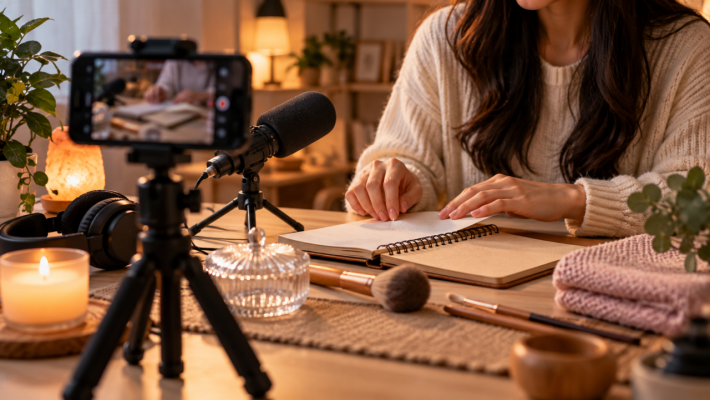
If you are starting from zero, focus on five things first: a clear niche, recognizable branding, a small library of related videos, strong titles and thumbnails, and a simple habit of checking YouTube Analytics before deciding what to make next.
Choose a Clear ASMR Niche and Channel Promise
ASMR is broad. A channel can center on whispering, personal-attention roleplays, tapping, journaling, cleaning, cooking, fabric sounds, slow demonstrations, ambience, or a mix of triggers. The mistake is trying to cover all of them immediately. A new visitor should be able to look at three or four uploads and understand the channel in one sentence.
Start with one primary format and two or three repeatable trigger families. For example, a “quiet desk” channel could combine journaling, page turning, pen sounds, keyboard sounds, and study ambience. A cleaning-focused channel could build around sprays, brushes, wiping, water and organizing. This gives you enough variety without making the channel feel random.
Write a one-line promise before you create the channel. Something like “calm hands-only desk ASMR for sleep and focus” is specific enough to guide your video ideas, titles, thumbnails and visual style. You can broaden later once viewers show you what they respond to.
Create the Channel and Build a Recognizable Brand
To create a personal channel, sign in to YouTube on a computer or mobile site, open your profile picture, go to Settings, select Add or manage channel(s), and choose Create a channel. YouTube asks for a profile picture, channel name and handle during setup.
Keep the name easy to spell, say and remember. If the name itself does not explain the niche, let the description do that work. The first line should tell viewers what they will hear and who the content is for. Then add a short upload expectation, such as weekly no-talking cleaning ASMR or slow desk sounds for sleep and concentration.
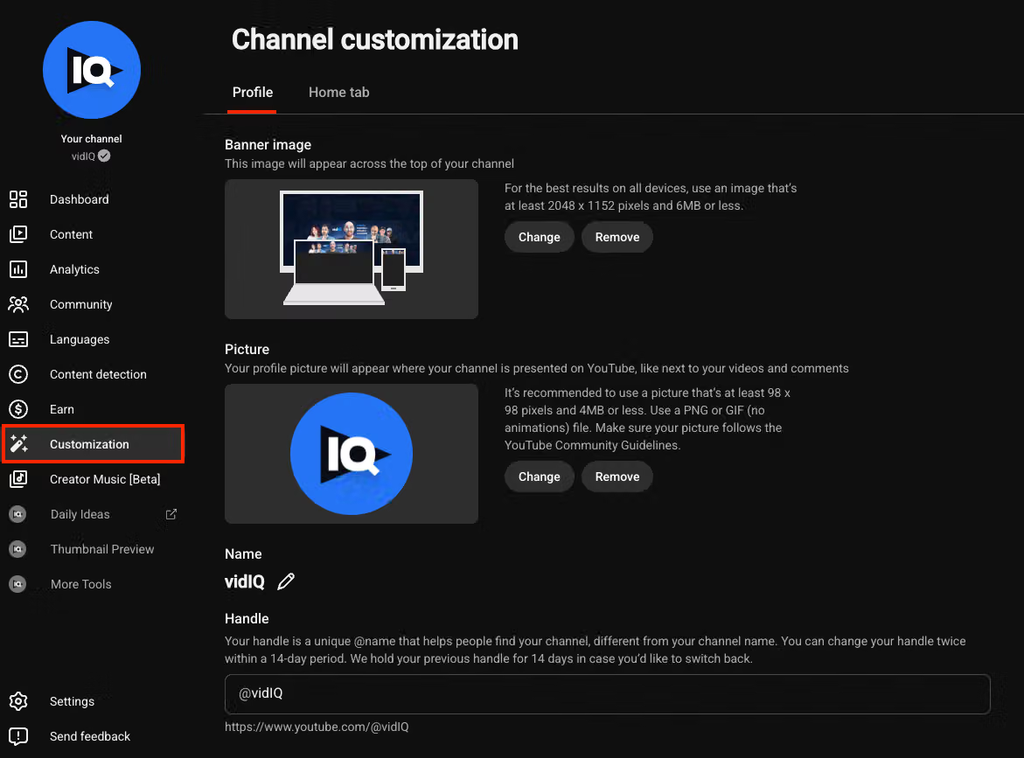
In YouTube Studio, open Customization > Profile. This is where you can manage the profile picture, banner, name, handle, description and links. YouTube recommends a 2560 x 1440-pixel banner; at the minimum 2048 x 1152 upload size, keep important text and logos inside the 1235 x 338-pixel safe area so they survive cropping across devices. You can also add up to 14 profile links, although a new channel usually needs only the most useful one or two.
Set Up the Home Tab Like a Small Content Library
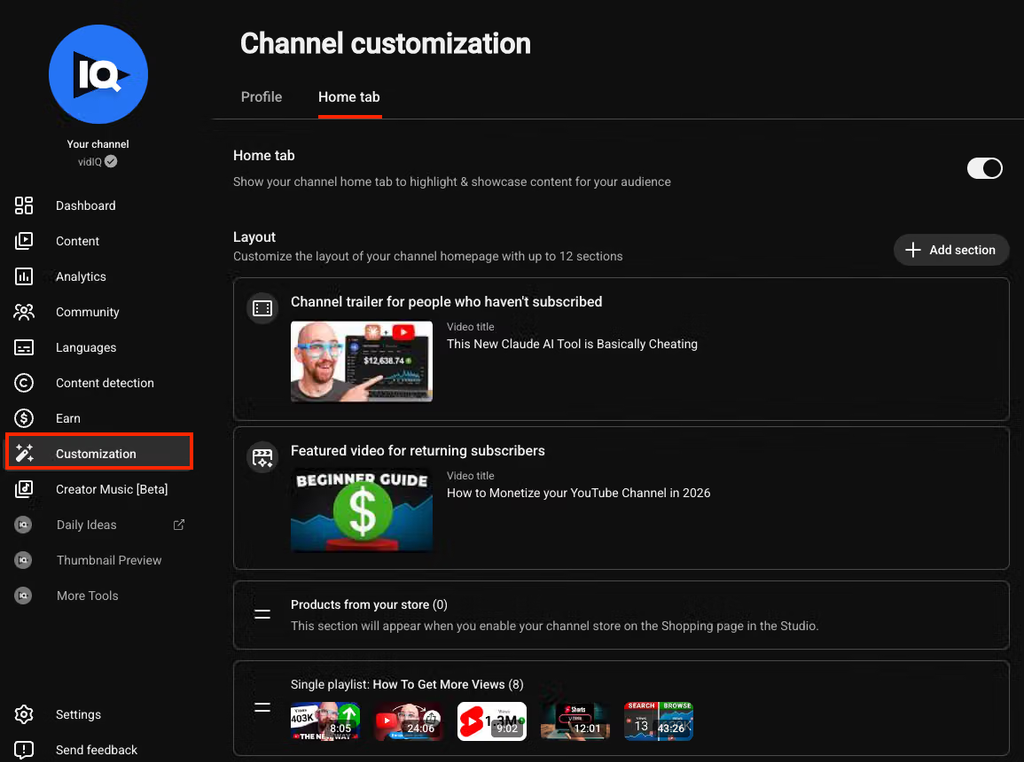
A viewer who clicks your channel page should not have to hunt for the good stuff. In YouTube Studio, Customization > Home tab lets you organize a channel trailer, a featured video for returning subscribers and featured sections. YouTube currently allows up to 12 custom Home-tab sections.
For a new ASMR channel, keep the layout simple. A useful order is: a short channel trailer, Latest Uploads, one or two trigger-based playlists, and a “For you” section once the library grows. Build playlists around viewer intent, not vague labels. “No-Talking Cleaning ASMR,” “Page Turning & Writing,” and “Rainy Room Ambience” tell people exactly what they are opening.
Treat the Home tab as part of your channel positioning. If your banner says calm desk ASMR but the first row is unrelated cooking and roleplay videos, the brand feels less focused. The page should reinforce the same promise as your thumbnails and titles.
Keep the Recording Setup Simple Enough to Publish Consistently
You still need clean, comfortable audio, but channel launch should not turn into an equipment project. A beginner setup can be a phone or camera, a stable mount, a quiet room, headphones, soft lighting and a microphone that can stay close to the sound source. Record a short test before each session and fix obvious room noise or distortion before filming the full video.
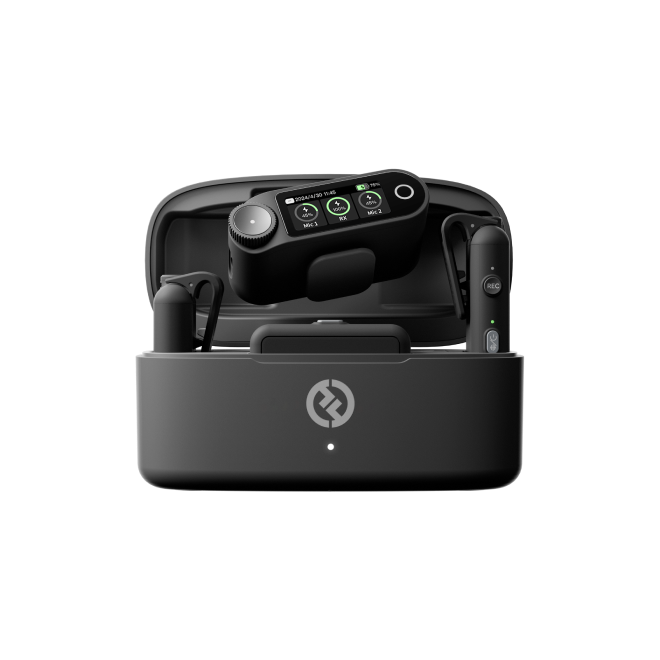
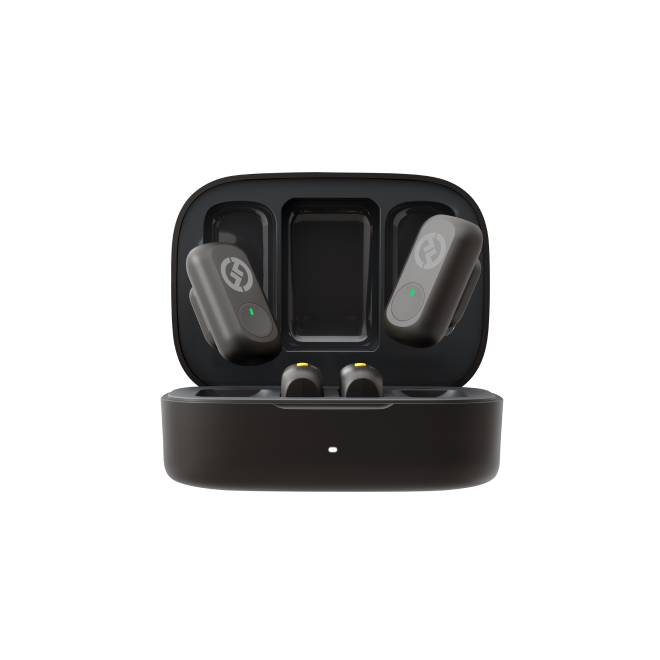
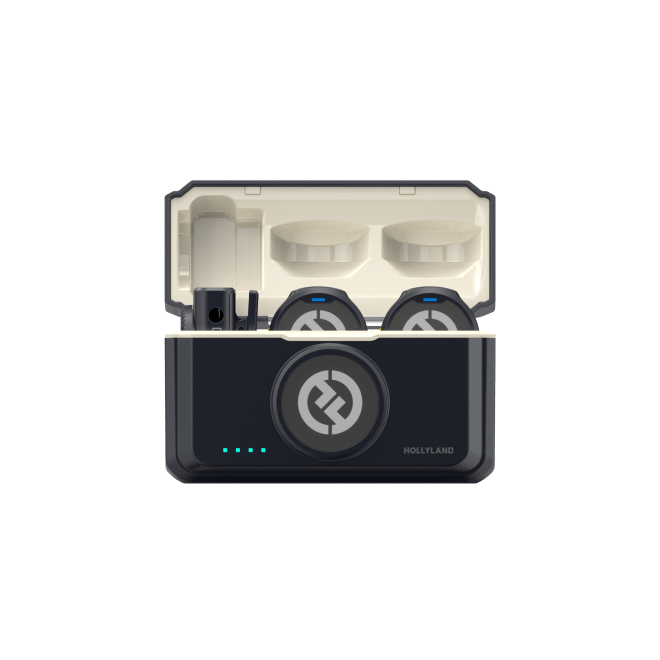
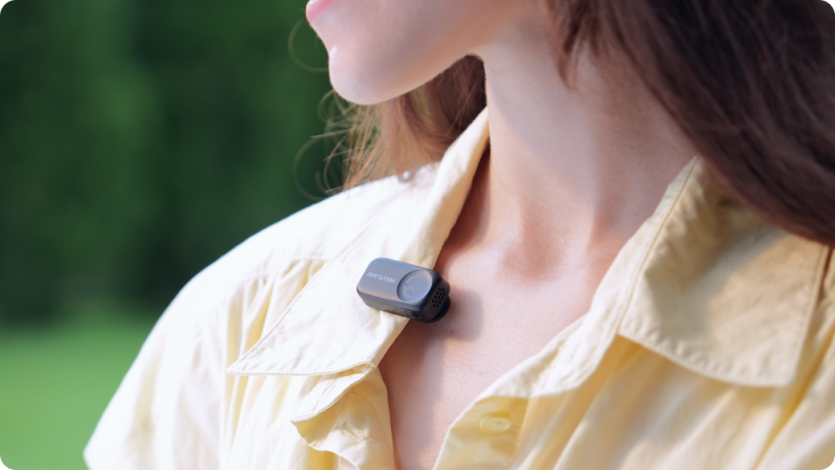
A lightweight option is the Hollyland LARK A2. For a channel creator, its main advantage is flexibility: you can keep the camera framing where you want it while positioning the microphone closer to whispering, hands, paper, fabric or other trigger sources. Use the version and connection method that matches your phone or camera, and check the official Hollyland instructions for the exact setup. Keep audio processing restrained so delicate ASMR textures still sound natural.
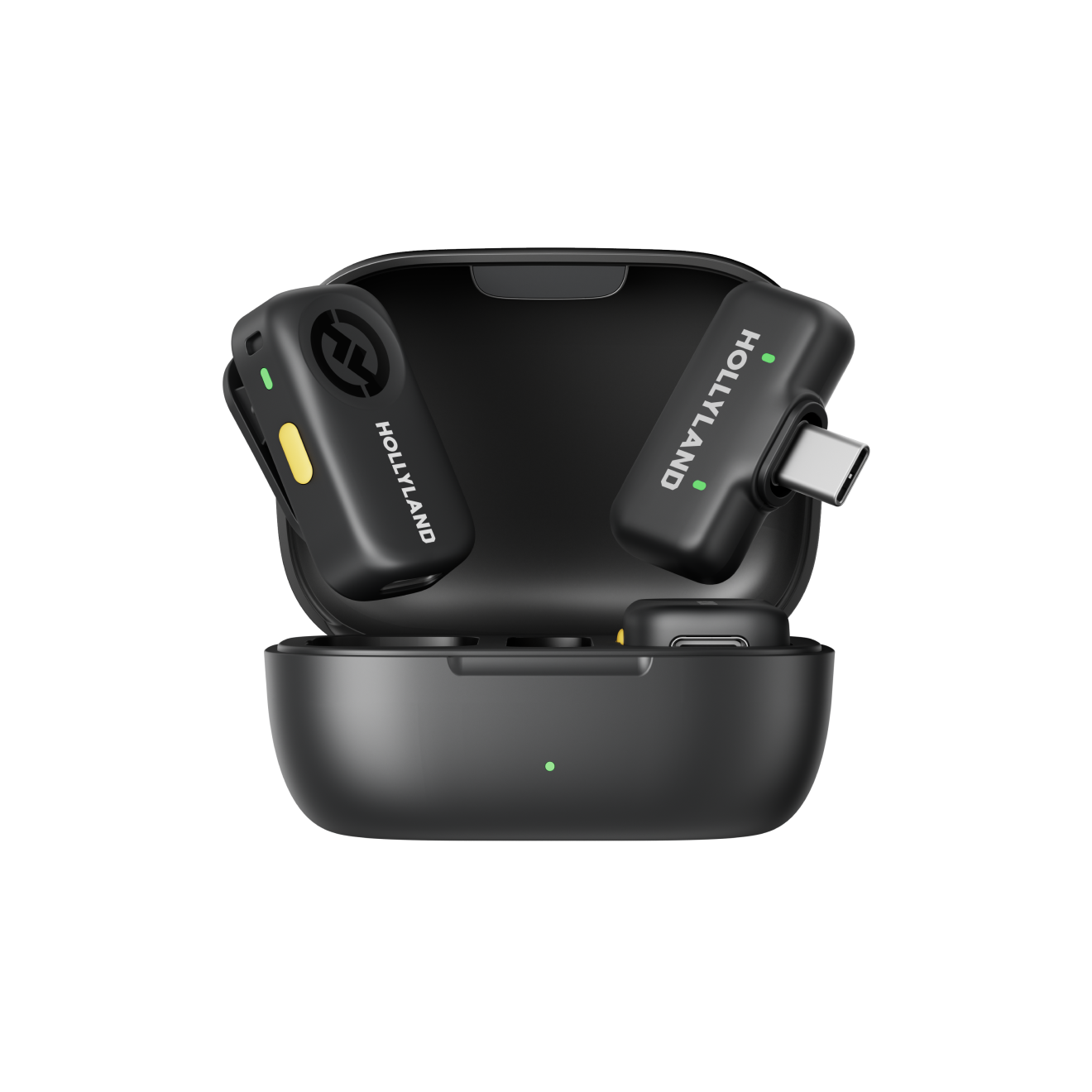
Hollyland LARK A2 - Clip-on Microphone
An ultra-light 8.5g wireless microphone engineered for effortless mobile recording, featuring smart AI noise cancellation and studio-grade sound.
Key Features: 8.5g Clip & Go | AI Noise Cancellation | 42 Hours Battery
Plan a Launch Batch, Not Just One Video
One upload can look accidental. A small group of related videos looks like the beginning of a channel. Before publishing the first video, plan at least three that sit under the same channel promise. If your niche is journaling ASMR, a simple launch batch could be:
1. ASMR Journal With Me: Pen Writing and Page Turning
2. No-Talking ASMR: Slow Notebook Setup and Paper Sounds
3. ASMR Study Desk: Writing, Sticky Notes and Soft Tapping
You do not need to upload all three on the same day. The point is to avoid launching with no idea what comes next. Choose a cadence you can maintain, whether that is once a week or every two weeks. Consistency is more useful than announcing an aggressive schedule and disappearing after three uploads.
Package Every Upload for Search and Click-Through
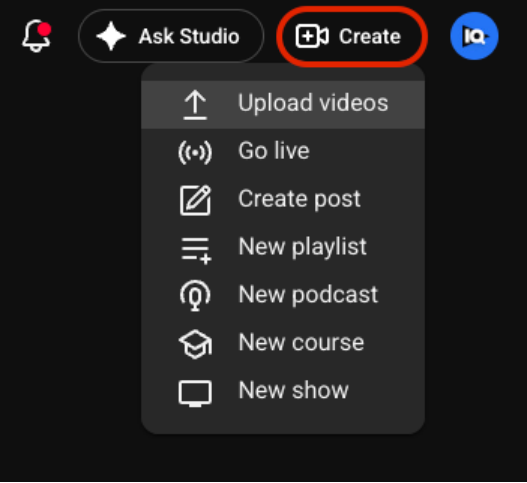
In YouTube Studio, select Create > Upload videos. The upload workflow asks for the title, description, thumbnail, playlist, audience setting and visibility, among other details. Do not treat these fields as paperwork. They are part of how a new viewer understands the video.
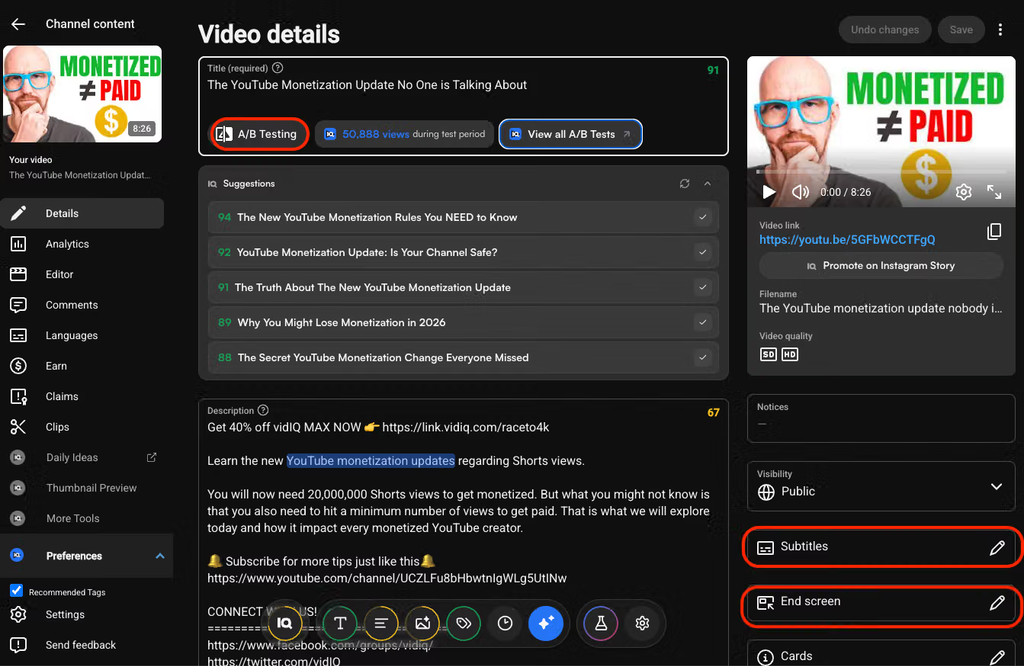
For titles, put the important idea near the beginning and make the promise accurate. “ASMR Page Turning and Pen Sounds for Sleep | No Talking” is more useful than “My First ASMR Video.” YouTube allows titles up to 100 characters, but shorter titles are easier to scan. For search-focused uploads, use wording a real viewer might type, then add the specific trigger or benefit.
Descriptions can be up to 5,000 characters, but the opening lines matter most because viewers see them before expanding the text. YouTube recommends giving each video a unique description and featuring one or two main words that describe the video in both the title and description. Add related playlist links when they genuinely help the viewer continue watching.
Your thumbnail should make the same promise as the title. For ASMR, that can be a clear close-up of the hands, object or environment creating the sound. Keep the composition calm and readable rather than filling it with tiny text. YouTube notes that 90% of its best-performing videos use custom thumbnails. Eligible creators with Advanced features can also A/B test up to three titles, thumbnails, or title-and-thumbnail combinations in desktop YouTube Studio; the winning option is based on watch time, not just clicks.
Use Playlists and the Content Library to Build Viewing Paths
As the channel grows, organize uploads so one video naturally leads to another. Put closely related videos into playlists and feature the strongest playlists on the Home tab. A viewer who enjoys one page-turning video should immediately see where to find more page-turning content instead of returning to search.
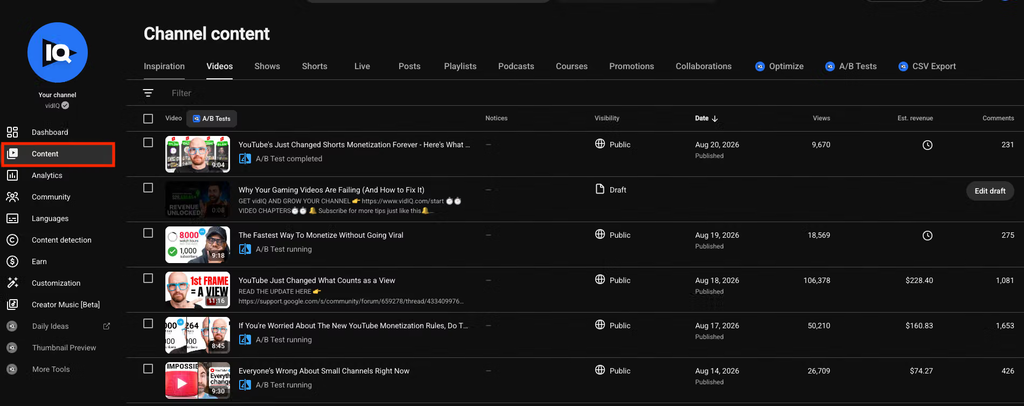
The Content section in YouTube Studio is also your operating dashboard for published videos, drafts and visibility. Use it to check whether your titles, thumbnails and descriptions still match the channel direction. If an older upload attracts the wrong audience or looks inconsistent beside newer work, update the packaging rather than automatically deleting the video.
Publish Deliberately, Then Let the Video Settle
Before publishing, confirm the audience setting, visibility and playlist. Public videos can appear on the channel, in search and in recommendations. Unlisted videos can be viewed by anyone with the link but do not normally appear in search. Scheduling is useful if you want a consistent release time without needing to be online when the video goes live.
Do not start changing the title or thumbnail every hour. YouTube specifically warns against reading too much into click-through rate immediately after upload. Give the video enough impressions to produce useful data, then compare it with your own channel patterns rather than chasing a universal benchmark.
Use Analytics to Decide What the Channel Should Become
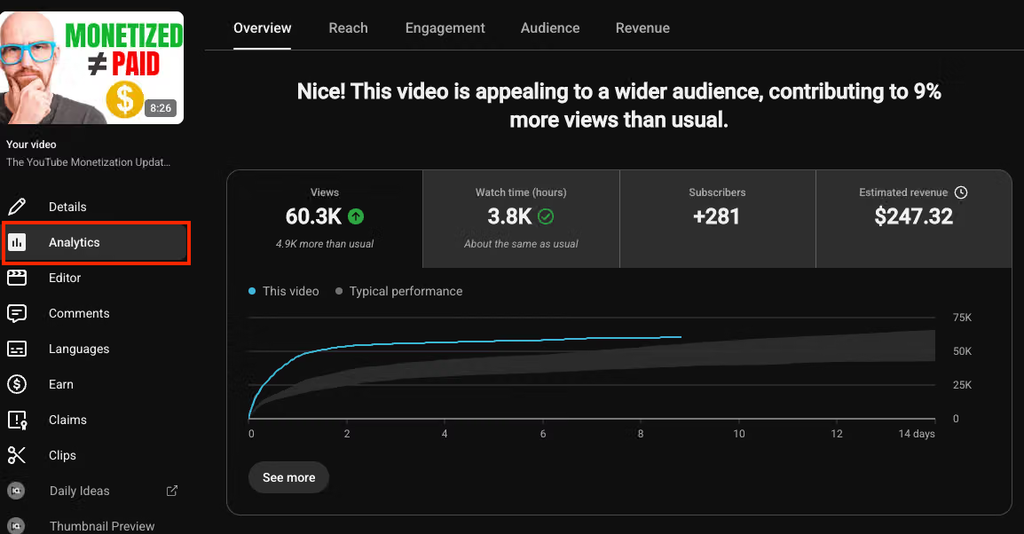
Once you have several uploads, YouTube Analytics becomes your feedback loop. Starting in July 2026, YouTube began gradually rolling out an updated Studio experience, so your Analytics layout may look slightly different from screenshots. The core questions remain the same: are people seeing the video, clicking it, staying with it and returning for more?
At the channel level, watch which topics and formats repeatedly earn views and subscribers. At the video level, use Reach to review impressions, click-through rate and traffic sources; use Engagement or the retention report to see where viewers stay, skip or leave. A sharp drop in the first 30 seconds can mean the opening did not deliver what the title and thumbnail promised. Replayed sections can point to a trigger worth repeating in another video.
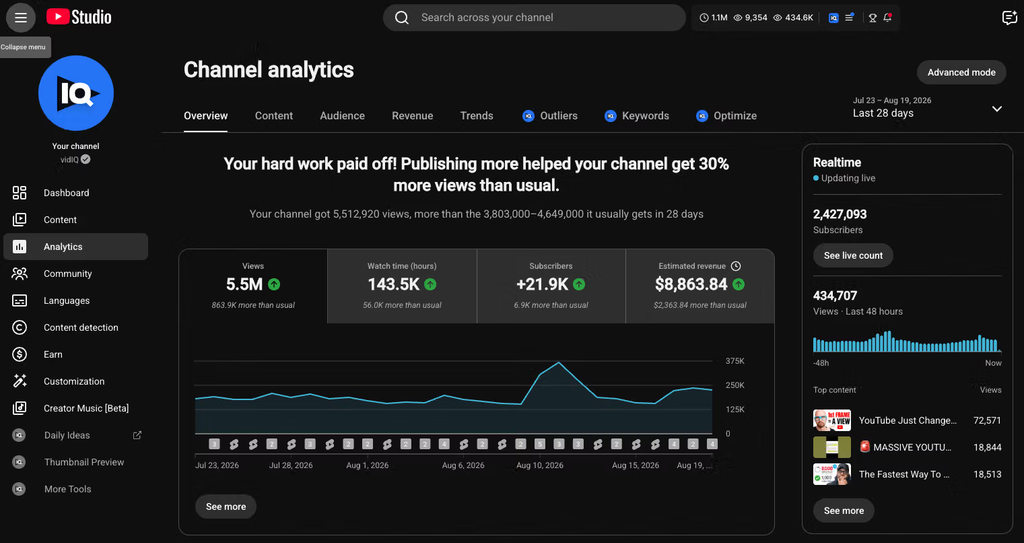
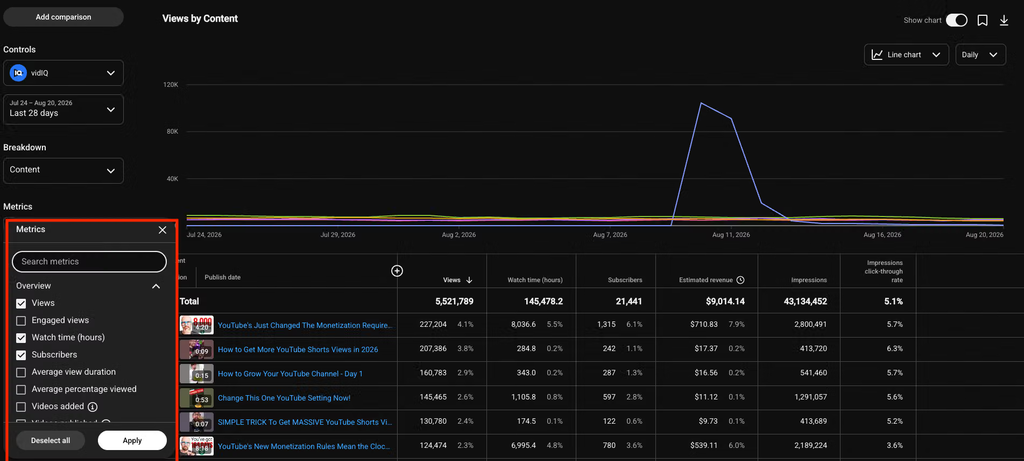
Turn the numbers into decisions:
· High impressions + low CTR: revisit the title/thumbnail promise.
· Strong CTR + weak early retention: make the opening match the packaging faster.
· Search traffic growing: create a closely related follow-up while the topic is working.
· One trigger repeatedly earns replays or stronger retention: build a series around it.
· Returning viewers increasing: keep the format recognizable rather than reinventing the channel every week.
Do not overhaul the channel after one weak upload. Look for patterns across several videos, then make one clear change at a time.
Frequently Asked Questions
Can I start an ASMR YouTube channel with just a phone?
Yes. A recent phone can cover the video side of a beginner channel. Prioritize a stable shot, a quiet space, close microphone placement, and a clear channel concept before buying more equipment.
Do I need to show my face?
No. Hands-only journaling, object sounds, cleaning, cooking, and ambience can all work without showing your face. Choose a framing style that fits your niche and that you can repeat comfortably.
How many videos should I have before launching?
You can launch with one, but plan at least three related uploads before the first video goes public. That gives the channel direction and makes it easier to build a consistent publishing rhythm.
Final Takeaway
To start an ASMR YouTube channel, think like a channel builder first and a gear buyer second. Choose a clear niche, make the branding support that promise, organize the Home tab, launch with a small cluster of related videos, package every upload carefully, and use Analytics to decide what deserves a sequel.
The first goal is not a perfect studio. It is a channel that looks intentional, sounds clean enough, and gives viewers an obvious reason to watch one more video.