.png)
 简体中文
简体中文 
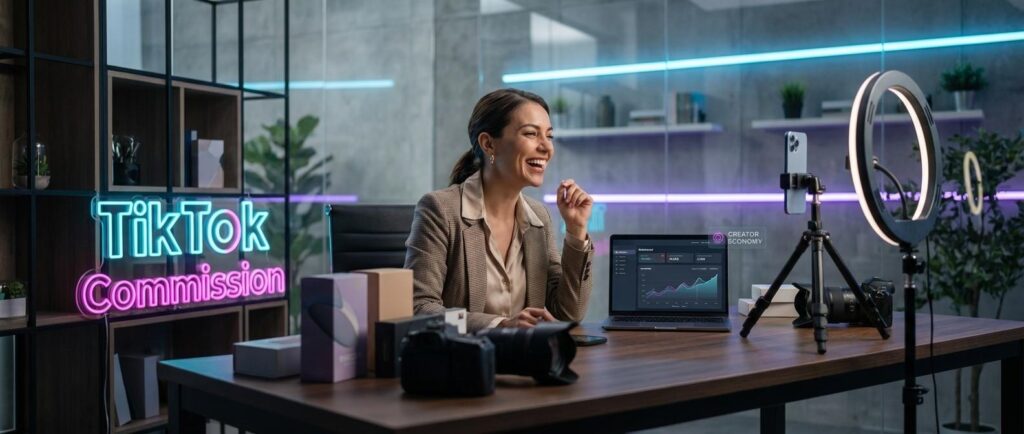
TikTok isn’t just a platform for views — it’s a fully functional sales channel where creators earn real income every time someone buys through their content. If you’ve heard the term “commission” thrown around but aren’t sure how it actually works or where to start, this guide walks you through the entire process. From signing up to getting paid, here’s everything you need to know to start earning commission on TikTok.
What Does “Earning Commission” on TikTok Actually Mean?
Commission on TikTok means earning a percentage of a sale when a viewer purchases a product through an affiliate link you’ve shared in your content. The main way to do this is the TikTok Shop Affiliate Program — a built-in system that lets creators browse products, attach links to their videos or live streams, and collect a cut of every confirmed order.

This is fundamentally different from other TikTok income types that beginners often confuse it with. The Creator Rewards Program pays based on video views — not sales. Brand sponsorships typically pay a flat fee negotiated upfront, regardless of whether any product actually sells. Commission income is entirely performance-based: no sale, no earnings.
Here’s a quick way to keep it straight:
- ✅ Commission = this: A viewer taps your product link and completes a purchase → you earn a percentage
- ❌ Not this: Views on your video → Creator Fund payout (views-based, not commission)
- ❌ Not this: A brand pays you $500 to post a video → flat-fee sponsorship, not commission
- ❌ Not this: You own a TikTok Shop and sell your own products → seller revenue, not affiliate commission
Understanding this difference saves a lot of confusion when navigating TikTok’s monetization dashboard.
TikTok Shop Affiliate Program — The Main Way to Earn Commission
The TikTok Shop Affiliate Program is where the majority of creator commission activity happens on the platform. It is already part of the TikTok app, so you do not need any outside platform. Everything, like product links, tracking earnings, and getting paid, is handled in one place.
Eligibility Requirements
Before applying, make sure your account meets the baseline criteria. Requirements can shift as TikTok updates its policies, so always verify current thresholds directly in the app.
- Age: Must be 18 or older
- Followers: Typically a minimum of 1,000 followers (varies by region)
- Account type: Must use a Personal account — Business accounts have restricted access to certain affiliate features
- Region: TikTok Shop Affiliate is only available in supported markets (see FAQ for current countries)
- Account standing: No recent Community Guidelines violations
Note: Follower thresholds and eligibility rules are updated periodically. Always check the Creator Tools section of your TikTok account for the most current requirements before applying.
How to Sign Up for TikTok Shop Affiliate
The signup process is handled entirely in the TikTok app. Here’s how to get started:
- Open TikTok and tap your profile icon in the bottom right corner
- Tap the hamburger menu (three lines) in the top right, then go to TikTok Studio
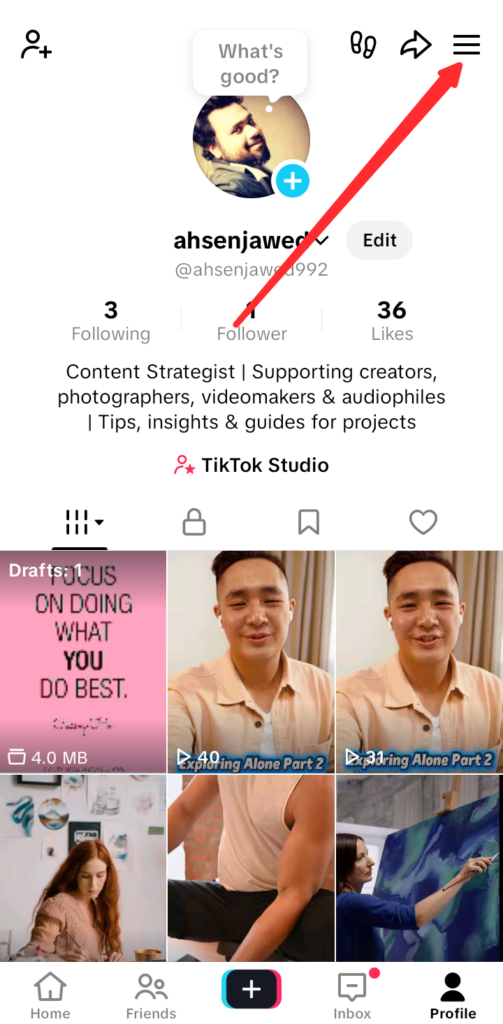

- Select TikTok Shop for Creator or look for the Monetization tab, depending on your app version

- Tap Apply for the TikTok Shop Affiliate program
- Review and agree to the Affiliate Terms and Conditions
- Complete any required identity verification steps if prompted
- Wait for approval — most accounts in eligible regions are approved within 24–72 hours
- Once approved, access your Affiliate dashboard through Creator Tools to start browsing products
After approval, you’ll see an Affiliate tab in your Creator Tools where you can manage product selections, track clicks, monitor orders, and check your earnings balance.
Open Plan vs. Targeted Plan — How You Find Products
One of the most common points of confusion for new TikTok affiliates is understanding how product-creator matching actually works. There are two distinct pathways:
| Plan Type | Who Initiates | Commission Rate Set By | Best For |
|---|---|---|---|
| Open Plan | Creator browses and selects products independently | Seller (creator accepts or passes) | Beginners building their first product portfolio |
| Targeted Plan | Brand invites a specific creator to promote a product | Seller (often higher/negotiated rate) | Established creators with a proven niche audience |
If you’re just starting out, you’ll almost certainly begin with the Open Plan. This gives you access to the product marketplace inside TikTok Shop, where you can browse thousands of items, filter by commission rate or category, and select products that genuinely fit your content.
The Targeted Plan comes later — once sellers can see your content performance, some will proactively invite you to promote specific products at a predetermined commission. These invitations typically offer better rates than the open marketplace but require you to have a visible track record.
Adding Products to Your Videos and Profile
Getting approved is only half the equation — commission is only earned when your audience actually sees and clicks on product links. Here’s how to activate that potential across different content formats:
- In a video post: During upload, tap Add link → Product and search for the item from your affiliate product list. The product card appears as an overlay on the video for viewers to tap.

- Editing an existing video: Open a published video, tap the three-dot menu, and select Edit → add a product link the same way.

- Product Showcase tab: Go to your profile, tap Edit Profile, and enable the Product Showcase section. This creates a dedicated shopping tab on your profile where followers can browse all your linked products at any time — a passive commission source that works around the clock.
- During a LIVE: Once you’ve started a live stream, tap the shopping bag icon in the live tools to open your product cart. Pin specific products at key moments during your broadcast to direct viewer attention at high-interest points.
Each of these placements creates a separate commission opportunity, and many creators run all three simultaneously for maximum coverage.
How TikTok Commission Rates Work and What You Can Realistically Earn?
Commission rates on TikTok Shop are set entirely by the seller, not by TikTok. This means rates vary significantly depending on the product category, the seller’s margins, and any promotional incentives currently active on their listings.
As a general benchmark, most TikTok Shop affiliate commission rates fall in the following ranges:
| Product Category Example | Typical Commission Range |
|---|---|
| Beauty & Skincare | 10%–25% |
| Fashion & Apparel | 8%–20% |
| Electronics & Gadgets | 3%–10% |
| Home & Kitchen | 8%–18% |
| Health & Supplements | 10%–20%+ |
| Food & Grocery | 5%–15% |
These are just example ranges. Each seller decides their own commission rates, and they can change over time. You can view the exact percentage before adding a product to your content, so you can decide if it is worth promoting.
A few key things to understand:
- Commission accumulates per confirmed order: An order isn’t confirmed until the buyer receives it and the return window closes.
- Payout settlement: Commissions are typically released 7–15 days after delivery, once the return/refund window expires.
- Minimum payout threshold: Your earnings accumulate in your TikTok Shop wallet and can be withdrawn once you hit the minimum threshold (varies by region, typically around $10–$20 USD equivalent).
- Compound effect: Commission income scales with volume and consistency, not just rate. A 10% rate on 200 sales beats a 25% rate on 10 sales every time.
Pro Tip: Inside your Affiliate dashboard, filter the product marketplace by commission rate — sorting for higher-commission products in your niche is one of the fastest ways to improve your earnings per piece of content without changing anything else.
Using TikTok LIVE to Earn More Commission
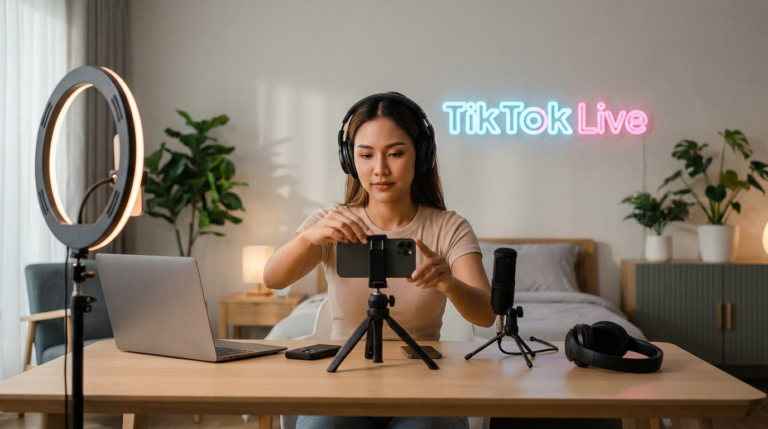
Live shopping is one of TikTok’s top formats for earning commissions. The live interaction between creator and audience builds urgency and trust that recorded videos often cannot match. Viewers can ask questions, watch products being shown in real time, and buy without leaving the stream.

To activate commission during a LIVE session: start your broadcast, tap the shopping bag icon in your creator tools, add products from your affiliate list to the live cart, and pin specific items when you’re actively talking about them. Viewers see a product card they can tap and purchase instantly.
Practical tips to make live shopping sessions work harder for your commissions:
- Pin the product when you mention it: Don’t just have it sitting in your cart — bring it to the foreground at the moment you’re actively reviewing or demonstrating it.
- Use countdown language: Phrases like “I’ll show this for the next 10 minutes” create a natural window that prompts action without pressure.
- Answer questions publicly: When a viewer asks about a product in the comments, answer out loud. That answer is often the purchase trigger for the five people who had the same question but didn’t type it.
- Revisit your top product multiple times: Unlike a video where a viewer scrolls past once, live viewers drop in and out. Reintroduce key products every 15–20 minutes to capture late arrivals.
Tips to Increase Your TikTok Commission Earnings
Earning your first commission is one milestone — building a reliable, repeatable income from TikTok affiliate is another. These tips address the creator-side variables that most influence conversion:

- Only promote products you’ve actually used: Audiences sense inauthenticity immediately, and nothing kills commission conversion faster than a creator who clearly hasn’t touched the product they’re recommending. Genuine reactions — including honest caveats — consistently outperform scripted praise.
- Match products tightly to your niche: A beauty creator promoting kitchenware will underperform compared to staying within their lane. Your audience follows you for a reason; products that map directly onto that reason convert at significantly higher rates.
- Feature the product in the first 3 seconds: TikTok’s skip behavior is aggressive. Hooks that open on the product — showing a result, a problem being solved, or a surprising detail — hold attention long enough to drive taps on the product card.
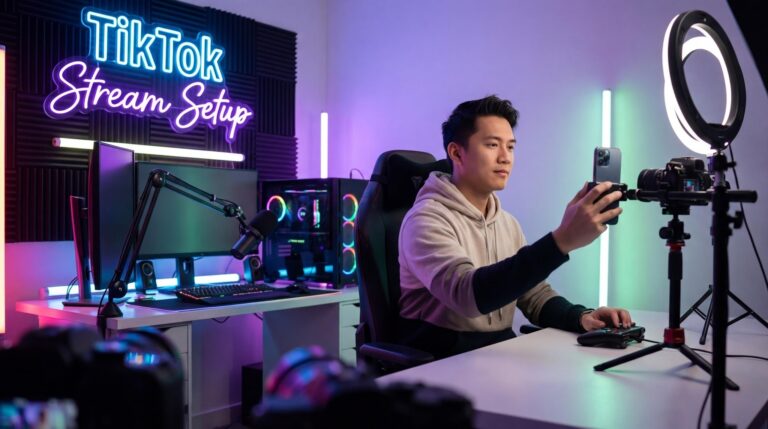
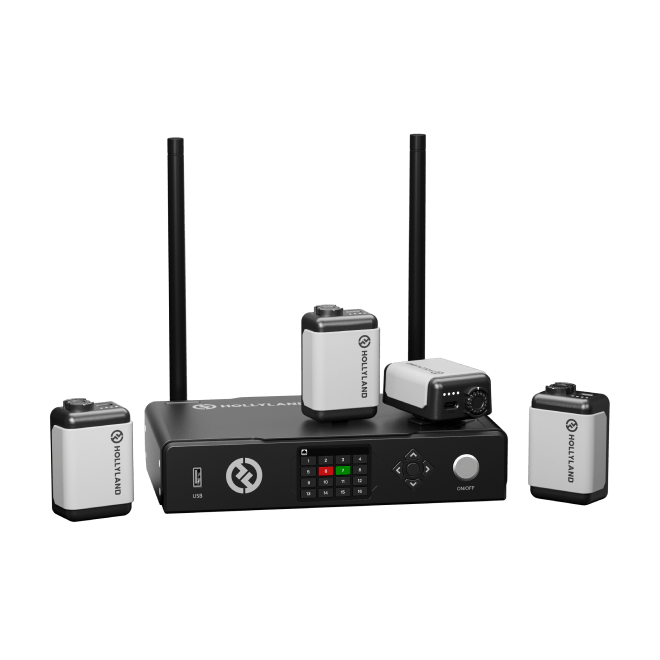
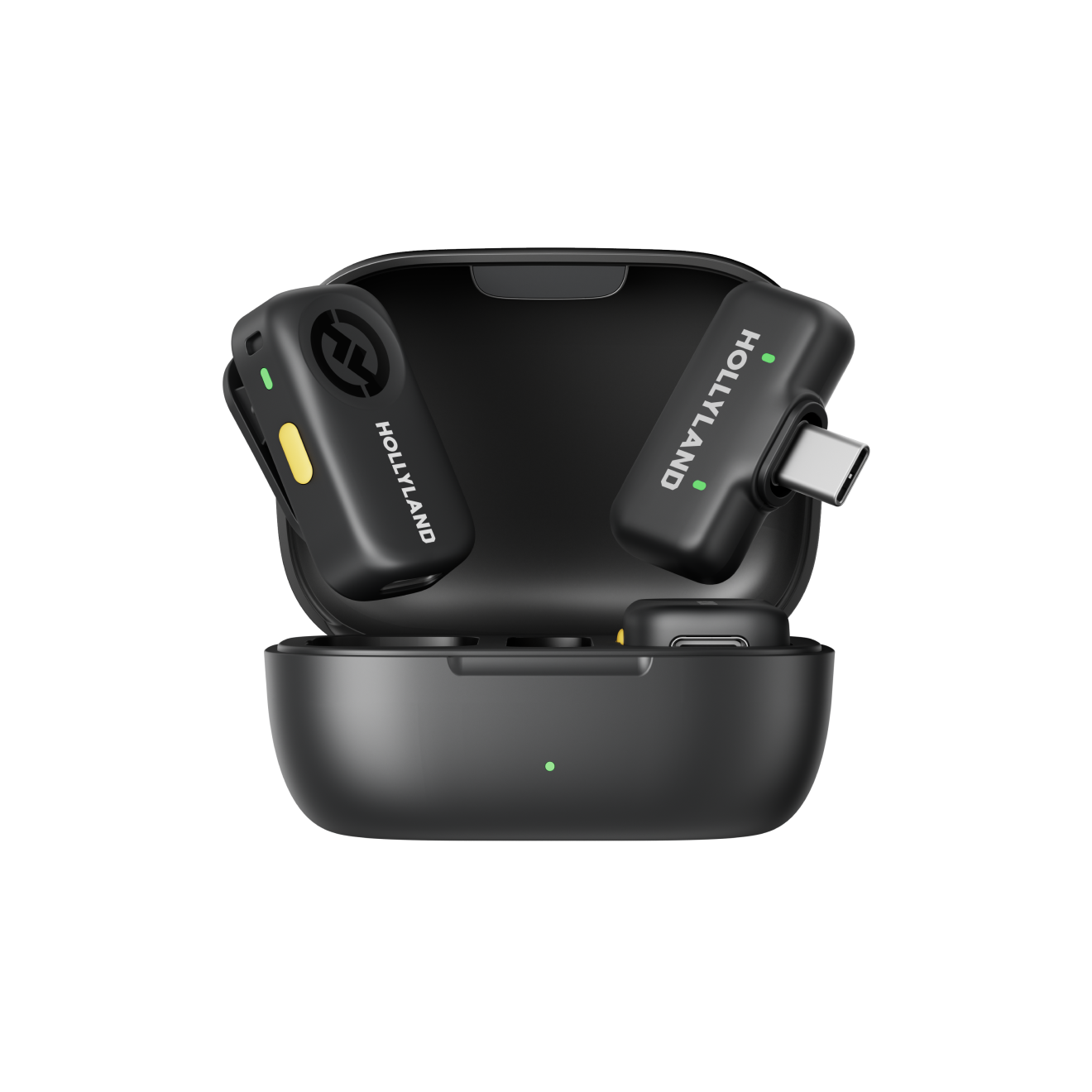
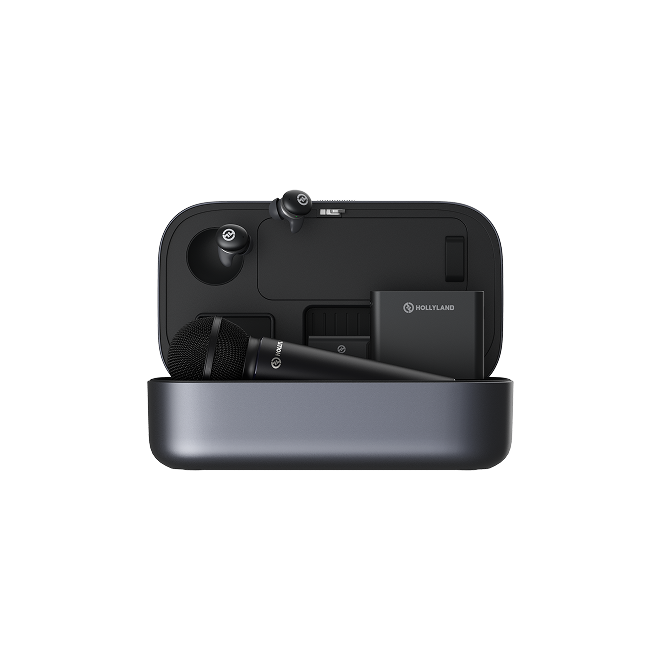
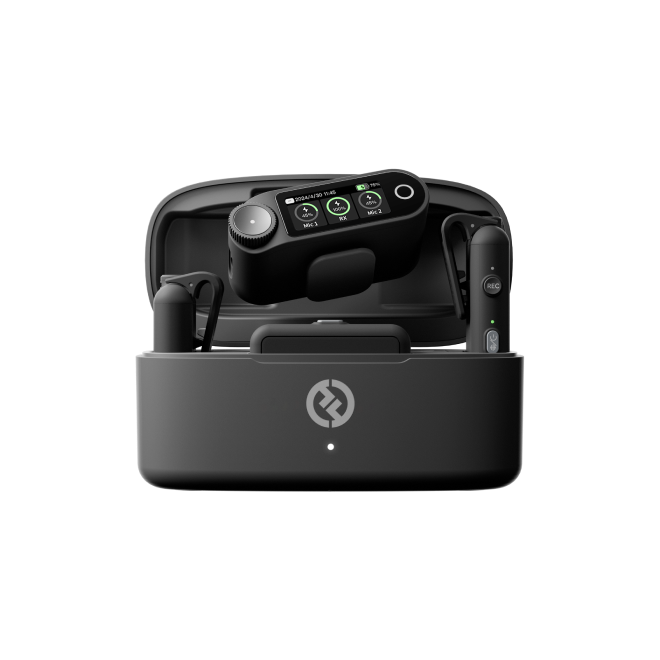
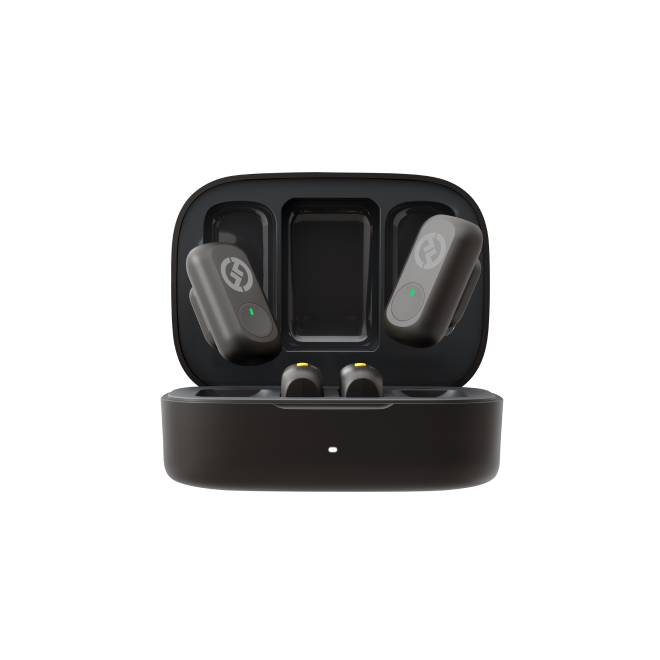
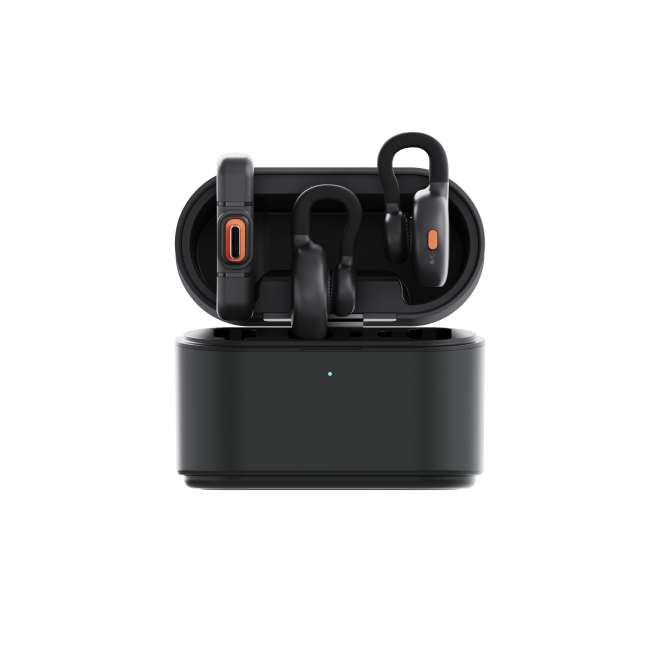
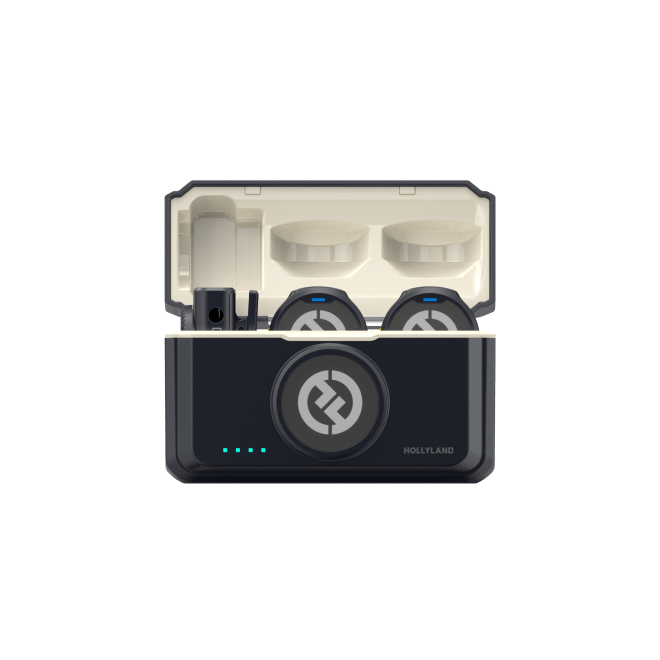
- Invest in audio quality: Product review videos and live streams live or die on how professional and trustworthy the creator comes across. Clear, crisp audio makes a real difference in viewer confidence — background noise and muffled sound undercut the credibility of a recommendation before the viewer has even processed what you’re saying. Creators who earn consistently tend to use dedicated audio gear; a lightweight wireless mic like the Hollyland LARK M2 (9g, 40-hour battery, designed for TikTok-style shooting) is the kind of budget-friendly upgrade that removes the audio problems that quietly cost you conversions.
- Use your Affiliate dashboard as a feedback loop: TikTok shows you clicks, orders, and conversion rates per product. If one product is generating clicks but no purchases, reconsider the product. If another is converting at a high rate on modest views, prioritize it more in upcoming content.
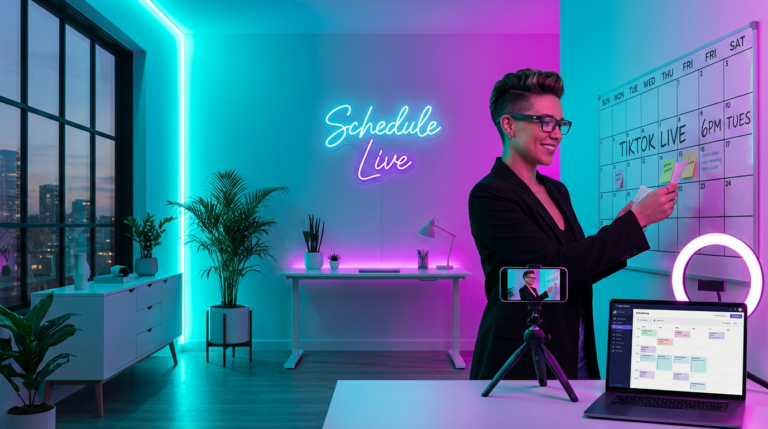
- Post consistently, not just occasionally: Commission income on TikTok is a volume game. A creator who posts three shoppable videos per week will compound their earnings far faster than one who posts one viral video per month.
TikTok Creator Marketplace — Commission Through Brand Collaborations
The TikTok Creator Marketplace is a separate platform where brands and creators connect for collaboration campaigns. It is mostly linked to fixed-rate sponsorships, but some brand deals on the Marketplace also include commission-based payouts. These work like affiliate setups, where creators earn a share of sales they drive, either along with a set payment or in place of it.

Creator Marketplace collaborations typically require a larger, more established audience, and the brand initiates the outreach or selects from creator applicants. It’s less accessible for beginners but worth knowing about as a natural next step once your affiliate track record is established and your content consistently drives sales. If you’re generating strong GMV (Gross Merchandise Value) through TikTok Shop, that data becomes a compelling case to make to brands considering performance-based deals.
Frequently Asked Questions
Q1: How much commission does TikTok pay per sale?
TikTok itself does not set the commission rate — the individual seller does. Rates typically range from 5% to 20% or more, depending on product category and seller incentives. Some sellers running new product promotions temporarily offer elevated rates to attract affiliate creators. Always check the listed rate before adding a product to your content.
Q2: How many followers do you need to earn commission on TikTok?
The standard baseline is 1,000 followers to access TikTok Shop Affiliate features, but this threshold varies by region and changes as TikTok updates its policies. Your account must also be in good standing with no recent violations. Check the current requirements in the TikTok Studio section of your TikTok account for the most accurate information.
Q3: When does TikTok pay out commissions?
Commissions are settled after the buyer’s return and refund window closes — typically 7 to 15 days after confirmed delivery. Earnings accumulate in your TikTok Shop wallet and can be withdrawn once you reach the minimum payout threshold, which varies by region. Payment is processed to your linked bank account or payment method on file.
Q4: Can you earn commission on TikTok without showing your face?
Yes. Both the Product Showcase tab on your profile and product links attached to video posts generate commission regardless of video format or whether you appear on camera. That said, face-to-camera reviews and live shopping sessions consistently convert at higher rates because they build the personal trust that drives purchasing decisions.
Q5: Is TikTok Shop Affiliate available in all countries?
No. TikTok Shop and the affiliate program are currently available in select markets, including the United States, the United Kingdom, Indonesia, Thailand, Vietnam, Malaysia, and the Philippines, with expansion ongoing. If TikTok Shop isn’t available in your region yet, you’ll see a waitlist or unavailability notice in the Creator Tools section of your app.
Conclusion
The TikTok commission process follows a clear flow. First, get approved for the TikTok Shop Affiliate program. Then add products to your videos and profile. Next, move your top-performing products into LIVE sessions. After that, track which items convert and focus more content on them. This cycle of creating, selling, checking results, and improving is what builds steady income over time.
Commission does not depend on viral videos. It depends on consistency, audience-fit products, and engaging content. Open TikTok Studio, check eligibility, and browse the affiliate marketplace for high-commission products in your niche.