.png)
 简体中文
简体中文 
TikTok Shop has moved well past the hype stage — it’s a functioning sales channel where products go from scroll to checkout in seconds. If you run a small business, create content, or are new to online selling, this guide will walk you through each step. It covers the eligibility check, Seller Center setup, product listings, fees, and the type of content that helps drive sales. Follow the steps in order, and you will be ready to make your first sale.
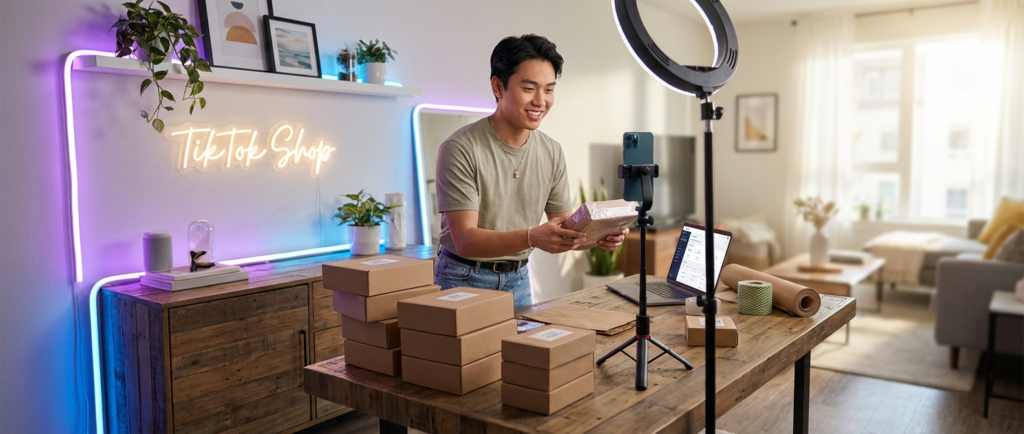
What Is TikTok Shop and How Does It Work?
TikTok Shop is TikTok’s native e-commerce platform, built directly into the app. It lets sellers list products that users can discover and purchase without ever leaving TikTok. Unlike linking to an external Shopify or Amazon store, TikTok Shop keeps the entire buyer journey — discovery, product detail, checkout, and payment — inside the platform.
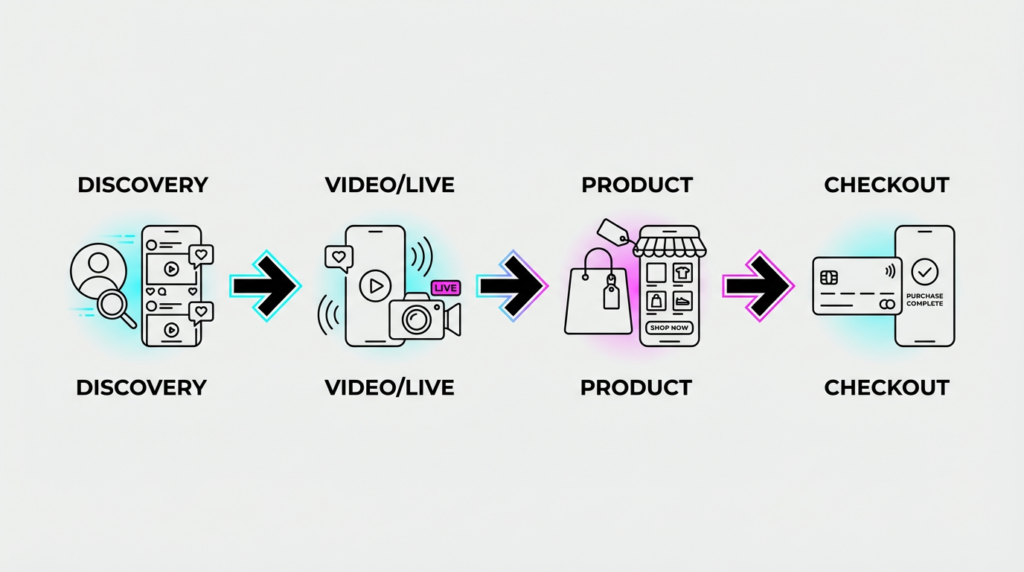
The ecosystem has three key players: sellers (that’s you), affiliate creators who promote products for a commission, and buyers who discover products through content. Understanding how these three connect is important before you start, because your sales strategy will depend on all three surfaces working together.
Three core ways products get discovered and sold on TikTok Shop:
- Shoppable in-feed videos — Short videos with tagged products; viewers tap the product link and go directly to the listing
- TikTok LIVE Shopping — Real-time livestream sessions where sellers pin products to the screen and interact with buyers directly
- Product Showcase tab — A dedicated shop tab on your TikTok profile where all your listings live and can be browsed at any time
TikTok Shop Eligibility Requirements
Before spending an hour in Seller Center, confirm you actually qualify. TikTok Shop is not available everywhere, and the requirements differ based on account type and location.
Account Requirements
- Must be at least 18 years old
- Must have a TikTok account in good standing (no recent policy violations or bans)
- Business sellers usually do not need a minimum number of followers. Individual or creator accounts may need to meet a follower limit, depending on the market
- You must register as either an Individual seller or a Corporate/Business seller — requirements differ for each
Location Requirements
- TikTok Shop is currently available in the United States, the United Kingdom, Indonesia, Malaysia, Thailand, Vietnam, the Philippines, Singapore, and select additional markets
- Your business or residence must be based in a supported market
- If your country is not on the list, TikTok Shop registration is not yet available to you — check the Seller Center site for the most current country list
Document Requirements
For Individual sellers: – Government-issued photo ID (passport or driver’s license) – Your name must match the TikTok account name
For Business/Corporate sellers: – Employer Identification Number (EIN) or equivalent business registration number – Business license or registration certificate – A government-issued ID for the account holder or authorized representative – Business address
What Will Disqualify You?
- Operating in an unsupported country
- Selling products in a prohibited category (more on this in the listings section)
- Submitting mismatched or fraudulent documents — accounts are reviewed carefully, and rejected documents often result in a 30-day ban from re-applying
- Prior TikTok policy violations that placed your account in restricted status
How to Set Up Your TikTok Shop Account?
Once you’ve confirmed eligibility, setup happens entirely through TikTok Seller Center. Here’s the exact sequence.
Step 1 — Register on TikTok Seller Center
Go to seller.tiktok.com (or the regional equivalent for your market, such as seller-uk.tiktok.com for UK sellers).
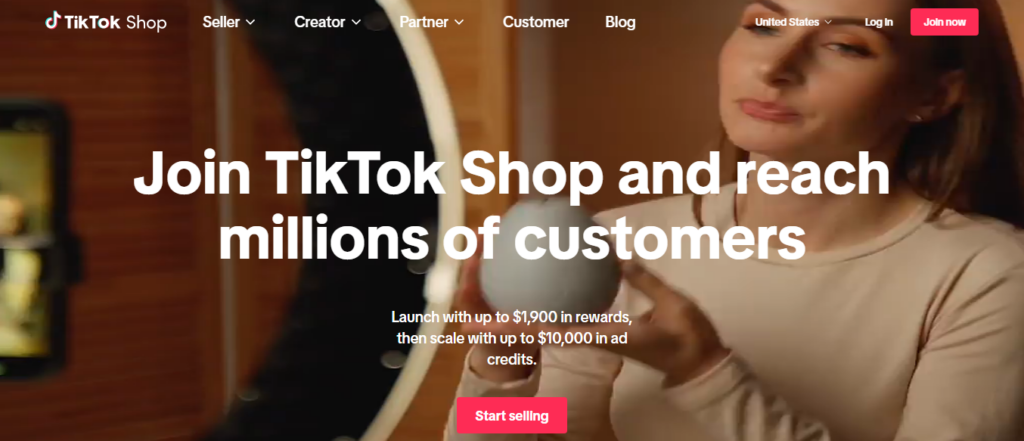
Click Sign Up / Join now and choose whether to register with your TikTok account, email, or phone number.

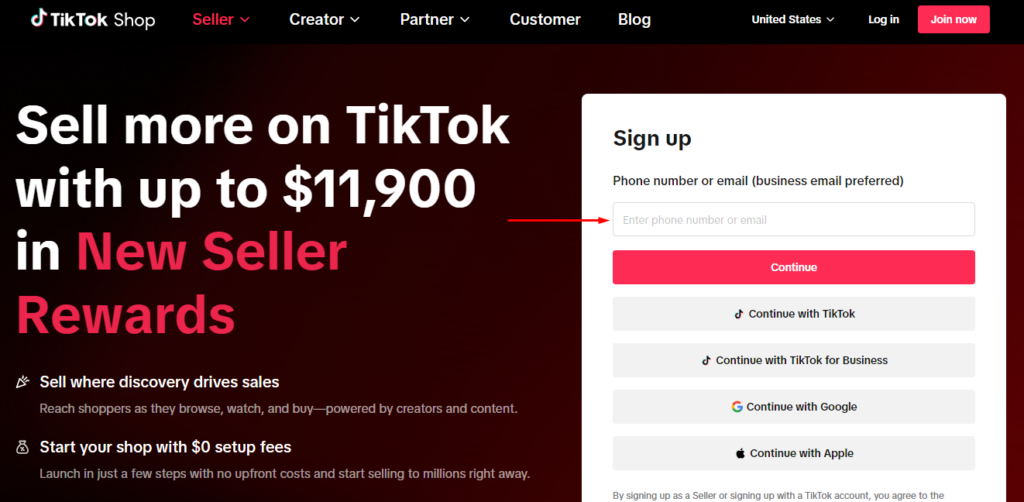
Once you enter your email address, a message will appear, confirming the country you want to sell products in. Remember to select the correct country; otherwise, as per TikTok, you won’t be able to change your preference later.

You’ll be asked to select your business type. You can choose from options including:
- Seller
- Reseller
- Affiliate Marketer
- Dropshipper
Or any other category that suits your business model.

Then, you will be required to choose your seller type:
- Individual — suitable for sole traders, personal brand sellers, or creators monetizing through products
- Corporate — for registered businesses with a legal entity

Choose accurately and click Next. Switching seller types later requires re-verification. Enter your business location and confirm it matches a supported market.
Step 2 — Submit Business Verification Documents
After selecting your seller type, you’ll be prompted to upload your verification documents. For corporate sellers, this includes your business registration certificate and EIN; for individual sellers, a government-issued ID, passport, or driver’s license

Tips for faster approval: – Upload clear, high-resolution scans — blurry or cropped documents are the most common rejection reason – Ensure your name, address, and business name are fully visible and unobstructed – Make sure the documents are current (expired IDs will be rejected)
Review timeline: TikTok typically takes 1–3 business days to review submitted documents. You’ll receive an email notification once your account is approved or if additional information is needed.
Step 3 — Link Your TikTok Account
Once verification is approved, connect your TikTok profile to your Seller Center account. This is what enables product tagging in videos, the Product Showcase tab on your profile, and LIVE shopping features.
In most markets, there is no follower minimum for business sellers to link their accounts. But certain LIVE shopping features may require at least 1,000 followers to unlock. If you’re building a new account alongside your shop, focus on getting to 1,000 followers early — it opens the most valuable sales surface.
Step 4 — Set Up Payment and Payout Information
Navigate to Account Settings > Payment Settings in Seller Center and link your bank account. Requirements include:
- A business or personal bank account in your registered market
- Account holder name matches your Seller Center registration
- Valid routing number and account number (US) or sort code and account number (UK)
Payout schedule: TikTok releases funds on a regular cycle — typically every 1–2 weeks after order completion, with a short holding period to account for returns. Your first payout may take slightly longer while your account is validated. You can monitor pending, processing, and completed payouts inside the Seller Center dashboard.
Step 5 — Configure Shipping Settings
Go to Shipping Settings in Seller Center and choose your fulfillment method:
- Fulfilled by TikTok (FBT): You ship inventory to a TikTok warehouse; TikTok handles pick, pack, and delivery. Orders show a trusted delivery badge, which TikTok has confirmed increases conversion.
- Self-Ship: You handle all fulfillment from your own location or third-party warehouse. Required for custom, handmade, or large/fragile items that aren’t compatible with FBT.
Set your warehouse address, configure delivery windows (the SLA you can commit to), and enable the shipping carriers you’ll use for self-ship orders. Failure to meet your stated delivery SLA will trigger seller performance flags, so be realistic at this stage.
How to Add Products to Your TikTok Shop
With your account live, your next job is building a product catalog. Every listing goes through a review process before it becomes visible to buyers.
Creating a Single Product Listing
- In Seller Center, navigate to Products > Add New Product
- Enter your product title — use clear, descriptive language that includes the product name, key feature, and intended use (this matters for TikTok’s internal search)
- Select the correct product category — miscategorization is a common cause of listing rejection
- Upload product images (minimum 9:16 or 1:1 ratio, at least 720px, white or clean background preferred; lifestyle shots can be added as secondary images)
- Write your product description — include materials, dimensions, usage instructions, and any warnings required by category (supplements, electronics, and children’s items have specific requirements)
- Set pricing and inventory quantity
- Add variants if applicable (size, color, etc.)
- Submit for review
Review timeline: Most product listings are reviewed within 24–48 hours. During promotional periods, review times may extend to 3–5 days.
Product Listing Requirements and Common Rejection Reasons
TikTok is strict about what can and cannot be listed. Familiarize yourself with the rules before uploading at scale.
Image requirements: – Minimum resolution: 720 x 720px – No watermarks, text overlays, or third-party logos on the main image – No before/after images for health or cosmetic products
Prohibited and restricted categories (partial list): – Weapons, ammunition, and related accessories – Tobacco and nicotine products – Prescription medications and unapproved supplements – Counterfeit or replica goods – Alcohol (in most markets) – Recalled products
Pricing rules: – Artificially inflated “original” prices designed to fake a discount will be flagged – Products priced below a reasonable cost-of-goods threshold may trigger fraud review
Bulk uploads: If you’re bringing in a large catalog (50+ SKUs), use TikTok’s CSV bulk upload template available in the Products section of Seller Center. Download the template, fill in one row per SKU, and upload. Bulk uploads go through the same review process, but any single listing error in the file can cause the entire batch to fail — validate your CSV carefully before submitting.
TikTok Shop Fees and Commission Structure
TikTok Shop registration is free. You pay fees only when you make sales. Here’s a transparent breakdown:
| Fee Type | Typical Rate | Notes |
|---|---|---|
| Referral Fee (Commission) | 2%–8% of the sale price | Varies by product category; check current rates in Seller Center under Fee Settings |
| Payment Processing Fee | ~2% | Applied per transaction; covers payment gateway costs |
| Fulfilled by TikTok (FBT) Fee | Varies by weight and dimensions | Only applies if using FBT; calculated per shipment |
| Affiliate Creator Commission | Set by seller (typically 5%–20%) | Only applies when a sale is driven by an affiliate creator |
| Platform Promotions (optional) | Varies | Discount subsidies for flash sales or TikTok-run campaigns — seller-funded, optional to join |
Note: TikTok has offered reduced referral fees (sometimes as low as 0–1.8%) for new sellers during launch periods. Check Seller Center for your current applicable rate — these promotional rates are time-limited and category-specific.
Total effective cost per sale, including referral fee, payment processing, and affiliate commission, typically runs between 9%–30% of the sale price, depending on your category and whether you’re using affiliate creators. Factor this into your product pricing before listing.
How to Create Content That Sells on TikTok Shop
Setting up the shop is the easy part. Getting sales requires content. TikTok’s algorithm surfaces products through engagement — which means your videos and LIVE sessions need to hold attention and create urgency. Here are the three formats that consistently drive TikTok Shop revenue.

Shoppable In-Feed Videos
In-feed product videos are your highest-volume, always-on sales surface. These are short-form videos (typically 15–60 seconds) with your product tagged directly in the video — viewers tap the tag and land on your listing.
How to tag products: – When uploading a video in the TikTok app, tap Add Link > TikTok Shop and select the product you want to tag – The product card appears as an overlay viewers can tap at any point during playback.
Hook structure that works for product demos: – Open with the problem or result, not the product (first 1–3 seconds determine whether someone keeps watching) – Show the product in real situations so viewers see how it works. Simple displays often perform worse than real demonstrations. End the video with a clear and easy call to action like “Link in video” or “Tap to shop.”
Ideal video length: 21–34 seconds consistently outperforms both shorter clips and longer videos for product-focused content, though testing your specific audience is always worth doing.
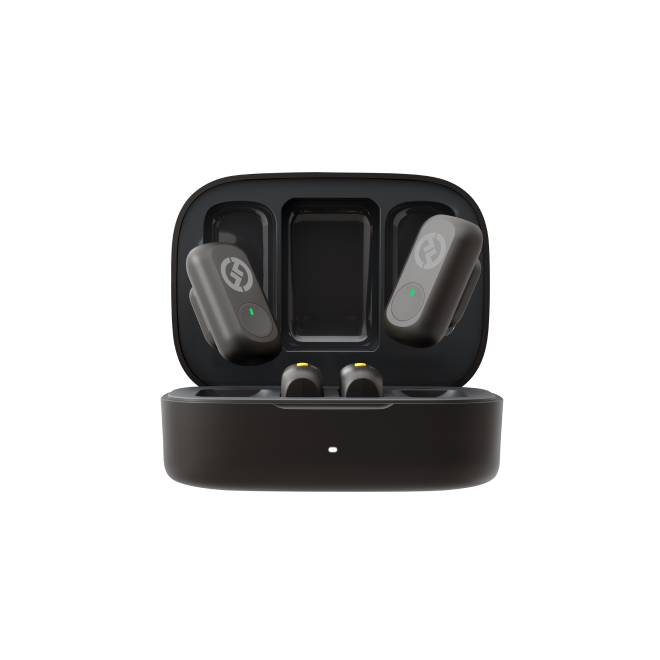
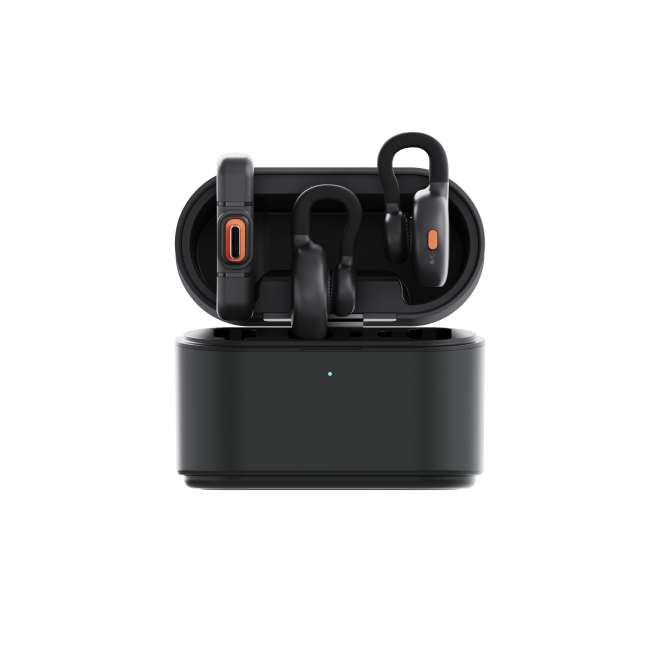
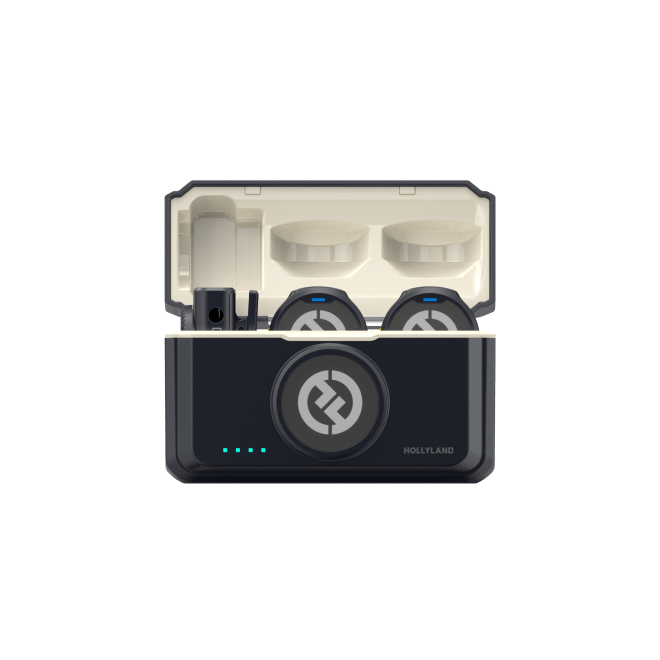
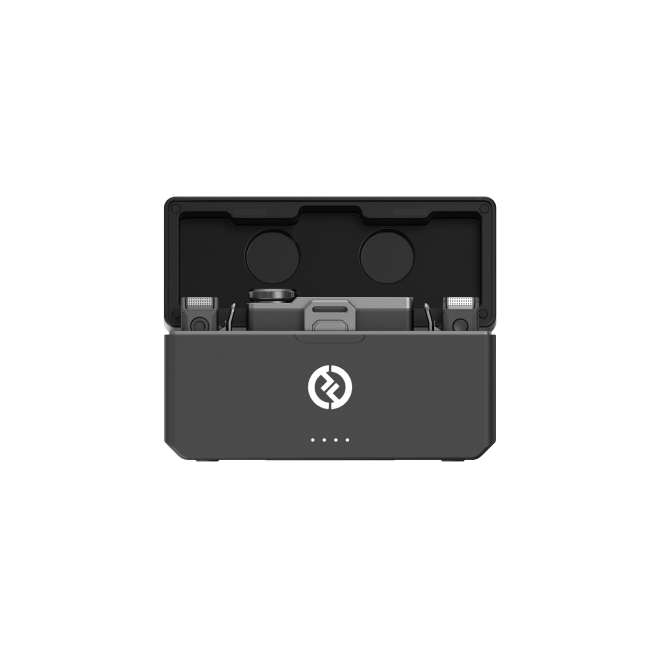
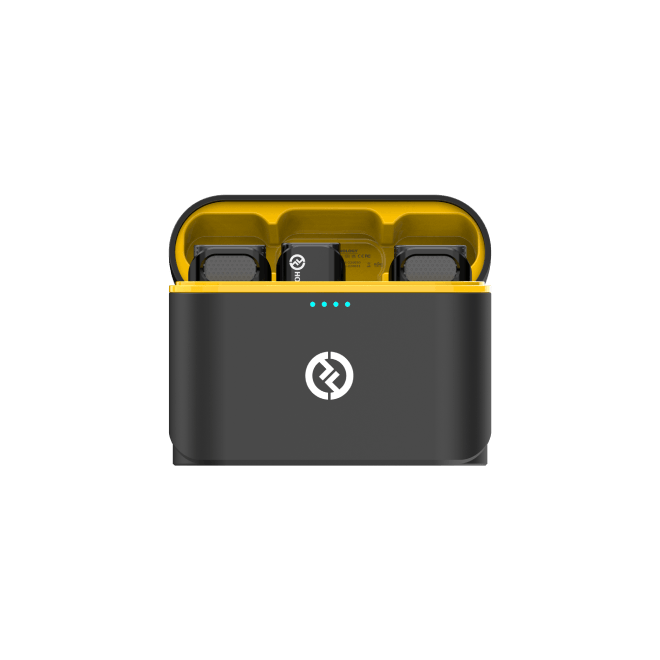
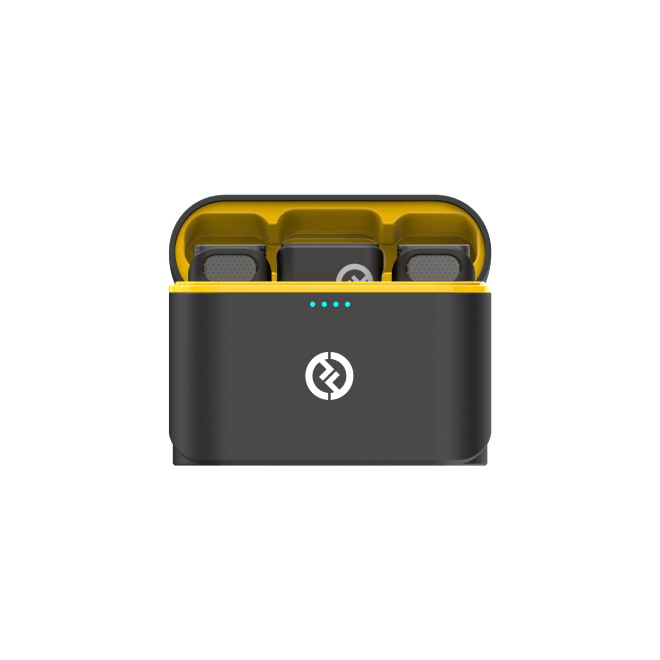
On audio quality: Viewers form an immediate credibility judgment in the first three seconds — and poor audio is the fastest way to lose them. If you’re filming product demos on your phone, a compact wireless microphone makes a significant difference. The Hollyland LARK M2 — a 9g button-sized clip-on mic — is designed for this use case. It connects wirelessly, fits under clothing or clips discreetly to a collar, and delivers clear audio without the setup overhead of a traditional lav mic rig.
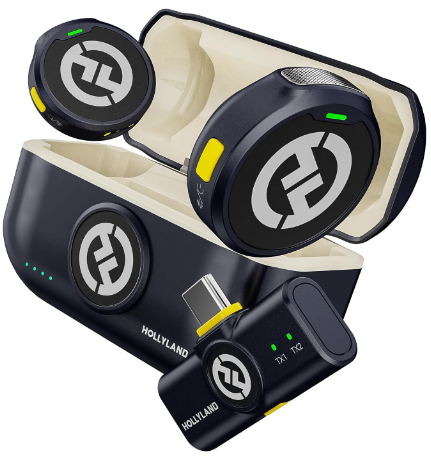
Hollyland LARK M2 - Mini Lavalier Microphone
An incredibly lightweight and compact wireless button microphone that captures high-fidelity audio.
Key Features: 9g Button Size | 48 kHz/24-bit | 40 Hours Battery
TikTok LIVE Shopping
TikTok LIVE is the highest-converting format on the platform for commerce. Viewers who engage with a LIVE session are significantly more likely to purchase than passive video viewers — the real-time interaction creates urgency that edited video can’t replicate.
How to pin products during LIVE: – Before going live, add the products you plan to feature to your LIVE product list in Seller Center or directly in the TikTok app before starting your session – During the LIVE, tap the Shopping Bag icon and select the product to pin — it appears as a card at the bottom of the screen that viewers can tap to purchase
Engagement tactics that drive conversions during LIVE: – Announce limited-time discounts or bundle deals exclusive to the LIVE session – Respond to comments by name — viewers who feel acknowledged are more likely to buy – Use countdown timers or scarcity language for specific SKUs (“Only 12 left at this price”) – Ask viewers to share the LIVE to unlock a deal (this expands your reach mid-session)
Environment and audio setup: For LIVE sessions that run 30–90 minutes, audio consistency is non-negotiable. A clip-on wireless mic like the Hollyland LARK M2 — with up to 40 hours of battery life — means you won’t get cut off mid-session by a dead battery, and you can move naturally while maintaining clear sound quality throughout.
Using the TikTok Shop Affiliate Program
You don’t have to create all the content yourself. TikTok’s Affiliate Program lets you invite external creators to promote your products in their own videos and LIVE sessions, paying them a commission only when a sale is generated.
How to open your shop to affiliates:
1. In Seller Center, go to Affiliate Marketing > Open Collaboration
2. Set a default commission rate for your products (5%–20% is the typical range; higher commissions attract more creator attention)
3. Your products become discoverable to creators in the TikTok creator marketplace
Finding creators proactively:
- Use the Creator Marketplace inside Seller Center to filter creators by niche, audience size, engagement rate, and past GMV generated.
- Send product samples to selected creators via TikTok’s sample request system — creators who have used the product convert better than those posting blind.
Setting commission rates strategically: New sellers without reviews should offer higher commissions (15–20%) to attract creator attention. Once you have sales history and social proof, you can adjust rates competitively.
Fulfillment, Shipping, and Returns
| Fulfilled by TikTok (FBT) | Self-Ship | |
|---|---|---|
| Who handles shipping | TikTok warehouse team | You or your 3PL |
| Delivery speed | Typically faster; shows platform delivery badge | Depends on your carrier |
| Best for | Standard consumer goods, high-volume sellers | Custom, handmade, or oversized items |
| Upfront requirement | Ship inventory to the TikTok warehouse in advance | No upfront logistics cost |
| Seller control | Lower (TikTok controls packaging/timing) | Higher |
| Conversion impact | Positive — trust badge shown on listing | Neutral |
Return policy obligations: TikTok requires all sellers to accept returns within a set time period. For most product categories, this return window is usually around 30 days. You must configure a return address in Seller Center. For items damaged in transit or not-as-described claims, TikTok’s dispute resolution team can rule in the buyer’s favor and charge the refund to your seller balance, so accurate product descriptions and quality packaging matter from day one.
Early Sales Tips to Gain Traction
Getting your first sales on a new shop requires deliberate action — the algorithm favors shops with engagement history, so the goal early is momentum.

- Join TikTok Shop platform campaigns — Flash sales, seasonal promotions, and TikTok-run shopping events (like TikTok Shop Deals) give new sellers built-in traffic. Opt in through Seller Center under Campaigns.
- Price competitively at launch — Your first 30–60 days are your highest-leverage period for getting reviews. Margin can come later; social proof comes first.
- Use the product sample feature to get affiliate creators reviewing your items organically — creator-generated reviews outperform brand-created content for trust signals.
- Optimize product titles for TikTok search — Include the product type, key benefit, and a relevant descriptor (e.g., “Vitamin C Serum for Oily Skin – 30ml Daily Glow Treatment” outperforms “Serum”).
- Monitor your Seller Score — TikTok surfaces shops with higher seller scores more prominently. Ship on time, respond to messages within 24 hours, and resolve disputes quickly to keep your score healthy.
FAQs
Do you need followers to start a TikTok Shop?
In most markets, including the US, there is no follower minimum for business sellers registering through the TikTok Seller Center. Individual or creator accounts may face a threshold depending on their market and account standing. That said, reaching 1,000 followers unlocks TikTok LIVE — one of the most effective sales formats — so it should be an early milestone regardless.
How long does TikTok Shop approval take?
Business verification typically takes 1–3 business days after you submit your documents. Product listing review is usually completed within 24–48 hours, though this can extend during peak periods or major sale events. You can track both your account status and listing review status directly inside Seller Center.
Is TikTok Shop free to join?
Registration is completely free. TikTok charges a referral fee (commission) only on completed sales, with rates typically ranging from 2%–8% depending on product category. A payment processing fee of approximately 2% also applies per transaction. There are no monthly subscription or listing fees.
Can you run a TikTok Shop without showing your face on video?
Yes. You can use the TikTok Shop Affiliate Program to have other creators promote your products entirely on your behalf. Alternatively, you can create product-focused videos using close-up demonstrations, text overlays, and voiceover narration without appearing on camera. Many successful TikTok Shop sellers never appear in their own content.
What products sell best on TikTok Shop?
Beauty, skincare, fashion, home and kitchen, and health and wellness products consistently perform well. The common thread is that they demonstrate well on video — visible results, transformation moments, or satisfying use cases. Products that look identical to competitors with no demonstrable difference tend to compete purely on price and are harder to scale.
Can you dropship on TikTok Shop?
Dropshipping is permitted on TikTok Shop, but sellers must meet TikTok’s shipping timelines and product quality standards. TikTok has significantly tightened enforcement on counterfeit goods and misrepresented product descriptions. If you run a dropshipping store, check your suppliers with care. Late deliveries or frequent buyer complaints can lower your Seller Score. If this keeps happening, it may even lead to account suspension.
Conclusion
The path from zero to a live TikTok Shop follows a clear sequence: confirm eligibility, complete Seller Center setup, get products listed and approved, configure fulfillment, and start creating content across all three sales surfaces. Head to seller.tiktok.com to begin your registration.