.png)
 简体中文
简体中文 
Great ASMR audio comes down to one thing: getting your microphone close to the right sound source. A mic sitting on your desk two feet away while you tap, whisper, or crunch will capture mostly room noise — not the intimate, detailed sounds your audience is there for.
This guide covers practical microphone placement for the most common ASMR scenarios, plus how to avoid the mistakes that trip up most beginners.
What Makes a Good ASMR Microphone Setup?
Before adjusting any settings, understand the core principle:
Your microphone placement should follow the sound source. Different activities require different positions.
A few fundamentals that apply across every setup:
- Proximity over price. A mid-range mic close to the source beats an expensive mic placed too far away.
- Clothing and handling noise ruin takes. Rustling fabric and accidental bumps are immediately audible in ASMR recordings.
- ASMR has a wide dynamic range. Whispers and sudden crunches can both appear in the same session — your setup needs to handle both.
- Flexibility matters. Fixed desk mics work for whispering, but activities involving your hands need a mic that moves with you.
How to Set Up an ASMR Microphone for Different Scenarios
Food ASMR
Food ASMR has two distinct phases, and each needs a different mic position.

Cutting and prep: Position your microphone 15–20 cm from the cutting board, pointing toward where the knife meets the food. If you’re using a wireless clip-on mic, attach it to the edge of a bowl or near your workspace surface — close to the action, not on your body.

Eating: Move the microphone to your collar or upper chest. This position captures chewing and mouth sounds at close range, picking up both airborne sound and subtle vibration conducted through your body. Make sure the clip is secure before you start eating — shifting mid-take creates noise.

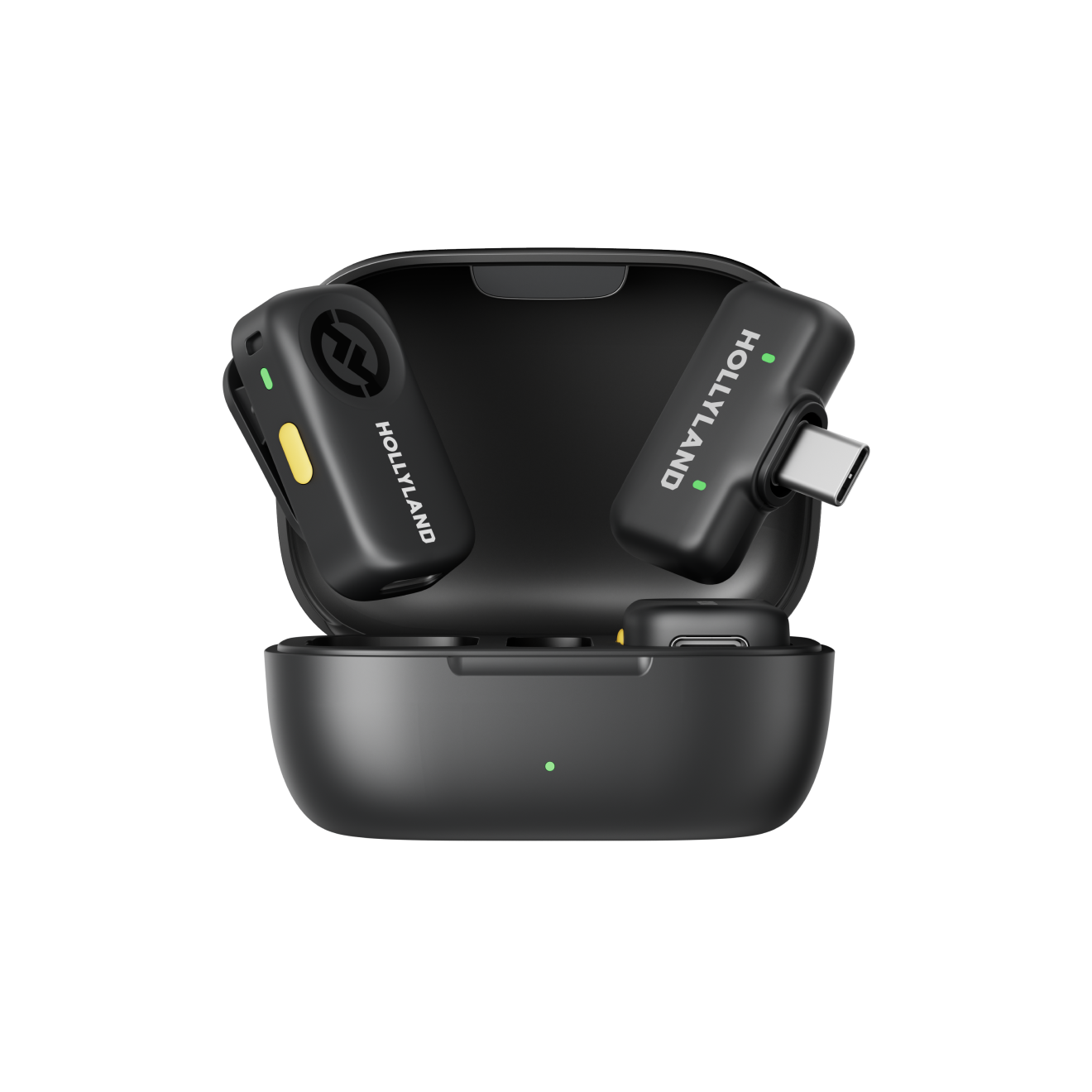
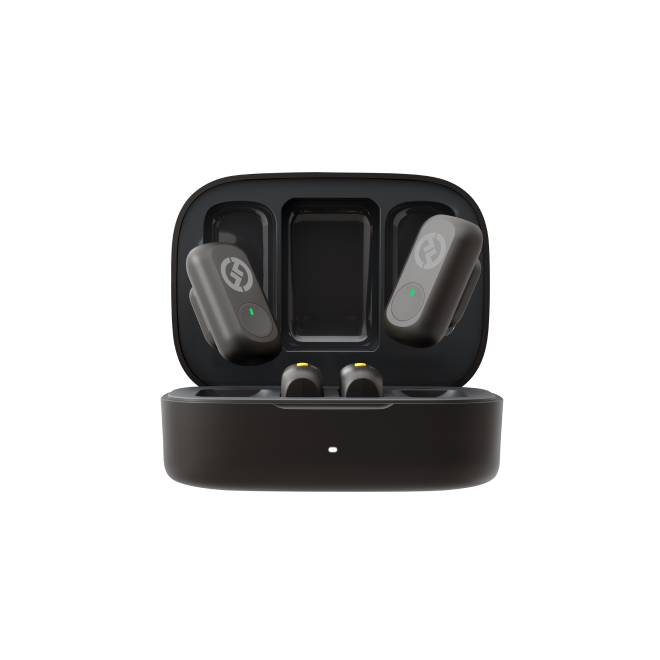
The key here is the transition. Repositioning a wired mic mid-session is disruptive. A compact wireless transmitter makes this seamless; the Hollyland LARK A2‘s TX unit weighs just 8.5 g, so clipping it near a prep surface or moving it to your collar takes a few seconds without interrupting your setup.
Slime ASMR
Slime sounds — the squish, the stretch, the snap — are generated entirely at your hands. A collar placement puts the mic too far from the action.

Recommended placement: Clip the microphone near your sleeve or cuff, as close to your hands as possible. This keeps the mic right next to the kneading and squeezing without blocking your movement.
Tips:
- Keep loose fabric away from the mic capsule to prevent rustling.
- Secure the clip firmly — active hand movements can shift a loose mic.
- Do a 30-second test squeeze before your full take and listen back.
Whispering ASMR
Whispering is the most gain-sensitive setup. The sounds are extremely quiet, which makes placement precision especially important.
Recommended placement: Position the microphone 10–20 cm from your mouth, slightly to the side rather than directly in front. Angling away from center reduces plosive bursts on “p” and “b” sounds. For a clip-on lavalier, the collar or upper chest works well.
Tips:
- Maintain a consistent distance throughout the session — moving closer and farther changes the tone noticeably.
- Use a windshield or furry cover to diffuse breath noise, even indoors.
- Set your gain conservatively. Whisper sessions often include louder moments, and a gain level calibrated for pure whispering can clip when you speak at normal volume.
Tapping ASMR
Tapping needs the mic close to the surface, but not touching it.
Recommended placement: Position the mic 5–15 cm from the tapping surface, suspended in the air rather than resting on the table. Contact with the surface picks up vibration noise, not the clean tap you want. If you’re tapping multiple surfaces, clipping the mic near your wrist or cuff lets it travel with your hands naturally.

Tips:
- Hard surfaces (glass, metal, wood) produce louder peaks than soft ones — adjust your gain accordingly.
- Never let the mic cable rest on the surface you’re tapping.
How to Prevent Clipping and Sudden Volume Changes
Clipping is one of the most frustrating problems in ASMR recording. Because ASMR content sits at low volume levels, creators often push their gain up — which makes sudden loud sounds (a snap, a crunch, a hard tap) even more likely to clip.
| Problem | Solution |
| Gain set too high | Set conservatively; boost in post |
| Sudden loud peaks | Use a mic with built-in limiting |
| Clipped, unrecoverable takes | Record a backup safety track |
| Inconsistent mic distance | Clip mic in a fixed position |
The Hollyland LARK A2 addresses this with two features worth knowing about:
- Intelligent Limiting automatically suppresses sudden excessive peaks, helping prevent clipping without manual gain riding. This is particularly useful for food and tapping content where sharp sounds appear unpredictably.

- Safe Track Mode records a simultaneous backup track at −6 dB relative to the main track. If the main track clips during an unexpectedly loud moment, you have a lower-level backup to work with in editing — a genuine safety net for longer takes.
Common ASMR Microphone Setup Mistakes
1. Mic placed too far from the source. This is the single most common beginner mistake. If the sound source is your hands, your mouth, or a cutting board — the mic needs to be near that, not on a desk nearby.
2. Ignoring clothing noise. Synthetic fabrics rustle loudly against a mic capsule. Use cotton when possible, or route your clip through a small windshield.
3. Gain set too high. It’s tempting to crank gain so quiet sounds register, but this raises your noise floor and makes peaks dangerous. Set gain so normal speech peaks around −12 dB and adjust from there.
4. One mic position for every activity. Whispering, food prep, slime, and tapping all need different placements. A position that works perfectly for one will underperform for another.
5. Skipping the test recording. Always record 30 seconds, listen back with headphones, and check for rustling, clipping, or room noise before committing to a full take.
Simple ASMR Microphone Setup for Beginners
If you’re just starting, follow this loop:
- Clip the mic to your collar as a neutral starting position.
- Record a 30-second test clip and listen back with headphones.
- Identify where the sound is actually coming from — your hands, mouth, or the surface in front of you?
- Move the mic closer to that source. Use the scenario guidance above.
- Check your levels. Quiet sounds should be audible without loud moments clipping.
- Record your take.
Repeat this loop for each new activity. Over time, you’ll develop instincts for placement without needing to test every session.
FAQ
Q: Do I need a special ASMR microphone, or will any mic work?
You don’t need a mic marketed specifically for ASMR. What matters most is sensitivity and placement flexibility. The best mic for ASMR is one you can position close to the sound source — which is why many creators prefer compact clip-on lavalier mics over fixed desk or boom setups. They follow the action rather than forcing you to stay in one position.
Q: How do I reduce background noise in my ASMR recordings?
Start with your recording environment: soft furnishings, rugs, and curtains absorb room reflections. Record away from HVAC vents, fans, and appliances. Beyond the room itself, getting the mic closer to the sound source naturally improves your signal-to-noise ratio — the closer the mic, the louder the intended sound relative to background noise. Some wireless mics include a noise cancellation mode for further cleanup, though for ASMR it’s worth testing carefully, as aggressive noise cancellation can also remove desirable subtle sounds.
Q: Why does my ASMR audio sound muffled or dull?
The most common causes are mic placement that’s too far away, a windshield that’s too thick for indoor use, or input gain set too low and then boosted in post-production (which amplifies noise and degrades clarity). Check your placement first — moving the mic 10 cm closer often makes a bigger difference than any EQ adjustment. Also make sure your recording app isn’t applying automatic noise reduction or compression in the background.
Q: Is a wireless mic better than a wired mic for ASMR?
It depends on your content type. For static whispering setups where you stay in one place, a wired mic works fine. For activities like food ASMR, slime, or tapping — where you need to reposition the mic between phases or move your hands freely — wireless removes cable management as a variable. Cables resting on surfaces pick up vibration noise, and cable movement creates handling noise. Wireless eliminates both problems, at the cost of needing to manage battery life.
Q: What gain setting should I use for whispering ASMR?
Set your input gain so that your whisper registers around −18 to −24 dB on your recording meter. This keeps the signal audible while leaving plenty of headroom. Don’t push gain so high that normal talking volume would clip — ASMR sessions often include transitions between whispering and speaking, and you need the headroom to accommodate that. If your recording app shows levels barely moving during a whisper, your gain is probably too low, and you’ll introduce noise when you boost it in editing.
Conclusion
Setting up an ASMR microphone is less about the gear and more about understanding where the sound is — then getting the mic as close to it as possible. Food prep, eating, slime, tapping, and whispering each have different sound sources, and each calls for a different placement strategy.
Use the test-and-adjust loop consistently, choose a mic compact enough to reposition between activities, and plan ahead for sudden volume changes. Those three habits will take your ASMR audio quality further than any equipment upgrade.
If you’re looking for a microphone that can keep up with the demands of varied ASMR content, the Hollyland LARK A2 is worth a closer look. At just 8.5 g, its TX unit is compact enough to clip near a cutting board, reposition to your collar, or attach near your cuff without interrupting a session. Built-in Intelligent Limiting and Safe Track Mode mean you spend less time worrying about clipping and more time focused on the content itself.


