.png)
 简体中文
简体中文 
If you’ve scrolled through TikTok recently, you’ve probably noticed content creators using several different types of mics. Some people prefer bigger, wired mics, while others find it easier to move around with more portable, wireless microphones.
If you’re also planning on making your own content on TikTok, then knowing where to start and which mic to use can give you a huge leg up. Here’s what you need to know:
Why Audio Quality Matters on TikTok
.png)
Clean audio is one of the most important parts of content, and it affects the way both TikTok and viewers interact with your videos. TikTok’s algorithm rewards creators who have clear and crisp audio. The platform pushes your content to a greater number of people, and thanks to its excellent audio quality, viewers interact positively with it as well.
However, achieving this audio requires some additional work, as built-in phone mics usually fall short because of their small size and limited features. They don’t block background noise, so they’re unsuitable for loud, noisy areas.
Moreover, built-in microphones have a fixed position, so you usually end up holding your phone at an awkward angle for clear, high-quality audio. Lastly, phone mics have a limited frequency range, so they might end up cutting out your audio at higher frequency levels.
Types of Microphones That Work for TikTok
The best microphone for TikTok depends on the type of content you plan to make. Some mics work well in noisy areas, while others need quieter rooms for optimal performance.
Built-in Phone Mics

Phone mics lack a lot of the features that make your audio sound clear. They usually end up muffling your audio, making it less likely for TikTok’s algorithm to push your content. Since it will probably be buried under better-sounding videos, fewer people will be able to find and interact with your videos, and even fewer will find it enjoyable due to its audio quality.
If you’re looking to create content for your own enjoyment and don’t really care about growing your online presence, then a phone mic is perfect for your needs. But if you plan to make more growth-focused content, then it’s better to opt for other, better-sounding mics.
USB and XLR mics

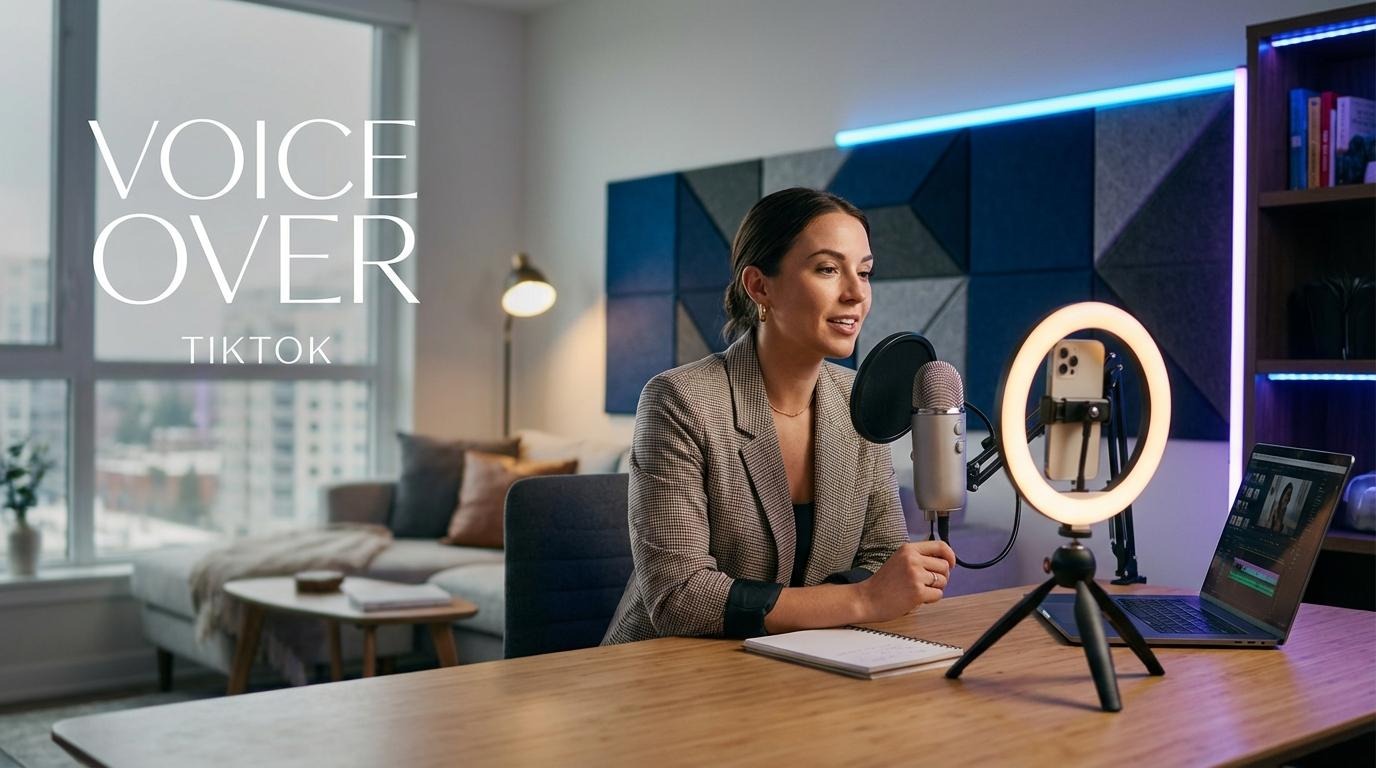
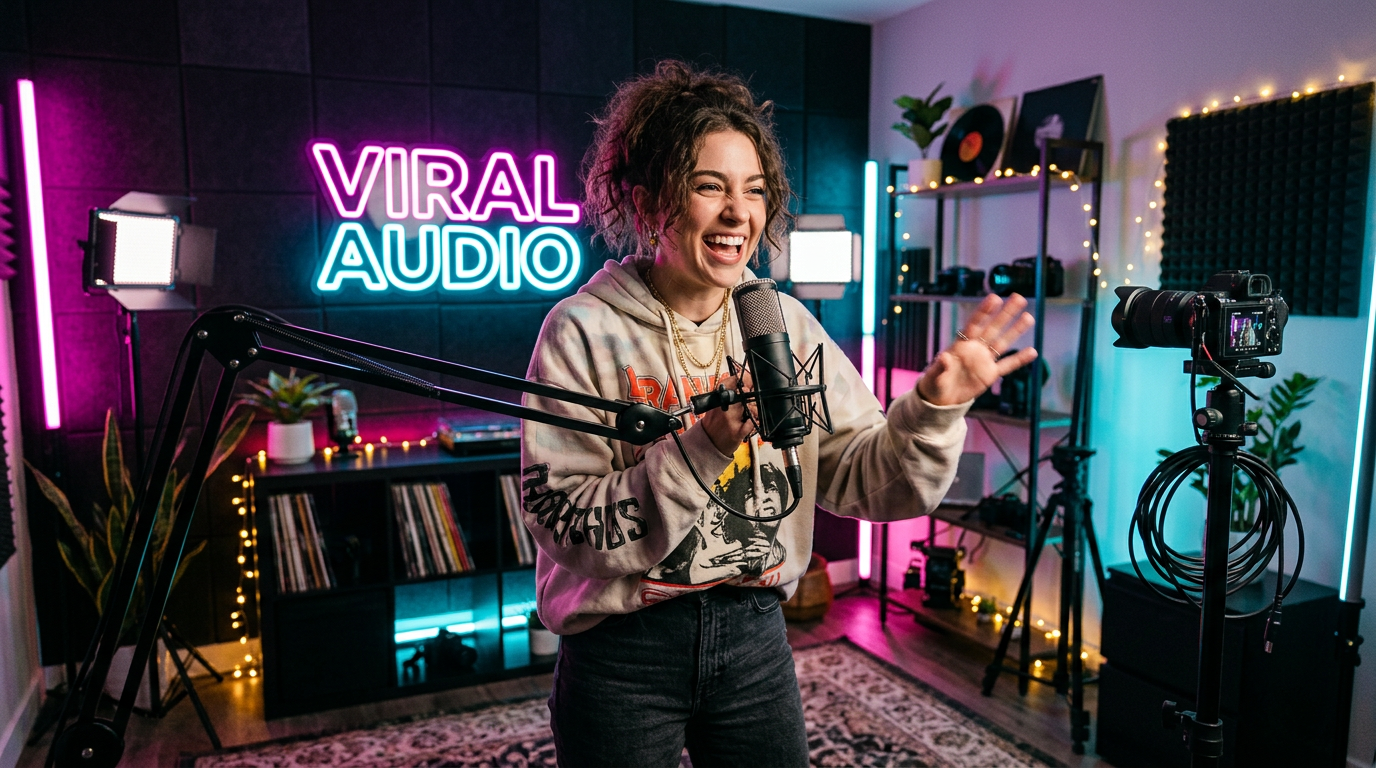
If you plan on making content that doesn’t require a lot of movement, such as reaction or voice-over content, then XLR or USB mics are the best option. Each mic supports a different level of content creation, so make sure you choose one that best supports your needs:
USB Mics
If you’re just starting out as a content creator, then a USB mic should be your go-to pick. They’re incredibly easy to set up. Just plug them directly into your device, and you’re good to go!
However, keep in mind that the type of USB mic will depend on your needs. If you plan on recording in quieter rooms, then it’s advisable to opt for condenser mics, as they’re built for picking up softer sounds. On the other hand, if you plan on recording louder content or need to combat background noise, then dynamic mics are the better option.
XLR Mics

If you’re planning on making more professional TikToks, then it’s best to opt for XLR mics. They require a bit of extra setup, and you’ll need to connect them to an audio interface before you can connect them to your device.
Keep in mind that XLR mics are really only practical if you can afford a dedicated setup, as they do force you to record from one place. They’re a bit more complex to set up, but ultimately reward you with excellent audio quality.
Wireless Lavalier Mics
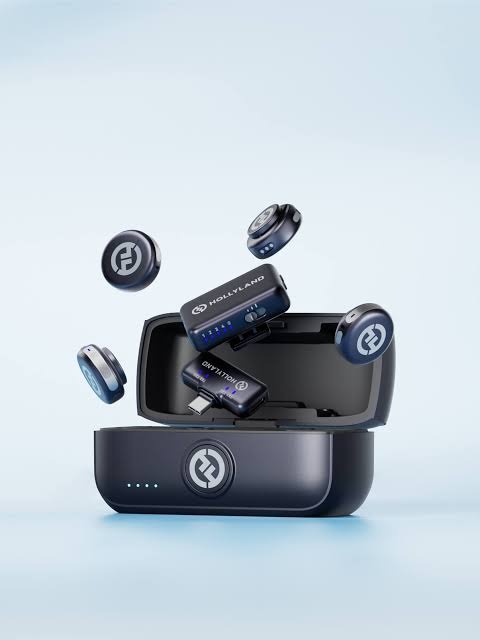
When it comes to on-the-go content, wired mics fall short of the mark. Fortunately, this is where wireless lav mics shine. Since they clip directly onto your shirt, they allow you to effortlessly move around without worrying about whether you’re too far or too near the mic.
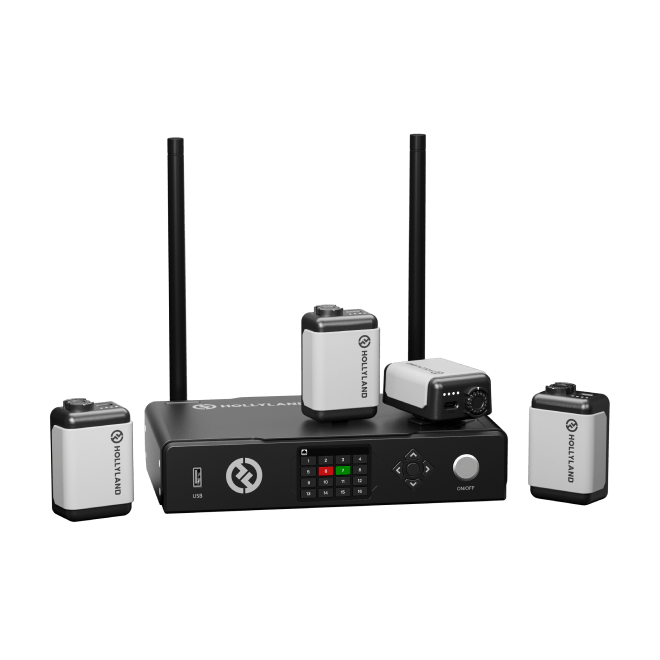
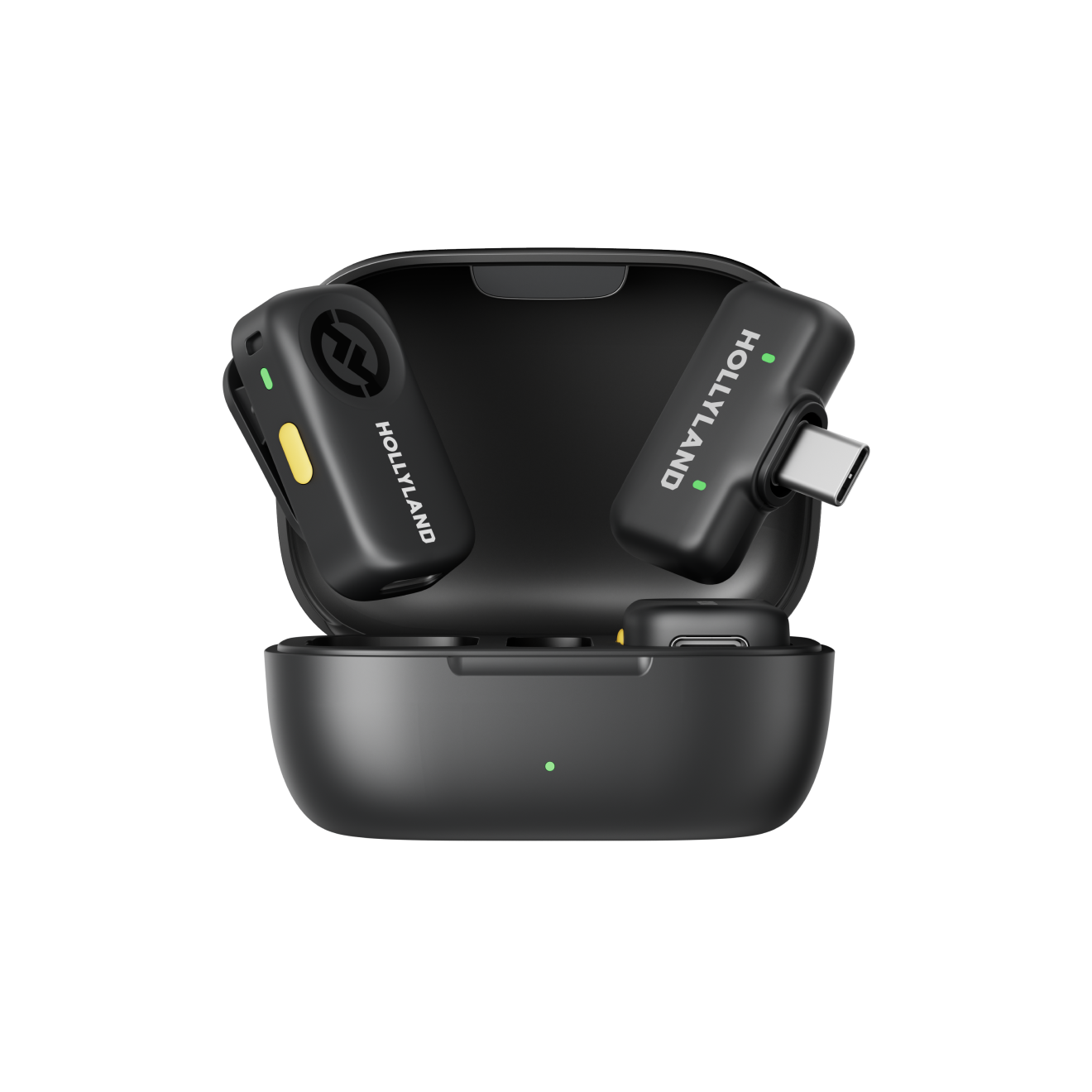
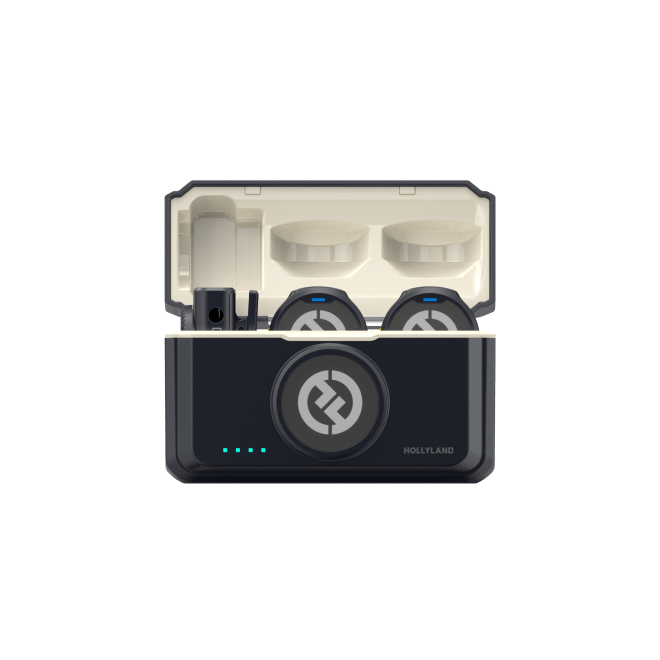
Wireless lav mics, like the LARK M3, have a long battery life and fit comfortably in your pocket, making them incredibly easy to carry around. These mics also come with multiple transmitters, which allow for multiple audio streams to be recorded by one device.
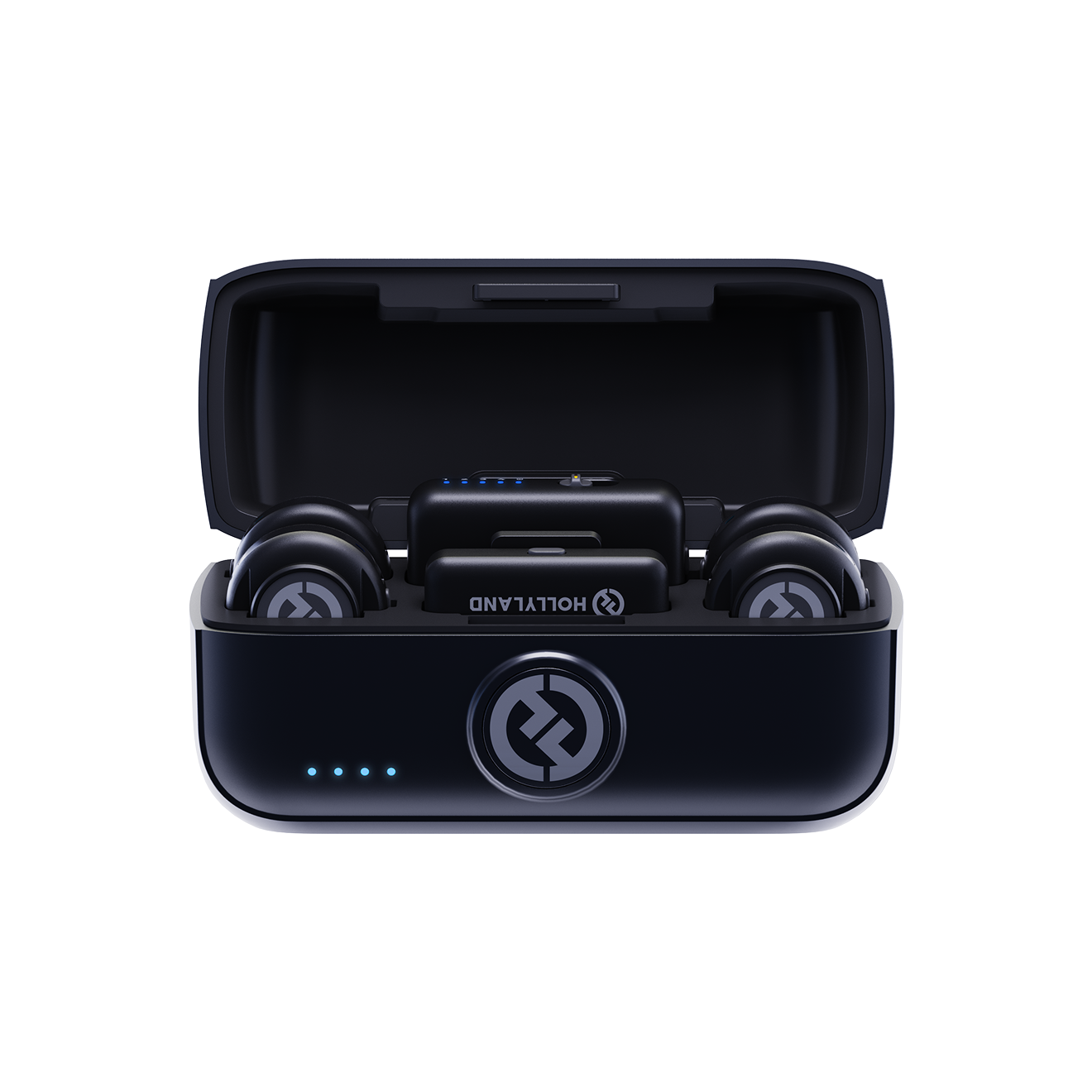
Hollyland LARK M3 - 32-Bit Float Mini Microphone
An ultra-compact 9g wireless microphone system featuring 32-bit float recording and 4-channel scalability for professional, zero-distortion sound.
Key Features: 32-Bit Float Recording | Up to 4 TX & 4 RX | 300m Range
Ultimately, these mics are perfect for creators who are more focused on outdoor or live reviewing content. Since they’re incredibly easy to set up, they’re also ideal for TikTokers who want to record one-on-one or group interviews.
How to Connect a Microphone to TikTok
Every mic is built differently, with each having its own setup and connection type, but don’t worry! We’ll walk you through each one, so you can get your mic set up properly and start recording.
Wired Connection

There are multiple ways to connect a mic to your phone using a wired connection. You can either connect it with a USB-C, 3.5mm, or a Lightning adapter. Simply plug the mic into its respective port, and you can start recording.
While wired mics are incredibly convenient, they can be a bit restrictive as they limit your movement. So, if you plan on having a mostly stationary setup, then wired mics are the right choice.
Wireless Connection

Most wireless mics are as simple to connect as wired ones. You simply need to connect the receiver to its respective port, turn on the transmitter, and you’re good to go!
If you’re using a wireless lav mic like the LARK M3, here’s a more detailed guide on what you need to do:
- Remove the transmitter from its charging case, and wait for it to turn on.

- If you’ve already plugged the receiver into your phone, then the transmitter’s indicator light should turn from blue to green.

- Clip the transmitter onto your shirt or use the provided magnetic pieces for a more secure attachment. If you’re recording in a windy area, then it’s advisable to also attach a windshield to remove any background noise.

- There should be a noise cancellation button on the sides of both the transmitter and receiver. Press it to cycle between noise cancellation levels until you reach the level you prefer. You can also download the app to explore more options and controls.

Recording Externally Then Syncing
In order to give their TikToks a more refined feel, some creators write a script for their content and then voice it over their video. If you want to record externally as well, here’s what you need to do:
- Record the audio of your script separately. If you have an Android phone, you can use the built-in Voice Recorder. Apple users can either use the built-in Voice Memos app or download WavePad, which is both a recorder and an editor.
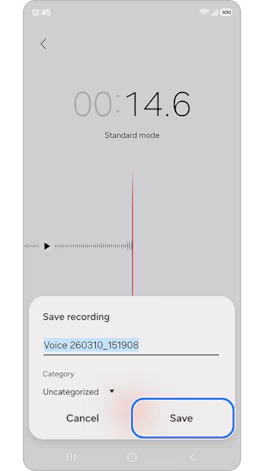
- Most recorder apps work the same way, but as an example, here’s how you can use Samsung’s built-in recorder app to record your voiceover:
- Launch the app and select Standard Mode.

- Tap the record button (the red circle at the bottom) to start recording.

- Press pause if you need a break, and hit the stop button once you’ve finished recording. If you’re satisfied, tap Save to save your file.
- For editing, you can either use TikTok’s editor itself or an editing software of your choice. If you’re using a third-party app like CapCut, here’s what you need to do:
- Launch CapCut, tap Media, and then import both your audio and video files.

- Mute the audio from your video file so only your voiceover comes through. If you’re using CapCut on your phone, tap your video in the timeline, tap Volume at the bottom, and drag the slider to 0. If you’re on your computer, click on your video, navigate to the upper right panel, select Audio, and move the slider to 0.

- Drag your audio from the media library to the timeline at the bottom of your screen. Hold down the “Ctrl” (or “CMD” on Mac) button and click on both your audio and video files to select them. Right-click and choose “Sync video and audio.”

While recording externally requires a bit more work, it gives creators complete control over the flow of their content. Since they can easily rerecord their audio, they’re able to deal with mistakes and interruptions smoothly, allowing them to upload only the highest quality results.
Common TikTok Audio Mistakes to Avoid
| Mistake | Problem | Fix |
| Peaking | Using a sensitive mic incorrectly | Sensitive mics are better at picking up quieter audio, so talking at a higher volume can result in your voice being cut out |
| Bad Microphone Placement | Audio will sound distant | Try to keep your microphone close to your mouth, especially if you’re recording outdoors or in an area with background noise. |
| Picking up too much background audio | Either using the wrong mic or not using noise cancellation | Use dynamic mics or use a windscreen with condenser mics. |
FAQs
Which mic should I use?
The mic that best suits your needs depends on the type of content you plan to make. Wired condenser mics are best for recording stationary content in isolated rooms, while wired dynamic mics are more suitable for areas with background noise.
For content that’s mostly recorded outdoors, it’s best to opt for wireless lav mics, as they provide consistent audio. Lastly, if you’re just creating TikToks for fun and your main focus isn’t maintaining a digital presence, then your phone mic will be more than enough for the job.
Is connecting a microphone worth it?
If you’re serious about making content and growing your audience, then a good mic is one of the easiest ways to increase production quality. Better audio quality will make TikTok’s algorithm push your content more, which will increase the number of people interacting with it positively, ultimately resulting in better growth.
How do I connect my mic?
Wired phone mics usually come with a USB-C cable, a Lightning adapter, or a 3.5mm adapter. Just connect your mic to its respective port, and you should be good to go.
For wireless lav mics, connect the transmitter to its respective port, clip on your mic, and start recording.
How do I filter out background audio?
If you’re dealing with wind, then getting a windshield is a good way to clean up your audio. To filter out other background noises, most mics come installed with a noise cancellation feature, which helps improve your audio.
If neither of these fixes is feasible, then you can use TikTok’s own noise suppression. But remember to use this with caution, as it can cause your audio to sound muffled.
Conclusion
Nothing helps you grow as much as good audio. It’s incredibly easy to achieve and gives your content a refined feel. If you want to increase your audio quality without having to get a complicated setup, then wireless lav mics, like the LARK M3, are the best choice.