.png)
 简体中文

LARK M2
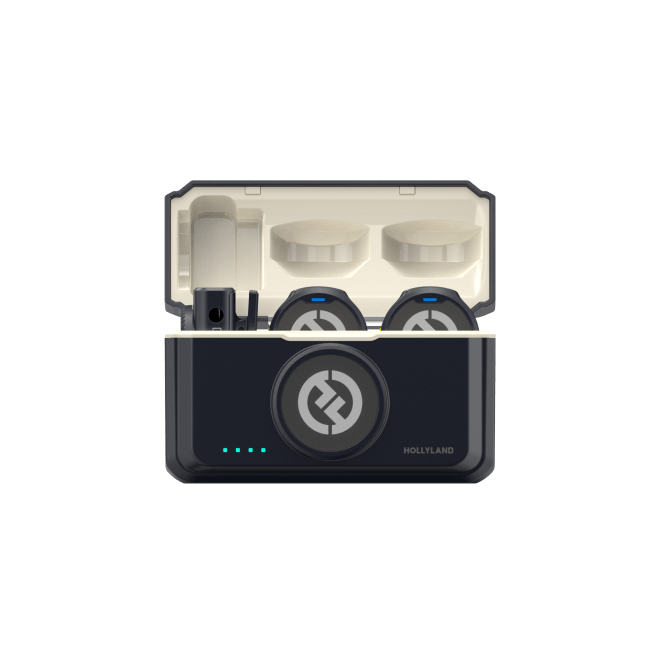
Clean wireless audio for video calls and desk recordings
- Plug & Play
- ENC Noise Cancellation
- Universal Compatibility

Upgrade your built-in laptop mic with a wireless clip-on lavalier that plugs directly into your computer — no drivers, no audio interface needed. Designed for Zoom calls, remote teaching, and desk-based content creation, these lav mics deliver clear, noise-cancelled audio with hands-free freedom.
Compatible with Windows & macOS · USB-C & USB-A via Combo Version · No Drivers Required
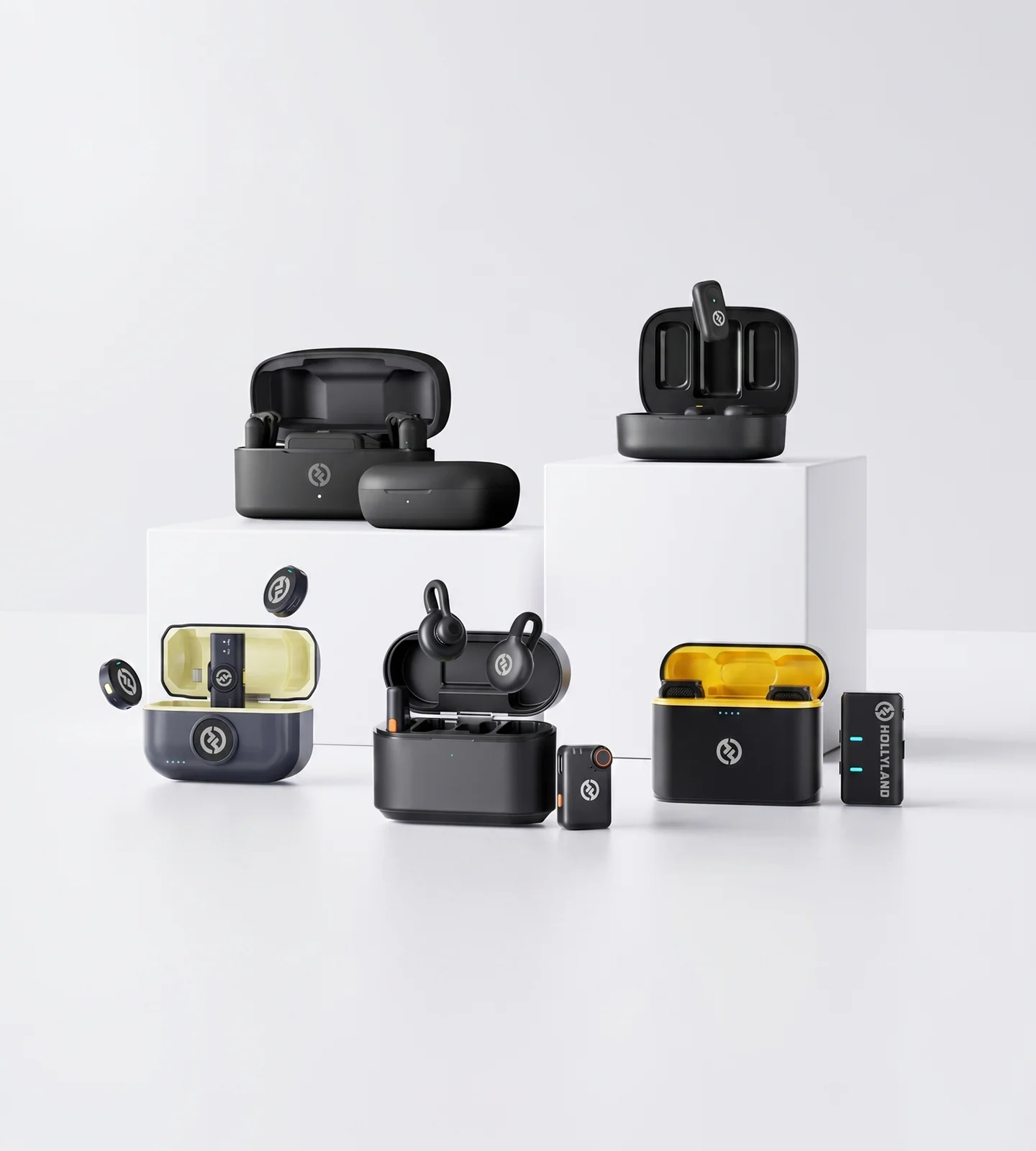
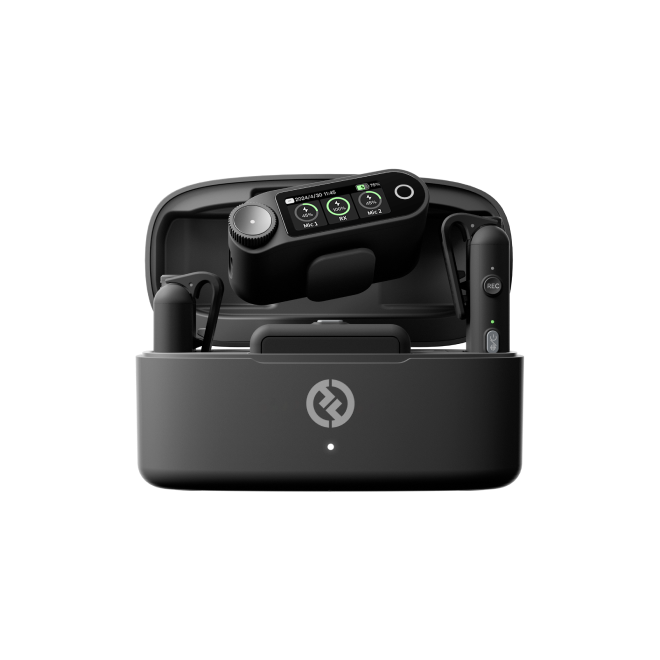
Clean wireless audio for video calls and desk recordings

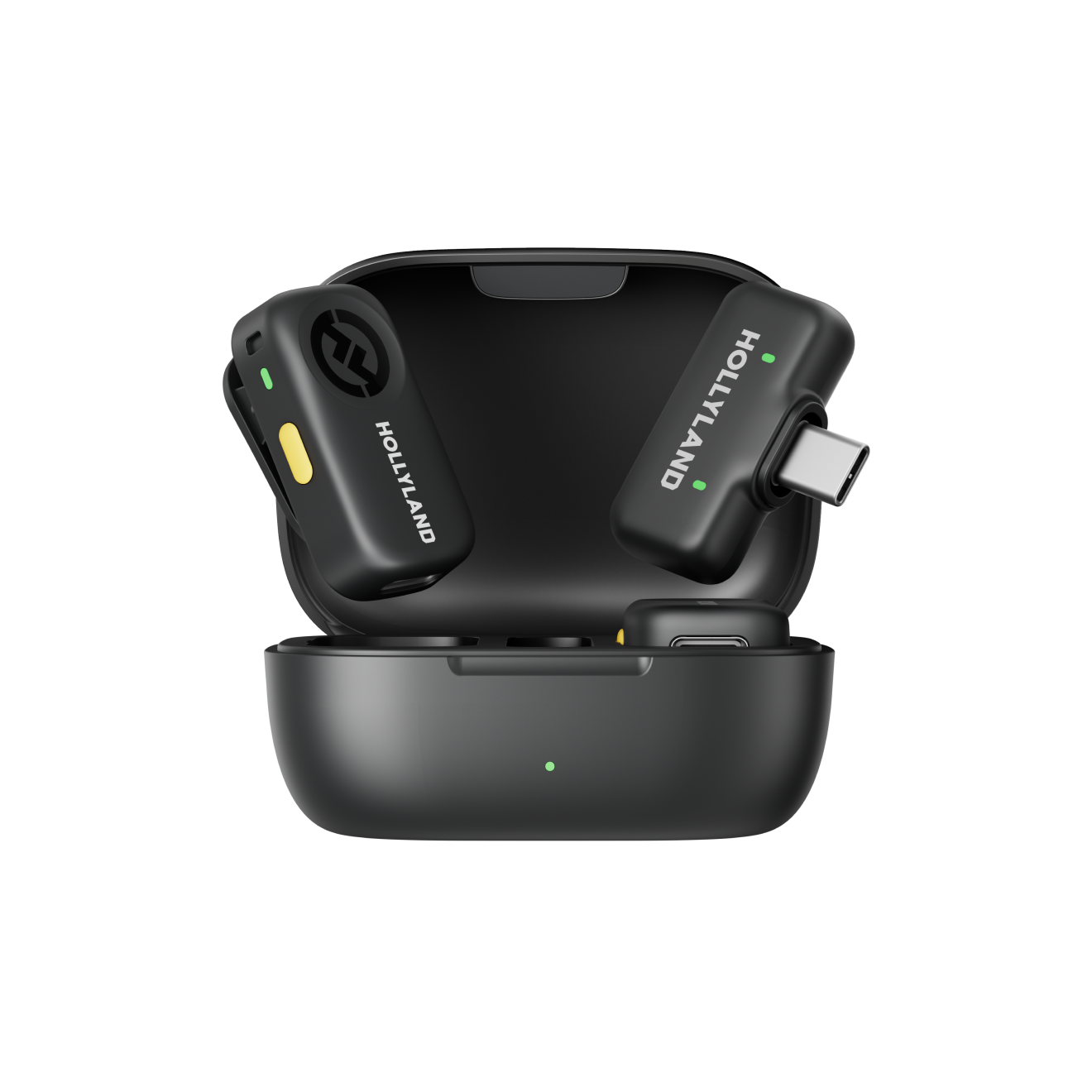
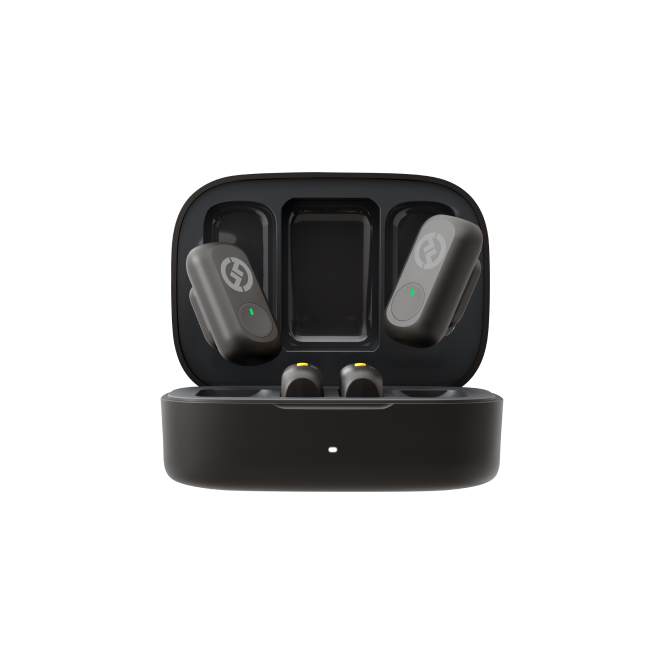
Discreet, logo-free audio for professional video calls

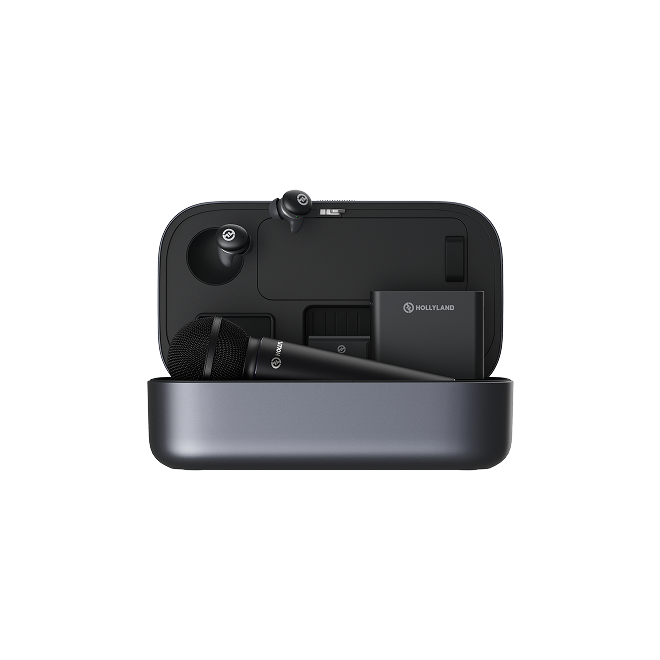
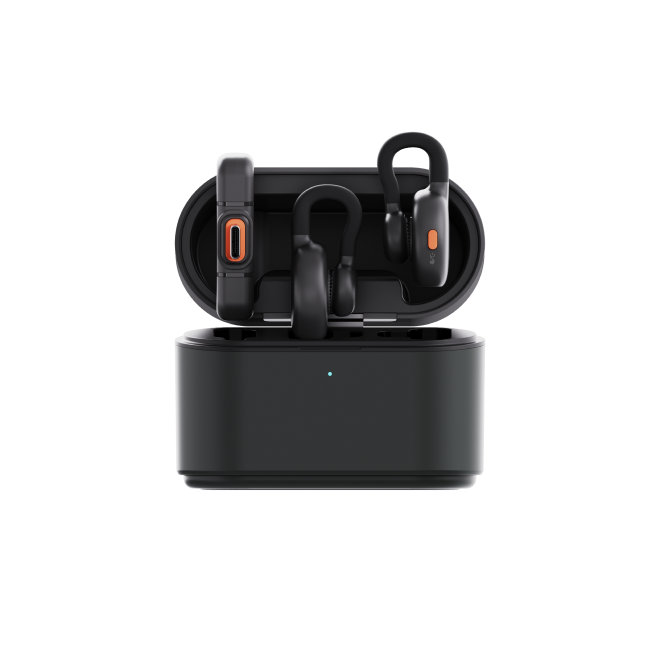
Studio-grade wireless audio for creators recording at their desk
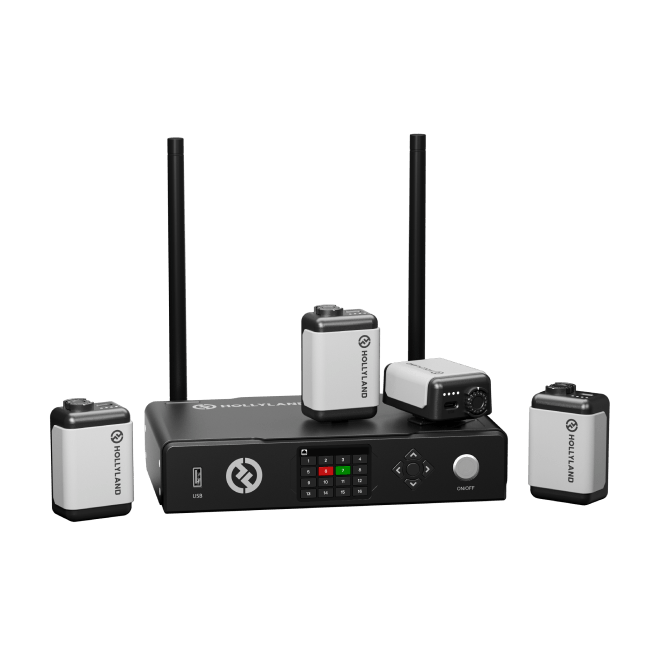
Scalable broadcast-grade wireless audio for multi-mic productions
| Model |
LARK M2
|
LARK M2S
|
LARK MAX 2
|
LARK M3
|
|---|---|---|---|---|
| Plug & Play | Yes | Yes | Yes | Yes |
| Noise Cancellation | ENC Environmental Noise Cancellation | ENC Environmental Noise Cancellation | AI Noise Cancellation | Adaptive AI Noise Cancellation |
| Recording Format | 48kHz / 24-bit | 48kHz / 24-bit | 48kHz / 32-bit Float | 48kHz / 24-bit & 48kHz / 32-bit Float |
| Internal Recording | — | — | Up to 14 hrs | — |
| Wireless Range (LOS) | 300m / 1000ft | 300m / 1000ft | 340m / 1115ft | 300m / 1000ft |
| TX Battery Life | ~10 hrs | ~9 hrs | ~11 hrs | ~8 hrs |
| Total Battery Life | Up to 40 hrs | Up to 30 hrs | Up to 36 hrs | Up to 48 hrs |
| Transmitter Weight | ~9g | ~7g | ~14g | ~9g |
| Shop | Shop | Shop | Shop |
This is the first thing to check — and the most commonly overlooked.
Most lavalier mics on the market are designed for smartphones or cameras. For computer use, you need a receiver that connects via USB-C or USB-A directly to your laptop or desktop, and is explicitly confirmed as compatible with Windows and/or macOS.
What to look for:
- A receiver with a USB-C or USB-A connection (not just a 3.5mm output)
- Clear PC/Mac compatibility in the product listing
- A Combo Version — a receiver that ships with both USB-C and USB-A adapters, so you're covered regardless of which ports your machine has
A Combo Version is the most practical choice for most computer users. It removes port uncertainty entirely and works across different machines without needing separate adapters.
For remote workers, educators, and general creators, plug-and-play compatibility isn't just a convenience feature — it determines whether the mic works on your next call or collects dust.
A true plug-and-play lavalier mic for computer:
- Requires no driver installation
- Works without an external audio interface
- Is recognized automatically by Windows and macOS
- Shows up instantly in Zoom, Teams, Google Meet, OBS, and similar software
Some microphones designed for cameras or professional production require an audio interface to connect to a computer — adding cost, setup steps, and a learning curve. For straightforward computer use, look for mics explicitly described as plug-and-play with a USB receiver.
The primary reason to replace a built-in laptop microphone is background noise rejection. Home offices and classrooms are full of audio problems — keyboard clicks, HVAC hum, fan noise, room echo — and a mic without effective filtering will capture all of it.
ENC (Environmental Noise Cancellation)
Hardware-level filtering built directly into the transmitter. Actively suppresses ambient noise in real time, without any software configuration. Effective for most home and office environments — video calls, live teaching, and general recording.
AI Noise Cancellation
Software-trained filtering that distinguishes between your voice and background sounds with greater precision. Better suited to challenging acoustic environments — untreated rooms, shared spaces, or any situation where noise sources are persistent or variable.
For most video call and remote work use, ENC delivers a clear, reliable improvement. For creators recording content they'll publish, AI noise cancellation provides a more refined result, particularly in acoustically imperfect spaces.
You won't need 300 meters of wireless range at your desk — but wireless connectivity still matters for computer users.
What matters more than raw distance is low latency and connection stability. For live calls and real-time streaming, even brief audio dropouts or sync issues are disruptive. Look for a system with a stable dedicated wireless protocol and solid NLOS (non-line-of-sight) performance — any system rated for 40–70m NLOS will comfortably cover a home office or classroom.
Consider how long you typically use your mic without stopping:
Battery specs are typically listed as two figures: per-charge transmitter life, and total with the charging case. Check both numbers against your actual workflow.
For anyone appearing on video — client calls, online classes, or talking-head YouTube content — how the mic looks on screen is a practical concern.
A well-designed computer lavalier mic should:
- Weigh under 10–15g so it clips comfortably without pulling or shifting fabric
- Have a minimal or logo-free design that doesn't draw attention in frame
- Sit flush and stable on a collar or shirt, with no visible cable running to a separate receiver
The most professional-looking options are transmitters that clip directly onto clothing with no visible hardware in frame. If you're regularly on video calls or recording camera-facing content, a discreet, no-logo transmitter will look significantly more polished than a headset mic or earbuds.
Different users have different thresholds for what's "good enough." Here's a practical framework:
For video calls, remote work, and online teaching
Prioritize plug-and-play simplicity, effective ENC, and a discreet clip-on design. A compact, lightweight wireless lav mic with a Combo USB receiver covers everything you need — no over-engineering required. The LARK M2 and LARK M2S are built for exactly this use case.
For content creators and podcasters recording at a desk
Audio quality becomes a higher priority. Look for 24-bit minimum recording, reliable wireless performance, and software compatibility with your DAW or recording platform. A Combo receiver ensures the signal feeds cleanly into any recording software on your computer.
For professional creators and power users
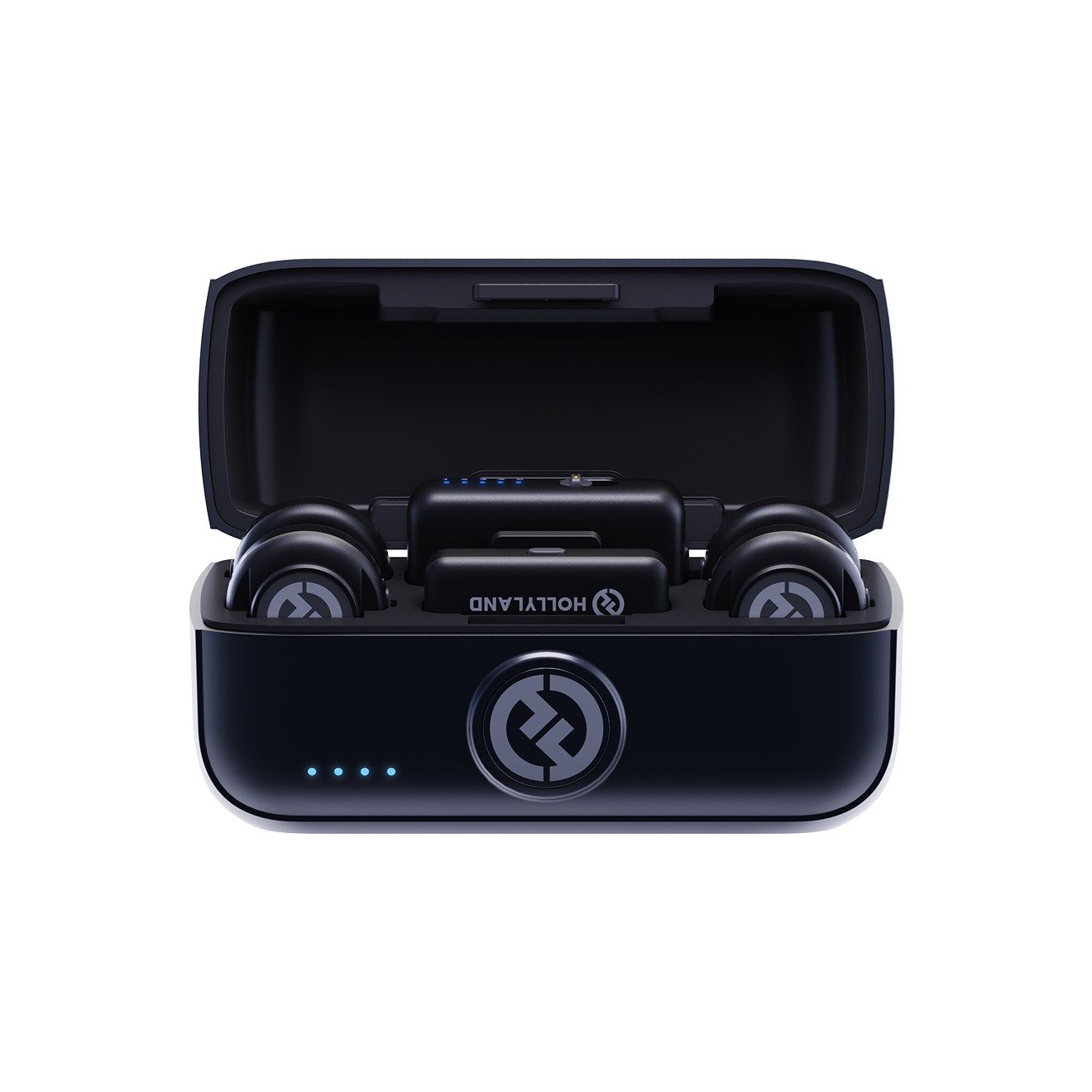
If you're recording content you'll publish, edit, or deliver to a professional standard, consider a higher-tier system with AI noise cancellation, 32-bit float recording, and the flexibility to run multiple mics from a single receiver. The LARK MAX 2 fits this profile — it's designed for desk-based creators who want broadcast-quality audio without a dedicated studio setup.
For multi-mic productions and broadcast-grade scalability
If your workflow demands more than two voices — panel interviews, group recordings, or any setup where you need to mic multiple people independently — the LARK M3 is built for exactly this. It supports up to 4 TX & 4 RX with 4 independent isolated tracks, records at 48kHz / 32-bit Float, and delivers Adaptive AI Noise Cancellation across a rock-solid 300m / 1000ft wireless range. At just 9g per transmitter, it scales from a solo creator to a full production crew without adding bulk.
I love my new LARK M2 mics. These were so good, and I really enjoyed testing out the new LARK M2 from Hollyland.
Sarah Grace Tech Creator · 3.2M YouTube subscribers
The Hollyland LARK MAX is the wireless microphone system with the clearest and crispest audio of any wireless mic system I have ever tried.
Goenrock Cinematographer · 107K Instagram subscribers
LARK MAX is doing an excellent job of dropping the sound of the air conditioner, which is something l always have to remove and post with our shotgun mic.
Film Riot Filmmaking Educator · 2.2M YouTube subscribers
Yes. The LARK M2 and LARK M2S (both in Combo Version) are designed for direct plug-and-play connection to any laptop or desktop computer. No audio interface, no external mixer, and no driver installation required — plug the receiver into a USB port and your computer recognizes it automatically. The LARK MAX 2 is the premium option for creators who want professional-grade 32-bit float audio quality from a desk setup. The LARK M3 extends this further with a scalable system supporting up to 4 TX & 4 RX, making it the right choice when you need to mic multiple people from a single computer-connected receiver.
The Combo Versions of the LARK M2 and LARK M2S include a receiver that supports both USB-C and USB-A, covering the full range of modern laptop and desktop ports. Whether you're on a MacBook with USB-C only, a Windows laptop with USB-A, or a desktop PC, the Combo Version works without adapters or dongles. If you're unsure which ports your computer has, the Combo Version is the safe, all-bases-covered choice.
All four microphones on this page include noise cancellation technology built for exactly these kinds of home office and desk environments. The LARK M2 and LARK M2S both feature ENC (Environmental Noise Cancellation), which actively works to reduce background interference like keyboard clicks, HVAC hum, and room reverb. The LARK MAX 2 and LARK M3 go further with AI Noise Cancellation — an intelligent system that more precisely separates your voice from surrounding ambient sound. The LARK M3 offers three adjustable cancellation levels so you can tune suppression to your environment. While no microphone eliminates all background noise entirely, ENC and AI noise cancellation deliver a noticeably cleaner result compared to any built-in laptop mic.
Yes. These systems are engineered for reliable real-time performance. The LARK M2 and LARK M2S transmit wirelessly up to 300m / 1,000ft in line-of-sight conditions; the LARK MAX 2 reaches up to 340m / 1,115ft; and the LARK M3 covers up to 300m / 1,000ft via 2.4 GHz Adaptive Frequency Hopping. At the typical distances involved in home or office desk use, the connection operates well within its stable range. Latency is designed for live use, making all four options suitable for real-time video calls, live streaming, and direct recording without perceptible delay.
Battery life across the range is built for extended, uninterrupted use:
All four will comfortably cover a standard 8-hour workday, a full day of online teaching, or a long recording session without needing a recharge mid-session.
These transmitters are designed to be as unobtrusive as possible on camera. The LARK M2 transmitter weighs approximately 9g and clips cleanly to a collar or lapel. The LARK M2S is even more discreet at approximately 7g and features a no-logo, invisible-fit design — built specifically for professional and camera-facing use where visible branding or hardware is a concern. The LARK M3 transmitter also weighs just 9g and attaches magnetically, sitting flush against clothing without pulling or shifting. All options sit close to the chest and are compact enough to go unnoticed at standard webcam or video call framing distance.
Built-in laptop mics capture everything in the room indiscriminately — keyboard noise, fan hum, ambient echo — and deliver audio that sounds noticeably hollow and distant to listeners. AirPods and in-ear headset mics improve on this but sit at an inconsistent distance from your mouth and still struggle with background rejection.
A clip-on lavalier mic positions the microphone close to your voice at chest level, providing consistently clean, close-range audio capture. Combined with ENC or AI noise cancellation, the result is noticeably warmer, more focused sound — the kind of audio quality that registers as professional to anyone on the other end of a call, in a recording, or watching a video.
No installation is needed. The LARK M2 and LARK M2S Combo Versions are recognized as standard USB audio devices by both Windows and macOS — no drivers, no setup software, no configuration steps. Plug the receiver into your USB-C or USB-A port and your operating system detects it within seconds. From there, simply select it as your audio input in Zoom, Teams, Google Meet, OBS, or whichever recording or conferencing application you use. The LARK M3 USB-C receiver works the same way — plug in and record. That's it.
The LARK M3 is Hollyland's most scalable wireless mic system, supporting up to 4 TX & 4 RX with 4 independent isolated tracks. For solo computer use — video calls, tutorials, or solo podcasting — the LARK M2, LARK M2S, or LARK MAX 2 are the right fit. The LARK M3 becomes the clear choice when you need to mic multiple people from a single setup: panel interviews, group recordings, co-hosted podcasts, or any production where each voice needs its own isolated track for editing.
Beyond scalability, the LARK M3 brings 32-bit Float broadcast-grade audio, Adaptive AI Noise Cancellation with three adjustable levels, Custom Voice Tuning with 8 vocal presets, and a featherweight 9g transmitter — all over a rock-solid 300m / 1000ft wireless range. Total battery life reaches up to 48 hours with the charging case.