
For iPhone Creators

Microphones for iPhone

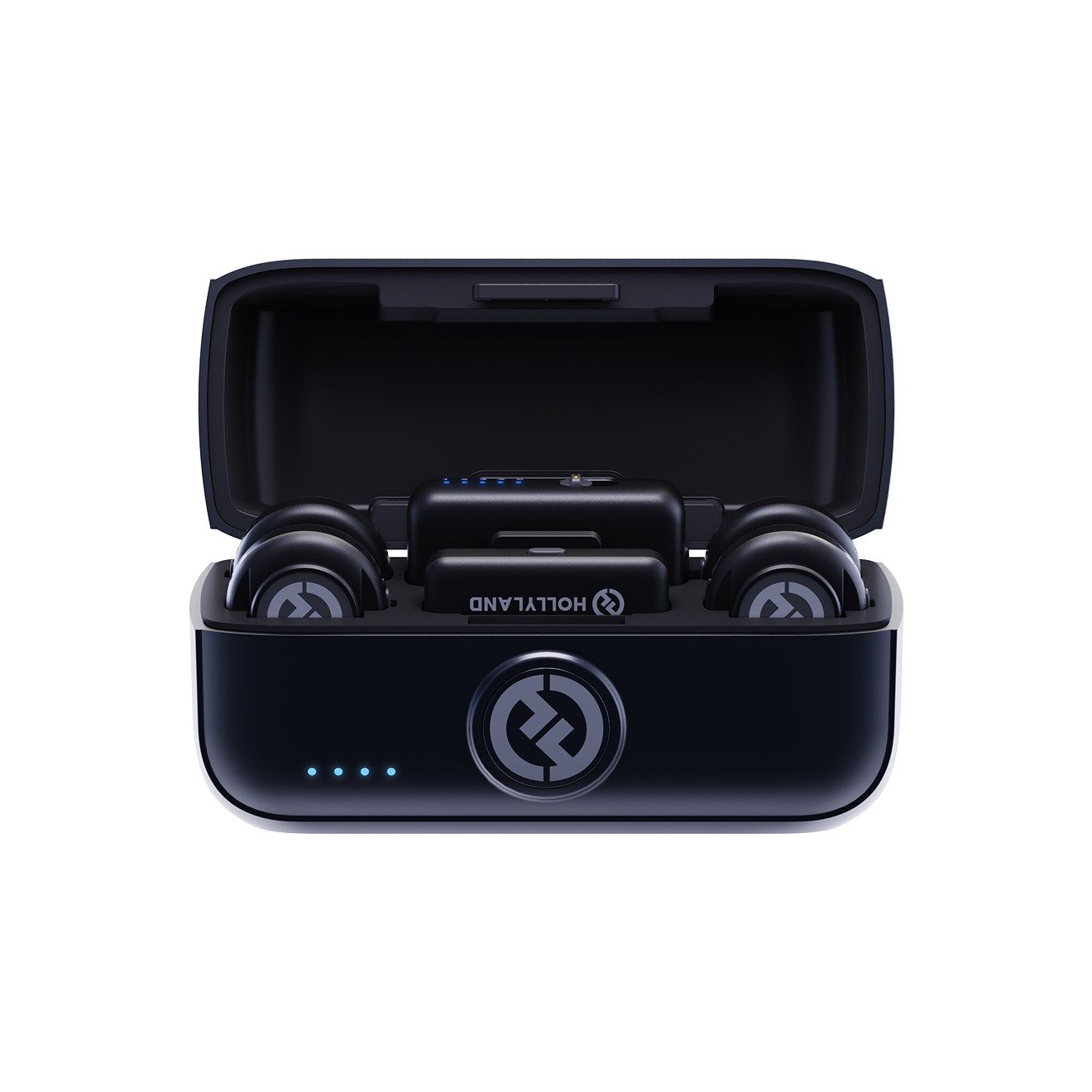
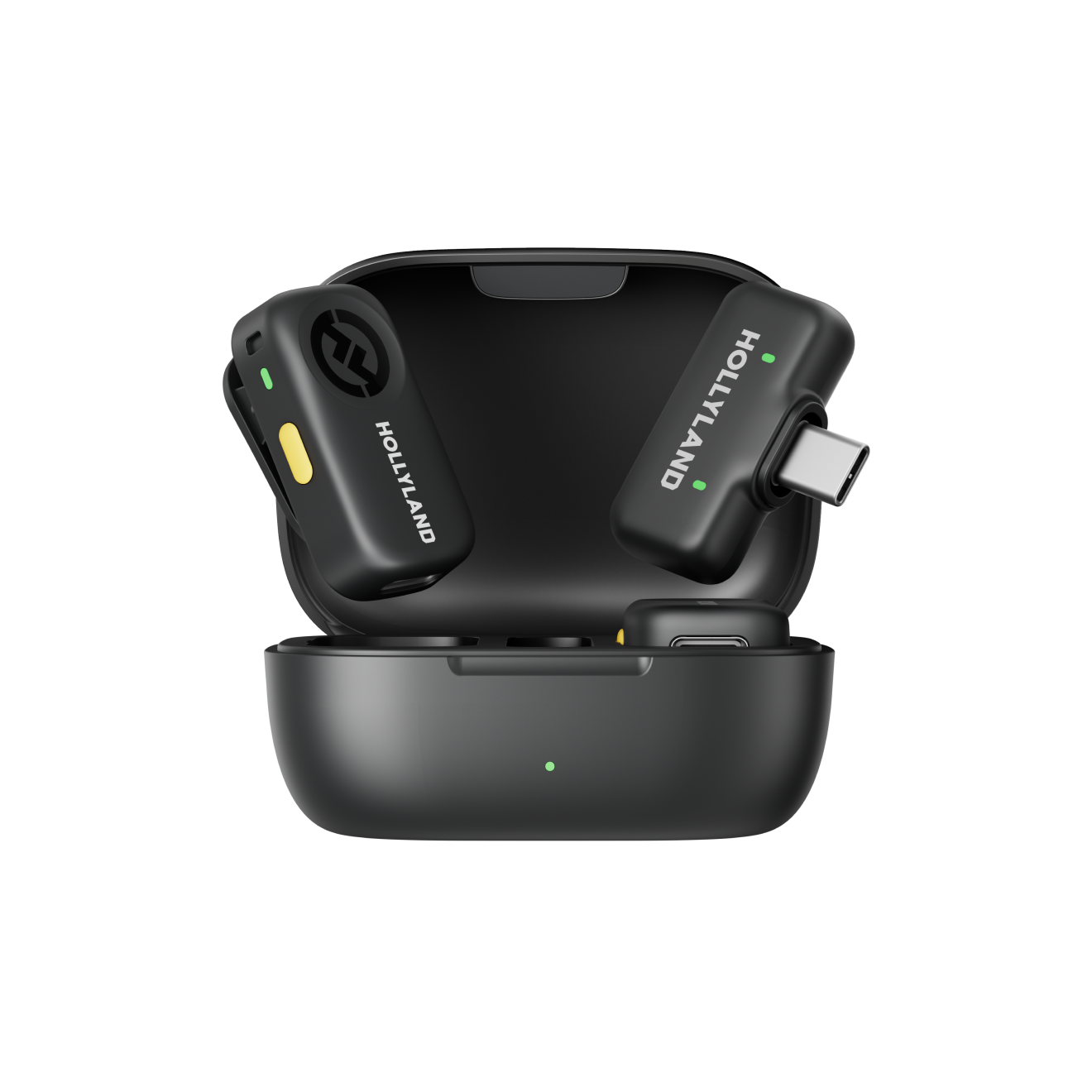
Level up your iPhone audio with Hollyland's wireless clip-on microphones. Plug-and-play compatible with Lightning and USB-C iPhones, featuring ENC noise cancellation, ultra-light transmitters from 7g, and up to 300m wireless range — built for creators who shoot on the go.

Shop Now Compare Models

Compatible with all iPhones — Lightning & USB-C, no adapters needed.
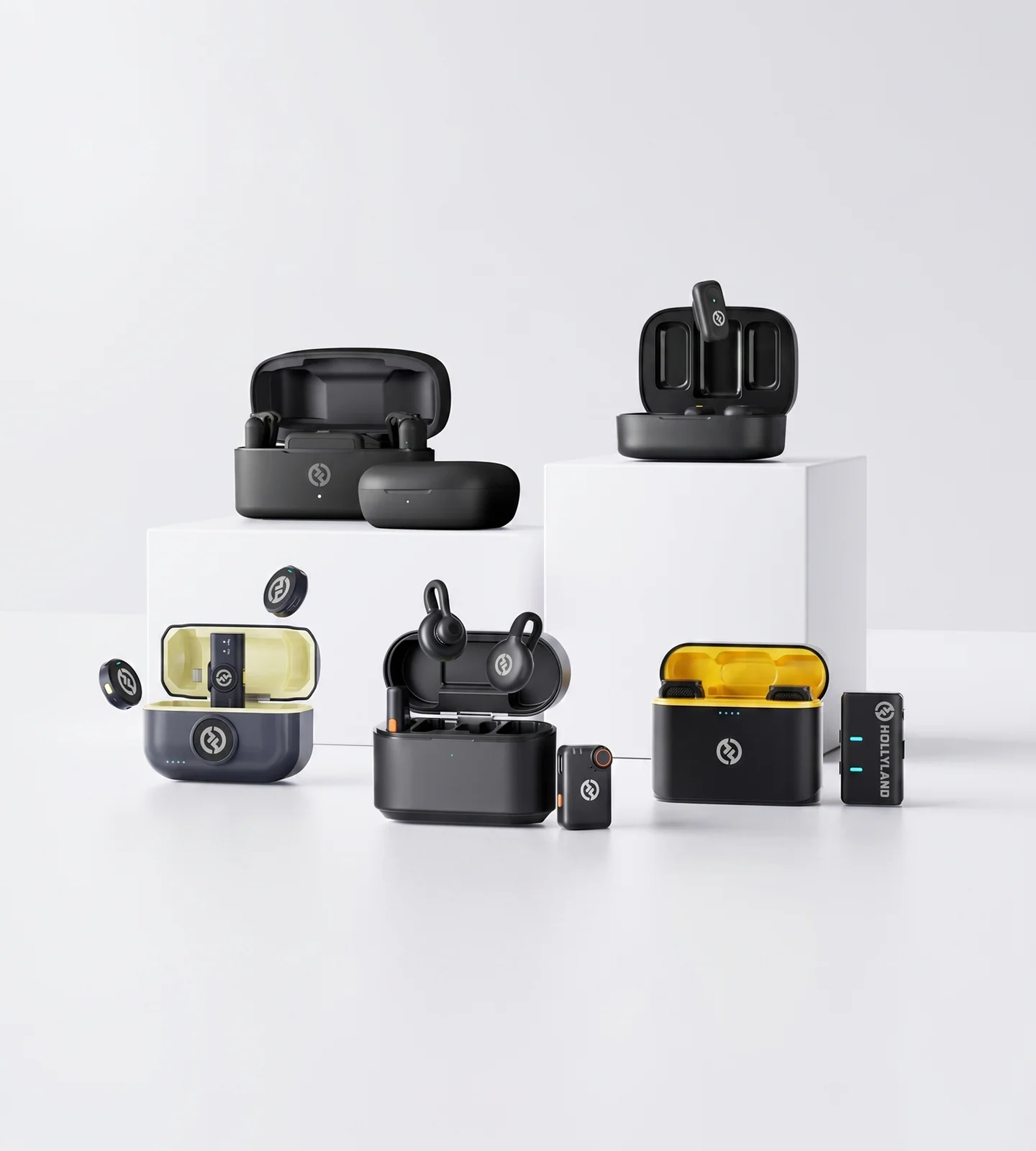
  • iPhone Plug & Play
  • ENC Noise Cancellation
  • Featherlight from 7g
  • All-Day Battery Life
Editor's pick LARK M2 9g · ENC · Plug & Play
4.7 / 5 From 1.5M+ verified creators
Shop Models

Find Your iPhone Mic

Plug-and-play wireless mics for every iPhone creator — from casual clips to professional shoots.
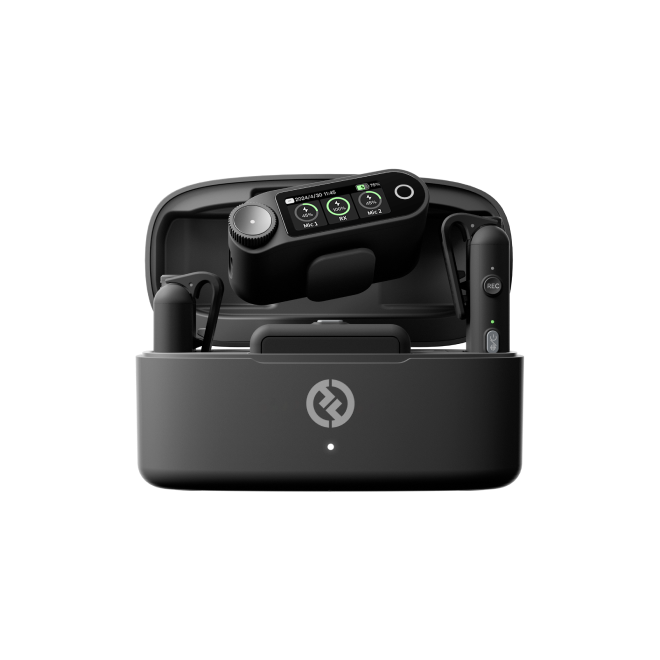
LARK M2

LARK M2

The all-rounder for everyday iPhone content creation

  • ENC Noise Cancellation
  • 9g Transmitter
  • Plug & Play
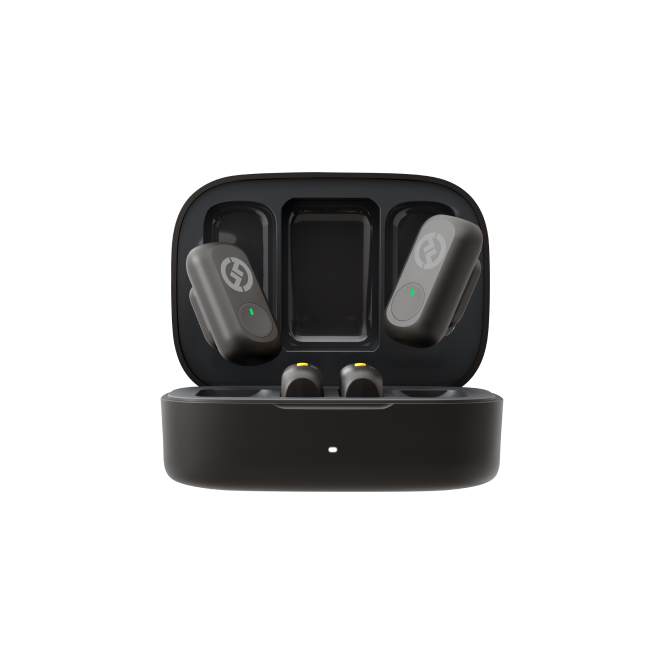
LARK M2S

LARK M2S

The discreet choice for style-conscious on-camera creators

  • No-Logo Design
  • 7g Titanium Build
  • ENC Noise Cancellation
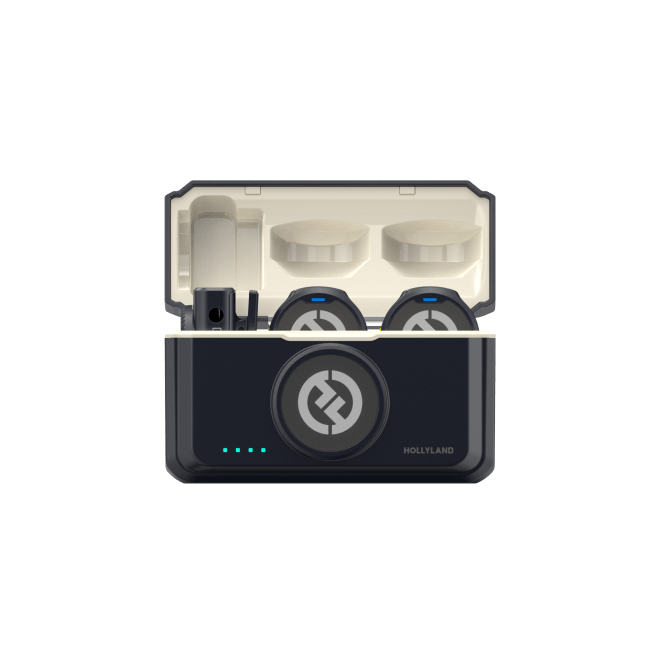
LARK A1

LARK A1

Precision audio controls for more demanding iPhone recordings
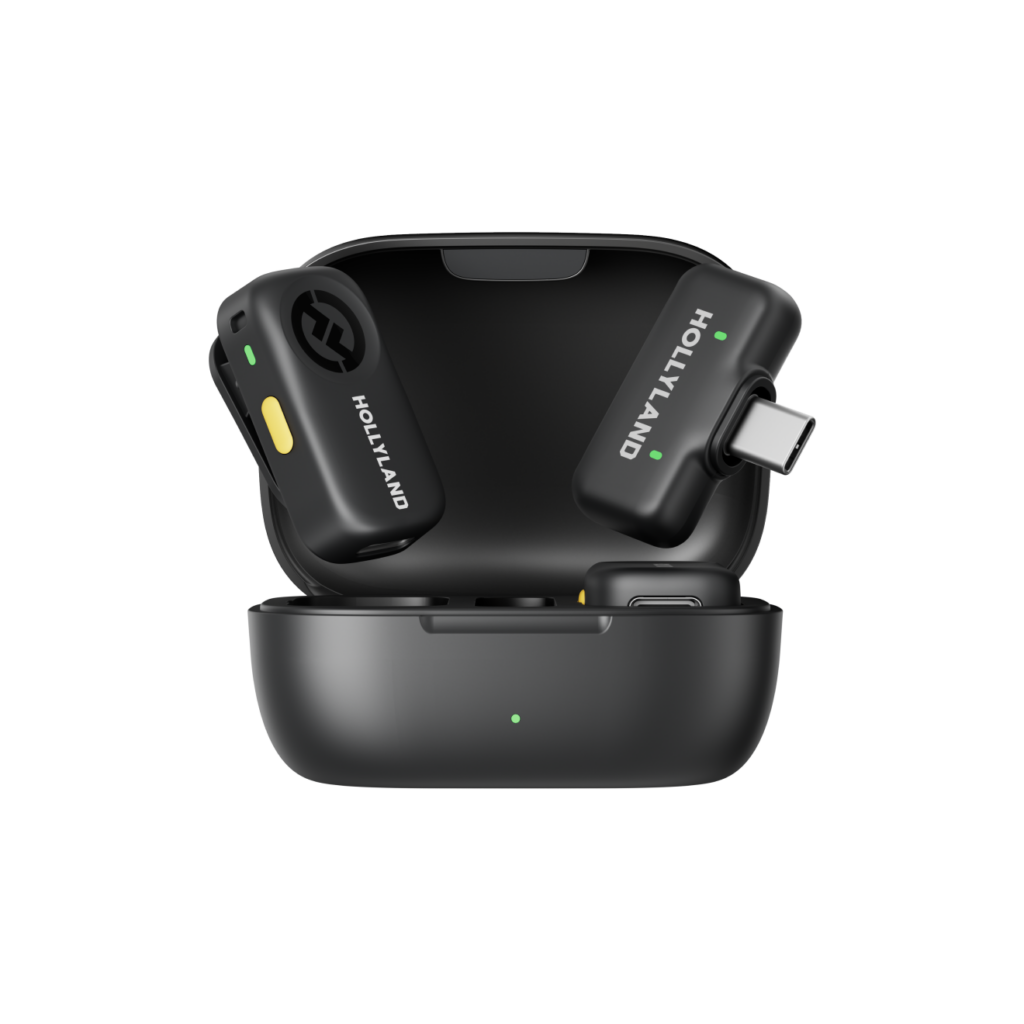
  • 3-Level Noise Cancellation
  • EQ & Reverb Control
  • 54Hr Total Battery
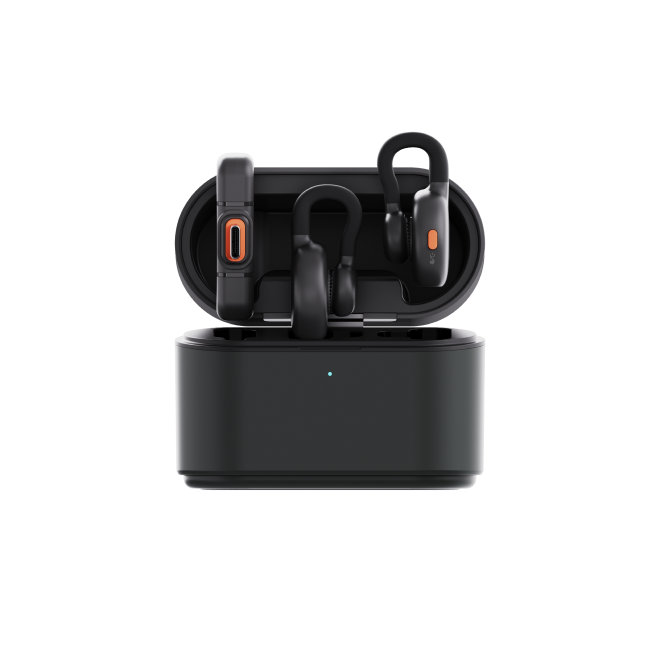
LARK A2

LARK A2

AI-powered audio protection built for mobile-first creators

  • AI Noise Cancellation
  • Safety Track
  • 48kHz / 24-bit
LARK MAX 2

LARK MAX 2

Professional-grade wireless audio for serious iPhone filmmakers
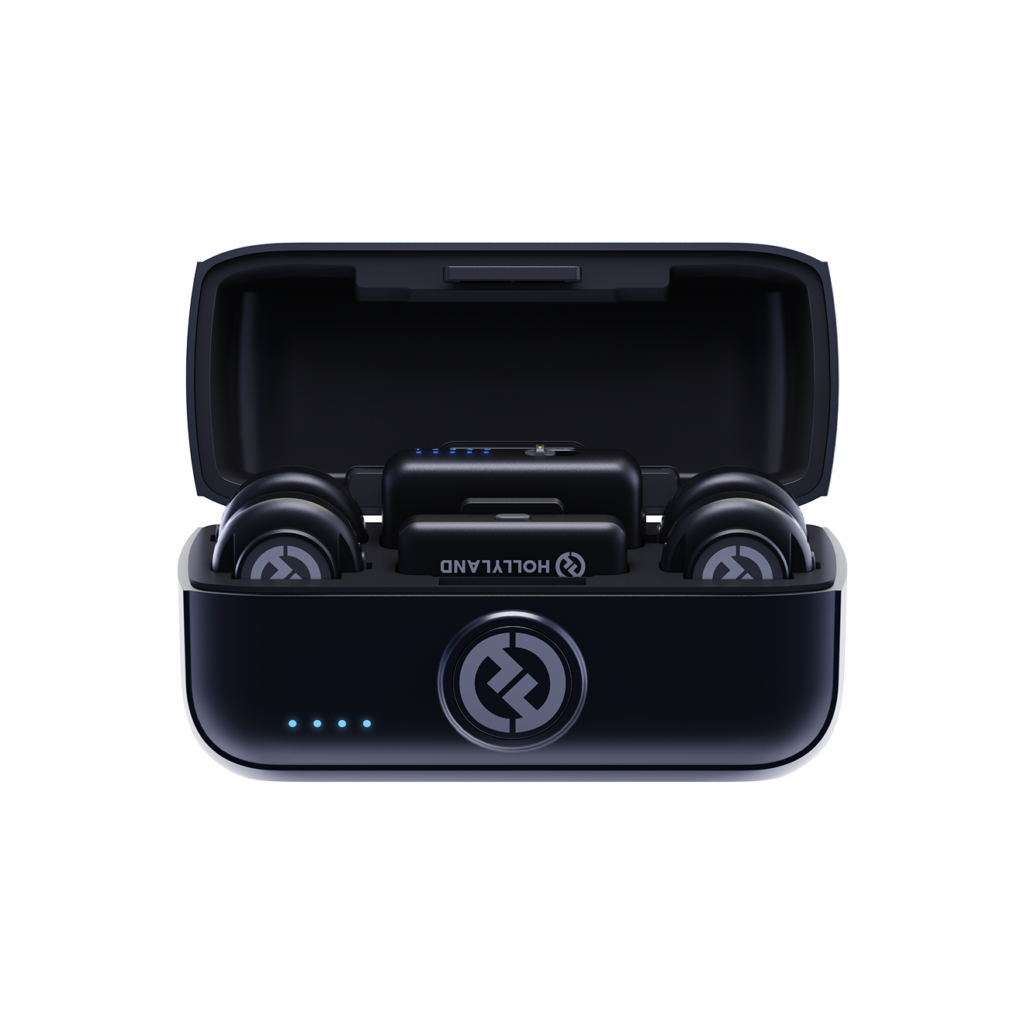
  • 32-bit Float Recording
  • AI Noise Cancellation
  • 4 TX / 1 RX
LARK M3

LARK M3

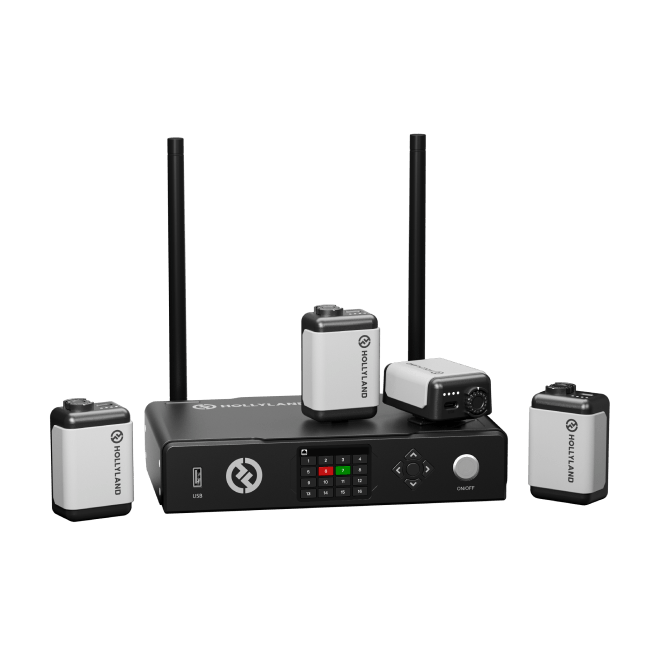
Broadcast-grade 32-bit float audio in a featherweight 9g body — scalable up to 4 mics

  • 32-Bit Float Recording
  • Up to 4 TX & 4 RX
  • AI Noise Cancellation
Side-by-side

Compare & Choose

Compare Hollyland's iPhone-compatible wireless microphones side by side to quickly find the right fit for your recording style and budget.
Model LARK M2 LARK M2 LARK M2S LARK M2S LARK A1 LARK A1 LARK A2 LARK A2 LARK MAX 2 LARK MAX 2 LARK M3 LARK M3
iPhone Connection Plug & Play (Mobile Version) Plug & Play (Mobile Version) Plug & Play Plug & Play Camera RX — adapter may be required for iPhone Plug & Play (Mobile Version)
Wireless Range (LOS) 300m / 1000ft 300m / 1000ft 200m / 650ft 200m / 656ft 340m / 1115ft 300m / 1000ft
Noise Cancellation ENC Environmental Noise Cancellation ENC Environmental Noise Cancellation 3-Level Intelligent Noise Cancellation AI-Powered Noise Cancellation AI Noise Cancellation Adaptive AI Noise Cancellation
Recording Quality 48kHz / 24-bit 48kHz / 24-bit 48kHz / 24-bit 48kHz / 24-bit 48kHz / 32-bit Float 48kHz / 24-bit & 48kHz / 32-bit Float
Total Battery Life Up to 40 hours Up to 30 hours Up to 54 hours Up to 21 hours Up to 36 hours Up to 48 hours
Transmitter Weight ~9g ~7g ~8g ~8.5g ~14g ~9g
Signal-to-Noise Ratio >70dB >70dB ≥67dB ≥68dB ≥72dB ≥70dB
Best For Versatile everyday iPhone creator Style-conscious on-camera creator Creators who want hands-on audio control AI-assisted mobile recording Pro iPhone filmmakers & multi-mic productions Creators who need broadcast-grade multi-mic audio in a compact system
Shop Shop Shop Shop Shop Shop
Buying Guide

How to Choose the Right iPhone Microphone

Not every wireless mic works seamlessly with every iPhone — and the best one for you depends on more than audio specs alone. Use this guide to match the right mic to your iPhone, your shooting style, and the results you want.
  1. Connection Type: Start With…
  2. Audio Quality: What Actually Makes…
  3. Size and Discretion: Will It Show…
  4. Wireless Range: How Much Freedom…
  5. Battery Life: Will It Last Your…
  6. Features vs. Simplicity: Match the…
  7. Choosing by Use Case

Connection Type: Start With Compatibility

Before anything else, confirm how the mic connects to your iPhone.

  • Lightning iPhones (iPhone 14 and earlier) require a mic with a Lightning connector or a bundled Lightning adapter.
  • USB-C iPhones (iPhone 15 and later) require a USB-C connection.

The most hassle-free setup is a plug-and-play mobile mic that connects directly to your iPhone's port with no additional adapters, no driver installation, and no app required before first use. When browsing, look specifically for products labeled as Mobile Version or plug and play — these are built with iPhone compatibility as a first priority, not an afterthought.


Audio Quality: What Actually Makes the Difference

The built-in iPhone mic underperforms most in one specific situation: noisy environments. Wind, air conditioning, crowd noise, and echo all bleed into your recording. A dedicated wireless mic addresses this at two levels:

Noise Cancellation

  • ENC (Environmental Noise Cancellation) filters ambient sound at the hardware level. It's effective for most everyday shooting environments — offices, streets, indoor spaces — and works automatically without any configuration.
  • AI noise cancellation goes a step further, using machine learning to isolate your voice in more demanding conditions. It's worth prioritizing if you regularly shoot outdoors, in crowds, or anywhere background noise is unpredictable.

Recording Format and Signal Integrity

  • 48kHz / 24-bit is the standard to look for — it delivers clean, broadcast-quality audio that holds up in editing.
  • 32-bit float recording is a professional-tier feature that prevents audio clipping even if your levels spike unexpectedly. For high-stakes, no-retake situations, it acts as a post-production safety net.
  • SNR (signal-to-noise ratio) measures how cleanly the mic captures your voice above the noise floor. For iPhone content, ≥70dB is a reliable benchmark for professional-sounding dialogue.

Size and Discretion: Will It Show on Camera?

For most iPhone creators, the transmitter is clipped to clothing or worn on the body — which means how visible it is on screen matters.

  • Ultra-compact transmitters (under 10g) sit nearly flush against fabric and are easy to conceal under a collar or shirt pocket.
  • Logo-free designs are made specifically for creators who shoot talking-head videos or interviews and don't want brand markings in frame.
  • Larger, feature-rich transmitters are best suited to setups where the mic won't appear on camera — they trade discretion for capabilities like internal recording, timecode sync, or multi-mic support.

When shooting iPhone video for social media or vlogging, lighter and smaller is almost always better for on-body use.


Wireless Range: How Much Freedom Do You Need?

Wireless range affects how freely you can move while recording — but the spec that matters most isn't the headline LOS (line-of-sight) number. What counts in real-world shooting is NLOS (non-line-of-sight) range — the distance you can reliably maintain when clothing, your body, and the environment sit between the transmitter and receiver.

  • For solo vlogging or sit-down interviews, a NLOS range of 60–70m is more than enough for most iPhone setups.
  • For outdoor or run-and-gun filming, greater range gives you the flexibility to move without monitoring dropouts.
  • For controlled indoor environments, range matters less — prioritize audio quality and compactness instead.

Battery Life: Will It Last Your Full Shoot?

Running out of battery mid-shoot is a common and avoidable problem. Here's how to evaluate it:

  • Transmitter battery life is the most important figure — this is the mic you're wearing. Most quality wireless systems offer 7–11 hours per charge on the transmitter, which covers the majority of shooting days.
  • Total battery life — including the charging case — is the figure to compare when you're traveling or shooting across multiple sessions without access to a power source. Systems vary widely here, from around 21 hours up to 54+ hours total.
  • If you do long uninterrupted sessions (events, full-day shoots, travel content), prioritize mics with quick-charge capability or the highest total capacity in the charging case.

Features vs. Simplicity: Match the Mic to Your Workflow

One of the most overlooked buying decisions is how much control you actually want — and how much complexity you're willing to manage.

If you want the simplest possible setup:
A plug-and-play mic that works the moment it's connected is the right choice. No app, no menu navigation — clip it on, plug it in, press record. Ideal for travel creators, casual social media shooters, and anyone who values speed over fine-tuning.

If you want more control over your audio:
App-based systems let you adjust gain levels, EQ, noise cancellation intensity, and monitoring settings directly from your iPhone. This is worth considering if you shoot in varied environments and want to adapt your audio on the fly without post-production fixes.

If you're recording multiple speakers or professional content:
Look for systems that support multiple transmitters to a single receiver, and consider whether you need a safety track (a second audio channel recorded at a lower volume as a clip-protection backup) or onboard recording as insurance against dropouts. These features become critical when you're capturing unrepeatable moments.


Choosing by Use Case

Use Case What to Prioritize
Solo iPhone vlogging Compact size, plug-and-play connection, ENC noise cancellation
Two-person interviews Dual-transmitter support, safety track, clean audio separation
TikTok / Reels / Shorts Discreet design, fast setup, strong noise cancellation
Outdoor or travel filming AI noise cancellation, extended wireless range, lightweight build
Professional iPhone filmmaking 32-bit float, timecode sync, multi-mic support, highest SNR
Scalable multi-mic productions 32-bit float, up to 4 TX & 4 RX, AI noise cancellation, featherweight build

The LARK M2 and LARK M2S are designed specifically for iPhone creators who want a frictionless mobile experience — compact, plug-and-play, and optimized for everyday shooting. The LARK A1 and LARK A2 suit creators who want more hands-on audio control, offering multi-level noise cancellation, EQ adjustment, and safety track recording. For serious iPhone filmmakers who need professional-grade specs — 32-bit float, timecode, and support for up to four simultaneous transmitters — the LARK MAX 2 is the step-up option built for high-production workflows. The LARK M3 bridges compact everyday design with broadcast-grade capability: 32-bit float recording, adaptive AI noise cancellation, and a scalable system supporting up to 4 TX & 4 RX — all in a featherweight 9g transmitter that plugs directly into your iPhone.

Find Your Fit

Built for the Way You Actually Shoot

Every creator's workflow is different. Whether you're filming solo on a city street or recording a sit-down interview in your living room, Hollyland's iPhone microphone collection has a plug-and-play wireless solution designed for your exact scenario.

Solo Vlogging & Self-Filming

Clip a transmitter to your collar, prop up your iPhone, and hit record — no assistant, no cables, no hassle. Transmitters as light as 7g stay virtually invisible on camera while delivering clear, interference-free audio from up to 300m away.
  • Hands-Free Setup
  • Wireless Freedom
  • Discreet Design

TikTok, Reels & YouTube Shorts

Great audio stops the scroll. Hollyland mics connect to your iPhone in seconds with zero configuration — so you spend your time performing, not troubleshooting. ENC and AI noise cancellation keep your voice front and center no matter where you're filming.
  • Plug & Play
  • Noise Cancellation
  • Quick Setup

Interviews & Two-Person Recording

Mic up both host and guest with dual-transmitter systems that feed clean, simultaneous audio into a single iPhone receiver. From street interviews to podcast-style sit-downs, capture every word from both sides of the conversation without compromise.
  • Dual Transmitter
  • On-Location
  • Clean Dialogue

Outdoor & Travel Filmmaking

Wind, traffic, and ambient crowd noise are no match for AI-powered noise cancellation. Long wireless range keeps your audio clean even when your iPhone is mounted on a gimbal across the room — built for run-and-gun travel content in any environment.
  • AI Noise Cancellation
  • Long Range
  • All-Conditions

Podcasting & Mobile Voiceover

Studio-grade audio doesn't require a studio. Record directly to your iPhone in 48kHz/24-bit with a wireless lapel mic and leave the tangled cables behind. Perfect for solo episodes, field interviews, and narration recorded wherever inspiration hits.
  • 24-bit Audio
  • Cable-Free
  • Location Recording

Business & Marketing Videos

Product demos, client testimonials, and social ads all need one thing: a voice people trust. Hollyland's discreet clip-on mics make professional-sounding audio accessible to any small business owner — no production crew or technical background required.
  • Easy Operation
  • Professional Sound
  • On-Brand Discretion
Trusted by creators

1.5M+ creators picked LARK microphones for their audio

A decade of wireless engineering for film crews and broadcasters — packaged for modern creator workflows.
  • 4.7 Avg. rating · 120K+ reviews
  • 1.5M+ Verified creators
  • 160+ Countries shipped
  • 98% Would recommend

I love my new LARK M2 mics. These were so good, and I really enjoyed testing out the new LARK M2 from Hollyland.

Sarah Grace Sarah Grace Tech Creator · 3.2M YouTube subscribers

The Hollyland LARK MAX is the wireless microphone system with the clearest and crispest audio of any wireless mic system I have ever tried.

Goenrock Goenrock Cinematographer · 107K Instagram subscribers

LARK MAX is doing an excellent job of dropping the sound of the air conditioner, which is something l always have to remove and post with our shotgun mic.

Film Riot Film Riot Filmmaking Educator · 2.2M YouTube subscribers
  • No Film School
  • Newsshooter
  • CineD
  • RedShark
  • CAMERA JABBER
  • Photowebexpo
FAQ

Your iPhone Microphone Questions, Answered

Do Hollyland wireless mics actually work with my iPhone model?

Yes — the LARK M2, LARK M2S, LARK A1, and LARK A2 are all designed for plug-and-play iPhone compatibility. You just need to match the connector to your port:

  • iPhone 15 or later (USB-C port): Choose the USB-C mobile version.
  • iPhone 14 or earlier (Lightning port): Choose the Lightning mobile version.

No adapters, no drivers, no workarounds. Plug the receiver into your iPhone's port, open your camera app, and you're recording.

Do I need to download an app or buy extra accessories to get started?

No app is required to start recording. Every mobile-compatible Hollyland mic works immediately out of the box — plug the receiver into your iPhone and your camera app picks up the audio automatically.

If you want more control, the free Hollyland app unlocks advanced settings on compatible models like the LARK M2, LARK M2S, and LARK A1 — including gain adjustment, noise cancellation level, EQ, and reverb. It's a bonus, not a requirement.

Which Hollyland microphone is the best fit for my iPhone setup?

Here's a quick guide based on how you create:

  • Solo vloggers and social media creators: The LARK M2 or LARK M2S are built for this. Both weigh under 10g, plug directly into your iPhone, and include ENC noise cancellation. The LARK M2S adds a no-logo, titanium design for creators who want zero hardware distractions on camera.
  • Creators who want advanced audio control: The LARK A1 offers 3-level intelligent noise cancellation, EQ, reverb, and 6-level gain adjustment — more customization while staying compact at 8g.
  • Creators who need bulletproof audio protection: The LARK A2 features AI noise cancellation plus a dual-protection system (AI Auto-Limit + Safety Track) that prevents clipping and backs up your recording even in unpredictable audio environments.
  • Serious iPhone filmmakers: The LARK MAX 2 is the pro-tier option, with 32-bit float recording, AI noise cancellation, timecode support, and the ability to connect up to 4 transmitters to a single receiver.
  • Creators who want broadcast-grade audio in a compact, scalable system: The LARK M3 delivers 32-bit float recording, adaptive AI noise cancellation, and support for up to 4 TX & 4 RX — all in a featherweight 9g plug-and-play transmitter. Ideal for multi-mic productions that still demand a minimal, on-body form factor.
Will these mics handle wind and background noise when I'm filming outdoors?

This is one of the strongest reasons to upgrade from your iPhone's built-in mic. Every mic in this collection includes active noise reduction technology:

  • The LARK M2 and LARK M2S use ENC Environmental Noise Cancellation to reduce ambient interference like traffic, crowd noise, and wind.
  • The LARK A1 offers 3-level intelligent noise cancellation, letting you dial in the right intensity for your environment — light indoor ambience versus full outdoor wind.
  • The LARK A2 and LARK MAX 2 use AI-powered noise cancellation that adapts in real time to changing surroundings.
  • The LARK M3 features Adaptive AI Noise Cancellation that continuously adjusts to your environment, keeping your voice clean whether you're on a busy street or a windy rooftop.

For particularly demanding outdoor conditions, pairing any of these with a furry windscreen accessory adds an extra layer of protection.

How long will the battery last on a full day of shooting?

All Hollyland transmitters are built for extended sessions. Here's what to expect:

Model Per-Charge TX Life Total System Battery
LARK M2 ~10 hours Up to 40 hours
LARK M2S ~9 hours Up to 30 hours
LARK A1 ~9 hours Up to 54 hours
LARK A2 ~7 hours Up to 21 hours
LARK MAX 2 ~11 hours Up to 36 hours
LARK M3 ~8 hours (TX) / ~9 hours (Camera RX) Up to 48 hours

For most creators, a single charge comfortably covers a full shooting day. The charging cases included with the LARK M2, LARK M2S, LARK A1, and LARK A2 act as portable power banks for your transmitters, so you can top them off between sessions without hunting for a wall outlet.

How much wireless range do I get when filming with my iPhone?

Plenty for any real-world content creation scenario. In open, line-of-sight conditions:

  • LARK M2 / LARK M2S: up to 300m (1,000ft)
  • LARK A1 / LARK A2: up to 200m (656ft)
  • LARK MAX 2: up to 340m (1,115ft)
  • LARK M3: up to 300m (1,000ft) via 2.4 GHz Adaptive Frequency Hopping

In practical NLOS conditions — indoors, through walls, in crowds — the mobile versions of the LARK M2 and LARK M2S maintain a reliable 60m range, and the LARK MAX 2 holds 70m. Whether you're filming across a room or at the end of a venue, you won't feel tethered to your phone.

Will the transmitter be noticeable on camera?

These are among the smallest wireless transmitters available. The LARK M2S weighs just 7g and the LARK M2 is 9g — roughly the size of a large button. The LARK A1 comes in at 8g with a magnetic clip that sits flush against clothing.

The LARK M2S takes discreet design a step further with a no-logo, no-branding finish built specifically for on-camera creators who want zero hardware distractions in frame. At these sizes, tucking a transmitter under a collar or lapel keeps your footage looking clean and professional.

Will the audio stay in sync with my iPhone video?

Yes. Hollyland wireless mics use a direct, low-latency transmission system. Because the receiver plugs physically into your iPhone's port — rather than connecting via Bluetooth — audio is delivered in real time with no wireless buffering between the receiver and your phone. Your camera app records audio and video together as a single synchronized stream, so lip sync issues are not a concern for standard iPhone video recording.

Explore further

A few more places to go from here

A curated link map of the surrounding content — related categories, the most useful guides, head-to-head comparisons and setup help.
Ready when you are

Better iPhone Audio Is One Plug Away

Plug-and-play wireless mics with 24-bit studio-grade audio and transmitters as light as 7g.
Shop Now Compare Models
  • Free shipping over $99
  • 30-day returns
  • 1-year warranty
US