.png)
 简体中文
简体中文 
How Wireless Vocal Microphones Make Singing More Comfortable
There’s a version of a singing session that most singers know well: the cable gets tangled mid-phrase, the backing track is too loud to hear your own pitch, and by the time the interface finally connects, the energy for a good take has already left the room. The technical side of singing — the setup, the adjustments, the troubleshooting — has a way of crowding out the actual performance.
A wireless vocal microphone doesn’t just remove a cable. It removes a category of distraction. When the physical and technical friction drops away, singers tend to move more naturally, breathe more freely, and focus on what actually matters: the voice. This guide explores what makes a singing setup genuinely comfortable, why wireless freedom plays a larger role in that than most people expect, and how to build a setup that supports your singing rather than competing with it.
What Actually Makes Singing Feel Comfortable?
Comfort in singing is more specific than it sounds. It’s not just about having a nice microphone or a quiet room. It breaks down into four practical dimensions — and each one is worth understanding separately.

Freedom to Move
Good singing posture — open chest, relaxed shoulders, grounded stance — is harder to hold when a cable is pulling at the microphone or tethering you to a fixed point. Movement is part of how singers express themselves physically, and physical expression feeds back into the voice. Restricting it creates a subtle tension that shows up in the performance.
Even in a home practice setting, the ability to take a few steps, turn naturally, or gesture while singing changes how a session feels. It’s not about covering a stage — it’s about the body being free to do what it naturally wants to do when it sings.
Hearing Yourself Clearly
When singers can’t hear themselves accurately, they overcompensate. They push harder than the song requires, drift sharp on sustained notes, or pull back on phrases that need more support. All of this creates physical tension and mental frustration — neither of which produces a good take.
Real-time vocal monitoring solves this. When you hear your processed voice through earphones as you sing, you naturally calibrate your dynamics, intonation, and breath support. Singing with reliable monitoring feels less like performing in the dark and more like having a direct, honest conversation with your own voice.
Fewer Equipment Distractions
Every minute spent adjusting a cable, troubleshooting an interface, or reconfiguring a settings menu is a minute spent outside of performance mode. The mental load of managing a complex setup is a real barrier — not just to starting a session, but to staying present during one.
Simpler setups lower this barrier at both ends. They make it easier to start, and they make it easier to stay focused once you do. This applies equally to karaoke evenings, home practice sessions, and recording takes.
Control Over Your Sound and Backing Track
When a singer has to reach for a phone or laptop to adjust the backing track volume mid-performance, the moment is broken. Having accessible, in-hand control over basic adjustments — backing track level, monitoring volume, preset switching — keeps the session moving without interrupting the performance mindset.
This matters most in situations where energy and spontaneity are part of the experience: karaoke, livestreams, and live practice sessions where momentum is everything.
How Wireless Freedom Changes the Way You Sing
Once a singer goes wireless, the changes aren’t just technical — they’re behavioral. The way a session feels, the willingness to experiment, and the quality of what gets captured all shift when the physical and mental friction drops.

Natural Movement, Natural Performance
In a home practice session, wireless freedom means exploring the room, changing your distance from the mic, and adjusting your physical posture without managing a cable. These small freedoms compound. A singer who practices with more physical ease tends to develop more natural stage presence over time, even if the stage is just a bedroom.
In a karaoke setting, the effect is more immediate. A wireless microphone allows natural gestures, audience interaction, and spontaneous movement — all of which feed directly into vocal energy and confidence. The performance feels less like a technical exercise and more like singing.
Staying in the Zone During Recording
Recording a vocal cover at home is one of the scenarios where setup friction causes the most damage. A singer who is thinking about whether the interface is properly connected, or whether the backing track is balanced, is not thinking about the lyric or the phrase. Those performance decisions — where to breathe, when to pull back, how to land the last line of a verse — require full attention.
When the setup is invisible, the performance becomes the only thing. This is the real case for a well-integrated wireless system: not any single feature, but the cumulative effect of removing friction at every step from setup to capture.
More Willingness to Try Things
Singers who feel comfortable with their setup are more likely to experiment — different vocal approaches, new songs, longer practice windows. Comfort lowers the psychological cost of trying something and having it not work.

In a livestreaming context, this translates to a more engaged, natural performance. A singer who can adjust their sound between songs without stopping to reconfigure software stays in performance mode throughout the session. The audience feels that difference, even if they couldn’t explain why.
How the Hollyland MELO P1 Supports a More Comfortable Singing Experience
Hollyland builds wireless audio systems designed for creators and performers who need professional-grade results without studio-level complexity. Their MELO P1 brings that approach into a single portable package built specifically around the singing experience.

Rather than assembling a wireless mic, audio interface, monitoring headphones, and backing track controller separately — each with its own setup process and failure points — the MELO P1 integrates all of these into one system. The result is a setup that gets out of the way and lets you sing.
One System, Ready When You Are
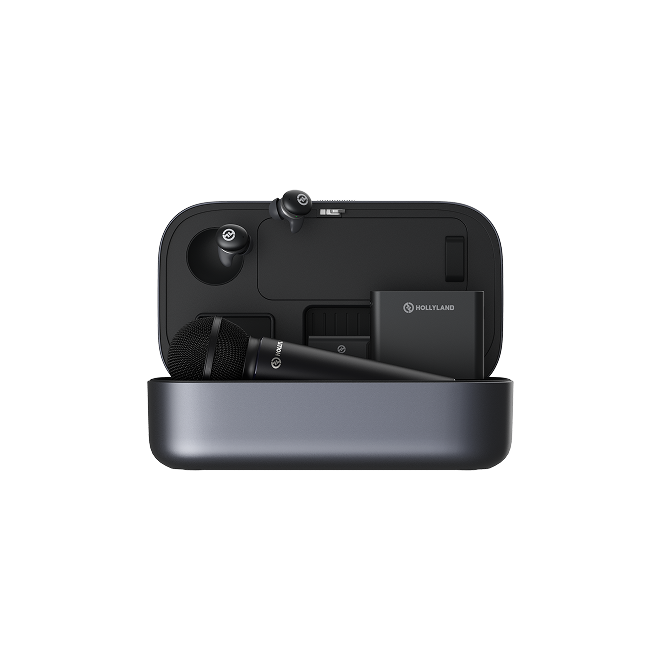
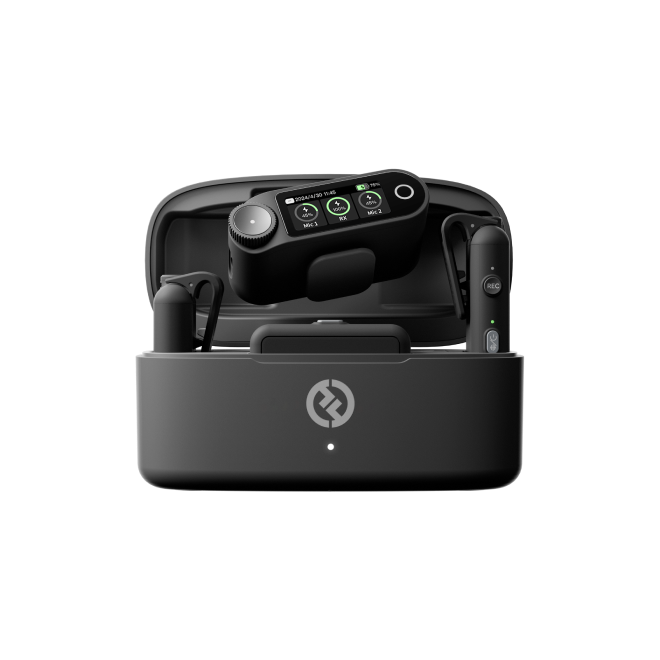
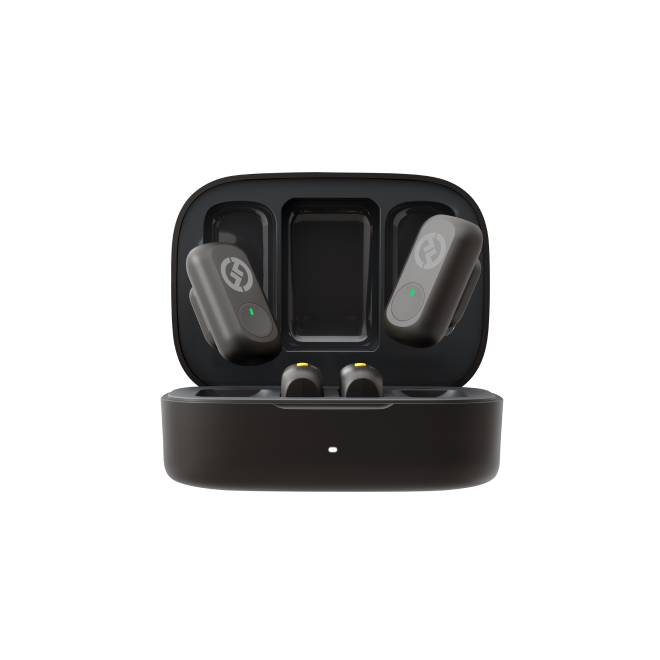
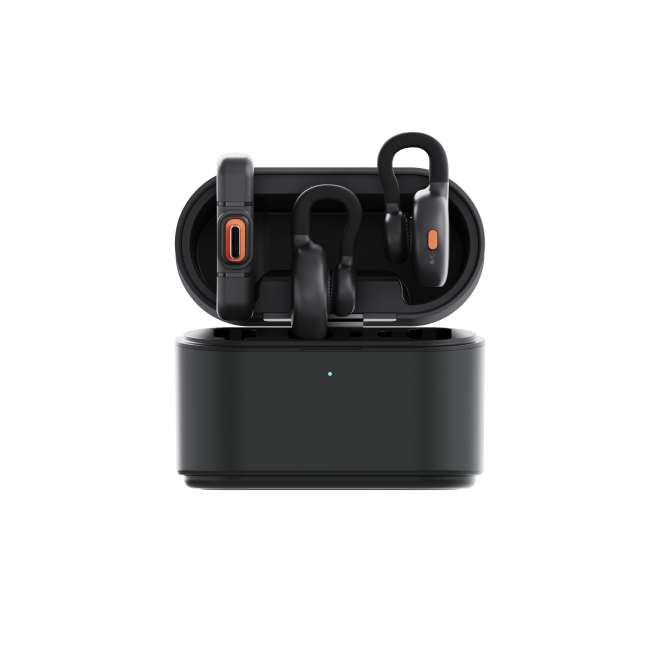
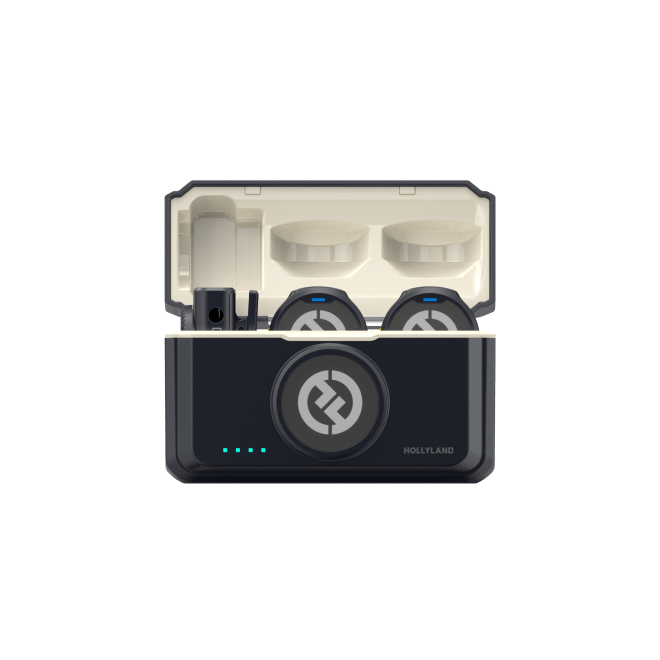
The MELO P1 includes a wireless handheld microphone, a Smart Audio Mixer, TWS wireless monitoring earphones, and a Bluetooth remote control. All components come pre-paired and stored together in a charging case — opening the case is the setup. There’s no pairing sequence to remember, no driver to install, and no configuration to repeat between sessions.

Getting started takes three steps:
- Take all devices out of the charging case and remove the protective film from the charging contacts (skip this for the remote control).
- Place everything back into the case, close the lid, and wait five seconds for the devices to wake up.
- Open the case — the microphone, earphones, and mixer connect to each other automatically.

To send audio to your phone or computer, use the included USB-C to USB-C cable to connect the top port of the Smart Audio Mixer to your recording device. Most recording and streaming apps will recognize it immediately as the audio input — no additional configuration needed.

For backing tracks, connect your phone to the mixer via Bluetooth by searching for “MELO P1” in your phone’s Bluetooth settings. Android users can also tap the back of the Smart Audio Mixer using NFC for an even faster connection.
For singers who practice regularly, this reliability matters more than any individual feature. A setup you trust is a setup you actually reach for. Whether the session is a quick practice run, a karaoke night, or a full recording session, the MELO P1 transitions between these uses without hardware changes.
Monitoring That Lets You Trust Your Voice
The included wireless monitoring earphones connect to the Smart Audio Mixer with low latency — meaning what you hear through the earphones reflects what the microphone is capturing, in real time, without the delay that breaks performance flow.
This changes how a session feels in a concrete way. When a singer can hear their processed voice clearly against the backing track, they stop compensating for uncertainty. Dynamics become more intentional. Intonation stabilizes. Takes get shorter because the performance improves naturally when the feedback loop is working.
Monitoring volume adjusts through the Bluetooth remote control without stopping the session — a small detail that keeps the singer in control without breaking focus. The earphones also work in standard Bluetooth mode for everyday listening, which means they’re likely to be in a singer’s ears already when a session begins.
Sound Control That Stays in Your Hands
The HollyAudio app connects wirelessly to the Smart Audio Mixer and gives access to a preset library of professionally tuned vocal options. Before committing to a recording take, a singer can use the “Record for Preview” feature — recording a short vocal clip, then looping it back while auditioning different presets in real time. The right sonic context for the song gets established before the performance begins, not after.

During a session, the Bluetooth remote handles the adjustments that would otherwise require stopping: switching between vocal presets, adjusting reverb level, controlling backing track volume, and muting the microphone. In a livestream, the ducking function automatically lowers the backing track when the singer performs — no manual intervention needed.
For karaoke, this in-hand control is particularly well-suited. Energy doesn’t stall between songs while someone adjusts settings on a phone. The performance keeps moving.
From Backing Track to Published Recording — No Interface Required
The MELO P1’s Smart Audio Mixer accepts backing tracks via Bluetooth from a phone or Windows computer, balances the vocal-to-track levels, and outputs a clean, processed stereo signal to a recording device via USB-C. Recording apps on both phone and computer recognize the MELO P1 automatically as the audio input — no driver installation, no routing setup.
For singers recording vocal covers directly to a phone for YouTube, TikTok, or Instagram, this means the capture is already polished before any editing happens. The recording isn’t a rough scratch track to be fixed later — it’s a finished source built on a strong performance.
For those who want to go further, the same signal routes cleanly into a DAW. But the starting point is already solid, which changes what editing actually involves.
Practical Tips for a More Comfortable Singing Setup
Getting the setup right before a session starts makes everything that follows easier. These four adjustments apply regardless of what gear you use.
Balance your monitoring before the first take. A backing track that’s too loud causes overcompensation; a vocal that’s too prominent in the mix masks pitch awareness. Spend two minutes finding the right balance before singing a single phrase for real.
Choose a sound context that fits the song. A vocal preset isn’t a crutch — it’s a starting point. Spending a moment matching the tonal character of your voice to the song’s mood (warm and close for a ballad, brighter and more present for uptempo material) helps the performance feel grounded from the first phrase rather than the tenth.
Keep the setup consistent between sessions. Pre-session anxiety about whether everything will connect is a real distraction. A system that auto-reconnects and requires no reconfiguration removes this entirely — and makes it easier to start a session on impulse rather than waiting for the perfect conditions.
Always do a short sound check. Sing a verse at full performance volume, monitor in real time or listen back, and adjust the vocal-to-track balance if needed. A sound check isn’t optional — it’s the last step before you can fully commit to the performance.
FAQ: Wireless Vocal Microphones for Singers
I already own a condenser microphone and audio interface. What does switching to wireless actually change about how I sing?
The technical quality of a wired condenser setup can be excellent — but the experience of using it is tied to a fixed position and a cable. Wireless freedom changes the physical reality of a session: you can move, adjust your distance from the mic naturally, and maintain better posture without managing slack. For many singers, the bigger shift is psychological — less time troubleshooting means more energy for performing.
The MELO P1 includes both condenser and dynamic capsules. When should I use one over the other?
The condenser capsule captures more detail and works well in quiet indoor environments like a bedroom or home studio. The dynamic capsule is less sensitive to room noise and ambient sound, making it the better choice for outdoor performances, karaoke in louder spaces, or any situation where background noise is difficult to control. You can swap between them by unscrewing the capsule — no tools required.
Can two singers use the MELO P1 system at the same time?
Yes. The Smart Audio Mixer supports simultaneous connection of two wireless microphones. Both singers can be monitored and mixed through the same system, with independent volume control for each microphone channel in the HollyAudio app. This makes the MELO P1 well-suited for duets, interview-style livestreams, or two-person karaoke sessions.
My phone keeps routing audio to my Bluetooth earphones instead of the mixer. How do I fix this?
This is a common issue when a phone is connected to multiple Bluetooth devices at once. Go to your phone’s audio output settings and manually select “MELO P1” as the active audio output device before playing your backing track. After the initial pairing, this selection should persist automatically for future sessions on most devices.
What happens if I need to adjust my sound mid-livestream without stopping the broadcast?
The Bluetooth remote control is designed specifically for this. You can switch vocal presets, adjust the backing track volume, change reverb level, and mute the microphone — all without touching your phone or computer. For more detailed adjustments, connect a second phone to the side USB-C port of the Smart Audio Mixer and use the HollyAudio app to tune on the fly while your main device continues streaming.
Can the MELO P1 be used outdoors, or is it only suited for indoor sessions?
It works in both environments. For outdoor use, the dynamic capsule is recommended as it handles ambient noise more effectively. If background noise is still too high, the built-in noise cancellation — activated by a single press of the button at the base of the microphone — can reduce it further. The charging case also has a 5000mAh battery, so it can power both the Smart Audio Mixer and your streaming phone simultaneously if you’re away from a power source.
Conclusion
A good singing session starts before the first note. It starts with a setup that feels manageable, a monitoring experience that builds confidence, and a signal flow that doesn’t require your attention once the music begins. When those conditions are in place, singers stop managing equipment and start making actual performance decisions — where to breathe, how to shape a phrase, when to hold back and when to commit.
Wireless freedom is a meaningful part of that. It changes not just how a singer sounds, but how a singer feels in the moment — more grounded, more focused, and more willing to take the creative risks that lead to a performance worth sharing.
If you’re looking for a setup that handles the technical side cleanly so your energy can go toward the singing, the Hollyland MELO P1 is worth a close look.
Sing More. Set Up Less.
The Hollyland MELO P1 brings together everything a singer needs in one portable system — wireless microphone, Smart Audio Mixer, monitoring earphones, and remote control — all pre-paired and ready to use. Whether you’re practicing at home, recording a vocal cover, hosting a karaoke night, or going live, the MELO P1 gets out of the way and lets you focus on what matters.


Subscribe us
to get the latest news!


