.png)
 简体中文
简体中文 
Opening a DAW or audio interface settings menu for the first time can be disorienting. The sample rate dropdown shows options like 44.1 kHz, 48 kHz, 96 kHz, and 192 kHz, and choosing the wrong one feels like a commitment you might regret. This guide cuts through the options with a direct answer for every common recording scenario (podcasting, music production, YouTube, film, and live streaming) so you can set it and get back to recording.

What Is Sample Rate? (The 30-Second Explanation)
Sample rate tells you how often audio gets measured each second. It is measured in Hertz or kilohertz. For example, 44.1 kHz means 44,100 measurements happen every second. A higher rate records more measurements during each second. The Nyquist theorem sets an important limit here. Your sample rate needs to be at least twice the highest recorded frequency.
Human hearing reaches roughly 20 kHz at its highest point. So, 44.1 kHz already covers frequencies up to 22.05 kHz. A 48 kHz rate reaches frequencies as high as 24 kHz. Both options cover the range most human ears can detect. Going higher mainly increases file size and processing demands. Most listeners will notice little difference in sound quality.

The Sample Rates You’ll Actually Encounter
44.1 kHz

44.1 kHz is the CD standard, and it became the default for music production because of it. When the compact disc format was established in the early 1980s, 44.1 kHz was selected as the spec that would faithfully reproduce the full range of human hearing. That choice still matches how major streaming services process audio. Spotify and Apple Music follow this standard for most content. They may also convert audio into a compressed version. This conversion happens before the audio reaches listeners.
If you are recording a podcast for audio-only distribution, producing a singer-songwriter demo, or mastering music intended for streaming or CD release, 44.1 kHz is the logical default. Your files will be smaller than their high-resolution counterparts, and your audio will slot into music production workflows without needing conversion.
48 kHz
48 kHz is the video and broadcast standard, and this distinction matters more than most beginners realize. Virtually every video container format (MP4, MOV, MXF) is designed with 48 kHz audio. Cameras default to it. Television and film delivery specifications require it. YouTube’s processing pipeline is built around it.
But here’s something important about 48 kHz. When audio and video rates differ, editing becomes less efficient. Your editor must convert the audio before matching both rates. That conversion happens automatically, but it adds extra processing during editing. It can also cause slight quality loss or timing drift. This matters most when your recording enters a video timeline. For video projects, record audio at 48 kHz from the start.
Most wireless microphone systems also default to 48 kHz for this reason. They are designed for the video recording ecosystem, and the standard is being enforced at the hardware level.
96 kHz and 192 kHz
These high-resolution sample rates exist for specific professional use cases, not everyday content creation. The two situations where they make genuine sense are archival recording (where you want to preserve as much raw detail as possible for the long term) and heavily processed post-production work, such as extreme pitch shifting or time-stretching, where starting from a higher-resolution source reduces artifacts introduced by the algorithm.
Outside of those scenarios, most listeners cannot distinguish 96 kHz audio from 48 kHz audio in a blind comparison. What they will notice is that 96 kHz files are roughly twice the size of 48 kHz files, and 192 kHz files are approximately four times the size. For most content creators, the storage cost is not worth the negligible perceptual improvement.
What Sample Rate Should You Use? Recommendations by Use Case
This table gives you a direct answer for the most common recording scenarios. If you are short on time, start here.
| Use Case | Recommended Sample Rate | Why |
|---|---|---|
| Podcasting / voice recording | 44.1 kHz or 48 kHz | Either works; match your editing project’s rate to avoid conversion |
| YouTube videos / vlogs | 48 kHz | Matches video container default; no conversion overhead in your timeline |
| Music production | 44.1 kHz | The streaming and CD standard; use 96 kHz only if heavy pitch or time processing is planned |
| Film and broadcast video | 48 kHz | Industry-mandated in most delivery specifications |
| Live streaming (Twitch, Instagram, etc.) | 44.1 kHz or 48 kHz | Most platforms accept both; check the platform’s ingest spec to confirm |
| Field recording / archival | 96 kHz | Captures maximum detail; use only if storage budget allows |
The two most practical defaults for the majority of creators are 44.1 kHz for music-first workflows and 48 kHz for anything that ends up in a video edit. When genuinely uncertain, 48 kHz is the safer pick because it covers both video and audio use cases without issue.
Sample Rate vs. Bit Depth: These Are Not the Same Thing
This is one of the most common points of confusion for people new to audio settings, and it is worth addressing directly because the two specs appear side by side in almost every recording menu.

Sample rate (kHz) controls how frequently your recorder captures audio over time. Bit depth controls how precisely each of those captures is measured. They are two independent dimensions of audio quality: you can mix and match them freely.
A recording at 48 kHz / 24-bit captures audio 48,000 times per second, with each capture measured at 24-bit precision. A recording at 48 kHz / 32-bit float captures audio at the same frequency, but each sample uses a floating-point format that accommodates an enormous dynamic range, making it virtually impossible to clip the recording at the capture stage. Gain can be corrected in post-production even if levels spiked during the take.
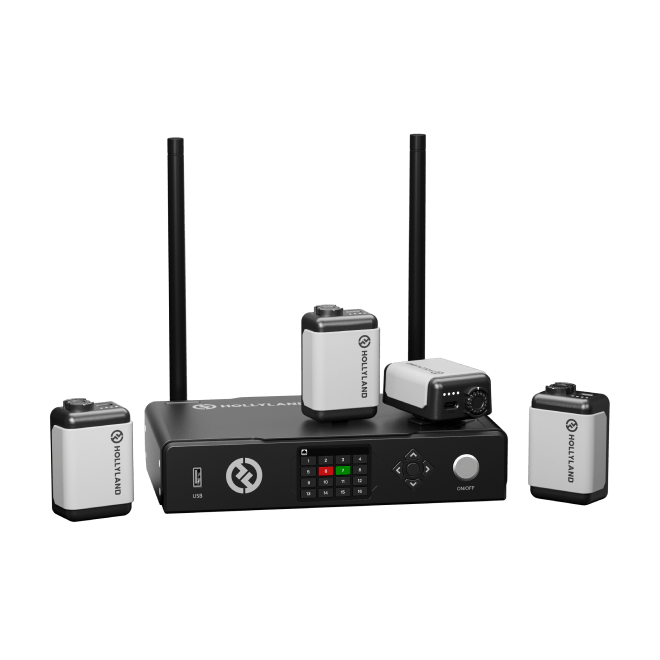
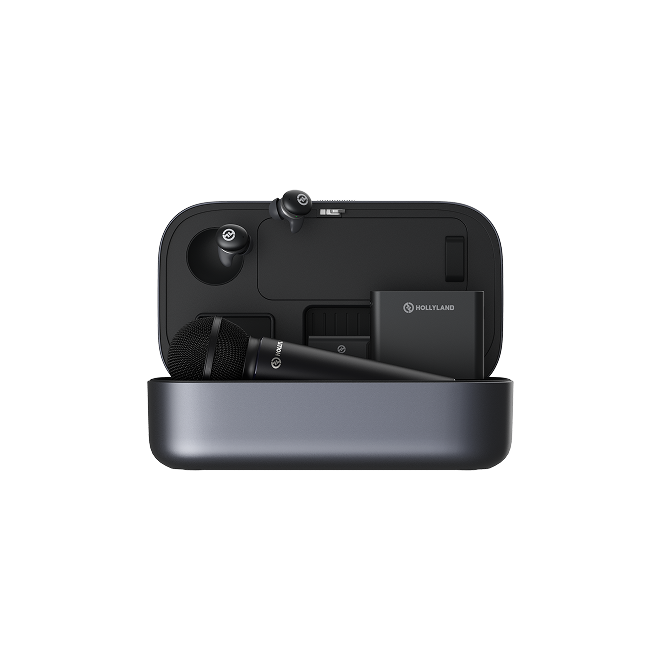
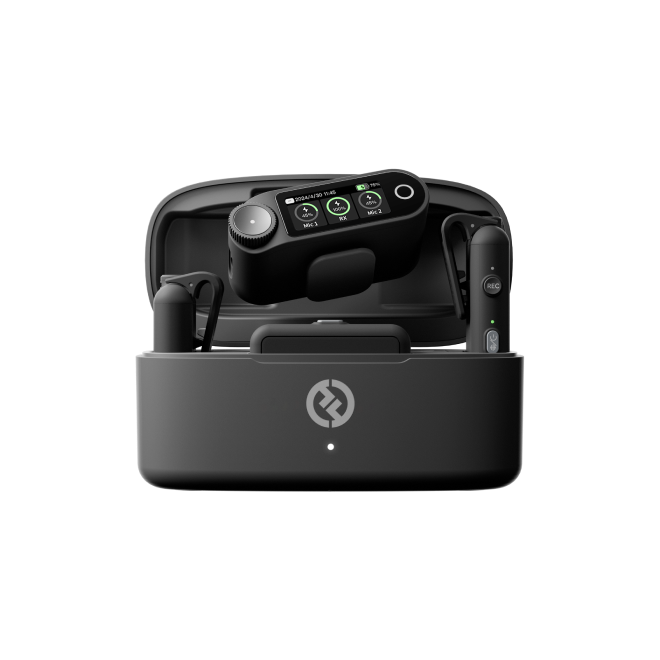
The Hollyland LARK MAX 2 is a useful real-world example of how these two specs work together. It records internally at 48 kHz / 32-bit Float, meaning audio is captured at the video-standard sample rate while the 32-bit Float internal recording acts as a safety net against clipping during wireless field recording. You get broadcast-ready timing fidelity from the 48 kHz rate and near-unlimited headroom from the 32-bit Float format. The Hollyland MELO P1 similarly supports 32-bit Float recording, making it well-suited for live vocal and music capture where gain conditions can shift quickly.
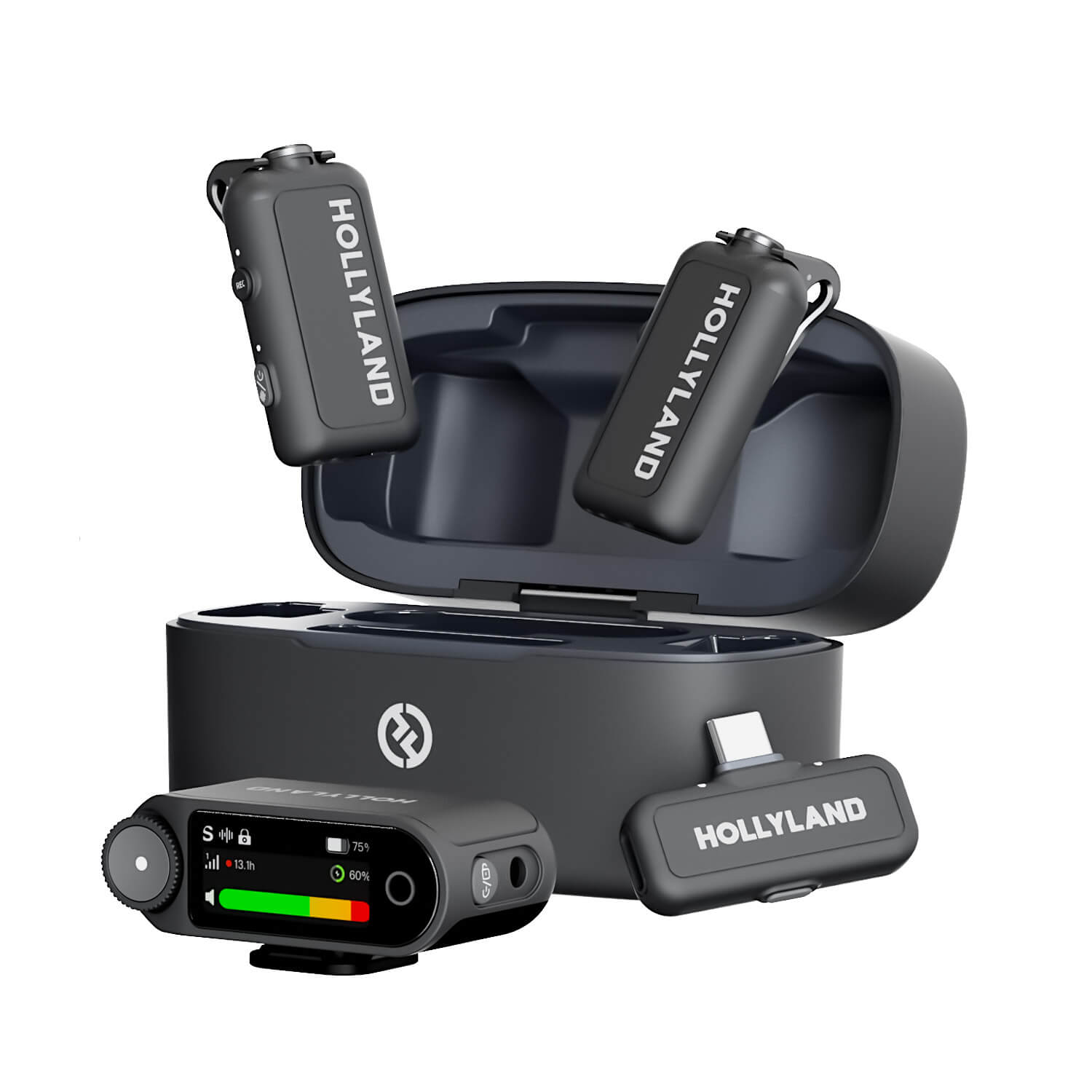
Hollyland LARK MAX 2 - Premium Wireless Microphone System
A premium wireless microphone for videographers, podcasters, and content creators to capture broadcast-quality sound.
Key Features: Wireless Audio Monitoring | 32-bit Float | Timecode
Note: When you see “32-bit float” on a product spec sheet, it describes bit depth, not sample rate. These two specs appear on separate rows in the technical specifications for a reason, and they do different jobs.
Does Higher Sample Rate Always Mean Better Quality?
The short answer is no, not for most creators in most situations. Beyond 48 kHz, the majority of listeners hear no audible difference in a final output. Consumer playback equipment, streaming compression, and human hearing limits all work together to erase any theoretical advantage that 96 kHz or 192 kHz might offer at the recording stage.

Recording at a higher rate also increases storage requirements. It puts additional pressure on your computer’s CPU. A 96 kHz session processes twice as many samples. A 48 kHz session processes half that amount instead. This can slow plugin processing during real-time recording. Mid-range computers may also experience more audio dropouts.
High sample rates are worth using when recording acoustic instruments in a professional studio context, working on orchestral or spatial audio projects, or deliberately planning heavy pitch correction and time manipulation in post. For a podcaster, vlogger, or home recording musician, 48 kHz or 44.1 kHz will deliver professional results without the overhead.
Quick-Reference Summary: Sample Rate by Use Case
Use this table as an at-a-glance reference before starting any new project.
| Recording Scenario | Recommended Sample Rate | Notes |
|---|---|---|
| Podcasting | 44.1 kHz or 48 kHz | 44.1 kHz is marginally more common in audio-only post-production workflows |
| YouTube / online video | 48 kHz | Matches video container default; prevents sync conversion issues |
| Music production (streaming/CD) | 44.1 kHz | Standard for Spotify, Apple Music, and CD mastering |
| Music production (heavy processing) | 96 kHz | Only if extensive pitch shifting or time-stretching is planned |
| Film and broadcast | 48 kHz | Required by most broadcast delivery specs |
| Live streaming | 44.1 kHz or 48 kHz | Both accepted by major platforms; verify ingest specification |
| Field / archival recording | 96 kHz | Maximum detail capture; expect significantly larger file sizes |
| General default | 48 kHz | Covers video, voice, and most production needs |
Frequently Asked Questions
Is 48 kHz better than 44.1 kHz?
Neither is universally better. 48 kHz is the standard for video and broadcast production; 44.1 kHz is the standard for music distribution and CDs. Choose based on your delivery format rather than quality assumptions. If you are making videos, use 48 kHz. If you are producing music for streaming platforms, use 44.1 kHz.
What sample rate should I use for YouTube?
Use 48 kHz. YouTube’s processing pipeline is built around 48 kHz audio, and virtually every camera and video editing application defaults to it. Recording at 48 kHz from the start means your audio slots directly into your video project without any sample rate conversion step.
Does sample rate affect streaming music quality?
Minimally, from the listener’s perspective. Spotify, Apple Music, and most major platforms transcode uploaded audio to AAC or OGG Vorbis at delivery, regardless of whether the original file was recorded at 44.1 kHz or 96 kHz. The platform’s own encoding process is the dominant factor in what listeners actually hear.
What is the difference between sample rate and bit rate?
Sample rate (kHz) counts the audio snapshots captured per second during recording. Bit rate (kbps) measures how much data a compressed audio file uses per second during playback, applying to formats like MP3 and AAC. Bit depth (24-bit, 32-bit float) is a third concept entirely: the precision of each individual recorded sample. All three specs serve different functions.
What sample rate should I record my podcast at?
Either 44.1 kHz or 48 kHz at 24-bit is the recommended standard for podcasting. Most distribution platforms accept both formats without issue. If your editing software defaults to one or the other, match your recording device to it. Recording at 44.1 kHz is marginally more common in dedicated audio post-production workflows.
Conclusion
When in doubt, record at 48 kHz / 24-bit. It covers video, voice, and most music production needs without generating unnecessarily large files or taxing your system. From here, the next useful step is to confirm your DAW project settings match your recording device’s output rate, then explore how bit depth and gain staging affect the overall quality of your captures.


