.png)
 简体中文
简体中文 
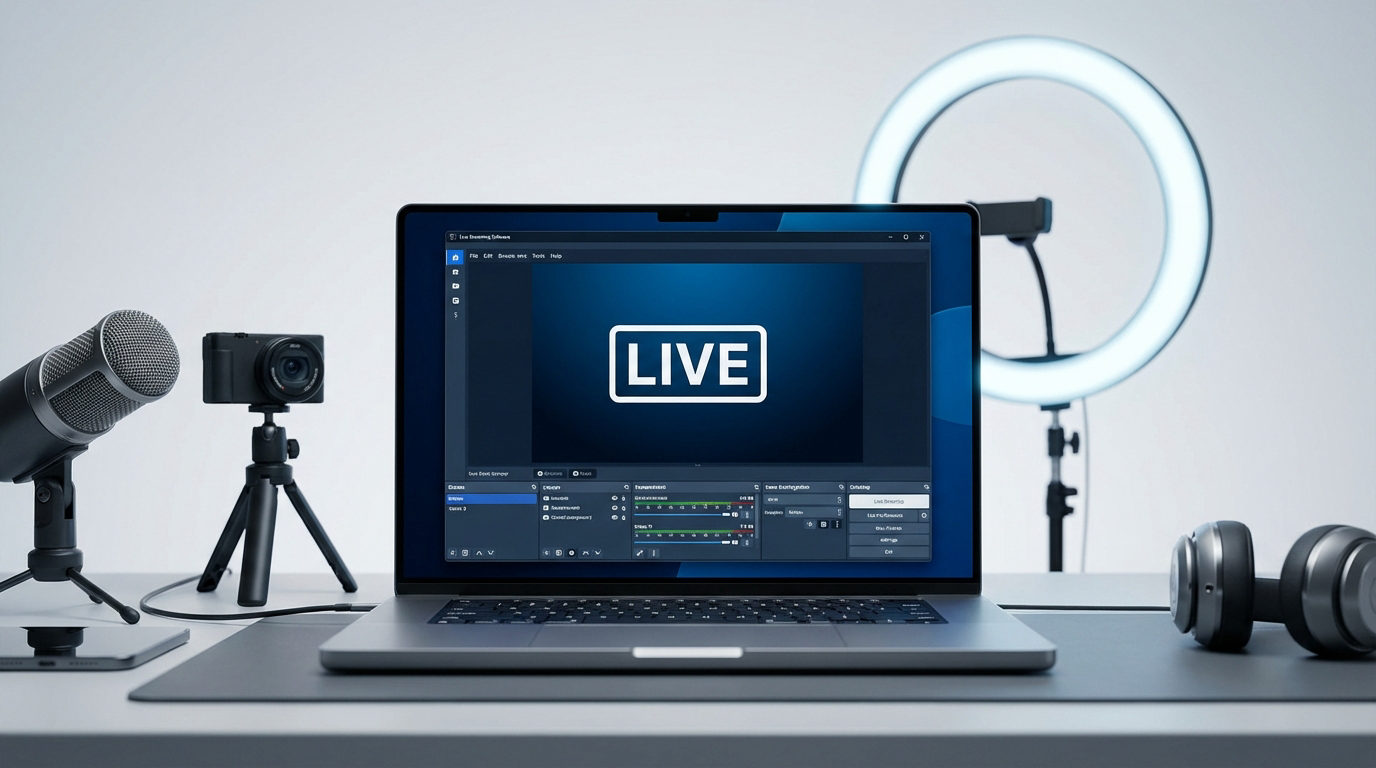
Many content creators, field reporters, and live event producers face situations where Wi-Fi is unavailable. You might be in a remote location, travelling, or dealing with sudden outages. In these scenarios, you have two main options: live streaming over cellular, satellite, or bonded connections, or offline playback using pre-downloaded media.
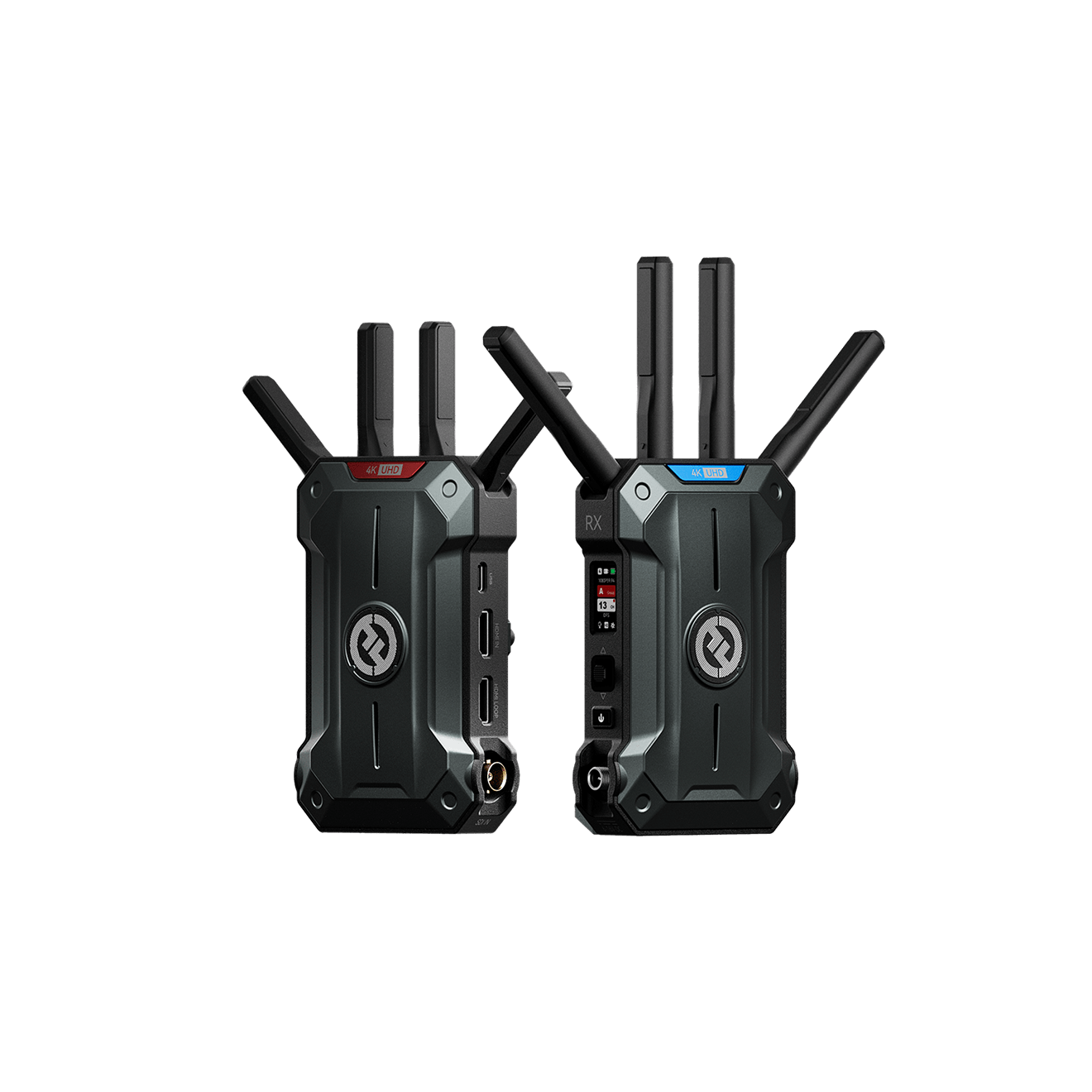
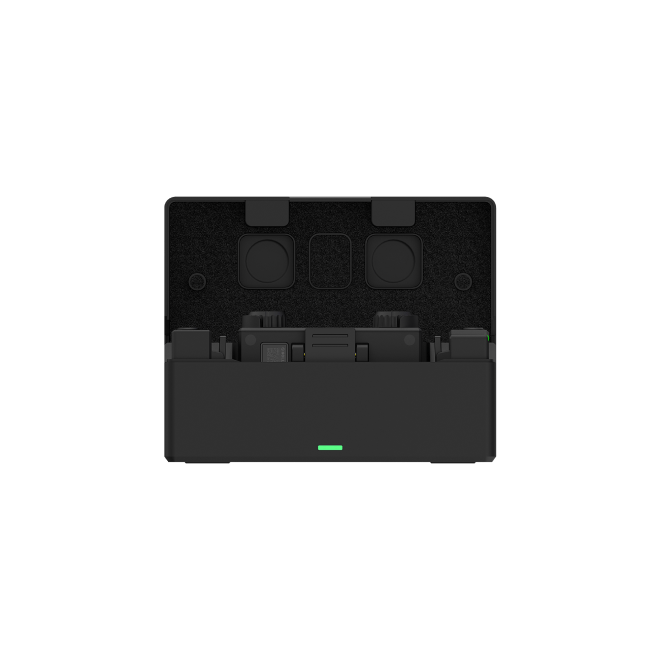
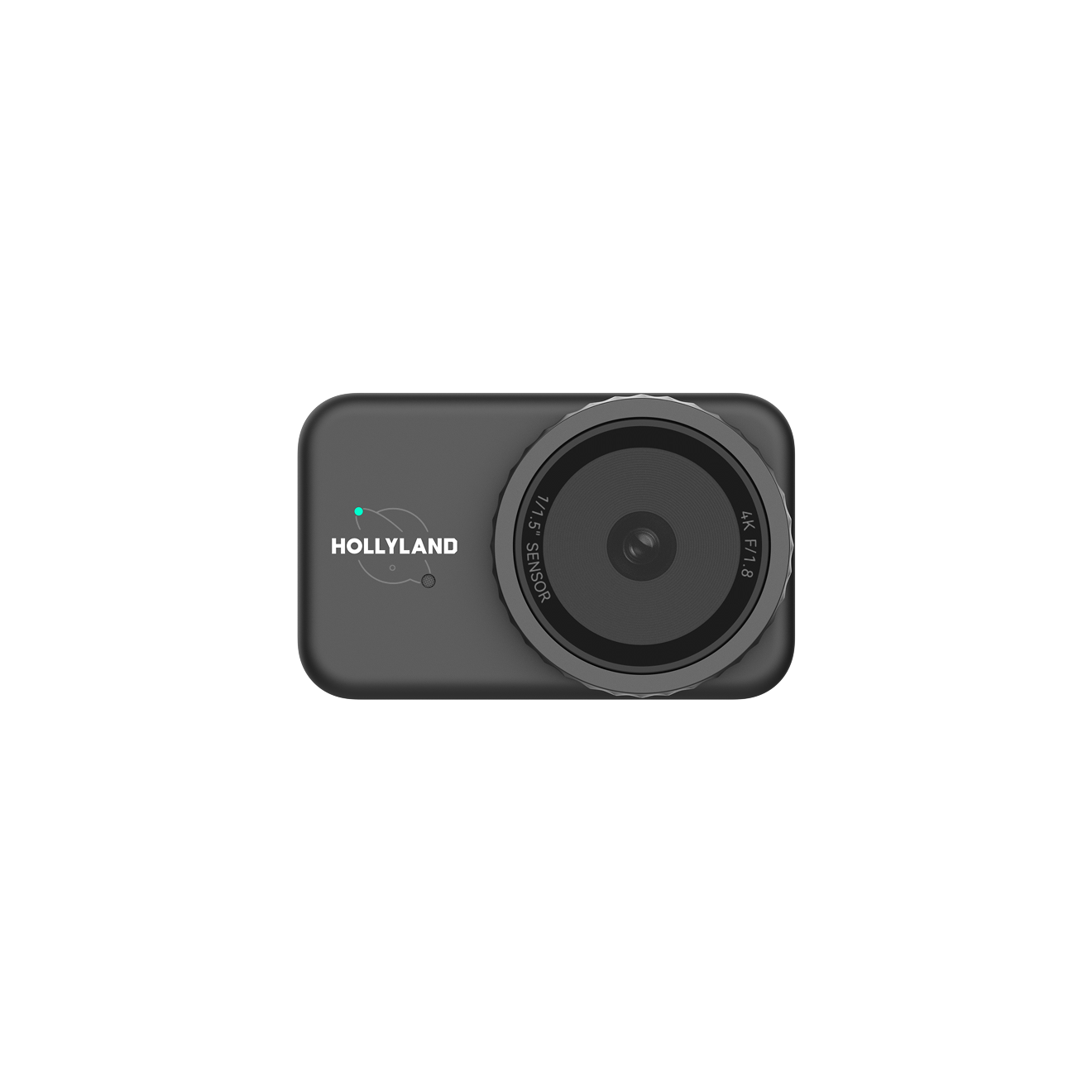
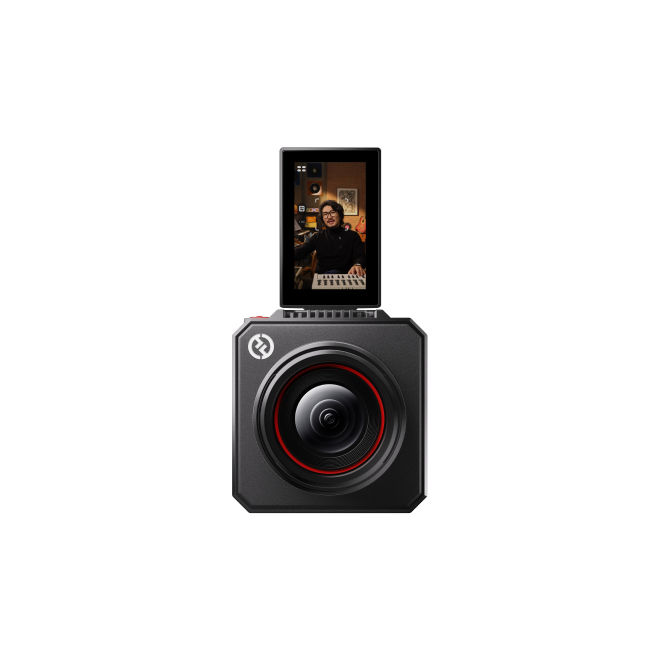
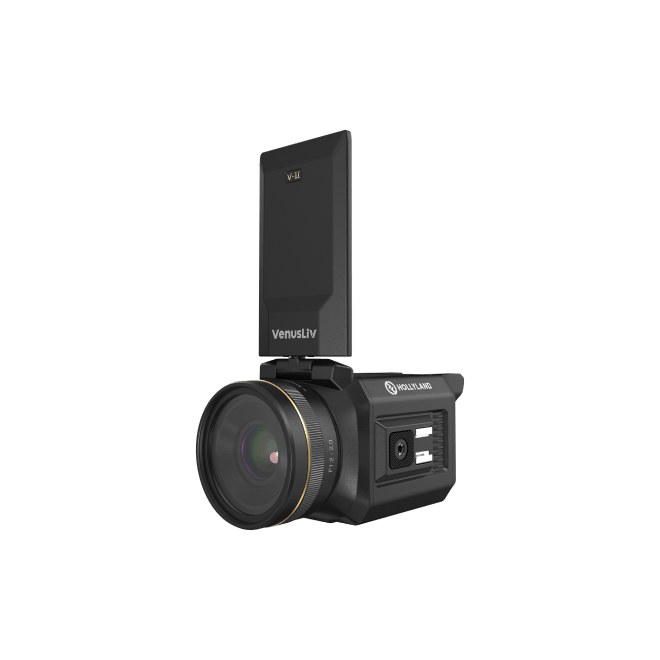
Your choice depends on your tolerance for latency, upload speed, reliability, and budget. Using a high-quality setup like the Hollyland VenusLiv Air ensures smooth, 4K 30fps footage, even when you are on the move or working in challenging conditions. This article breaks down every solution, from quick phone-based streams to professional remote setups.
How to Stream Live Without Wi-Fi?

Streaming live without Wi-Fi requires careful planning. You need a stable uplink and reliable hardware. Here are your main options.
Use a Mobile Hotspot (Phone Tethering)

Phone hotspots are quick and convenient. They are ideal for short, low-complexity streams.
When to use: Live interviews, field reporting, or single-camera setups.
Set up: Enable the hotspot on your phone. Connect your laptop, encoder, or smart camera. Run an upload speed test to ensure stability.
Limitations: Carriers may throttle speeds or apply soft caps after heavy usage.
Best practices: Use 5G if available. Keep your upload bitrate under 50% of the tested speed to prevent stutters.
Use a Dedicated Portable 4G/5G Hotspot
Portable hotspots offer better stability than phones. They feature stronger antennas, longer battery life, and sometimes Ethernet ports.
Setup tips: Place near a window or outside wall. If Ethernet is available, connect your streaming device directly to it.
Best for: Longer streams, multi-camera setups, or small on-location productions.
Extra tip: Some models support multiple carriers via eSIM, which is helpful when travelling across regions.
Use a USB Modem or 5G Router
USB modems or 5G routers offer professional-grade reliability.
Advantages: Constant power, external antennas, and wired connections to encoders.
Workflow: Connect via Ethernet. Configure the APN settings and lock onto a stable frequency band.
Use case: Extended events, mobile studios, or multi-camera productions.
Bond Multiple Cellular Links
Bonding combines multiple cellular connections to achieve higher upload speeds and greater reliability.
How it works: Multi-SIM routers or software services combine data streams into a single stable pipeline.
Hardware: Devices like the Peplink MAX router support 3–4 SIMs with bonding and failover.
When to use: Critical live events, remote broadcasts, or any situation where downtime is unacceptable.
Trade-offs: Bonding increases cost and data usage, but provides unmatched stability.
Satellite Streaming Options
Satellite internet works where cellular coverage is weak or absent.
Starlink: Offers 10–30 Mbps upload and latency of 25–60 ms. It is suitable for live streaming in remote areas.
Professional uplinks (VSAT): Used by broadcasters, VSAT provides a reliable connection with strong service agreements.
Considerations: Starlink performance may vary due to weather, obstructions, or satellite handovers.
Mobile App Streaming Workflows
You can stream directly from phones using RTMP or SRT endpoints.
Apps: OBS Mobile, Streamlabs, or platform-native apps.
Tips for quality: Use a gimbal for stabilization, an external mic for clear audio, and enable airplane mode while tethering.
Advanced setup: Connect your phone to a PC via USB capture card and stream using desktop software for multi-camera control.
How to Watch or Stream Content Offline?

Offline streaming is perfect when you cannot access live internet.
Pre-Download in Streaming Apps
Most streaming platforms let you save content for offline viewing. Netflix, YouTube Premium, Prime Video, and Disney+ all support this.
Steps: Find the download button inside the app. Save the video for later viewing.
Notes: Check storage limits, file sizes, and expiration dates.
Local Media Playback
You can store MP4 or MKV files on your device for full control.
Set up: Transfer files to a tablet, phone, or external SSD. Play using VLC, MX Player, or a native media player.
Tips: Use efficient codecs like H.264. Balance file size and video quality for long trips.
Offline Audio and Podcasts
Most music and podcast apps allow offline downloads.
Use case: Long flights, road trips, or areas without reliable internet.
Tips: Check download limits and expiration policies for each app.
Hardware Checklist & Accessories
To stream or watch without Wi-Fi reliably, here is a checklist of must-have gear:
- Smartphone with 5G and a generous data plan or hotspot capability.
- Portable 4G/5G hotspot or MiFi router with external antenna ports.
- Bonding router (e.g., Peplink MAX) if you need high reliability via multiple SIMs.
- Power supply: a high-capacity power bank or a battery with pass-through charging.
- Capture and audio gear: USB capture card, mic, tripod/gimbal.
- Optional: Starlink satellite kit for remote sites.
- Backup storage: external SSD or high-capacity SD card for local video files.
Conclusion
Streaming without Wi-Fi is possible with the right setup. Use mobile hotspots, bonded cellular routers, or satellite connections for live events. Pre-download content for offline playback. Hardware, encoder settings, and fallback plans are key. With preparation, you can deliver professional-quality streams or smooth offline playback anywhere.
FAQs
Q. Can I stream live over 5G without Wi-Fi?
Yes. Ensure stable upload, test before streaming, and keep the bitrate moderate.
Q. Is Starlink suitable for live streaming?
Yes. Upload speeds range from 10–30 Mbps. Stability varies due to satellite movement and weather.
Q. Do I need a bonding router?
Not always. Use bonding for critical streams or when multiple SIMs improve reliability.
Q. How much data does a 1-hour live stream use over cellular?
Approximately 1–1.5 GB for 720p at 2.5–3 Mbps.Q. Can I legally stream downloaded content?
Yes, for personal use. Public broadcasting of copyrighted content requires licensing.