.png)
 简体中文
简体中文 
The question sounds simple, but “how far can a webcam see” does not have a single fixed answer. Consumer webcams technically resolve objects many meters away because their lenses focus from roughly 30 cm to optical infinity. What actually matters is how far a subject can be and still appear sharp, identifiable, and well-framed. That depends on field of view, sensor resolution, zoom capability, and lighting, all of which contribute differently to the final image.
The Short Answer
Most consumer webcams can focus from about 30 cm (12 inches) to optical infinity, meaning they can technically form a sharp image of objects anywhere from close up to across the room. But focusing is not the same as framing well.
For the scenarios most people care about (video calls, remote work, live streaming), the practical range where a subject appears well-framed, recognizable, and clearly detailed is roughly 0.5 m to 3 m (about 1.5 to 10 feet). Beyond 3 m, image quality, frame coverage, and lighting start working against you.
Quick Reference: Practical Webcam Distance Ranges
- Solo video calls: 0.5–1.2 m (about 1.5–4 ft)
- Live streaming and content creation: 0.6–2 m (about 2–6.5 ft)
- Group or conference room coverage: 2–5 m (about 6.5–16 ft), though facial detail drops noticeably past 3 m at 1080p
- Beyond 5 m: a consumer webcam is generally the wrong tool; consider a dedicated PTZ camera
What “Seeing Distance” Actually Means for a Webcam
When people ask how far a webcam can see, they are usually asking one of three different questions, and confusing them leads to unrealistic expectations.

- Focus range refers to how close or far an object can be and still appear sharp in the image. For most consumer webcams, this ranges from around 30 cm to optical infinity. The image does not go blurry simply because something is across the room.
- Identification distance is how far away a subject can be and still be recognizable at the camera’s output resolution. A face might be technically in focus at 5 m, but if it only occupies 20 pixels of width in a 1080p frame, it will not be identifiable. This is resolution-dependent and is what most people actually care about.
- Frame coverage distance describes how far back a subject needs to stand to fit within the field of view. A wide-angle lens at close range creates a very broad frame; a narrower lens at the same distance captures only a tight slice of the scene.
Consumer webcams do not publish a “maximum range” spec the way a rifle scope or dedicated security camera does, because their limiting factor is rarely focus capability. The real limits are frame coverage and how much image detail survives at a given distance.
The Key Factors That Determine How Far a Webcam Can See
Focal Length and Field of View

Field of view (FOV) is the angle of the scene the camera captures, and it is the single most important spec for understanding distance performance. A wider FOV (shorter equivalent focal length) captures more of the scene at a given distance, which helps fit a room or multiple people into one shot. The problem is that each subject takes up fewer pixels, reducing visible detail at that distance.
A narrower FOV (longer equivalent focal length) magnifies the scene and delivers more pixel density on distant subjects, but it shrinks peripheral coverage significantly.
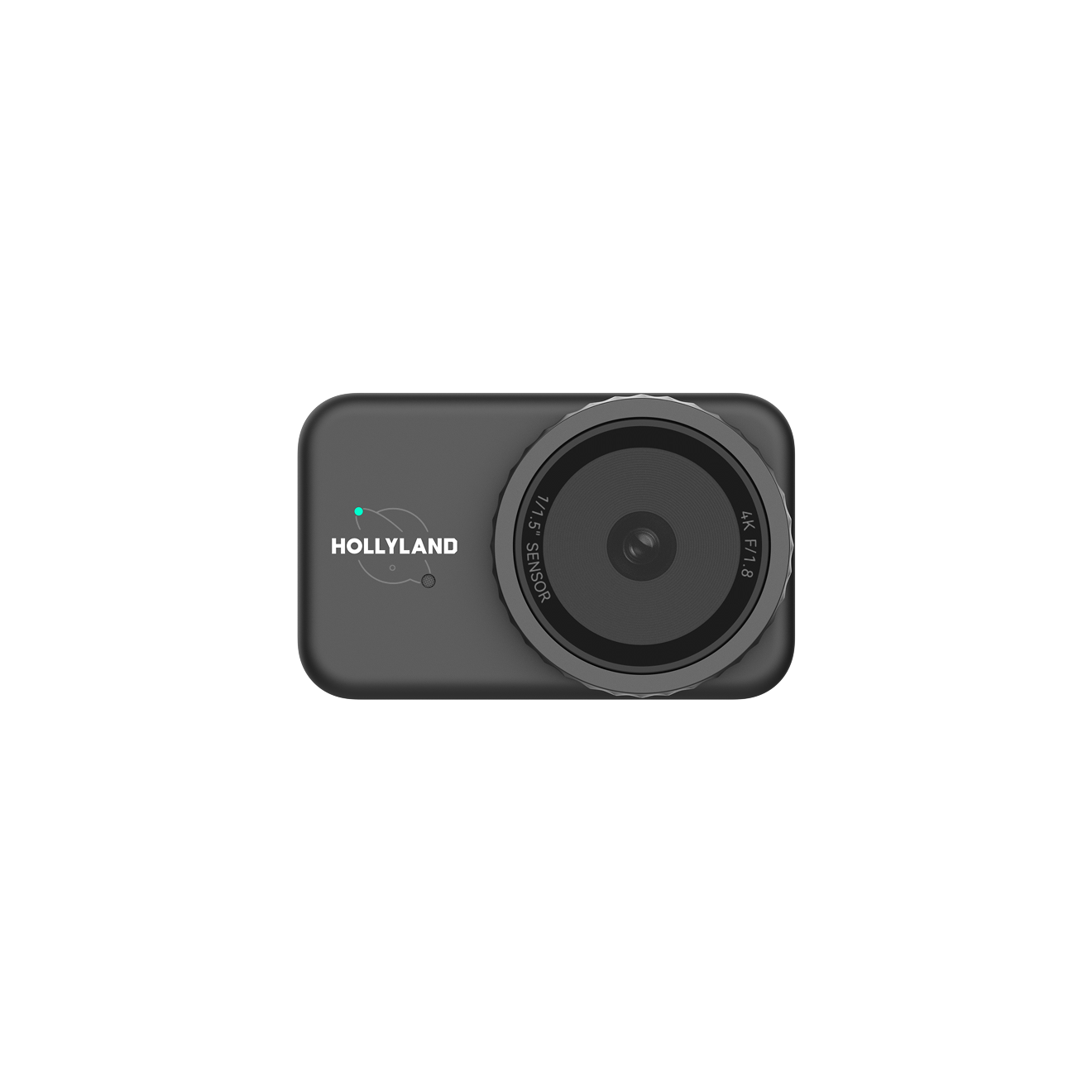
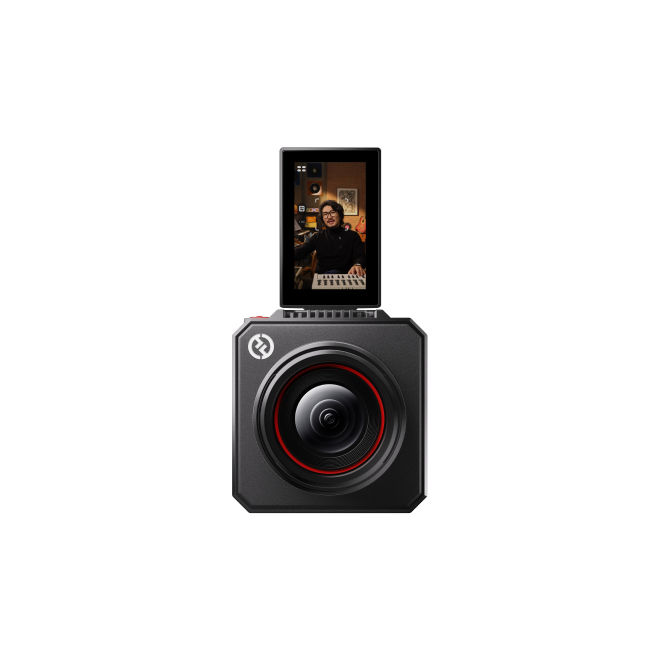
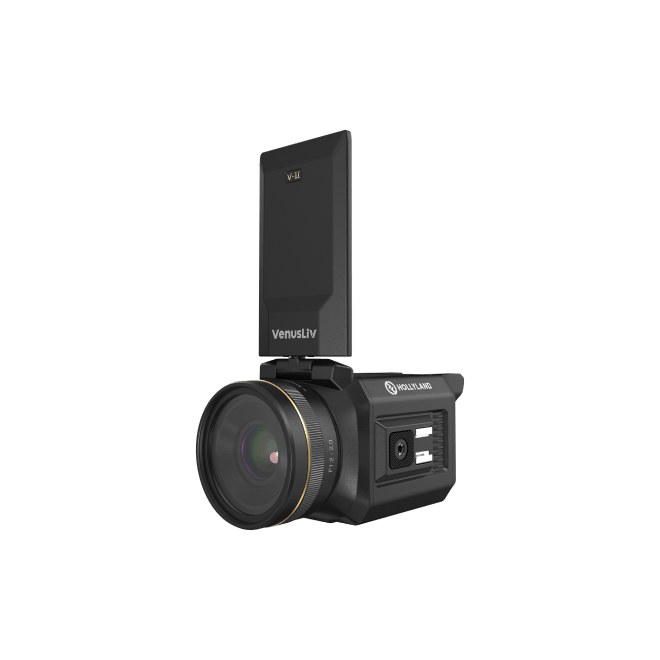
The Hollyland Lyra has a moderately wide viewing angle. It offers an 82-degree FOV and a 26mm equivalent focal length. Its F/1.8 aperture also allows plenty of light through. This combination captures a wide area around your desk. It also works nicely in smaller rooms.
Sensor Size and Resolution
A larger image sensor captures more light and more detail across its surface. The Lyra uses a 1/1.5” CMOS sensor, notably larger than the 1/3” or smaller sensors common in budget webcams, which contributes to cleaner images and lower noise, particularly at greater distances or in imperfect lighting.
Resolution compounds the benefit. A 4K sensor (3840 x 2160) distributes roughly four times as many pixels across the same scene as a 1080p sensor. A distant subject therefore occupies more pixels and retains more identifiable detail before the image becomes unusable. The same face at 3 m that looks soft at 1080p may be clearly readable in a 4K frame.
Aperture and Low-Light Performance
Aperture controls how much light the lens admits. A wider aperture (lower f-number) allows more light to reach the sensor, keeping images brighter and sharper as distance or dim ambient conditions reduce the available light per pixel. A webcam rated at F/1.8 gathers substantially more light than one at F/2.8 or F/3.5. At distances beyond 1.5 m in typical indoor lighting, this difference becomes visible in image noise levels and edge sharpness.
Digital Zoom vs. Optical Zoom
Most consumer webcams offer only digital zoom, which works by cropping the sensor image and upscaling it to the output resolution. This makes a subject appear larger but does not add any optical resolution.
On a high-resolution sensor, moderate digital zoom can be used without obvious quality loss. A 2x digital zoom on a 4K sensor effectively delivers a 1080p crop from the center of the frame and remains usable. The same 2x zoom on a 1080p sensor produces a soft, pixelated image.
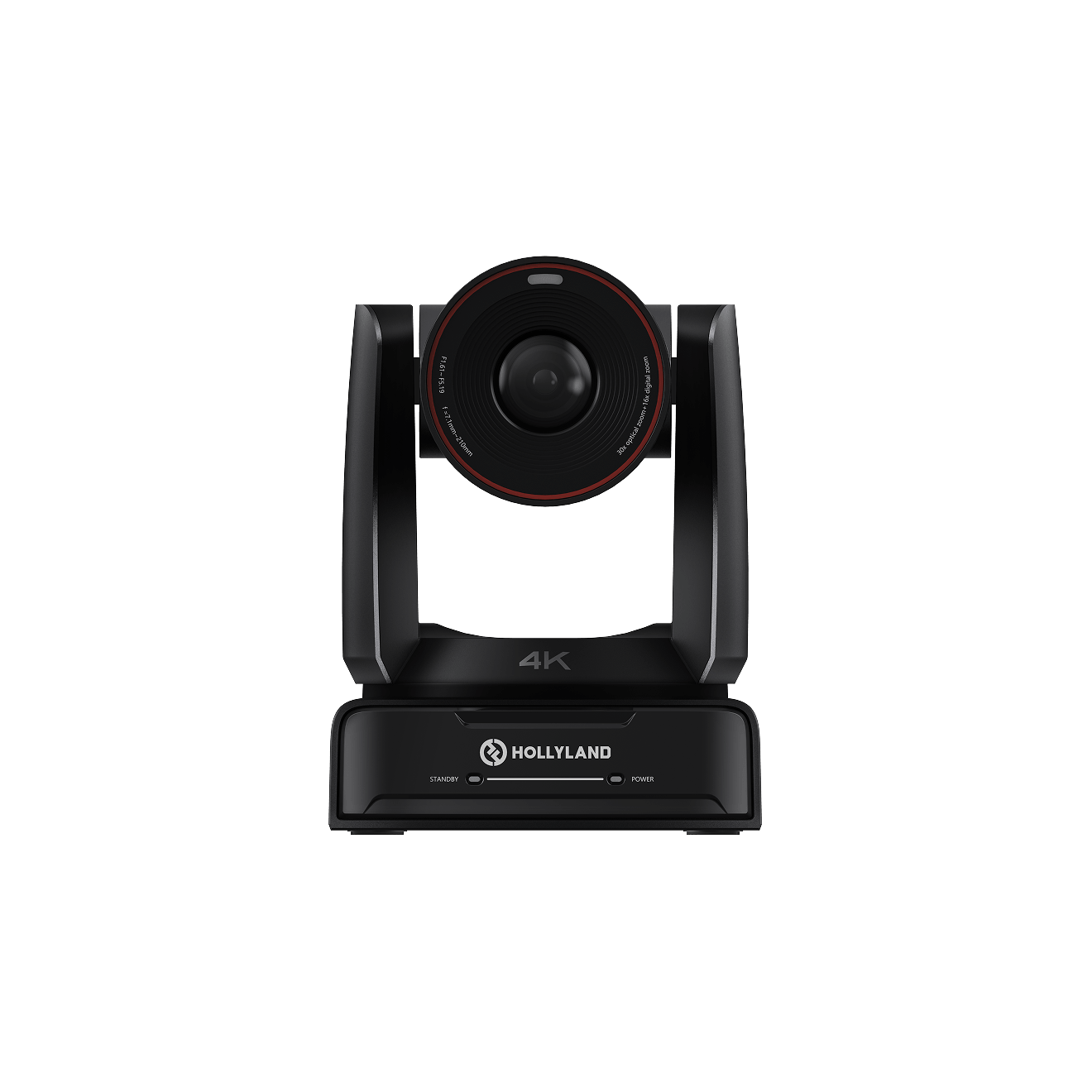
True optical zoom, found in PTZ and conference cameras but not in standard consumer webcams, physically adjusts the lens to magnify the subject without sacrificing resolution.
Note: Digital zoom is essentially a crop; optical zoom is true magnification. If extended-range coverage is a priority, look for cameras with optical zoom rather than webcams advertising high digital zoom ratios.
How FOV Translates to Real-World Frame Coverage at Different Distances
The most practical way to understand FOV is to calculate how wide a slice of the scene the camera captures at a given distance. The formula is straightforward:
Frame Width = 2 x Distance x tan(FOV / 2)
The table below shows results for three common FOV angles at distances of 1 m, 2 m, and 3 m.
| FOV Angle | At 1 m | At 2 m | At 3 m |
|---|---|---|---|
| 60° | ~1.15 m (3.8 ft) | ~2.31 m (7.6 ft) | ~3.46 m (11.4 ft) |
| 82° | ~1.74 m (5.7 ft) | ~3.48 m (11.4 ft) | ~5.22 m (17.1 ft) |
| 90° | ~2.00 m (6.6 ft) | ~4.00 m (13.1 ft) | ~6.00 m (19.7 ft) |
To put these numbers into context: a webcam with an 82° FOV placed 2 m from the subject captures roughly 3.5 m of horizontal frame width, comfortably fitting one or two people at a desk with visible background on either side. Pull back to 1 m, and the frame tightens to about 1.74 m, producing a clean head-and-shoulders shot for a solo presenter. If you know your webcam’s FOV angle, you can use this formula to calculate the exact frame width for your own seating distance before adjusting your setup.
Practical Webcam Distance Ranges by Use Case
- Solo video calls and remote work.
Optimal subject distance: 0.5–1.2 m (about 1.5–4 ft). At this range, a face fills a proportional and natural portion of the frame without the wide-angle distortion that can appear at very close distances. Most 1080p webcams deliver clear facial detail here, and 4K sensors produce noticeably sharper results for the same seating position.

- Live streaming and content creation.
Typical range: 0.6–2 m (about 2–6.5 ft). Streamers and creators often want more of their environment visible, whether a head-and-shoulders shot or a wider mid-body framing. At 1.5 m with an 82° FOV, the camera captures roughly 2.6 m of horizontal width, enough room for a presenter at a desk with background visible behind them.
- Conference room or group coverage.
Useful range: 2–5 m (about 6.5–16 ft), with important caveats. Standard consumer webcams can cover a conference table at 2–3 m, but individual facial detail becomes difficult to resolve beyond about 3 m at 1080p. A 4K sensor with digital zoom can partially compensate, but the limits remain real. For rooms wider than 4 m or meetings requiring clear identification of multiple people simultaneously, a wide-angle PTZ camera with optical zoom is a more appropriate solution than a consumer webcam.
Why Lighting Often Limits Range More Than Optics
Beyond 2 meters, weaker light can reduce image quality. Noise may increase, while distant details look less sharp. A window behind someone can make this worse. The bright background can leave their face too dark. Front lighting helps the webcam see farther and more clearly. It matters more than higher resolution or camera settings.

Pro Tip: If you are streaming or presenting from more than 2 m away, a simple key light aimed at your face will do more for image clarity than any change to your webcam settings.
How to Get the Most Out of Your Webcam’s Effective Range
- Match your seating distance to your FOV. Use the coverage table above to calculate the frame width at your actual distance, then adjust your position until you achieve the framing you need.
- Use 4K output and crop in software rather than relying on in-camera digital zoom at capture time. This preserves full sensor resolution and gives you more flexibility in post-production.
- Add front-facing light when shooting beyond 1.5 m. Even a basic LED panel or ring light will meaningfully improve sharpness and reduce sensor noise at extended distances.
- Use digital zoom to tighten the frame rather than repositioning the camera. On a high-resolution sensor, a 1–2x digital zoom (within the Lyra’s 1–4x range, for example) narrows the effective FOV without a severe quality penalty, useful for moving from a wide establishing shot to a tighter presenter frame.
- Check your minimum focus distance before close-up work. Most consumer webcams lose sharpness below 20–30 cm, which matters for product demonstration setups but rarely affects standard video calls.
FAQs
How far should I sit from my webcam for video calls?
For most webcams, 0.5–1 m (about 1.5–3 ft) is optimal for a clear head-and-shoulders framing. At this distance, your face occupies a natural proportion of the frame without wide-angle distortion. Beyond 1.5 m, your face takes up a smaller fraction of the available pixels, and at 1080p, visible sharpness can begin to decline noticeably.
Can a webcam see across a room?
Technically yes. Webcams focus to optical infinity, so objects across a room are in focus. But at 4–6 m, a subject appears small in the frame and facial detail is difficult to resolve at standard 1080p output. A 4K sensor with moderate digital zoom helps but does not eliminate the pixel-density limitation at that distance.
Does digital zoom make a webcam see farther?
It makes the subject appear larger but does not add optical resolution. Digital zoom crops the existing sensor image and upscales it. On a high-resolution sensor (4K or 50MP), moderate digital zoom (1–2x) can be used without obvious quality loss. On a 1080p sensor, any digital zoom will noticeably soften the image.
What is the minimum focus distance for a webcam?
Most consumer webcams can focus as close as 20–30 cm. Closer than that, the image typically goes soft. For standard video call use, this limit rarely matters since most people sit at least 40 cm from the camera. Check your specific model’s spec sheet if close-up product demonstrations are part of your workflow.
Can webcams be used for home security at long range?
Consumer webcams are optimized for 0.5–3 m subject distances in controlled indoor lighting. For security monitoring at 5 m or beyond, a dedicated IP security camera or PTZ camera with optical zoom and IR illumination is a more appropriate and reliable solution.
Conclusion
How far a webcam sees depends on several things. FOV, resolution, zoom, and lighting all affect its range. For most people, 0.5 to 2 meters covers everyday needs. Beyond 3 meters, another type of camera usually makes sense. Before moving your camera, check the FOV coverage table. It can show the frame width for your setup.