.png)
 简体中文
简体中文 
Getting free products to review sounds like a perk — but on TikTok Shop, it’s a structured process tied directly to the affiliate program. If you’ve spotted a product in the marketplace and wondered how to get it in your hands before filming, this guide walks you through every step: who qualifies, where to find the request option, and how to actually get sellers to say yes.
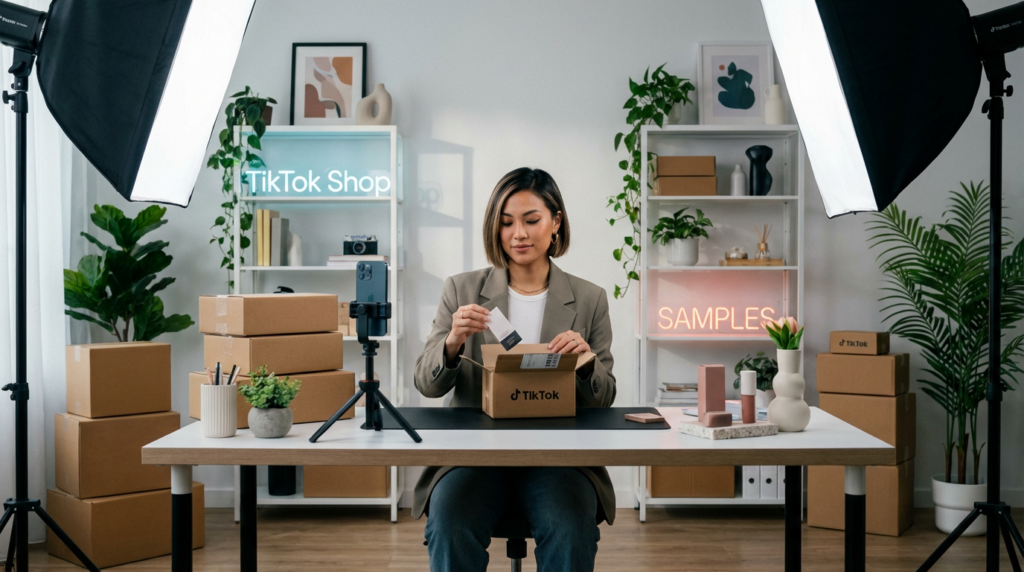
What Is the TikTok Shop Sample Program?
The TikTok Shop sample program allows affiliate creators to ask sellers for free products. This is meant for creating content, not for regular shopping. The idea is straightforward: sellers send you a product, you create a shoppable review video, and both sides benefit from the resulting sales.

This feature lives entirely within the TikTok Shop Affiliate Program. You won’t find it as a standalone option in the regular TikTok app. Sellers individually decide whether to offer samples on their listings, so availability varies by product and brand.
But before you get excited, there’s a limitation! Not every product has the sample option enabled, and every request still requires individual seller approval. Knowing this before you start will save you frustration.
Who Is Eligible to Request Samples on the TikTok Shop?
Before you follow any steps below, confirm you meet the basic requirements. The sample request feature simply won’t appear if you don’t qualify.
- Active TikTok Shop Affiliate account — You must be enrolled in the TikTok Shop Affiliate Program, not just a regular TikTok account holder.
- Minimum follower threshold — TikTok has adjusted this requirement over time, and it varies by region. Check your current Creator Center terms for the exact number in your market.
- Good account standing — Accounts with policy violations or content strikes may lose access to the sample request feature.
- Region availability — The TikTok Shop Affiliate Program and its sample feature are not available in all countries. Confirm your region supports the program before proceeding.
- Completed profile — An incomplete creator profile with no published content can limit your eligibility or significantly reduce your approval odds with sellers.
Note: TikTok updates its affiliate program requirements regularly. Always verify current eligibility criteria directly in the Creator Center rather than relying on third-party sources.
How to Request Samples on TikTok Shop — Step by Step
Step 1 — Open TikTok Shop Creator Center
Start by navigating to the TikTok Studio (formerly called TikTok Shop Creator Center). You can access it in two ways.
On the TikTok Mobile App:
- Start by tapping your profile.
- Then, select the hamburger icon on the top-right corner of the screen.
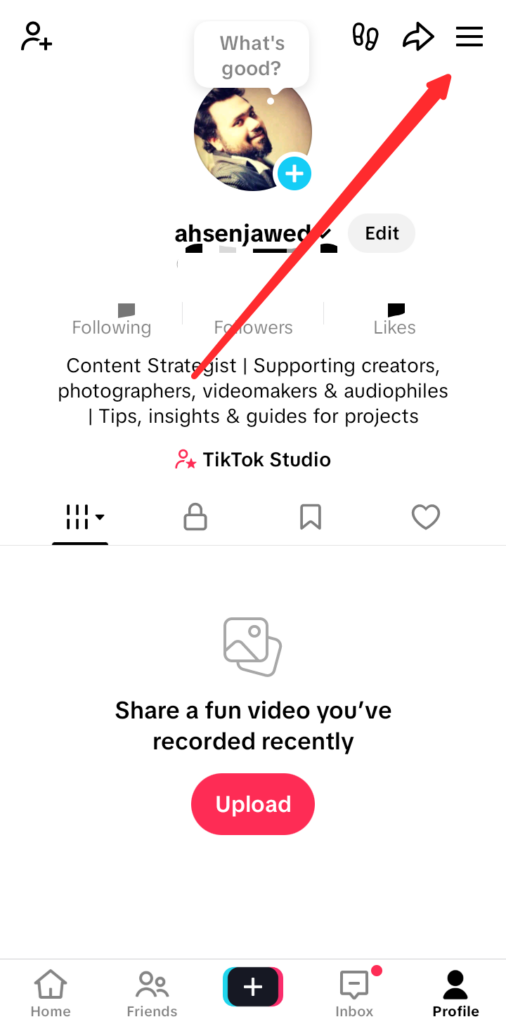
- Tap TikTok Studio (In some apps, this option is also displayed on the profile page).

- Go to the Monetization tab.

- Select “TikTok Shop for Creator”
Via Browser:
- Go directly to the desktop Creator Center at https://business.tiktokshop.com/us/affiliate.
Once inside, confirm your affiliate account is active. If you see a prompt to complete your affiliate enrollment, finish that process before continuing — the sample feature is not accessible from a pending account.
Step 2 — Browse the Product Marketplace
From the Creator Center dashboard, navigate to the “Find Products” or “Product Marketplace” tab (the label may vary slightly depending on your region and app version).
Here you can browse thousands of products available for affiliate promotion. Use the available filters to narrow your search by category, commission rate, price range, and — crucially — sample availability. Filtering by sample availability from the start will save you from manually checking individual listings.
Step 3 — Identify Products with Sample Availability
Not every product in the marketplace offers free samples. Look for listings tagged with “Free Sample” or a “Request Sample” button on the product detail page.
Products with this tag have been explicitly enabled for creator sample requests by the seller. If a product you want doesn’t display this option, the seller has either not enabled it or has paused the offer. In that case, you can look for a comparable product from a different seller that does have sampling open.
Step 4 — Submit Your Sample Request
Open the product listing and tap or click “Request Sample.” Depending on the product and seller, you may be prompted to:
- Confirm or enter your shipping address
- Briefly describe your intended content (some sellers include an optional or required message field)
- Agree to the sample program terms
Fill in all fields accurately. If there’s a message field, use it — a short, specific note about your content plan makes your request stand out. Once submitted, the request goes directly to the individual seller for review.
Step 5 — Wait for Seller Approval
After submitting, the decision is in the seller’s hands. Most sellers respond within a few business days, though the timeline isn’t guaranteed and varies by seller activity.
You’ll receive an in-app notification when your request is approved or declined. If approved, the product is shipped to you through standard TikTok Shop logistics — no separate tracking setup is needed on your end. If declined, you’ll be notified and can either try a different seller offering the same product or revisit your profile before requesting again.
Tips to Improve Your Sample Approval Rate
Sellers review your creator profile before approving a request. A strong profile signals that their product will get quality, audience-relevant content in return.

- Build your niche before requesting. Sellers are far more likely to approve creators whose existing content matches the product category. A beauty creator requesting skincare samples is a lower-risk bet than a general account with no clear focus.
- Have published shoppable videos. If your affiliate content history shows completed product videos with tagged items, sellers can see you follow through. An empty history raises doubt.
- Write a specific message if the option is available. Instead of leaving the message field blank, briefly state your content format (e.g., “I create 60-second product review videos for a home decor audience of X followers”). Specificity builds credibility.
- Keep your engagement rate healthy. Follower count matters, but sellers also look at whether your audience interacts with your content. Consistent engagement signals an active, real audience.
- Start with lower-demand products. High-value or trending products attract more sample requests and may be harder to get approved for. Building a track record with smaller requests first establishes your reliability as a creator.
What to Do After Your TikTok Shop Sample Arrives?
Receiving a sample isn’t the finish line — it’s the starting point for your actual obligation as an affiliate creator.

Share your review content within the time limits set by the program and any instructions from the seller. Delayed posting or no posting at all can negatively affect your account standing and reduce your chances of future approvals.
Your post-receipt checklist:
- Tag the product in your video to make it shoppable — untagged review content doesn’t fulfill the affiliate intent and won’t generate commissionable clicks.
- Prioritize content quality. A well-produced video builds trust with the seller for future collaborations and performs better with TikTok’s algorithm.
- Be honest in your review. Authentic content earns long-term audience trust, which makes your affiliate channel more sustainable.
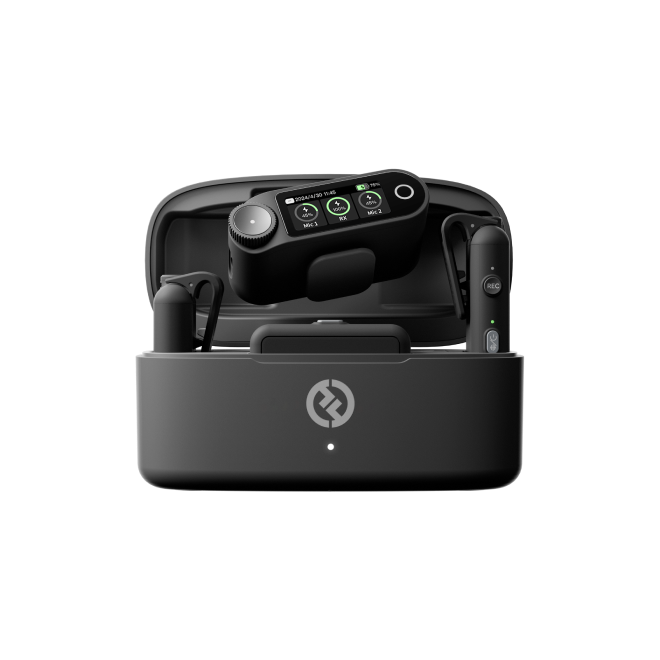
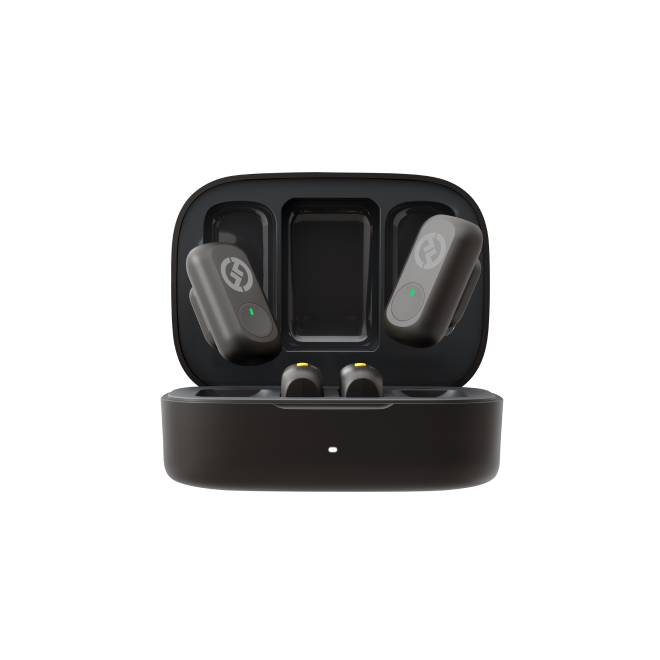
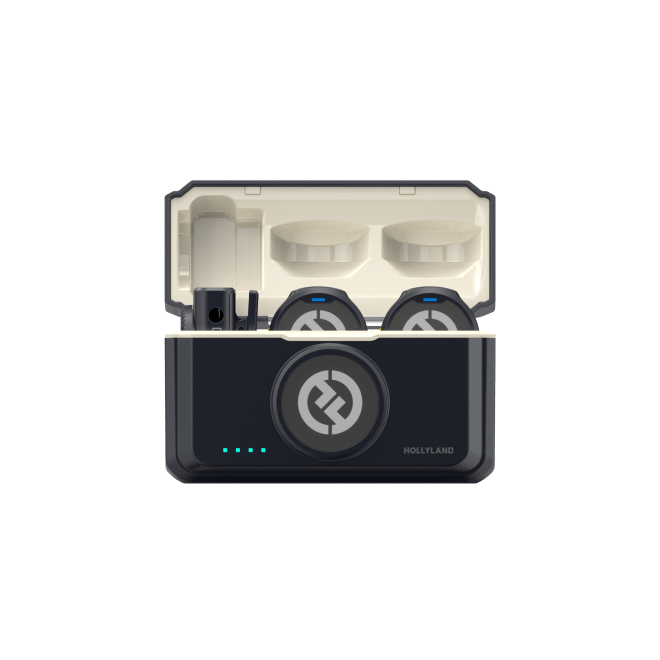
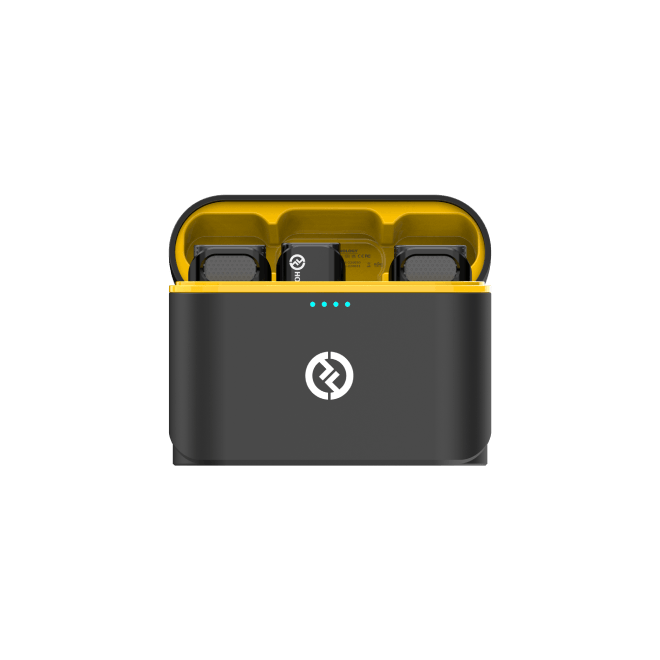
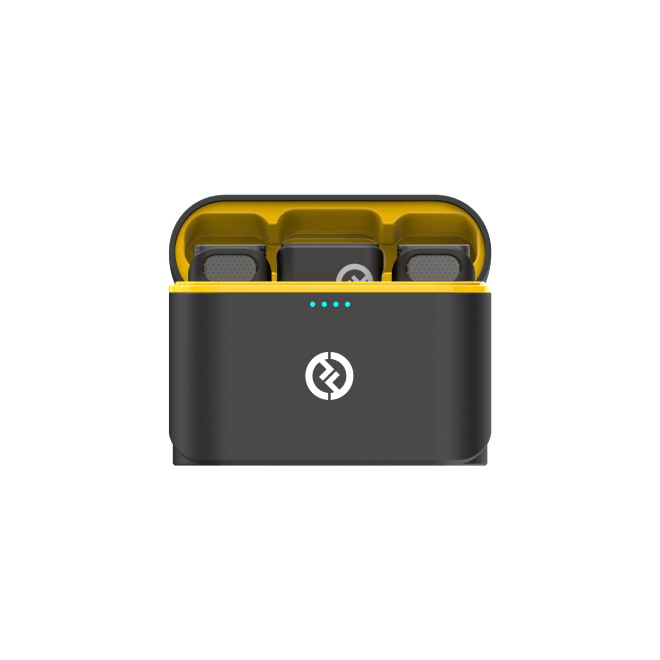
Note: If you’re making product review videos on TikTok, clear audio greatly improves how professional your content looks. The Hollyland LARK M2 is a tiny 9g wireless mic with a button-sized design and up to 40 hours of battery life. It’s perfect for lightweight, on-the-go vlogging, letting you keep your setup simple while keeping the sound clear.
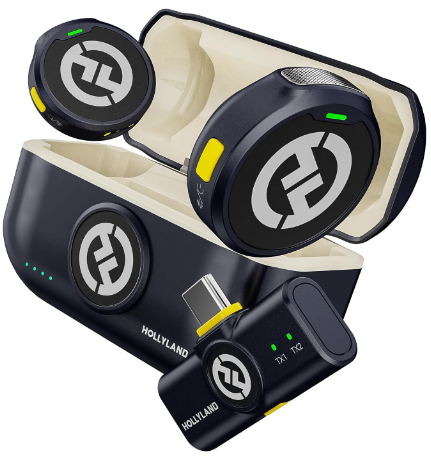
Hollyland LARK M2 - Mini Lavalier Microphone
An incredibly lightweight and compact wireless button microphone that captures high-fidelity audio.
Key Features: 9g Button Size | 48 kHz/24-bit | 40 Hours Battery
Frequently Asked Questions
Can I request samples on TikTok Shop without being an affiliate?
No. The sample request feature is exclusively tied to the TikTok Shop Affiliate Program. Without an active, approved affiliate account, the “Request Sample” option will not appear on product listings. Complete your affiliate enrollment through the Creator Center first, then return to the product marketplace to begin requesting.
How many samples can I request at once on TikTok Shop?
TikTok Shop places a limit on the number of concurrent sample requests a creator can have open at one time. Initially, you can request 5 to 20 samples. Nevertheless, it depends on your performance. Also, the exact cap varies by region and account tier. Log in to your Creator Center and check the sample section for your current allowance — it’s displayed there and is the most accurate source.
What happens if a seller rejects my sample request?
You’ll receive an in-app notification confirming the decline. You have two practical options: search for a different seller listing the same or a similar product with sample availability, or take time to strengthen your creator profile — more content, higher engagement, clearer niche — before submitting another request.
Do I have to post content after receiving a TikTok Shop sample?
Yes. Accepting a sample carries an implicit commitment to create and publish affiliate content featuring that product. Repeatedly accepting samples without posting content is a violation of the program’s spirit and can result in restrictions on your account’s ability to request future samples or access affiliate features.
Conclusion
Requesting samples on TikTok Shop comes down to five steps: access the Creator Center, browse the Product Marketplace, find listings with the “Free Sample” tag, submit your request with a clear message, and wait for seller approval. The stronger your creator profile, the better your odds.
So, head to the TikTok Shop Creator Center now to check your eligibility and browse available products.